
Dokie Ai


Dokie AI is a powerful AI PPT maker designed to simplify how presentations are created. Instead of starting from a blank slide, users can generate complete AI slides by simply entering text, uploading documents, or providing a topic. Dokie’s AI understands content structure, designs slide layouts automatically, and delivers ready-to-use presentations within minutes. As an intelligent AI presentation generator, Dokie AI supports multiple use cases, including business decks, pitch presentations, educational slides, and marketing materials. Beyond generation, users can also edit and refine slides directly inside Dokie, making it not just an AI Slides Generator, but a full AI-powered presentation workflow—from idea to final deck. Dokie AI Support Email & Customer service contact & Refund contact etc. More Contact, visit the contact us page() Dokie AI Company Dokie AI Company name: Dokie . Dokie AI Company address: . More about Dokie AI, Please visit the about us page() . Dokie AI Login Dokie AI Login Link: Dokie AI Sign up Dokie AI Sign up Link: Dokie AI Youtube Dokie AI Youtube Link: https://www.youtube.com/@DokieAI Dokie AI Tiktok Dokie AI Tiktok Link: https://www.tiktok.com/@officialdokie Dokie AI Twitter Dokie AI Twitter Link: https://x.com/DokieAi Dokie AI Instagram Dokie AI Instagram Link: https://www.instagram.com/dokie.ai/ APIMart APIMart AI API, 99.9% SLA. Your AI, Always On. AI API, 99.9% SLA. Your AI, Always On. Try Now AD Dokie AI Reviews (0) 5 point out of 5 point Would you recommend Dokie AI? Leave a comment 0/10000 Login to comment Dokie AI Pricing Free 0 200 free credits / day Plus 19$ 2,000 credits / month Pro 59$ 6,000 credits / month Ultra 199$ 20,000 credits / month ThumbnailCreator.com ThumbnailCreator.com AI tool for creating stunning YouTube thumbnails quickly. AI tool for creating stunning YouTube thumbnails quickly. Try Now AD Analytic of Dokie AI Dokie AI Website Traffic Analysis Visit Over Time Monthly Visits 740.8K Avg.Visit Duration 00:02:41 Page per Visit 5.13 Bounce Rate 40.98% Oct 2025 - May 2026 All Traffic Geography Top 5 Regions India 8.65% United States 8.21% Ghana 5.31% Saudi Arabia 4.31% Morocco 3.57% Oct 2025 - May 2026 Desktop Only Traffic Sources SearchOrganic 41.25% Direct 36.66% Referrals 5.98% SearchPaid 5.85% SocialOrganic 3.87% GenAi 2.69% DisplayAds 1.60% Mail 1.22% SocialPaid 0.87% Affiliate 0.00% Oct 2025 - May 2026 Worldwide Desktop Only Top Keywords Keyword Traffic Cost Per Click dokie ai 8.8K $ 1.45 dokie 10.3K $ 0.99 dokie ia 5.7K $ 0.33 dokie.ia -- $ 0.15 ai ppt maker 45.3K $ 0.25 Social Listening All YouTube Tiktok Latest Oldest Most Viewed Most Liked ALL Last 3 days Last week Last month Last 3 months Last 6 months Last year ALL Short (0-4 min) Medium (4-20 min) Long (20+ min.) Download Download as CSV Download as Excel Social Listening 8:47 This AI Presentation Maker Is Shockingly Good — Dokie AI Review 🤖📊 Dokie AI: https://dokie.ai/?utm_source=IvanKv&utm_medium=YouTube&utm_campaign=February @DokieAI This AI Presentation Maker Is Shockingly Good — Dokie AI Review No matter what you do — school, work, business, building a product — at some point you’ll need slides. The problem is: traditional presentation tools are slow… and they still can’t deliver the “wow” effect without a ton of manual work. Dokie AI is different. It’s not just “prompt → deck.” It’s prompt → deck with structure, flow, and interactive visuals that feel more like a website than a slideshow. Hover-to-reveal elements. Clickable exploration. X-ray-style visuals that let you show “outside vs inside” on the same slide — something PowerPoint simply isn’t built for. In this video, I test Dokie end-to-end: generate a sales-ready deck in minutes, then push it further with natural language edits — expanding the deck, restructuring slides, and building a premium interactive “candy X-ray” slide that reveals what’s under the wrapper only where your cursor touches. Timestamps: 00:00 Intro – Why Slides Still Waste Hours 01:43 Theme Setup – “Dokie Vibe” + Prompt-to-Deck | Outline Approval – Audience + Goal → Structured Pitch Flow 03:00 First Draft Review – 11-slide Sales Deck (Problem → Solution → Pricing → CTA) 03:53 Iteration Prompt – Restructure + Add Interactive Visuals | Updated Deck Review – 15 Slides + Hover/Clickable Slides 05:17 Slide 9 Fix – Building the Candy X-ray Effect | Visual Upgrade – Realistic Premium Candy + Cursor-based X-ray 07:11 Final Take – “Presentation Maker on Steroids” Features Covered: * Prompt-to-presentation generation (full deck, not single slides) * Auto-structuring: problem framing → gaps → solution → how it works → benefits → pricing → CTA * Interactive slides (hover-to-reveal + clickable exploration) * X-ray-style visual effects (outside vs inside, before/after, layered states) * Natural language editing (revise structure + visuals without rebuilding) * Export formats: PDF / PNG / PowerPoint + shareable links Key Takeaways: * Most tools generate “slides.” Dokie generates a “flow.” * Structure is handled automatically — you focus on improving, not assembling * Interactivity is the real unlock: slides become explorable, not passive * The X-ray effect is a killer feature for product demos, education, and storytelling * The output feels clean, minimalist, and premium — designer-level vibes without designer hours Built For: * Founders pitching products (sales decks, investor decks, demos) * Teams making internal presentations (strategy, roadmaps, updates) * Teachers and students who want visuals that actually explain things * Anyone tired of PowerPoint grind and wants fast + high-impact slides Links: 🤖📊 Dokie AI: https://dokie.ai/?utm_source=IvanKv&utm_medium=YouTube&utm_campaign=February 📫 Contact: https://sharknumbers.com #DokieAI #AIPresentations #PitchDeck #AItools #Productivity #Slides #Startup #EdTech #SharkNumbers #TechReview Shark Numbers Feb 19 2026 779.5K 547 -- 76.7K https://www.youtube.com/watch?v=SSkp4OkuIt0 9:34 The Future of Presentations Isn’t Static (DOKIE Full Walkthrough) 👉 Try DOKIE here: https://dokie.ai/?utm_source=kingy&utm_medium=YouTube&utm_campaign=January Try - https://youtube.com/@DokieAI?si=1aqBhNjLDQ1qaZEL @DokieAI Most AI presentation tools still behave like old-school PowerPoint: generate static slides → adjust layouts → pray the formatting doesn’t break… DOKIE takes a different approach… Dokie AI lets you build interactive presentations with: ✔ clickable & draggable elements ✔ embedded video & audio ✔ animated 3D models ✔ x-ray & internal structure views ✔ scene transitions & motion ✔ multi-theme visual styling ✔ chat-based editing refinement In this video, I tested DOKIE by first showcasing their Amazing Ocean World example deck — complete with sharks, turtles, x-ray models, interactive videos, and a full camera teardown. Then, I built two brand-new presentations from scratch: ✔ an AI-focused explainer deck designed for a non-technical audience ✔ a real-world marketing presentation for a new
Dokie AI is an all-in-one AI PPT maker that helps you create professional AI slides in minutes. Powered by advanced AI, Dokie works as a smart presentation generator, turning text, ideas, or documents into well-structured, visually polished PowerPoint slides—fast, easy, and beginner-friendly.
- , including business decks, pitch presentations, educational slides, and marketing materials. Beyond generation, users can also edit and refine slides directly inside Dokie, making it not just an AI Slides Generator, but a full AI-powered presentation workflow—from idea to final deck. Dokie AI
- AI for Finance Questions Without Risking Hallucinated Answers How to make presentations with AI Twitter/X API Alternatives for AI Agents and Developers in 2026 eSIM for Getting All Benefits from AI: How to Unlock All AI Features with eSIM in 2024 Resourse Blog AI News GPTS Stable Video Diffusion Gemini AI Hardware Top AI Tools Is It Down? Browse by Alphabet A B C D E F G H I J K L M N O P Q R S T U V W X Y Z Other Top 1000 AI Tools Directory 06/12 06/11 06/10 06/09 06/05 06/03 06/01 05/28 05/27 Read more Earn $1000 a Day with Relaxing Music Videos on YouTube (With AI) Pika Labs Keyframes: Transform Videos with AI Easily Master the Infinite Loop Effect | Ultimate Tutorial Transform Your YouTube Shorts with This Quick and Easy Method! Customizing Transitions Using the Pippit Hybrid Editor for Video Ads Unleash the Power of Infinite Loops with CapCut and InShot Mastering Video Editing: Speed Up or Slow Down Sections with YouTube Editor Boost Your YouTube Shorts Views with These Sneaky Hacks Transform a 3 Minute Video into an 8 Hour Looping Waterfall Master the Loop Video Effect with this Shotcut Tutorial! About Fulfillment Policy Privacy Policy Contact Us business@toolify.ai Toolify Toolify
- The Best AI Websites & AI Tools Directory English 简体中文 繁體中文 한국어 日本語 Português Español Deutsch Français Tiếng Việt Copyright ©2026 Toolify. All Rights Reserved. Credits Limited No Buy more

AI-powered platform for generating PowerPoint and Google Slides presentations.


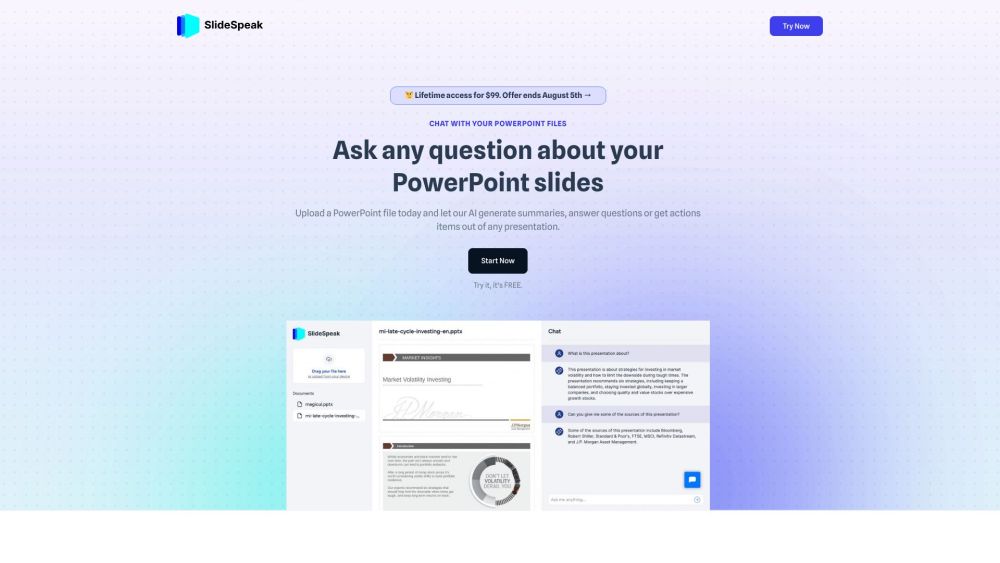
AI tool to chat with PowerPoints, summarize documents, and generate presentations.

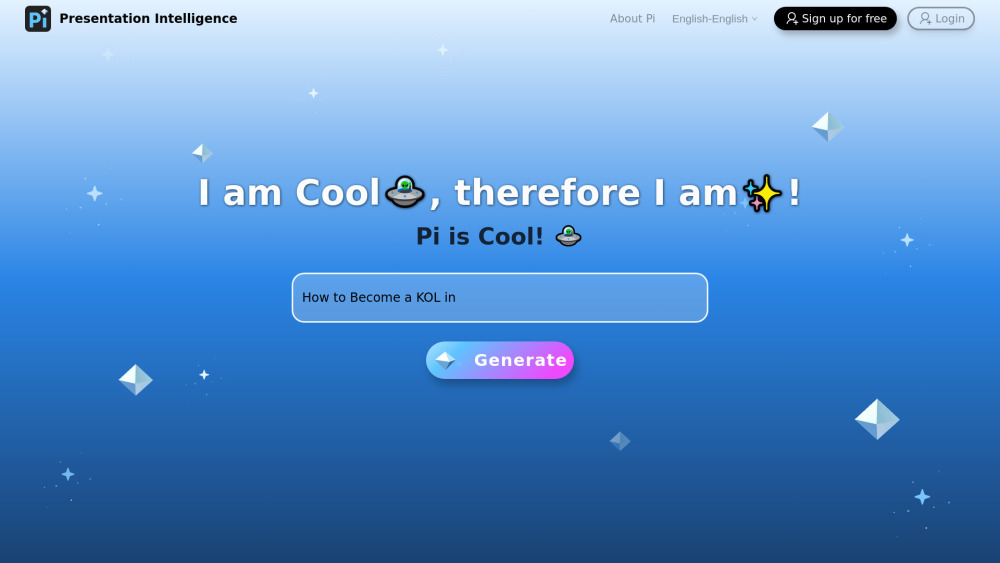
Ai-Native Design & Sharing Platform; Pi helps you create presentations and documents with solid contents, crystal-clear structure, and decent aesthetics.

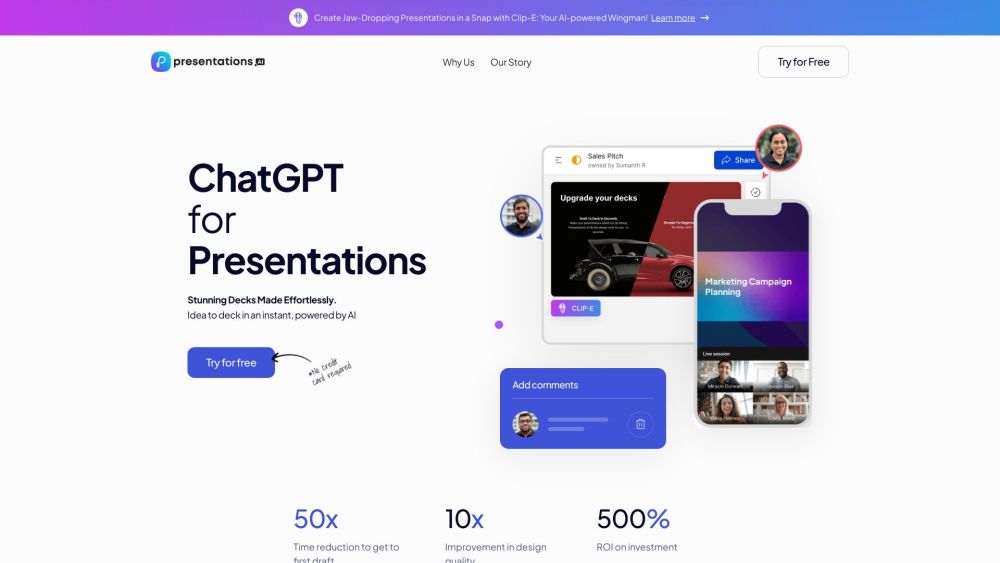
AI-powered presentation app for creating stunning decks quickly and effortlessly.

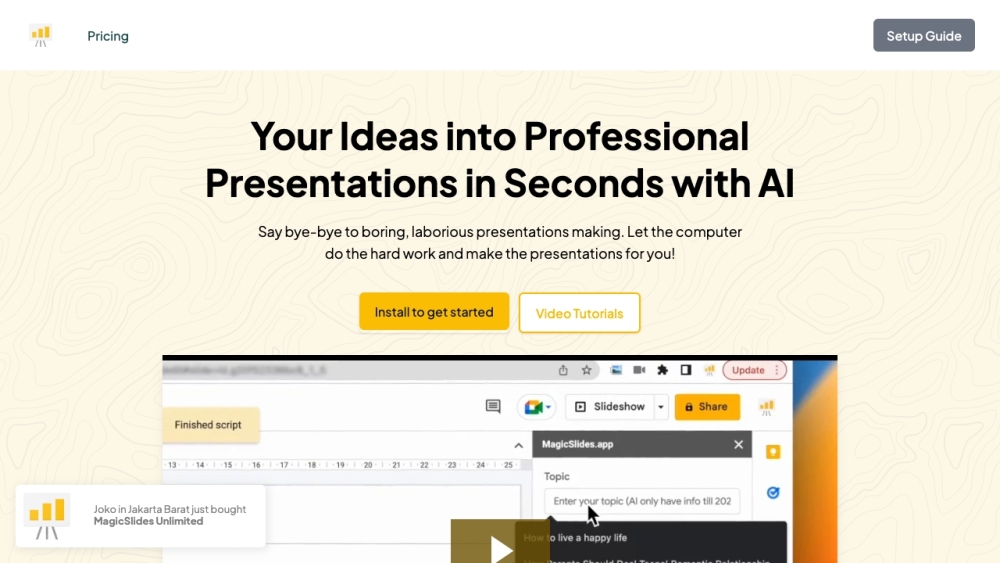
AI presentation maker that creates professional slides from various content sources.

AI presentation maker for quick, professional slides with auto-design and document conversion.


AI assistant for Microsoft Office 365 to automate tasks and enhance productivity.


AI-powered PPT generator with templates and intelligent layout features.


AI-powered PPT generation tool for creating presentations quickly and efficiently.
