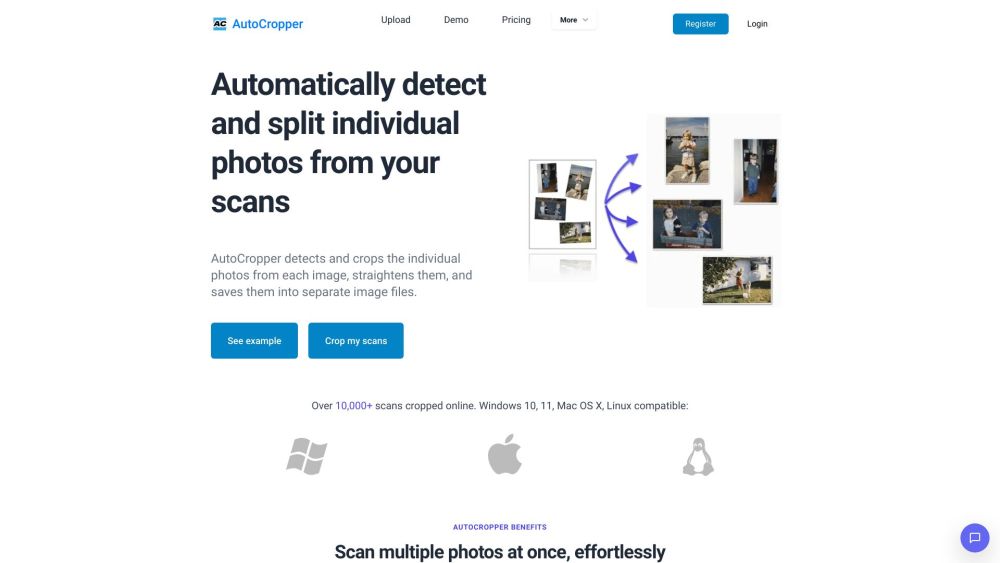



AutoCropper is an AI-powered online tool designed to batch crop multiple scanned photos into separate images. It automatically detects and splits individual photos from scans, straightens them, and saves them into separate image files. It supports batch cropping of multiple images at once, automatic rotation detection and correction, and full-quality upload and download with no compression.
AI-powered tool to batch crop and split scanned photos into separate images.
- Splitting multiple scanned photos into individual images
- Digitizing photo collections quickly and efficiently
- Preparing images for online sales or archival purposes
- Upload multiple scanned images to AutoCropper. The tool automatically detects and crops individual photos
- straightens them
- and allows you to download them as separate files. Refine crop areas using the advanced editor if needed.

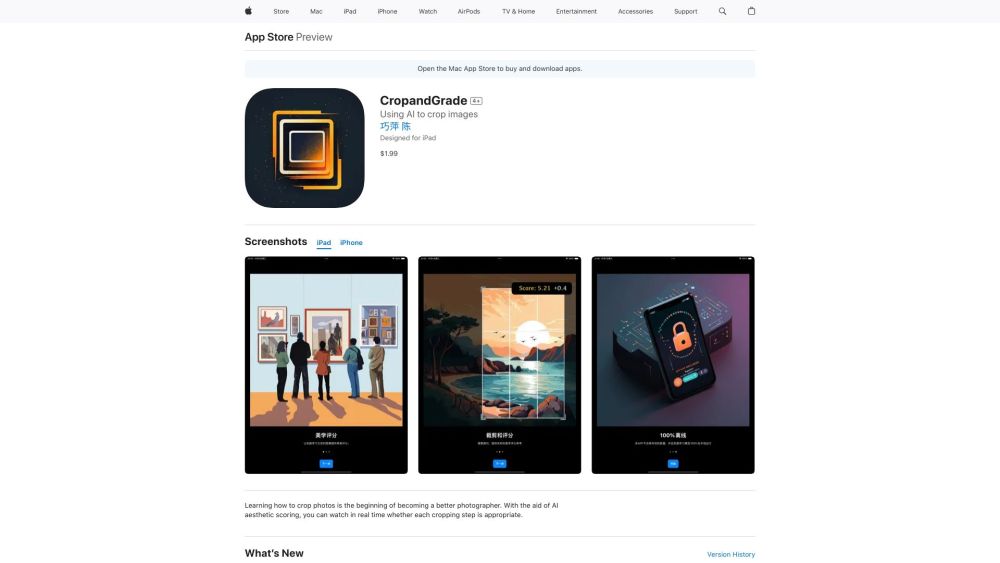
An AI-powered app for learning and improving photo cropping skills.

An excellent photo editing software


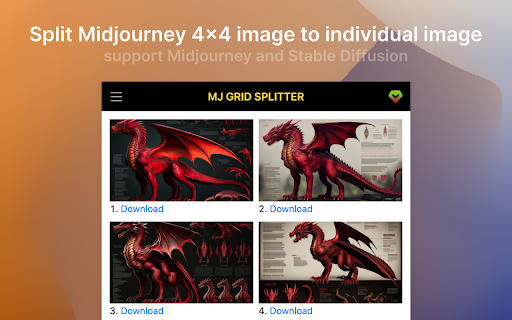
Splits image grids from diffusion models into individual images automatically.

AI-powered online tool for creating compliant passport and visa photos quickly and easily.
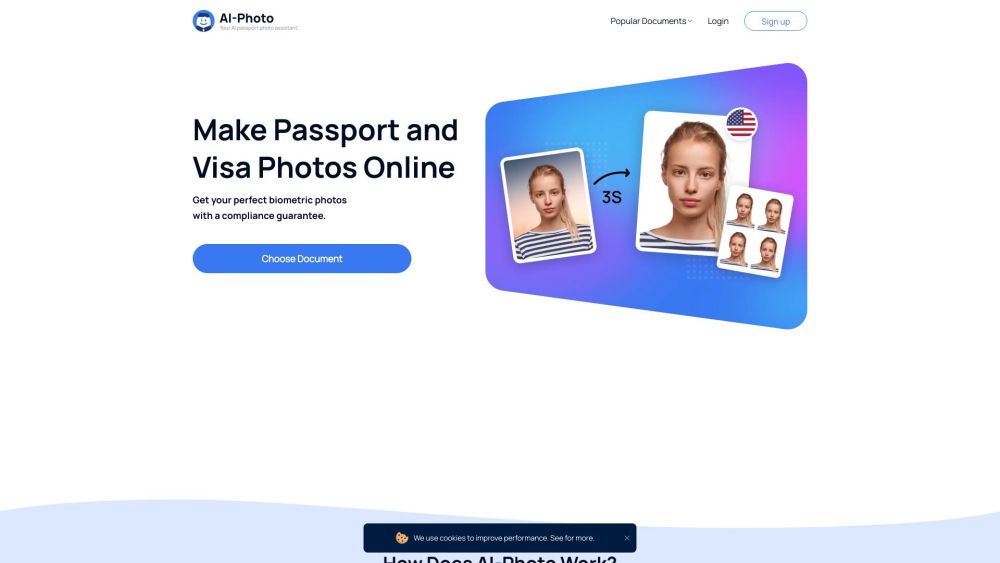

Contai.io is an AI content automation platform built for creators who want to publish faster, grow smarter, and stop wasting time on manual content work. Discover viral ideas, analyze competitors, generate articles, social posts, and visuals, then publish automatically to WordPress and social media.


A tool for bulk image resizing, cropping, format conversion, and caption generation.
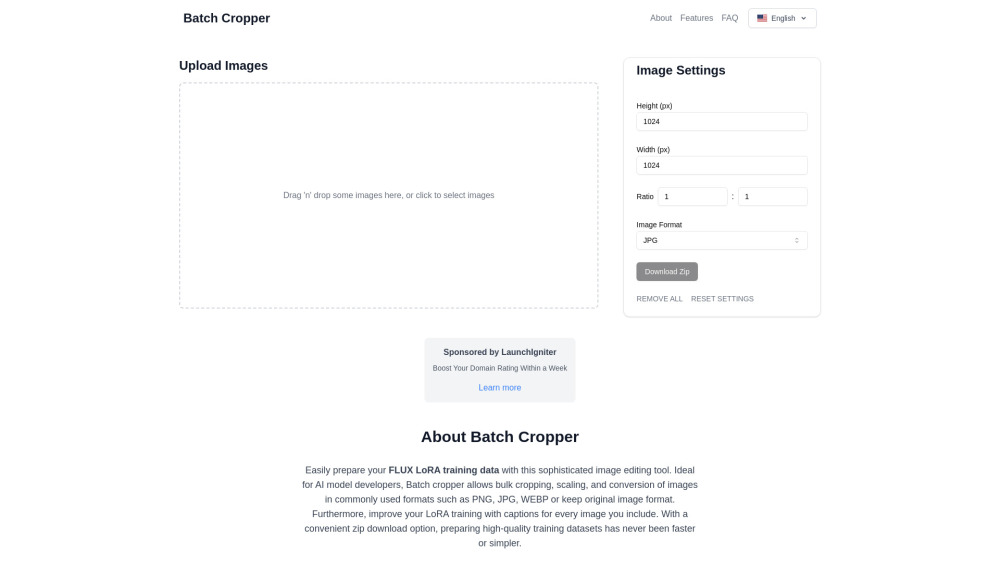

Image Recognition API for tagging, categorization, visual search, and content moderation.


SnapAndSolve helps find answers to questions by snapping or uploading images.
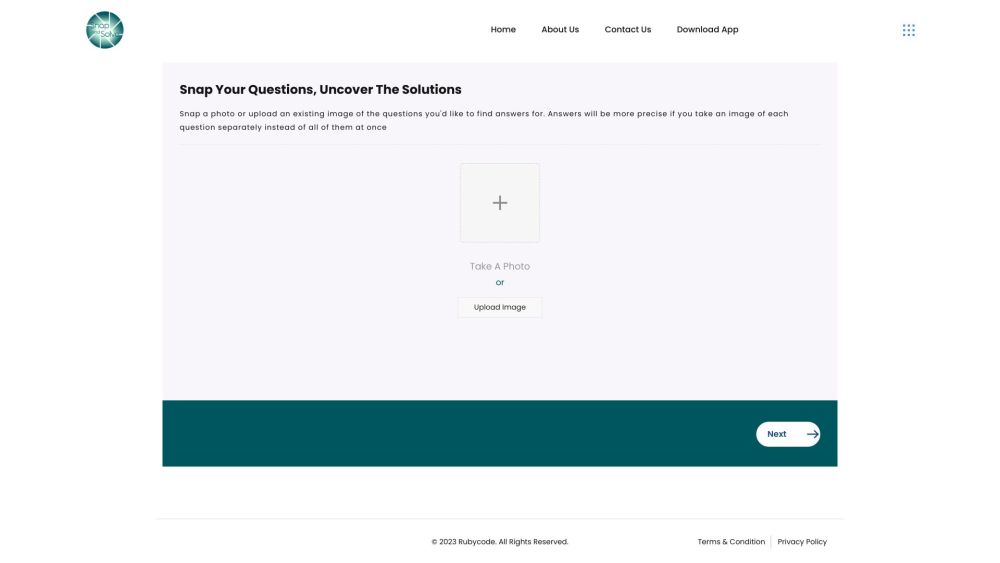

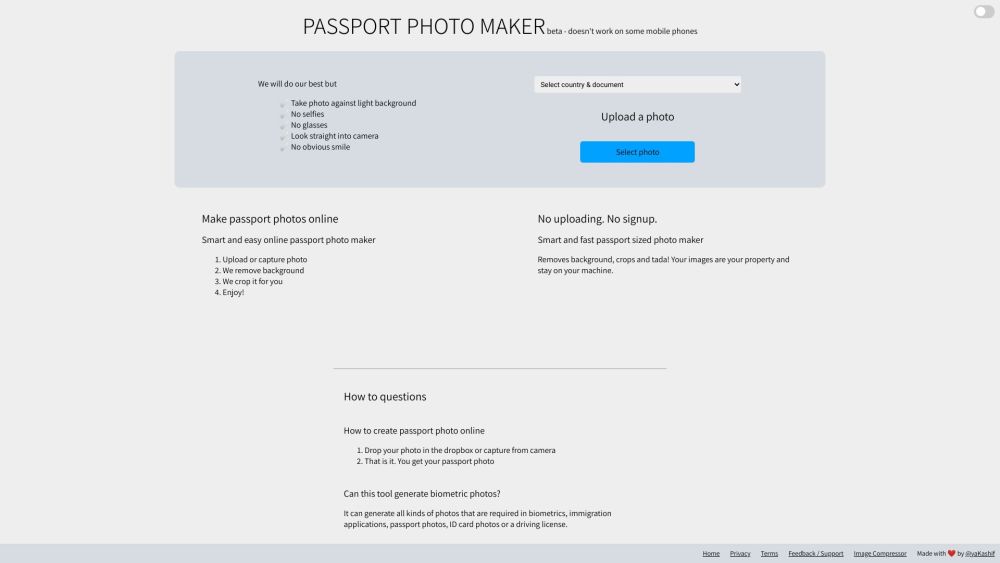
Free online passport photo maker for any country with background removal and cropping.