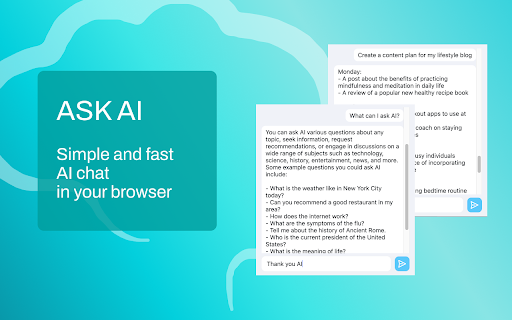


Ask AI ai chrome extension? The Ask AI extension is a convenient way to communicate with artificial intelligence directly from the Google Chrome browser. In the chat window, users can ask questions, discuss topics, or simply chat using natural language. This is a generative pre-trained transformer (Generative Pre-trained Transformer) or generative artificial intelligence that works in dialog mode.
AI chat extension for Chrome.
- Content Creation: Writing articles, blogs, essays and stories.
- Education and training: Help in learning new topics and concepts.
- Answers to questions and information: Providing background information on various topics.
- Translations and language assistance: Translation of texts between different languages.
- Programming and development: Help in writing and debugging code.
- Customer support and service: Automation of responses to customer requests.
- Creative tasks: Generating ideas for projects and creative solutions.
- Organization and planning: Help in creating schedules and plans.
- Medical Information: Providing general information about medical conditions and symptoms.
- Install the extension
- click the “Ask AI” button
- a text input field will appear
- write your question and get an answer instantly.

AI-powered intelligent notebook for web, files, and personal thought.


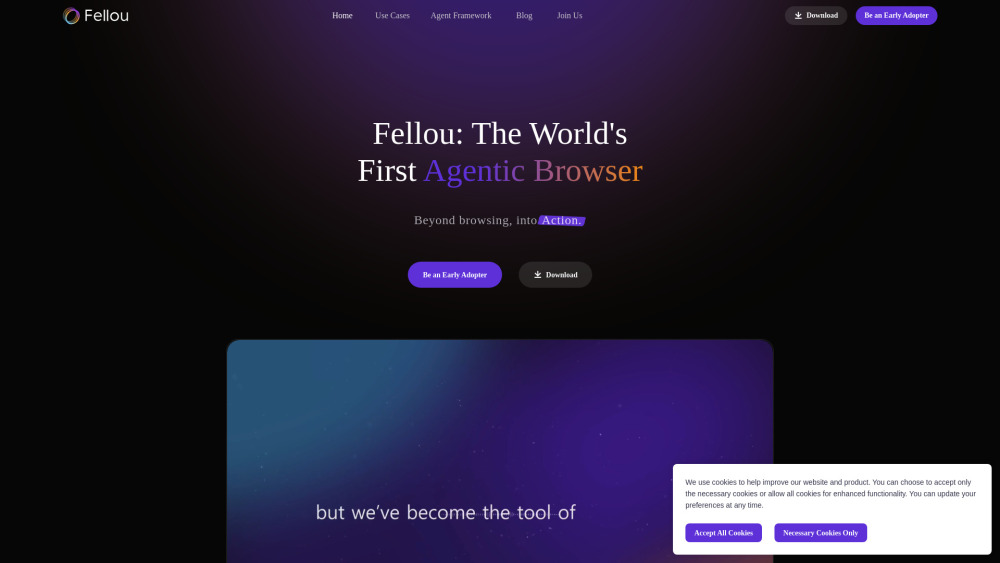
Fellou is an AI agentic browser for deep search and automation of complex tasks.

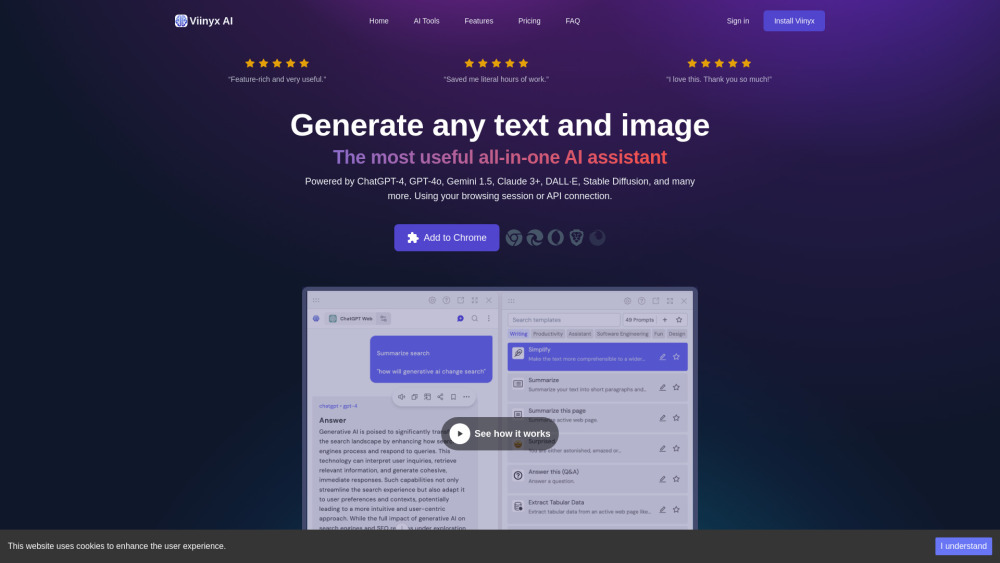
All-in-one AI browser extension for accessing multiple AI models on any website.

Privacy-first browser with AI ad blocker and advanced security features.


AI-powered browser with chat, privacy, advanced search, and content generation.
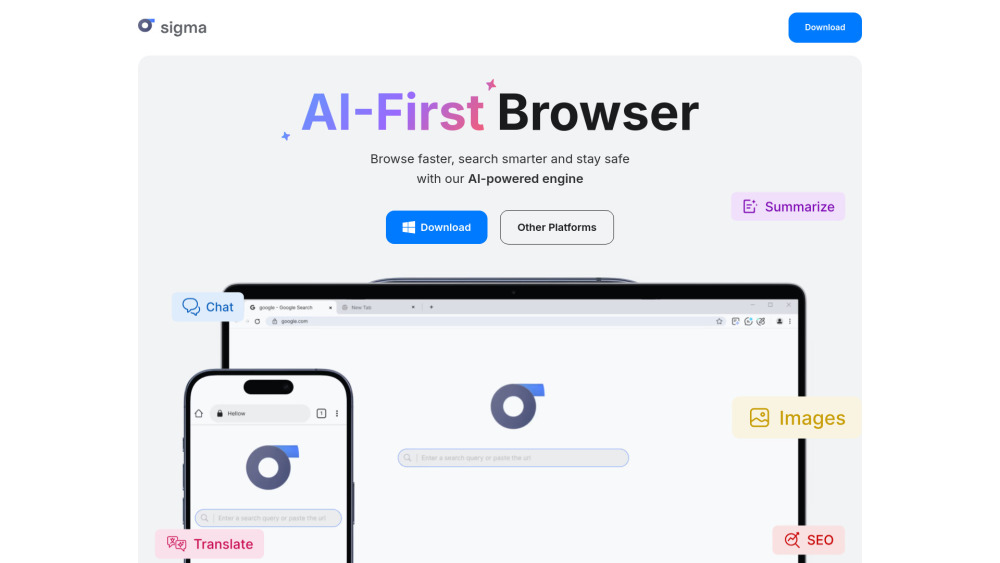

AI-powered browser extension for tab management with grouping, spaces, and cloud sync.
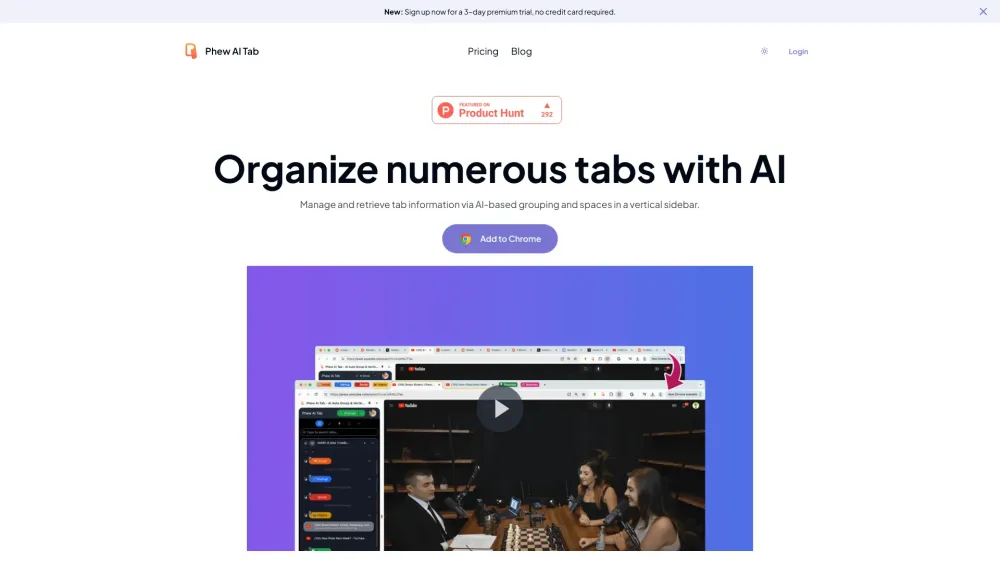

AI browser extension for tab organization, workflow automation, and task management.


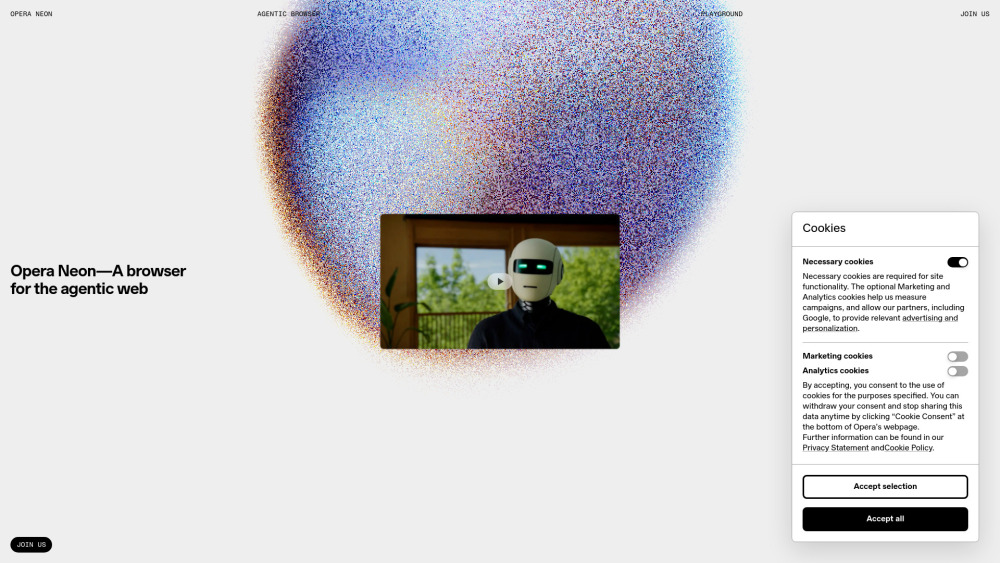
An AI-powered browser for enhanced curiosity and productivity.

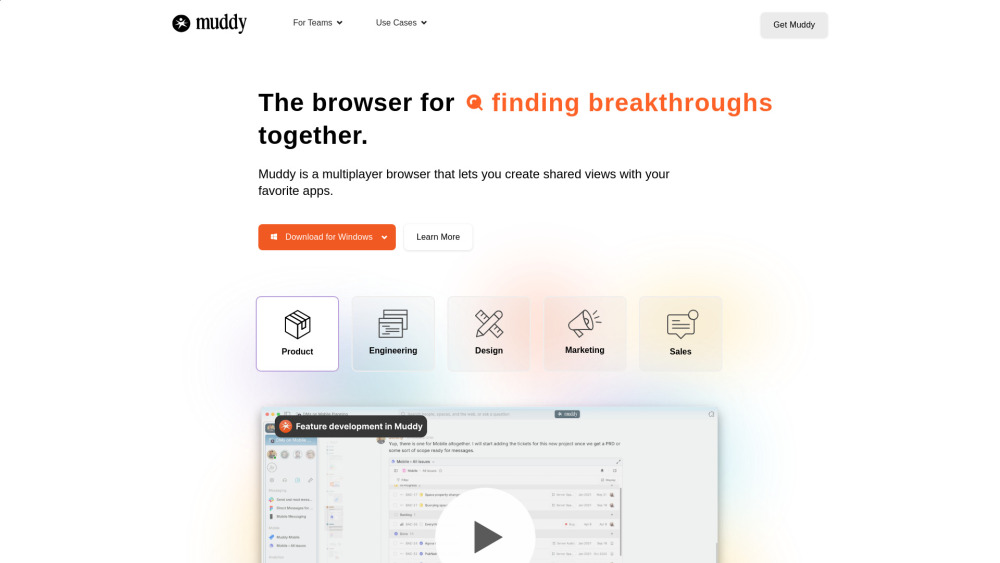
Multiplayer browser for team collaboration with AI-powered organization and shared workspaces.

Open-source AI agent for automating browser-based workflows using LLMs and Computer Vision.


AI-native browser with context-aware chat, task automation, and intelligent tab organization.

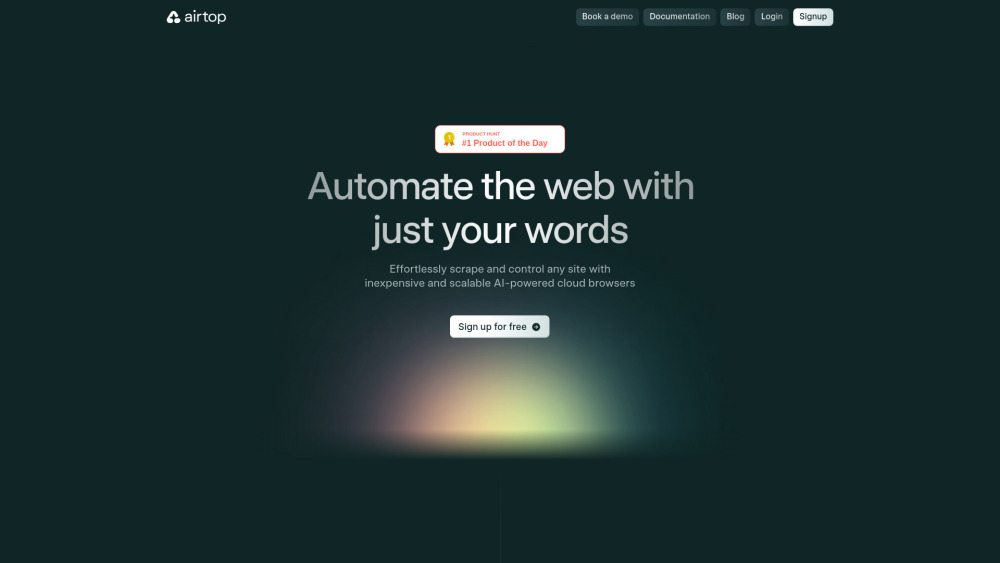
Intelligent browser automation for AI agents, enabling seamless web interaction.

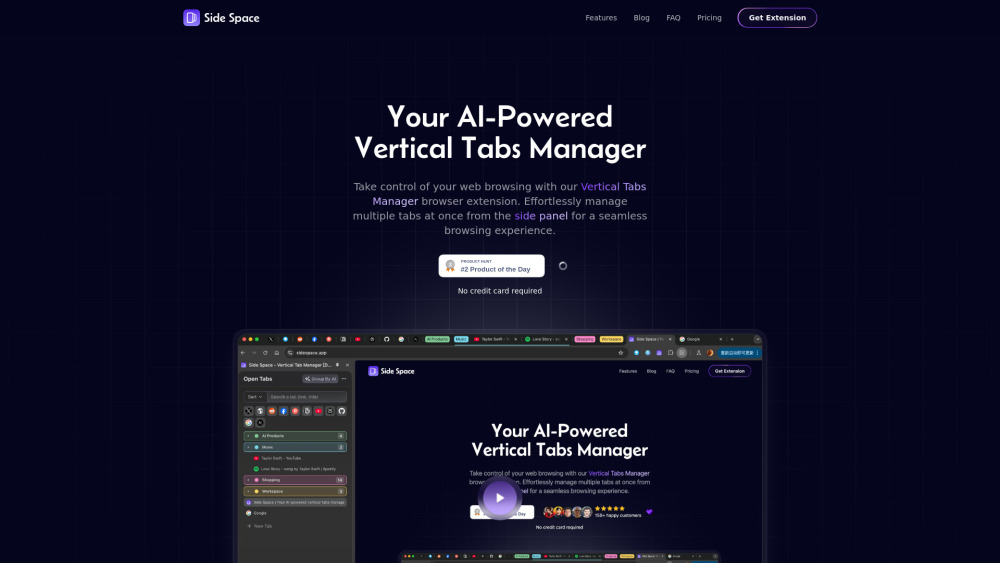
AI-powered vertical tab manager for organized and efficient browsing.

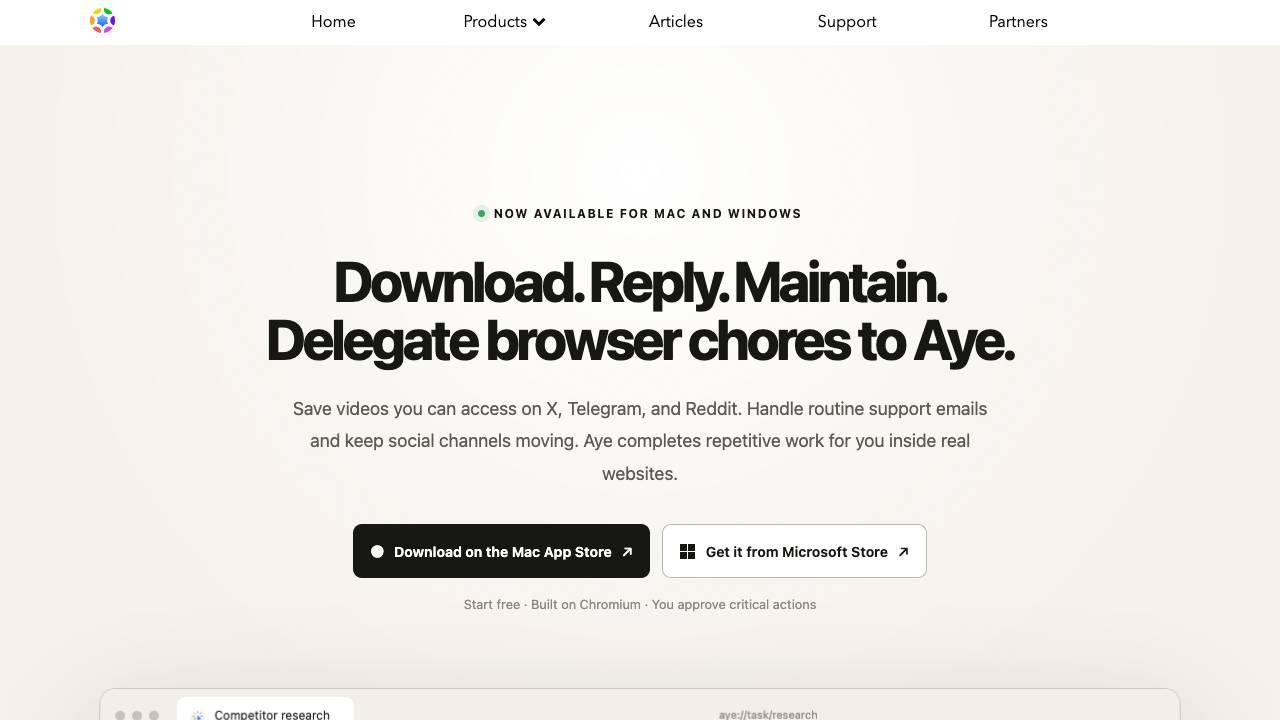
Your teachable AI intern for everyday browser work

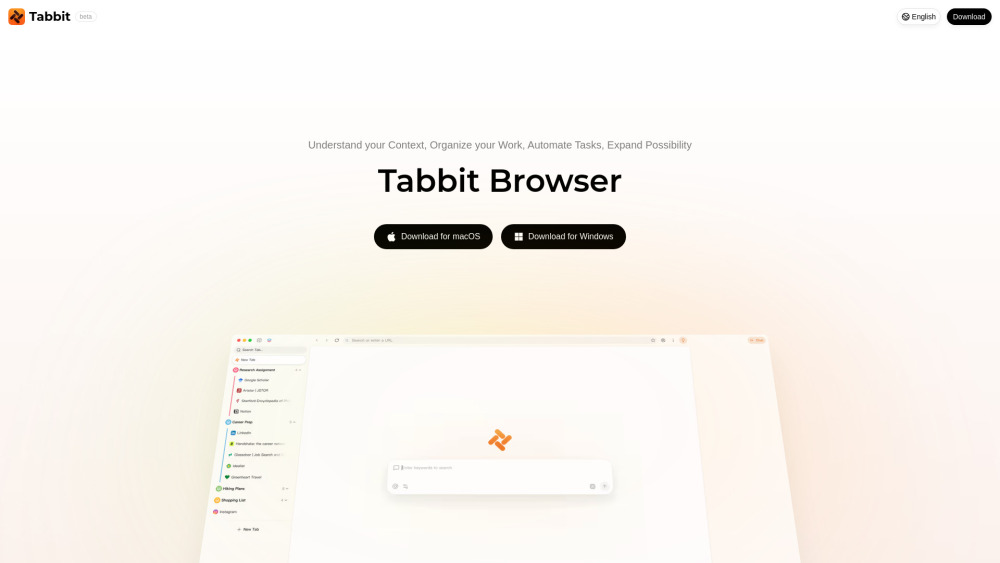
AI-native browser with context-aware assistance and automated task execution.
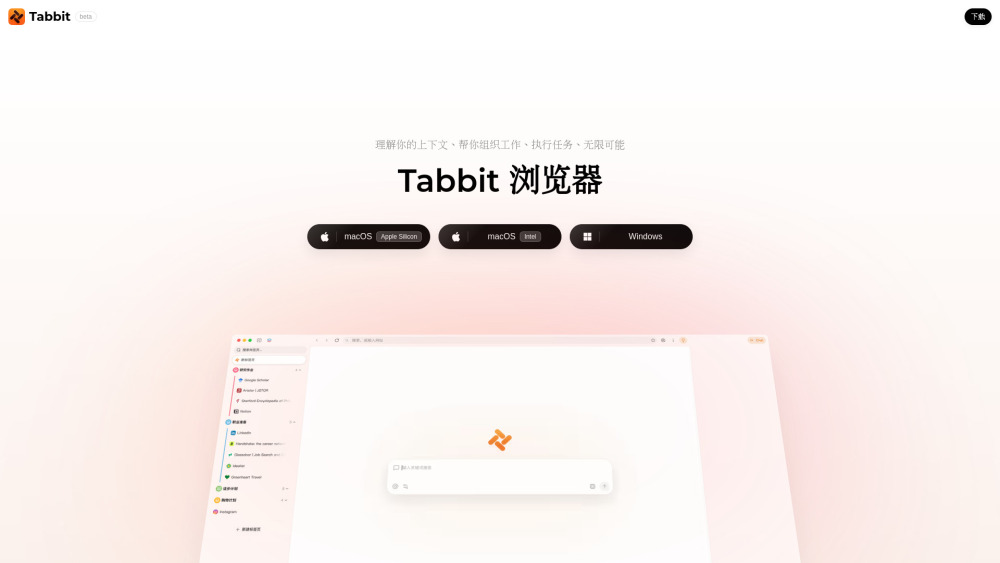

Intelligent AI assistant for enhanced web browsing and productivity.
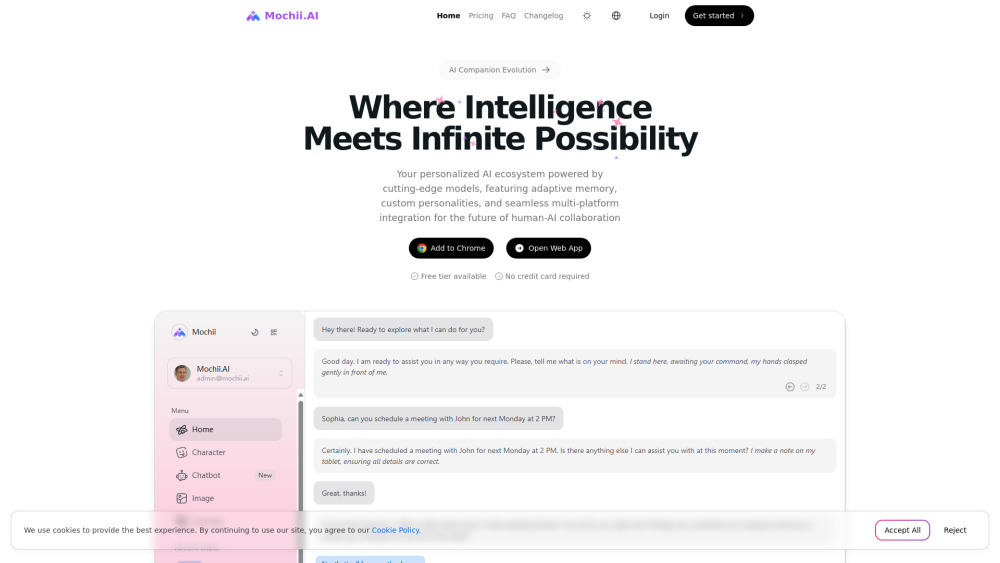

Agentic AI browser for task automation and context-aware assistance.