

Video Transcriber AI instantly converts videos and audio from YouTube, Podcasts, Bilibili, and more into accurate text online for free. No login or download needed — just upload or paste a link, and Video Transcriber AI will transcribe your content in seconds with AI-powered accuracy and multi-language support.
Transcribe Videos to Text with AI Free Online, Unlimited & No Sign-up.
- Transcribe Online Lectures and Courses: Students can use Video Transcriber AI to turn online classes from YouTube, Bilibili, or recorded Zoom sessions into clear, searchable notes for study and review.
- Convert Podcasts into Readable Articles: Podcasters and bloggers can use Video Transcriber AI to transform podcast episodes into full transcripts or blog-ready text — perfect for SEO and content repurposing.
- Capture Meeting and Interview Notes: Professionals and journalists can rely on Video Transcriber AI to quickly convert meeting recordings or interviews into accurate written summaries and documentation.
- Create Captions and Subtitles Automatically: With Video Transcriber AI, content creators can easily generate subtitles for YouTube or Bilibili videos, improving accessibility and engagement for global audiences.
- Support Academic Research and Documentation: Researchers can use Video Transcriber AI to transcribe video lectures, presentations, or research discussions, making it easier to quote, analyze, and archive findings.
- Enhance Content Creation Efficiency: From video tutorials to vlogs, Video Transcriber AI helps creators extract text scripts, repurpose content, and save time — all powered by fast, AI-based transcription.
- 1. Go to the website Visit VideoTranscriber AI (https://videotranscriber.ai/) in your browser — no download or sign-up required. 2. Upload your video Click “Upload Video” and choose any file from your device. Video Transcriber AI supports YouTube links
- Zoom recordings
- MP4
- MOV
- AVI
- and more. 3. Select your language and options Choose the spoken language and desired transcription accuracy mode. Video Transcriber AI can detect multiple speakers and over 90+ languages. 4. Start transcribing Hit the “Transcribe” button. Video Transcriber AI will instantly process your file and generate an accurate text transcript. 5. Download or copy the transcript Save the transcription as a text file or copy it directly to your clipboard. Video Transcriber AI lets you export your text for use in captions
- summaries
- or notes.

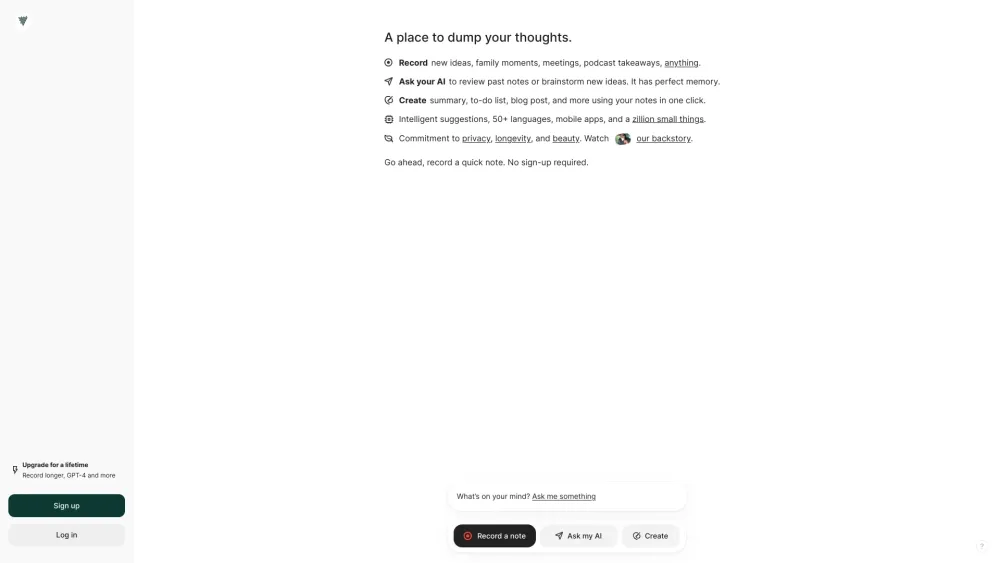
AI note-taker to transcribe voice notes and meetings in 100+ languages.

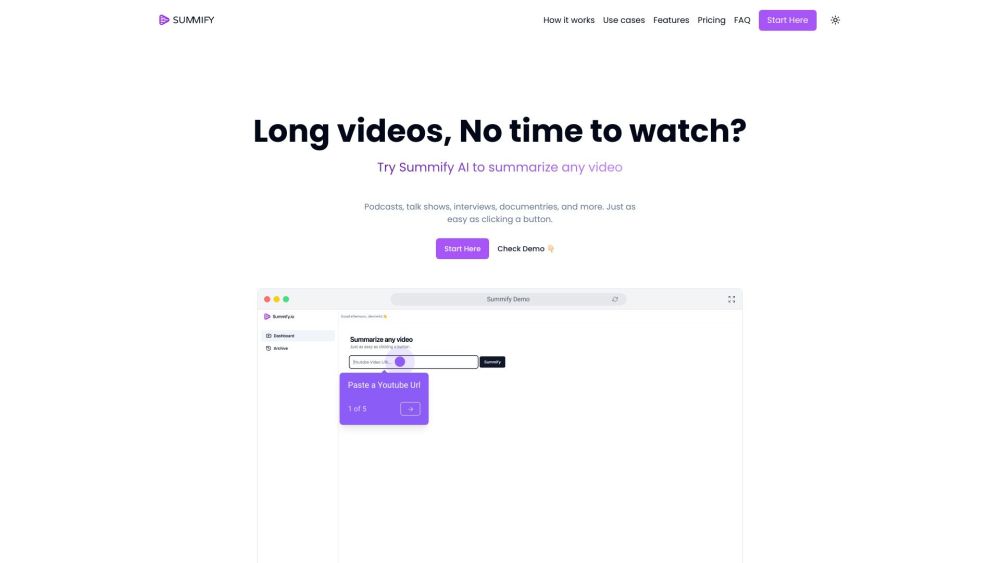
AI-powered tool to summarize and transcribe videos and audio files quickly.

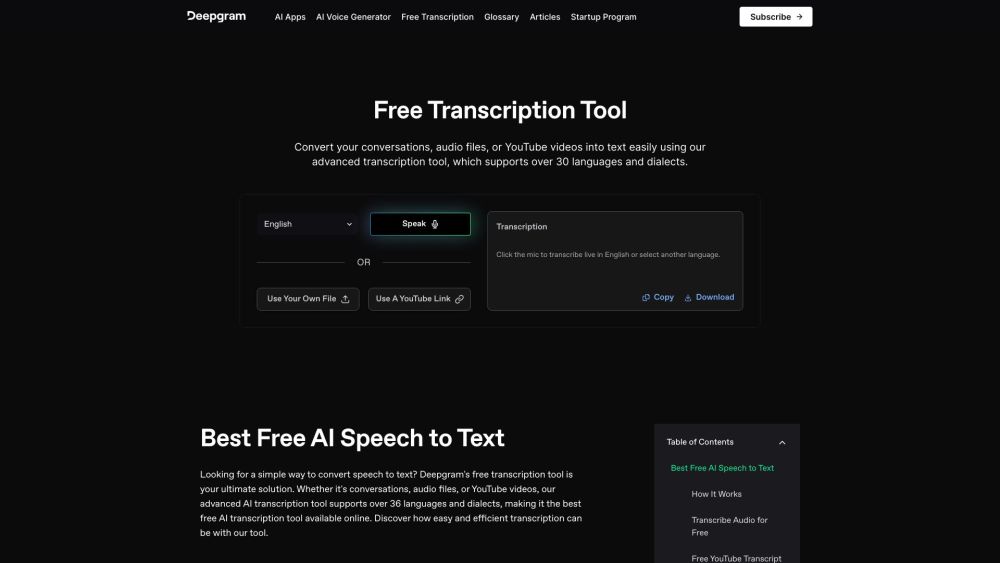
Free AI transcription tool for audio, video, and conversations, supporting 36+ languages.

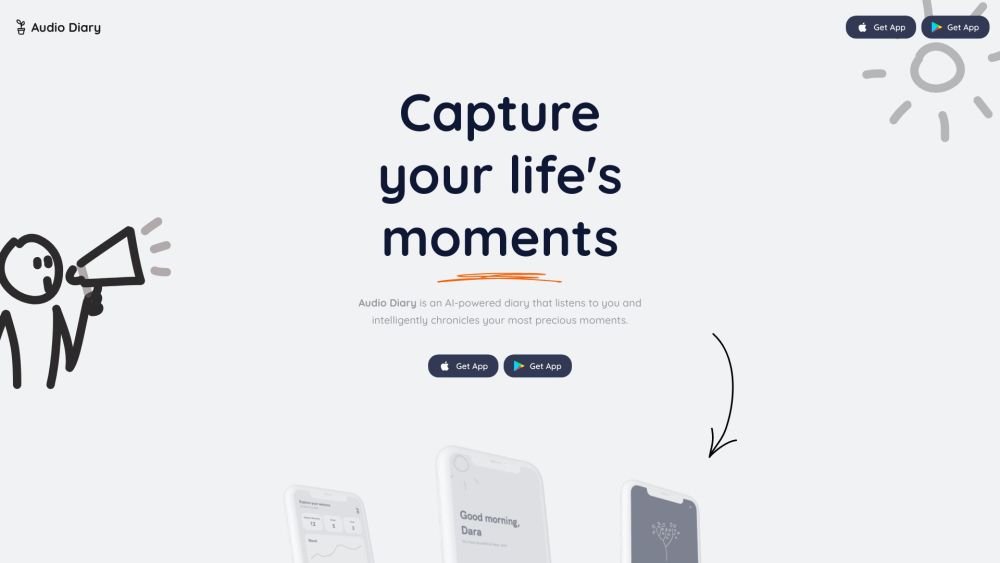
AI-powered voice journal that understands you, helps set goals, and reflects on your past.

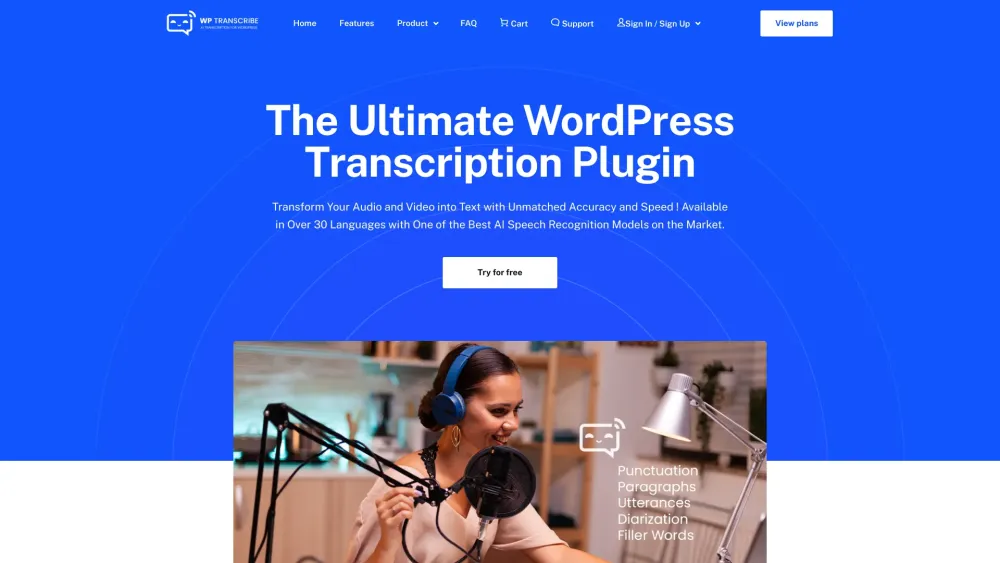
WordPress plugin to convert audio/video to text for better SEO and engagement.

AI platform for capturing, transcribing, translating, and analyzing language data.


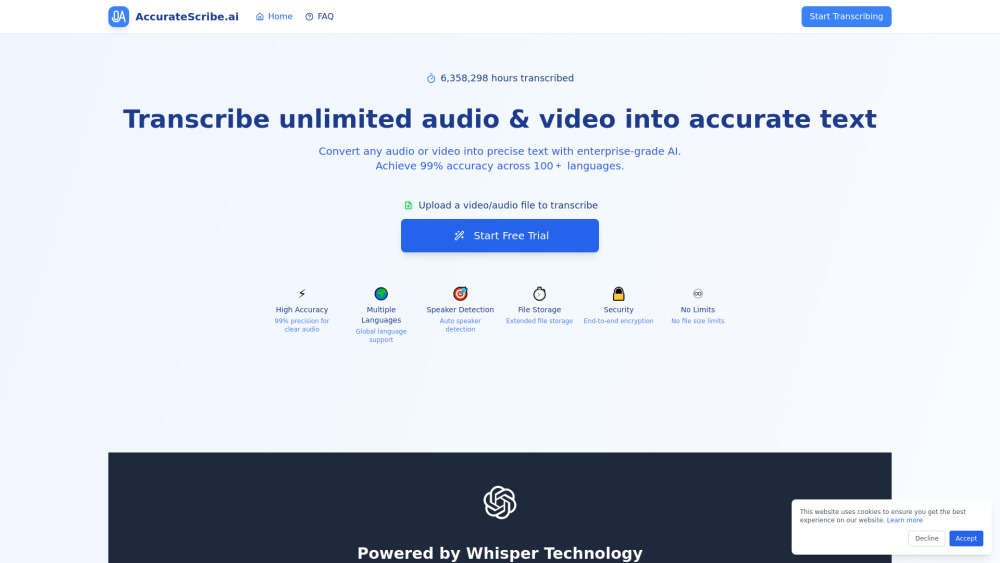
AI-powered transcription service for audio and video to text conversion.
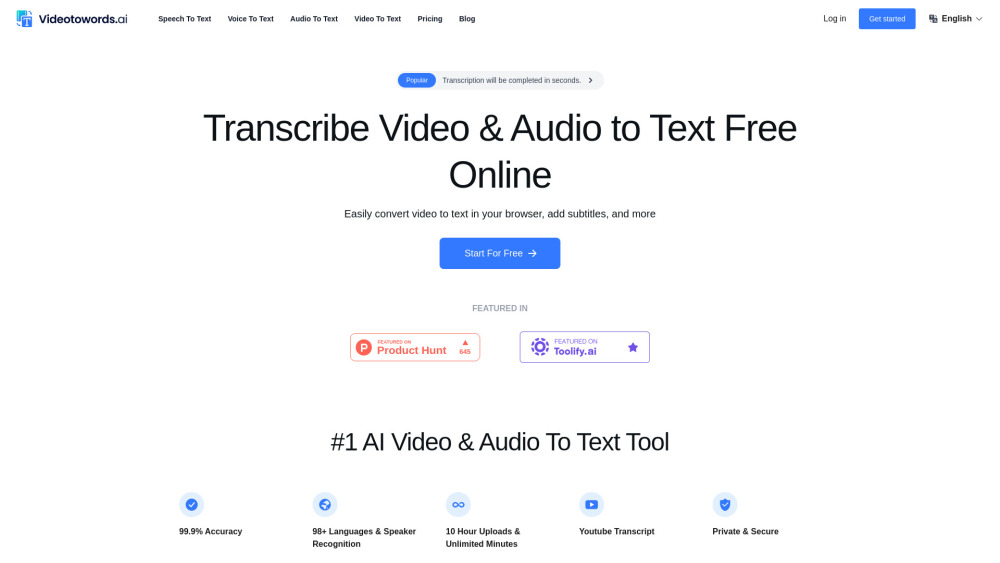

AI-powered audio and video transcription service with high accuracy and multi-language support.

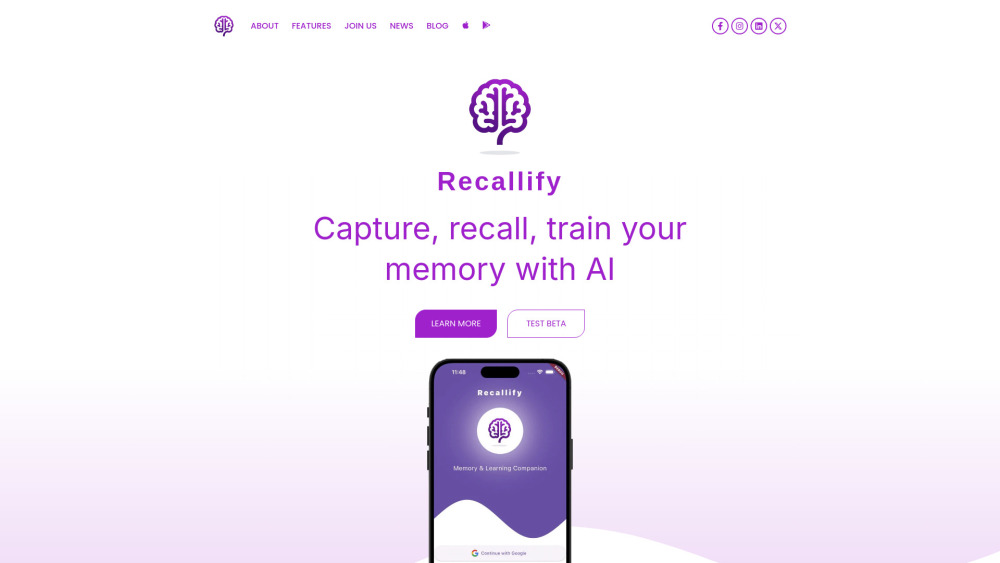
AI-powered memory support, training & productivity app for cognitive differences.