ScreenSnap ai chrome extension? ScreenSnap is a screen recording and annotation tool that prioritizes user privacy and offers unlimited usage without requiring sign-in. It allows users to record various screen activities, annotate recordings, enhance videos with AI features, and refine them using a comprehensive editor. The tool ensures data privacy by keeping videos accessible only to the user.
Screen recording and annotation tool with privacy focus and unlimited usage.
- Creating tutorials or demonstrations for work or education
- Recording gameplay with annotations
- Presenting ideas with highlighted clicks and cursor movements
- Safeguarding sensitive information by blurring it out in recordings
- Use ScreenSnap to record your screen
- annotate recordings with various tools
- enhance videos with AI
- and edit them using the built-in editor. No sign-in is required
- and your data stays private.

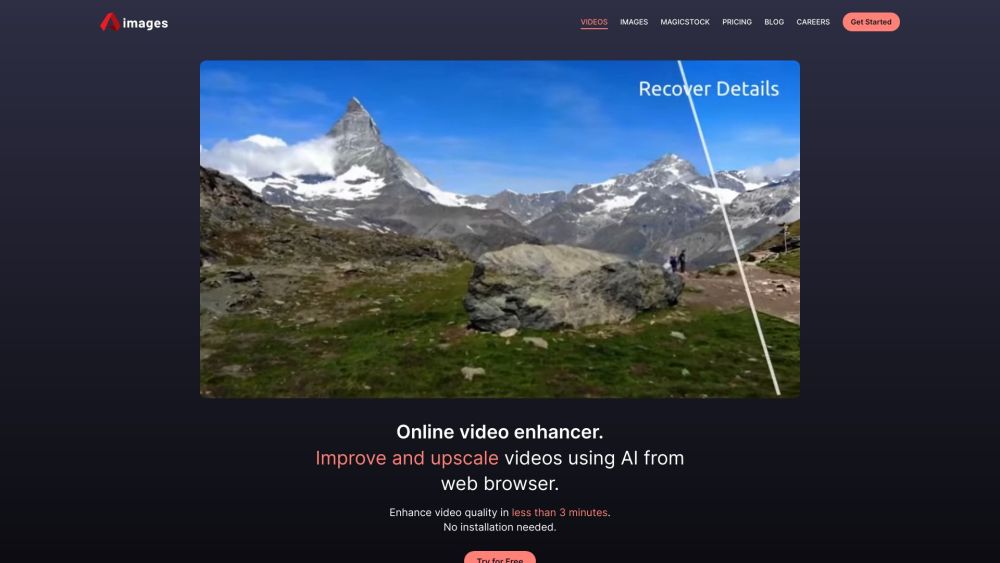
AI video enhancer to upscale, unblur, colorize, and repair videos.

AI video editor with tools for all skill levels and creative assets.

AI-driven image and video enhancement and analysis platform.


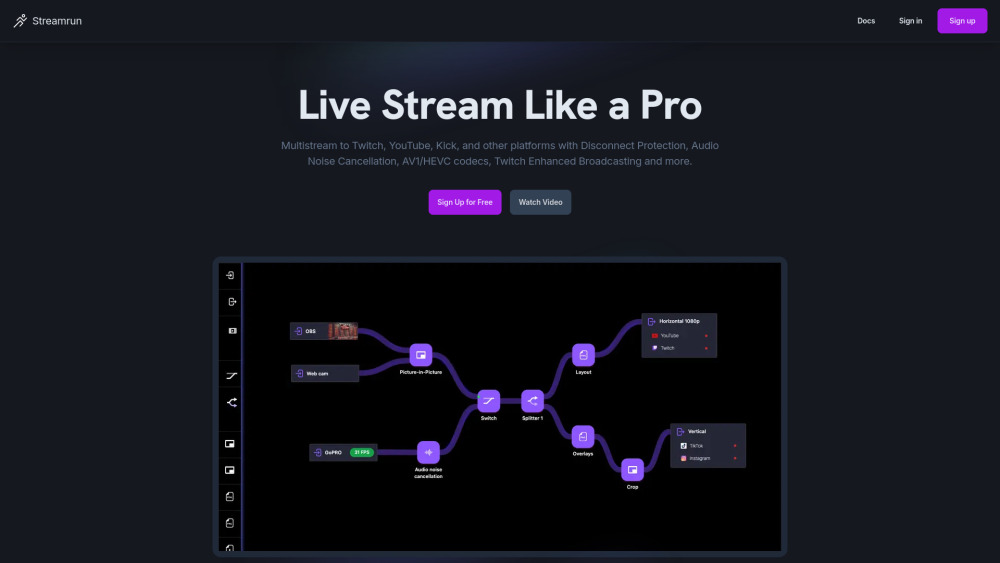
Cloud-based multistreaming platform for creators to stream to multiple platforms simultaneously.

AI-powered platform for short-form video analysis and engagement boosting.

Easily remove watermarks from Sora videos with Al and get clean, high-quality results in one click.


Multimedia software company offering video, AI, PDF, and mobile utility tools.


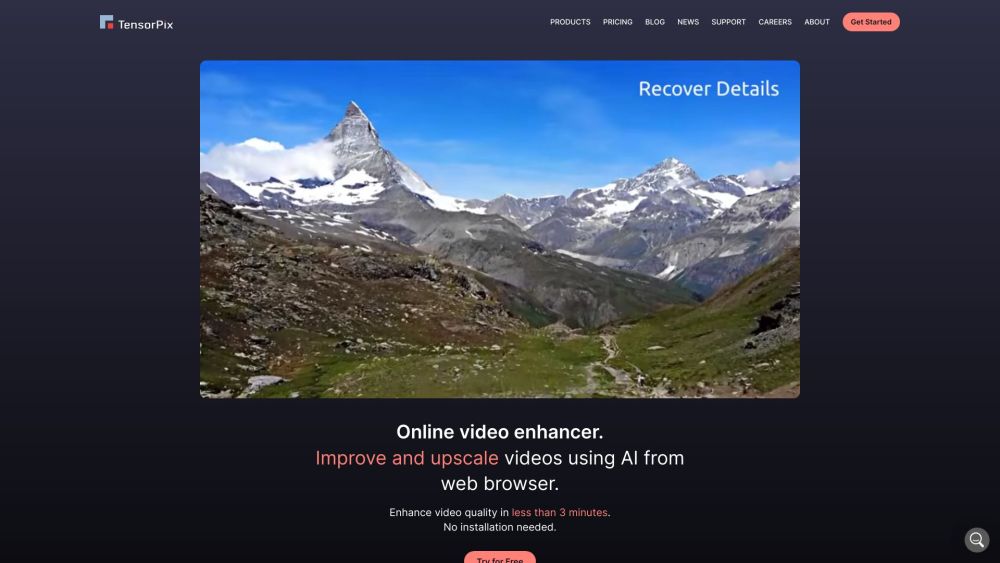
Online AI video and image enhancer and upscaler.

Real-time media processing API and AI-powered DAM platform for scalable media asset management.

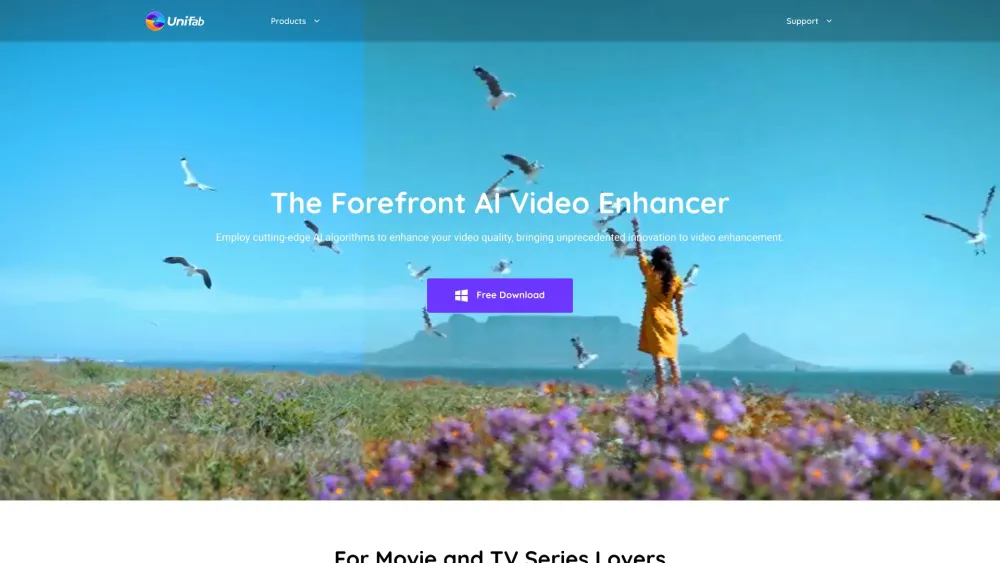
AI-powered video and photo enhancement and editing solutions.


AI-powered video processing tool for editing and enhancing video/audio quality.

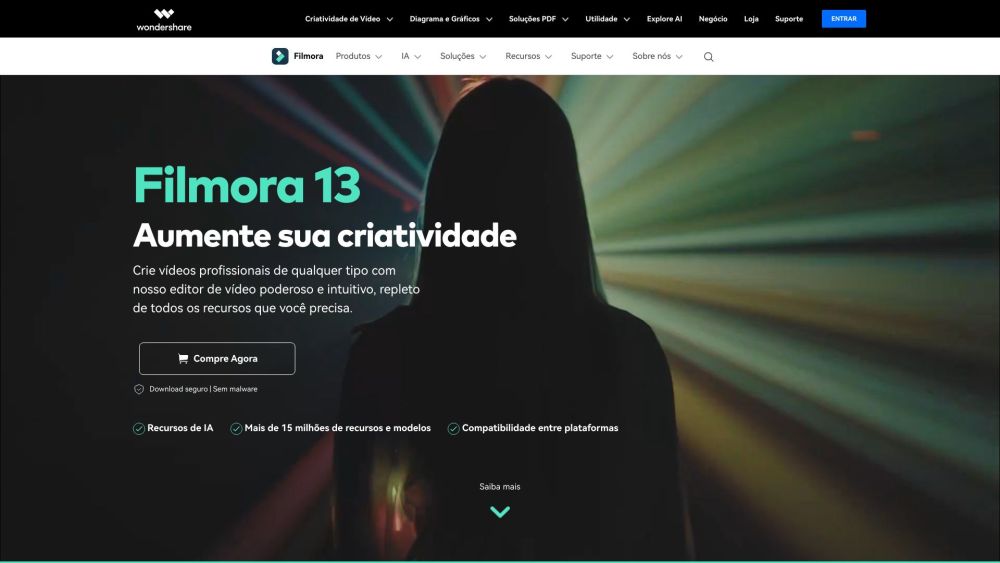
Comprehensive AI video editing software for all skill levels, offering a wide range of features.

AI-powered photo and video editing software for enhancement and upscaling.
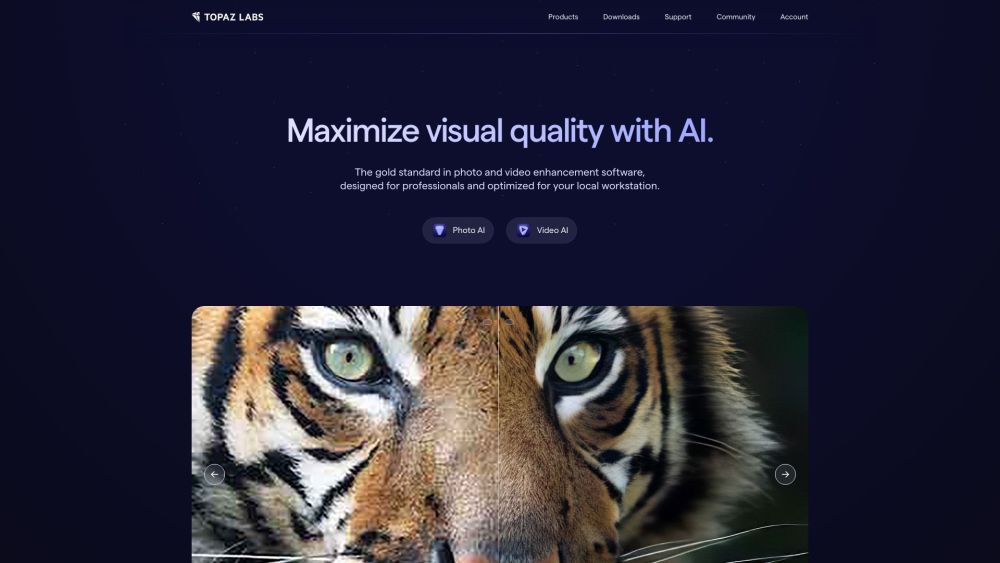

AI photo and video enhancer that transforms low-quality visuals into HD.


Virtual webcam software enhancing eye contact in video calls for better interactions and productivity.


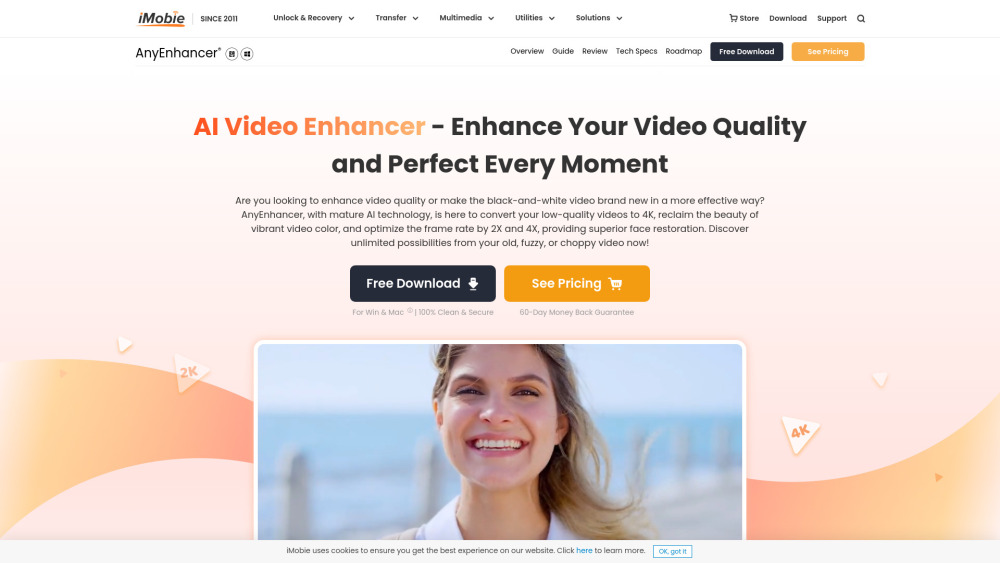
AI video enhancer for upscaling, denoising, and colorizing videos.

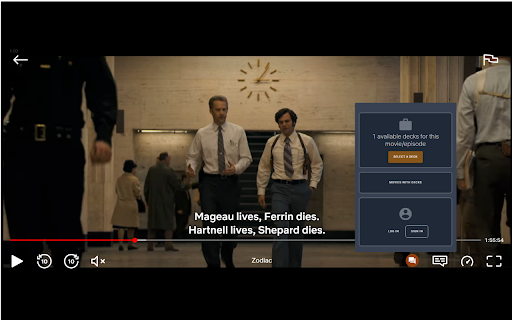
Netflix overlay displays fact-cards during video playback for enhanced viewing.

Online AI video and image enhancer and upscaler.