



NanoBibi helps creators and teams automate repetitive creative tasks. From removing backgrounds and upscaling images to generating visuals and videos in bulk, NanoBibi turns AI into a complete content production line. You can build your own workflows, create reusable prompt templates, and run batch processes — all without writing code. Spend less time editing, and more time creating.
Batch-generate, edit, and process images, videos, and audio — all powered by AI.
- Automate repetitive design tasks — remove backgrounds, upscale product photos, unify styles, and export consistent visuals in minutes. Perfect for social media, branding, and marketing materials.
- Generate clean, professional product images with one click. Batch remove backgrounds, adjust lighting, and resize for all platforms (Shopify, Amazon, Etsy, etc.).
- Create multiple ad variants and banners at once. Use prompt templates and batch workflows to instantly generate visuals for different campaigns or regions.
- Restore old photos, upscale portraits to 4K, or apply custom color tones across large albums automatically.
- Build your own automated AI workflows — combine image generation, editing, and upscaling into a single custom pipeline.
- Turn kids’ sketches into colorful artworks or illustrations. Encourage imagination by blending drawing + AI generation.
- How to Use NanoBibi Turn your creative workflow into automation in just 4 simple steps: 🥇 1. Choose a Tool Type Pick what you want to do: • AI Generation: create images
- videos
- or audio • AI Editing: remove background
- upscale
- inpaint
- erase
- or apply style transfer Each tool comes with quick instructions and examples to help you start fast. ⸻ 🖼️ 2. Upload Your Assets Upload the image or file you want to process. You can also upload multiple files at once for batch processing. ⸻ ⚙️ 3. Configure Parameters Set up how you want your AI to work: • Adjust ratio
- size
- background
- or style • Add your prompt or pick from built-in templates • Choose output format and number of results ⸻ 🚀 4. Start Processing Click Start and let NanoBibi do the work. You can monitor progress in real time and download all results when finished. ⸻ 💡 Tips • Supports batch processing and custom workflows • Save your favorite prompts and settings as reusable templates • All outputs are automatically saved in My Creations ⸻ In short: Choose a tool → Upload → Configure → Generate. One setup
- hundreds of results. ⚡

Image Editor – Edit Images with AI and Prompts Online Free, No Sign-Up


Pro-quality image creation, editing, and refinement. Start now with free credits - create, edit, and get inspired.

AI-powered tool for creating face-centered timelapse videos from photos.


Ager.fun lets you see yourself at different ages with photos and animated GIFs.


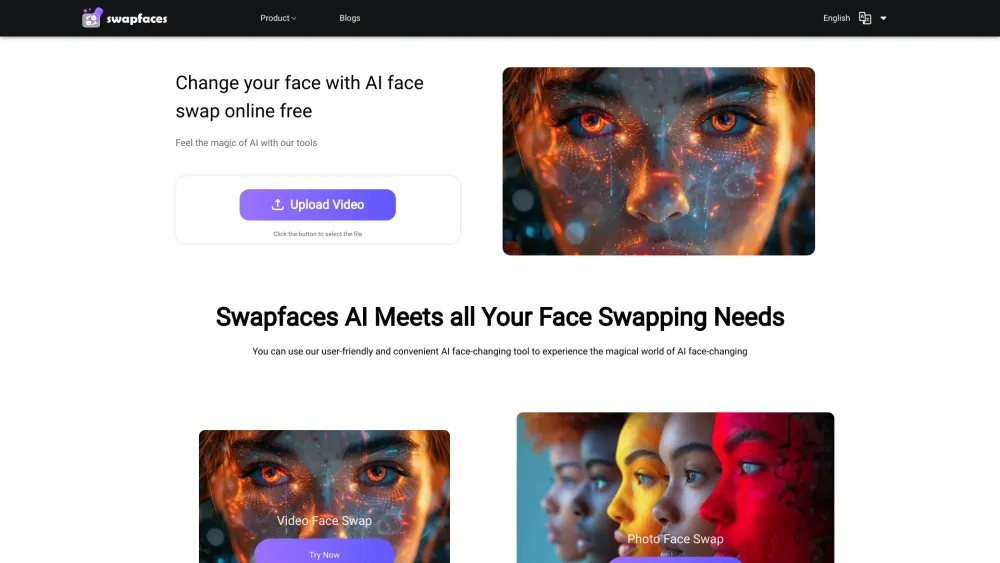
AI face swap tool for videos and photos with various AI features.

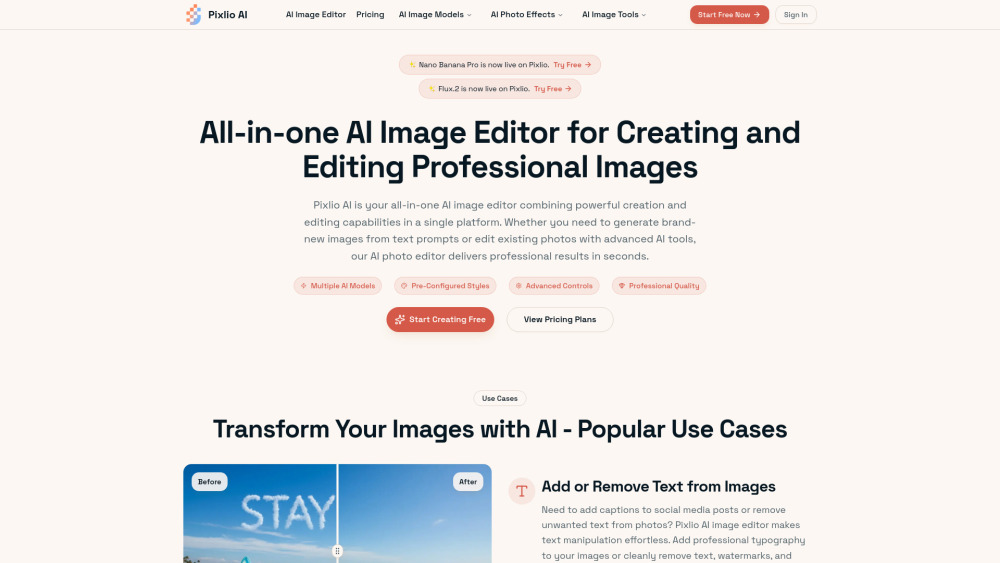
AI-powered image generation and editing platform.


Free AI photo editor for precise, consistent image transformations.


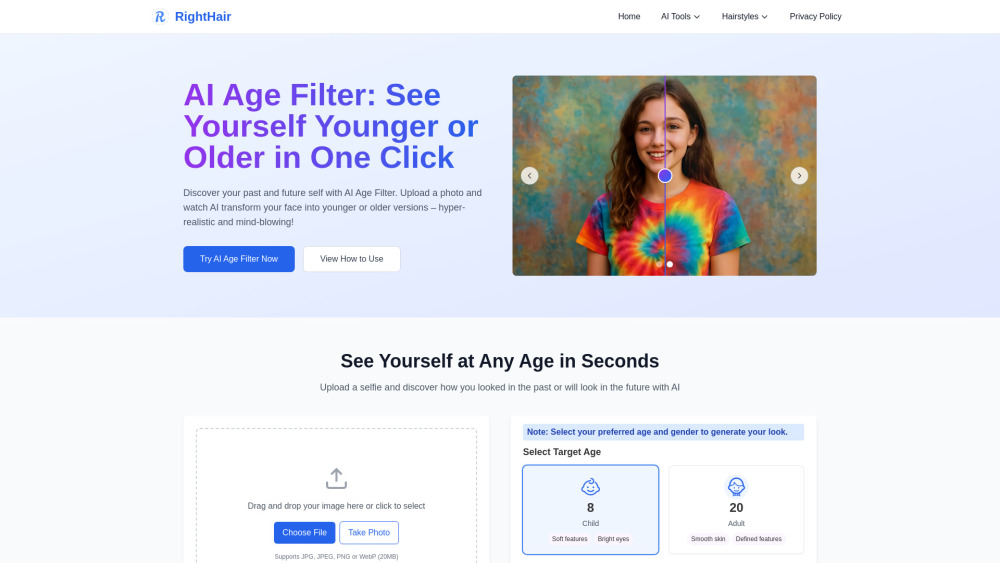
Free AI age filter to see younger or older versions of yourself instantly.

Free AI photo editor to fix and tweak faces online with ease.

