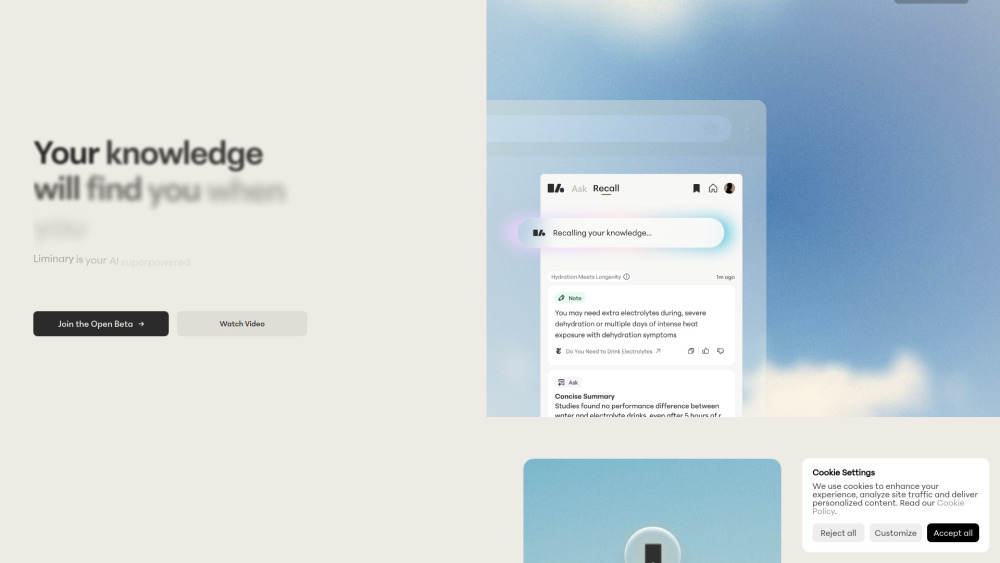





Liminary is the AI-native knowledge management and recall tool. With the product, it's seamless and easy to save knowledge in any format that it comes in - webpage, PDF, YouTube video, AI chats, desktop files, and more. Liminary then draws on your knowledge graph to help you do your work more efficiently. For example, as you're working on a document, Liminary will see what you're writing about and proactively surface the most relevant pieces of your knowledge so you have them at your fingertips. Liminary is built for knowledge workers who wrestle with information overload, especially folks like researchers,
Save anything - Liminary will take care of the rest. Your knowledge will find you when you need it.
- Researchers: Synthesize literature across sources and surface relevant findings during writing
- Investors: Connect market trends, startup data, and portfolio insights for investment decisions; bring it all together more efficiently in investment memos
- Consultants & Strategists: Recall relevant client work and frameworks while developing recommendations
- Marketing: Surface past campaign insights and audience research during strategy development
- Students & lifelong learners: Connect course materials, readings, and notes automatically during study and writing
- Journalists & Writers: Surface relevant sources, interviews, and background research during writing Retry Liminary
- 1. Sign up for an account and install the Chrome extension 2. When you encounter any piece of knowledge you want to save - webpage
- file
- YouTube video
- etc. - use the handy Chrome extension to save it to your knowledge base with one click 3. Annotate as you read - highlight
- clip
- summarize
- jot down your own note
- etc. 4. Chat with your knowledge - with one artifact
- a Collection
- or your entire library 5. As you write or do further research
- pull up Liminary's Recall sidepanel - it will proactively show you the most relevant pieces of your knowledge for what you're currently working on

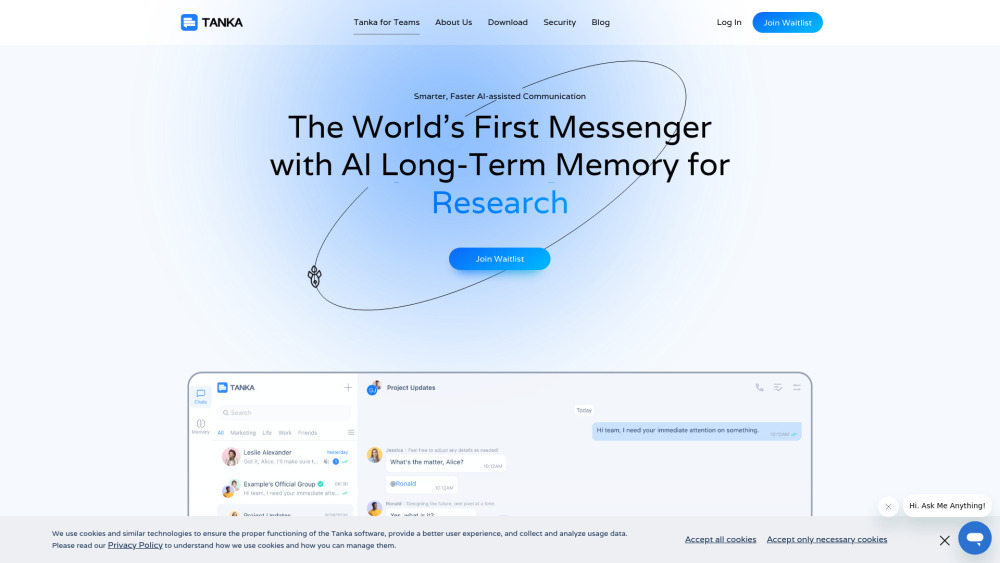
AI-powered messenger with long-term memory for smarter team communication and collaboration.

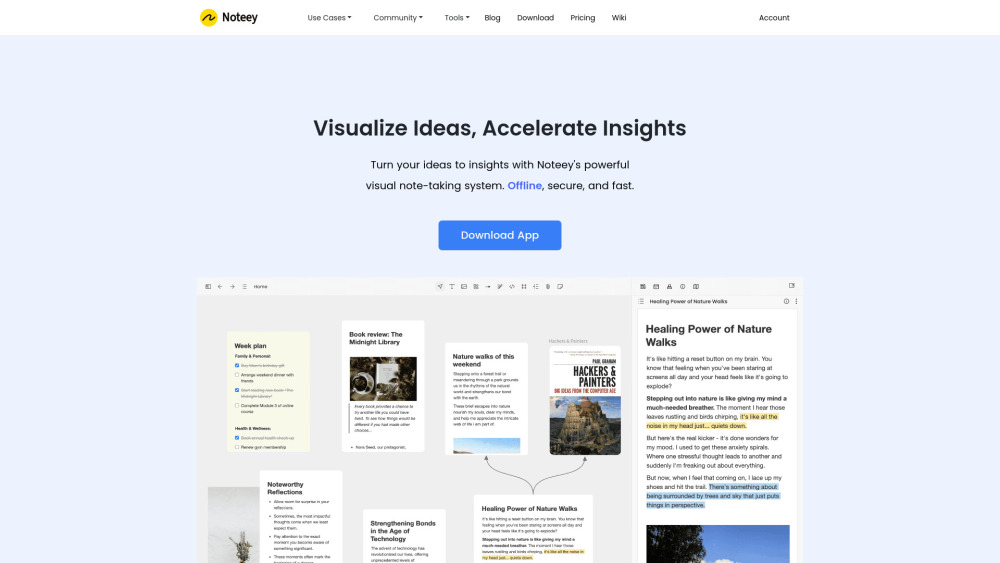
Visual note-taking app for organizing thoughts and creating visual knowledge maps.

Work AI platform for enterprise knowledge discovery, creation, and automation.
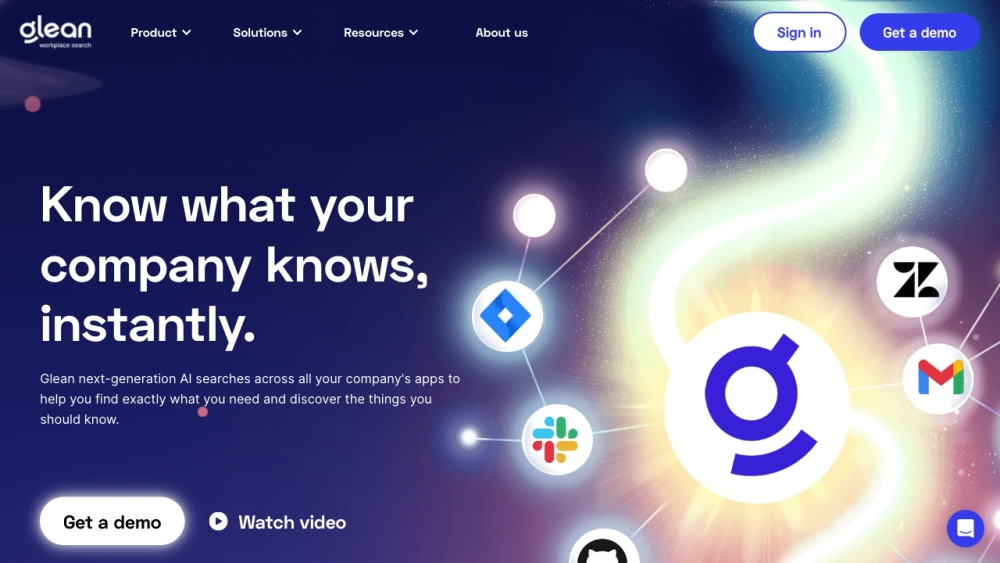

AI Creation Workspace for knowledge transformation and collaboration with AI models.
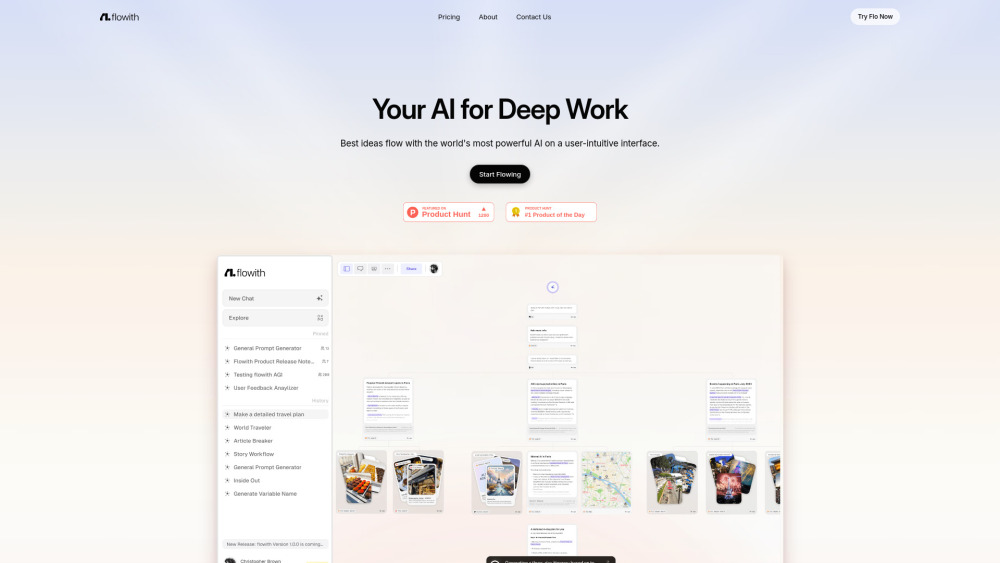

AI-powered self-updating knowledge platform and shared memory for teams and codebase context.
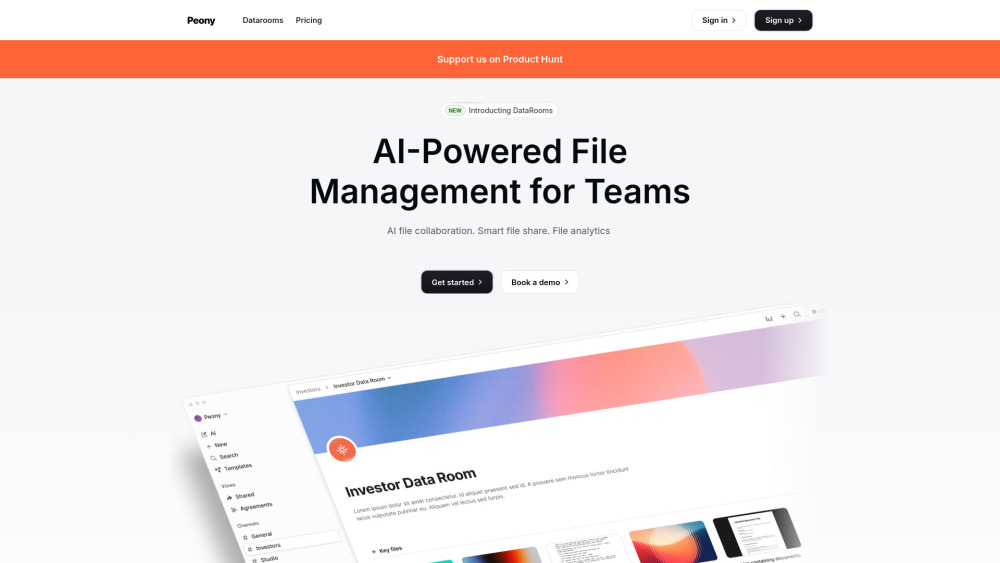
All-in-one AI platform for secure document sharing, e-signatures, and collaboration.

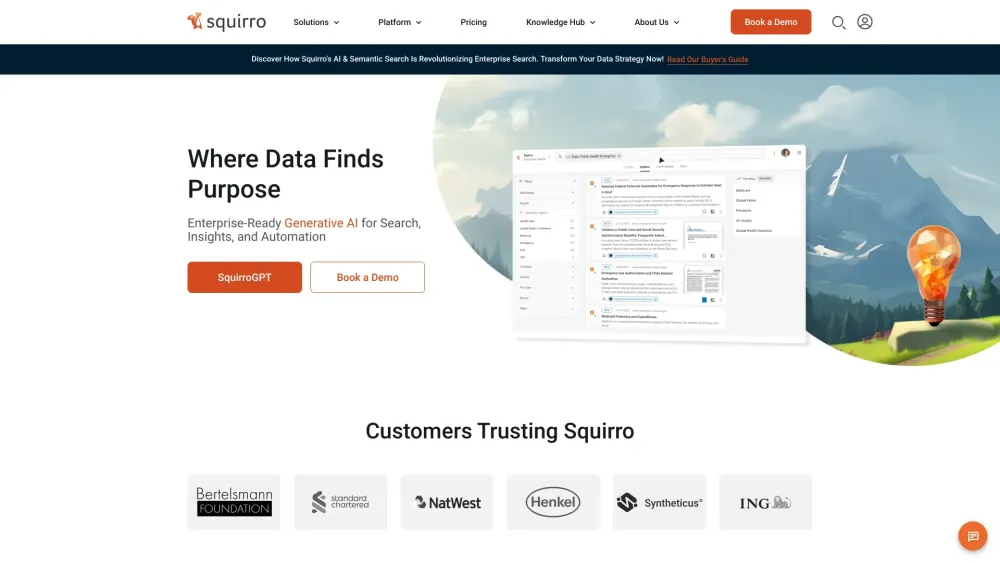
Squirro is an enterprise GenAI platform for secure, private, and accurate AI-driven intelligence.

A private, AI-powered digital space to save and remember anything without manual organization.

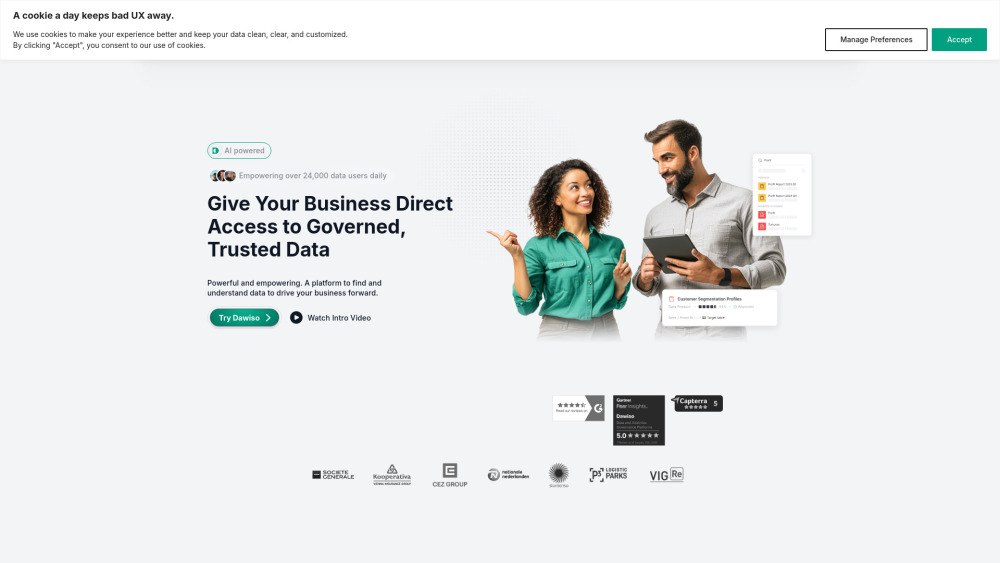
Unified data governance platform with AI-powered cataloging and documentation to enable efficient and trusted data use.