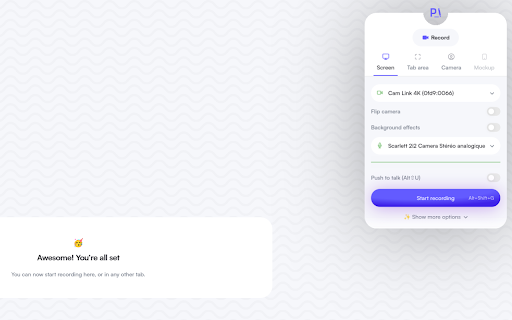
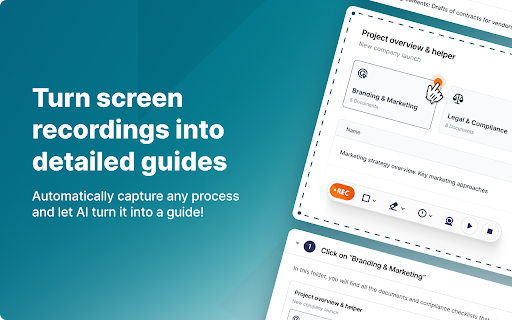


Fusebase Clarity ai chrome extension? Fusebase Clarity automatically creates guides with screenshots and descriptions of actions by recording your screen. It allows you to edit descriptions with an AI assistant, add new elements like tips, tables, and files using a powerful editor, and share guides with friends and colleagues or create your own knowledge base.
Screen recording tool that automatically creates guides with AI-powered editing and sharing.
- Creating training materials for new employees
- Documenting software workflows for users
- Sharing how-to guides with colleagues
- Building a knowledge base for internal or external use
- Record your screen
- and Fusebase Clarity will automatically generate a guide. Edit the descriptions using the AI assistant
- add elements using the editor
- and share the guide with others.

Kroto transforms screen recordings into professional how-to guides with AI.
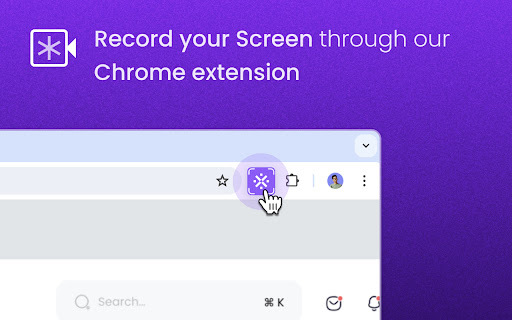

Rivia.AI automates workflow documentation with step-by-step guides and screenshots.

DeepHow: Smart know-how companion for faster worker training and improved safety.

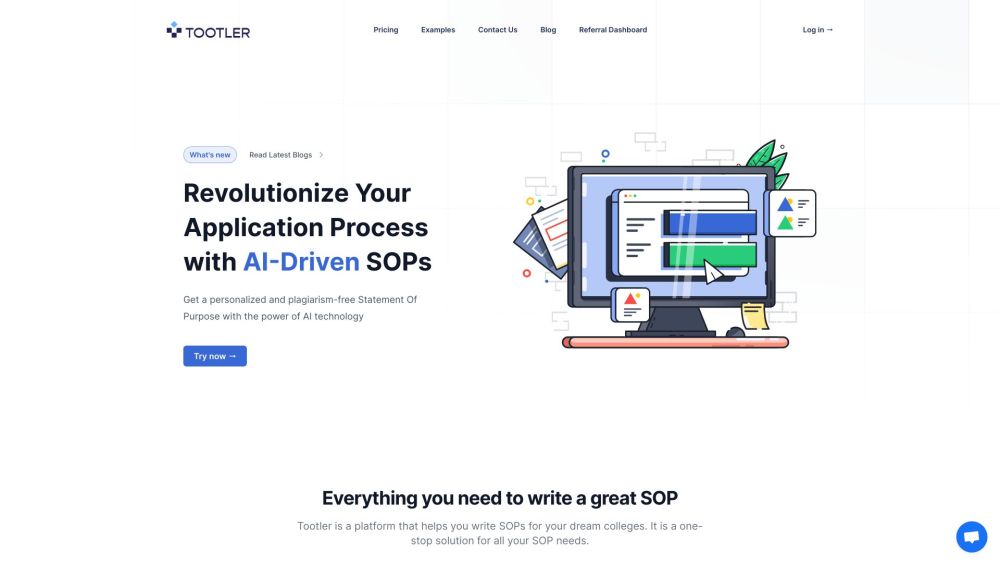
AI-powered SOP writer for immigration and study visas.

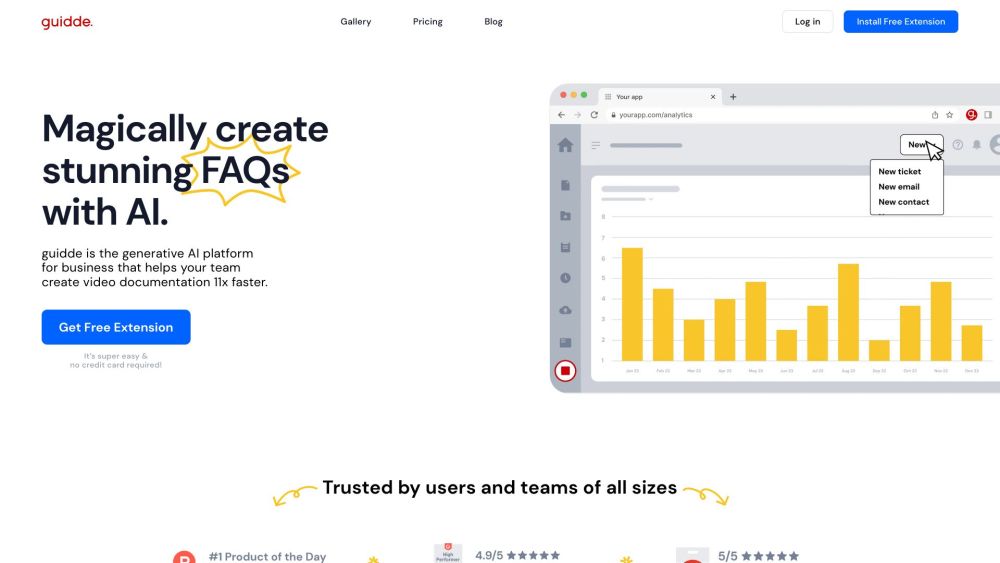
AI platform for creating video documentation and guides 11x faster.

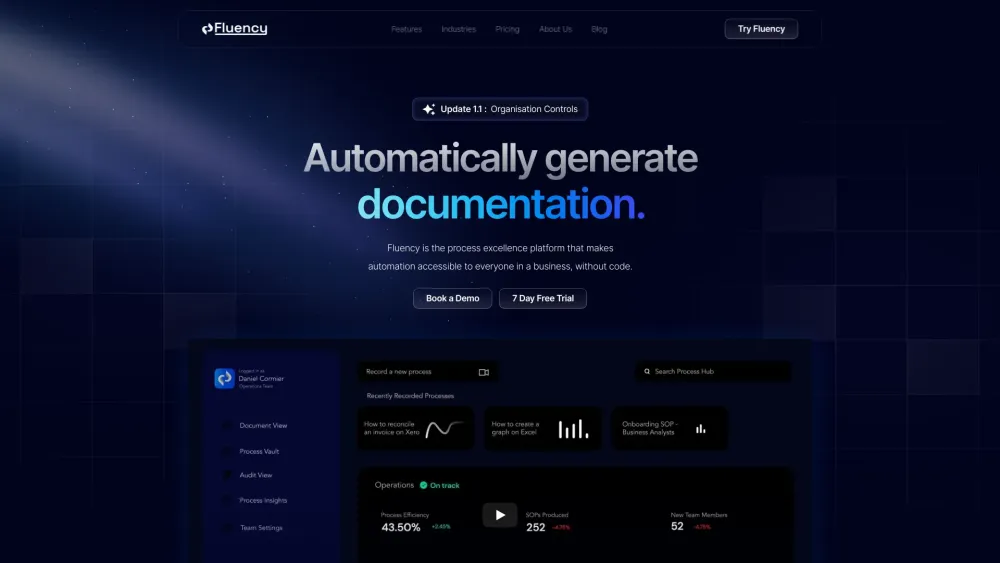
Fluency automates process documentation, enhancing business automation and process excellence.

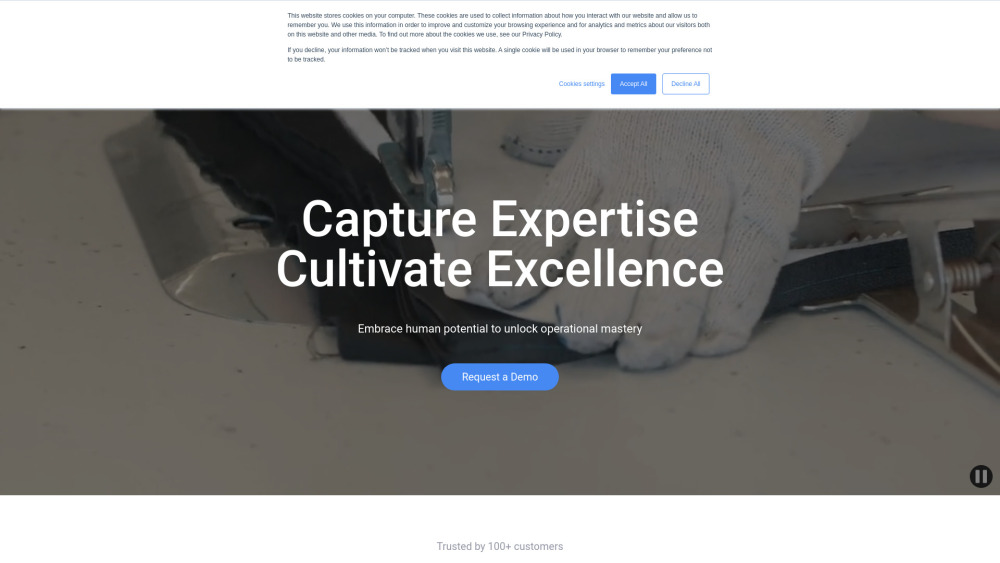
AI platform transforming videos into professional manuals, SOPs, and industrial procedures in seconds.


Clueso creates how-to articles and videos from screen recordings.


Proced.AI automates procedure creation from videos with AI-powered editing features.