
Yoink Ai
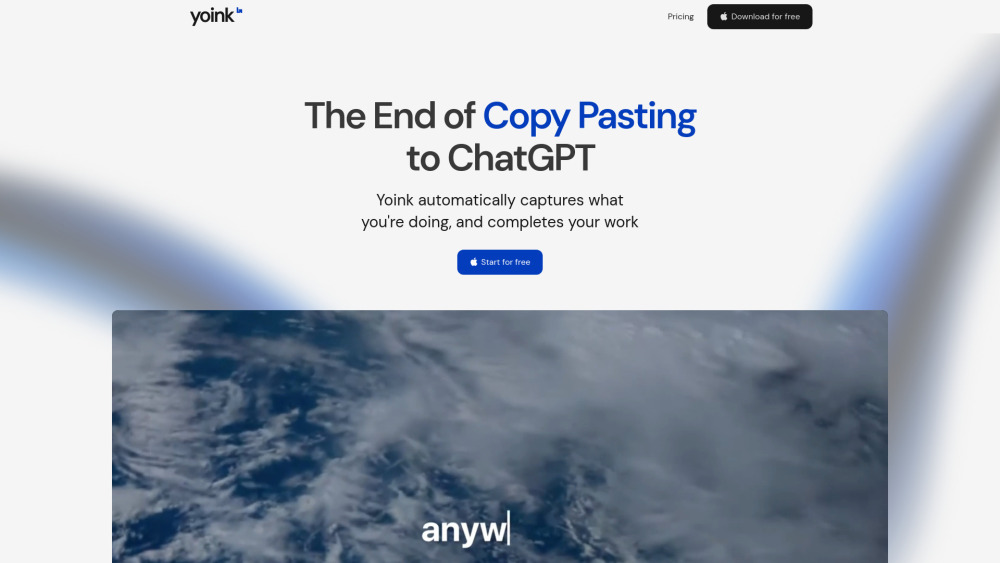




Yoink is the AI assistant that works everywhere on your Mac. Write with AI seamlessly, in any application. With a single hotkey, Yoink: 1. Instantly captures your context, whether you’re drafting an email in Gmail, editing a doc, or brainstorming in Notion 2. Generates tailored text right at your cursor, so no more switching tabs, copy-pasting, or breaking your flow 3. Yoink writes for you with the same tone as the existing doc, seamlessly and invisibly, so you can focus on your ideas, not your tools. Key Features include: 1. Universal and Context Aware: Unlike chatbots that interrupt your process, Yoink integrates directly into your workflow, editing or completing your text inline and adapting to your unique style with personalized voices 2. Single Global Shortcut: Wherever you write, just press ⌘⇧Y to activate Yoink instantly—no matter the app, your AI assistant is always one keystroke away, ready to generate or edit text right at your cursor 3. Personalized Voices: Yoink also allows you to create custom writing styles called "Voices" to steer the output. Simply provide a few examples and instructions, and Yoink will generate a personalized voice you can re-use anywhere
AI that auto-grabs context wherever you are in your Mac, and writes for you
- Email drafting
- Code documentation
- Twitter/X posts
- Instagram captions
- TikTok comments
- LinkedIn posts
- Reddit posts
- Blog outlines
- Support replies
- Resume editing
- Marketing copy
- Brainstorming ideas
- Download the Mac App. After that
- just press ⌘⇧Y in any text field to activate Yoink. Type your prompt (if any) and Yoink will generate
- rewrite
- or complete your text at your cursor. To switch writing styles
- add a voice (⌘⇧+) to your prompt. You can create custom Voices by providing examples and instructions
- then apply them anywhere for consistent tone. No setup or switching apps required—Yoink works everywhere you write
- from emails to docs to chat. Stay in flow and let Yoink handle the words
- so you can focus on your ideas.

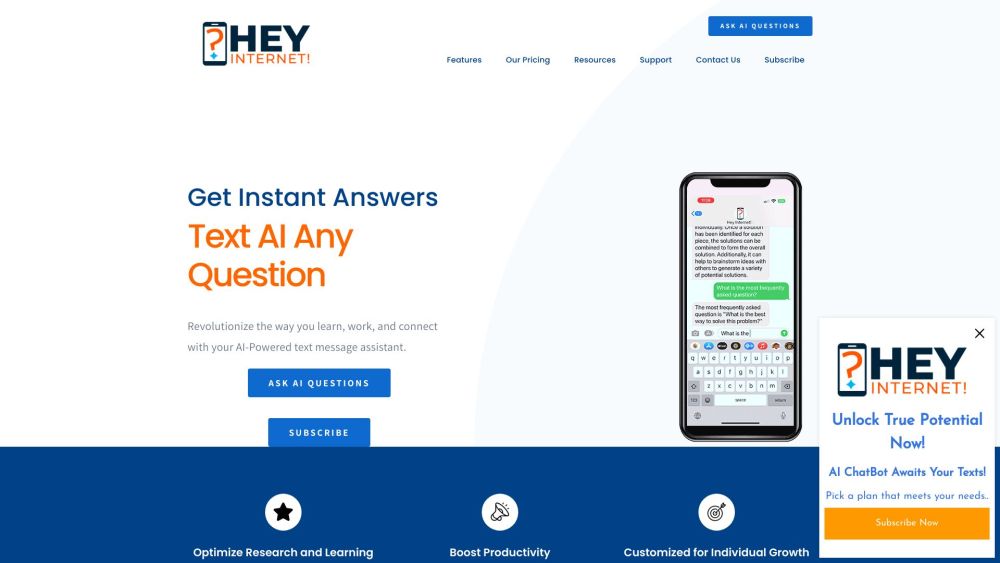
Query AI via text messages for instant answers and insights.

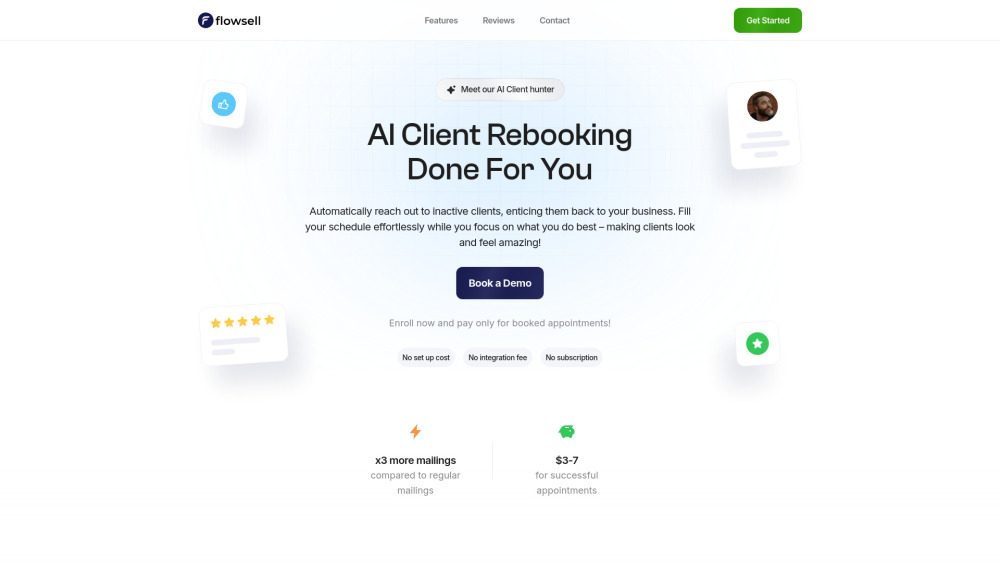
AI-powered customer retention tool for service businesses, focusing on client re-engagement and repeat bookings.

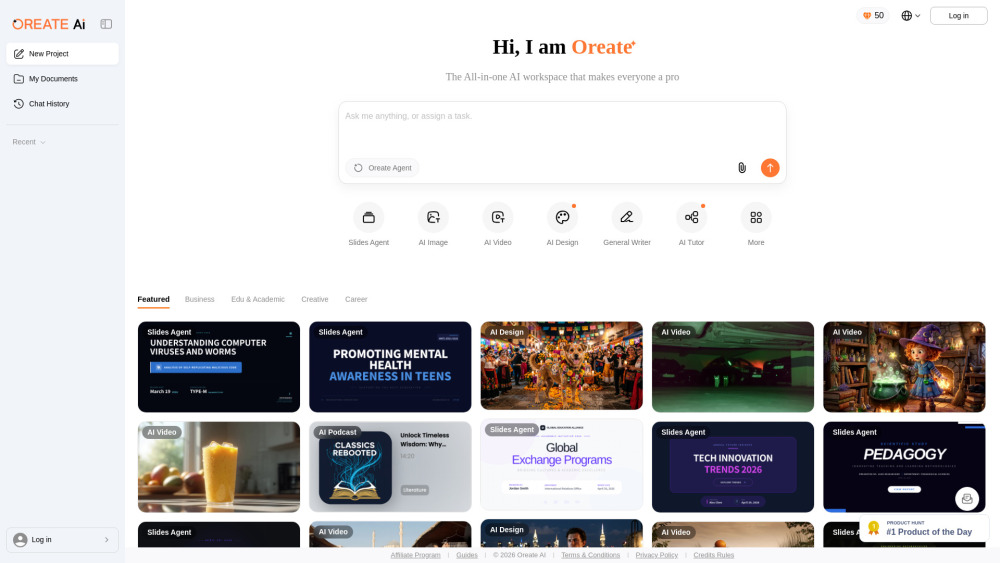
All-in-one AI Workspace: Create professional slides, essays, videos, images, podcasts, and deep research in minutes.

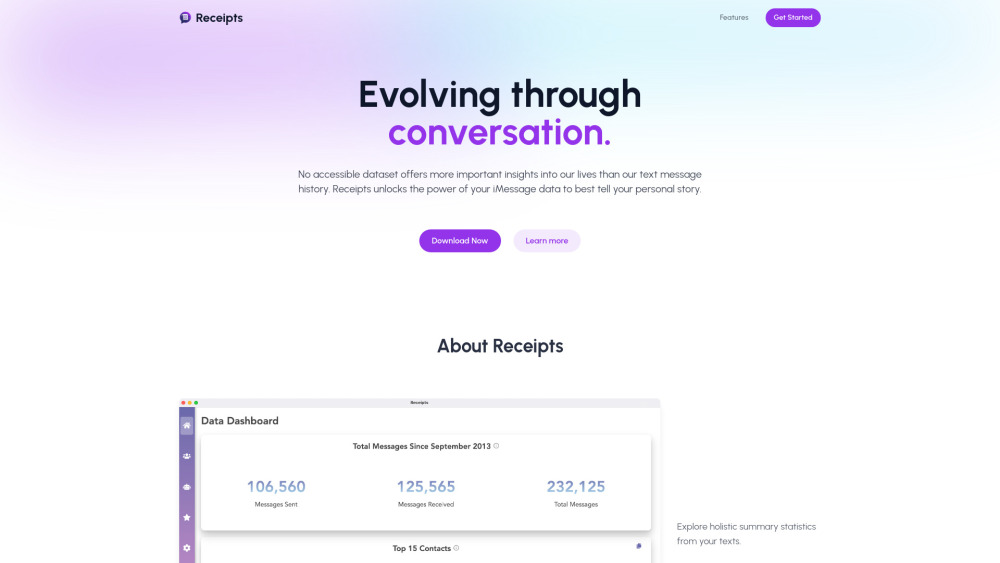
Receipts analyzes iMessage data for relationship insights and conversation analysis.

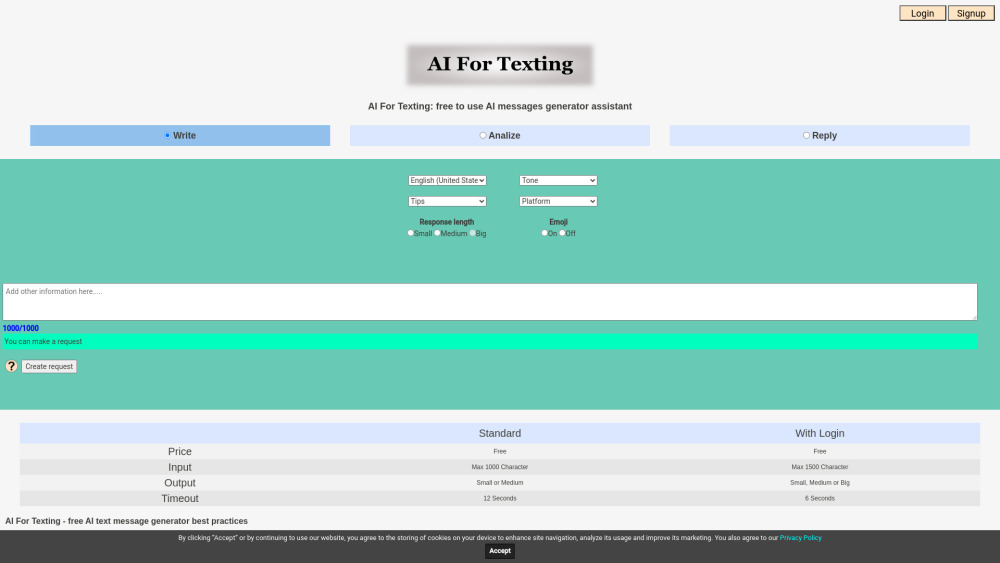
Free AI tool to write, reply, and analyze messages for various platforms.

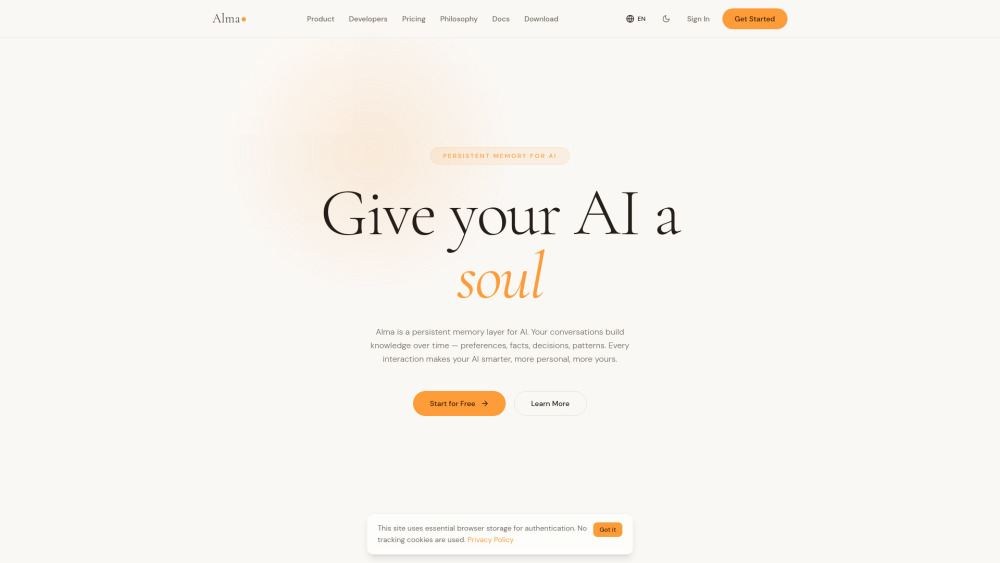
Give your AI persistent memory, identity, and a soul

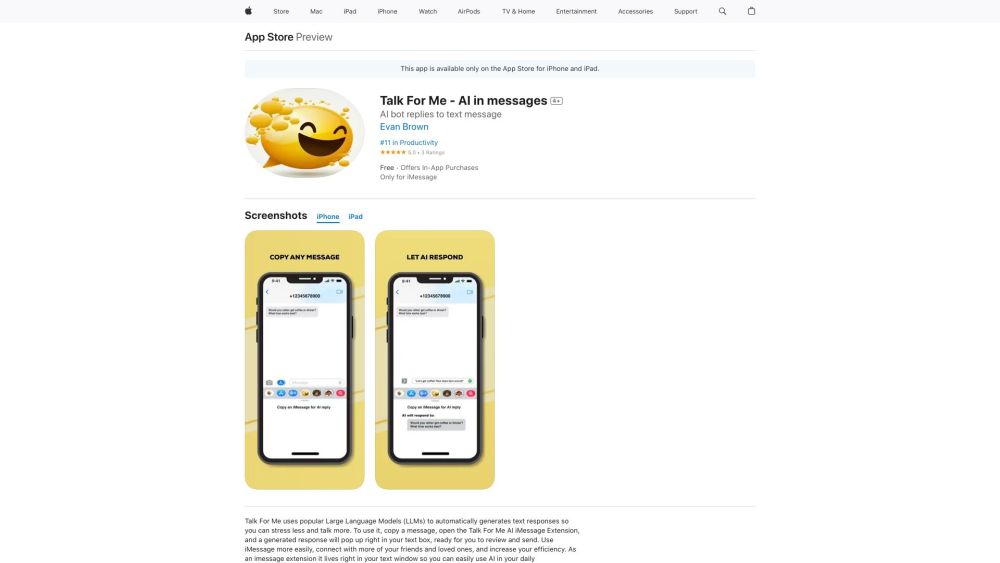
AI texting assistant for personalized and automated messaging.

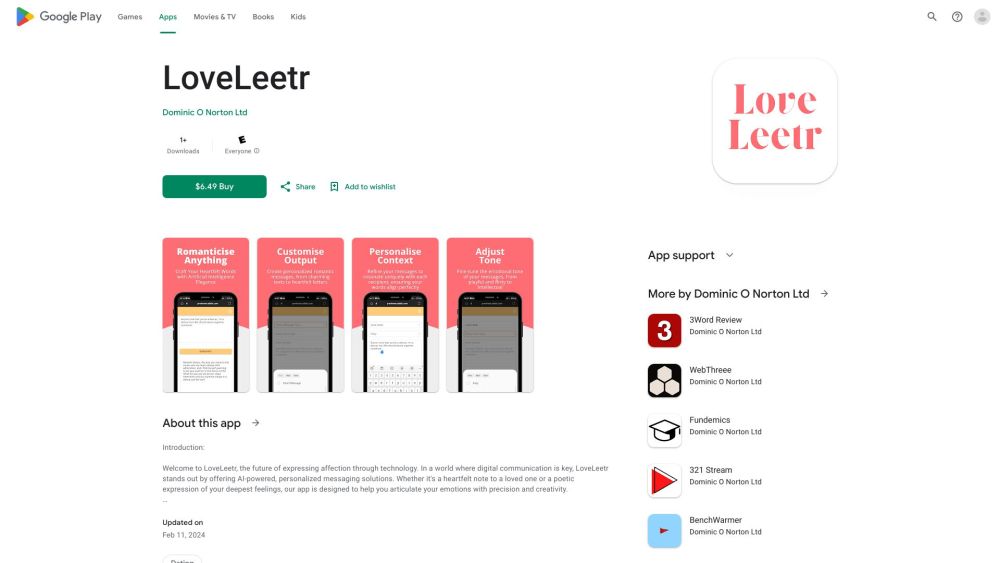
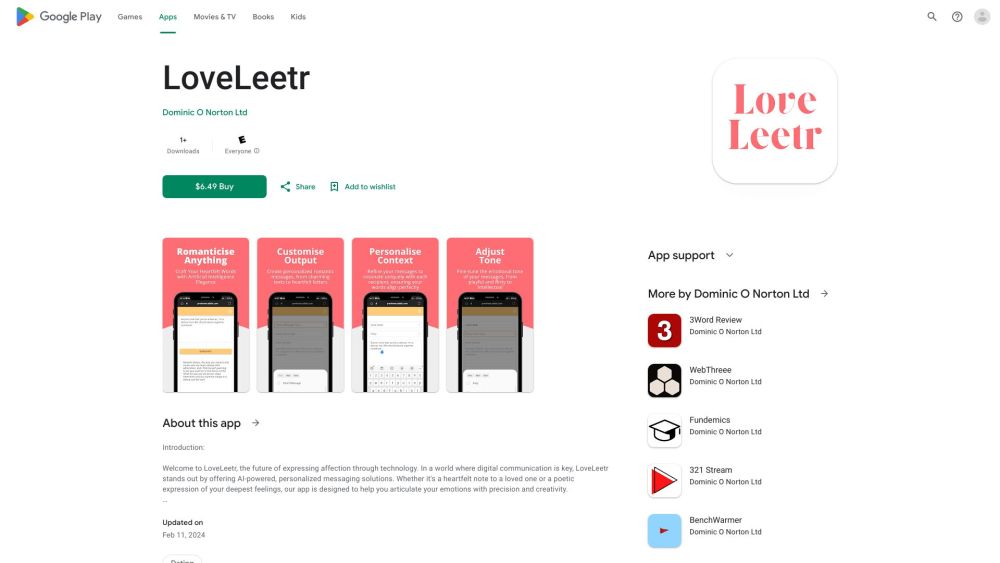
AI-powered app for creating personalized love letters and messages.

Automated phishing simulations and cybersecurity training platform.

