
Seedance 2 0 Visualgpt


Seedance 2.0 on VisualGPT is a world-class AI video generator that allows you to create cinematic, multi-shot videos directly from text, images, or references—no editing skills required. Built for speed, quality, and creative control, it transforms simple ideas into production-ready videos with realistic motion,
Seedance 2.0 is one of the most powerful AI video generation models in the world—now available on VisualGPT.
- Marketing & Advertising: Create scroll-stopping video ads, product promos, and brand storytelling content without a full production team. Quickly test different creatives, styles, and messages for better performance.
- Social Media Content: Generate engaging short-form videos for TikTok, Instagram Reels, and YouTube Shorts. Perfect for creators who need consistent, high-quality content on a daily basis.
- E-commerce & Product Videos: Turn product images into dynamic videos with motion, lifestyle scenes, and storytelling—boosting conversion rates without expensive shoots.
- Storytelling & Short Films: Produce cinematic scenes, narrative sequences, or even short films with consistent characters and environments. Ideal for writers, filmmakers, and creative experiments.
- Prototyping & Storyboarding: Visualize ideas instantly. Create rough scenes, camera angles, and sequences to communicate concepts before full production.
- AI UGC (User-Generated Content): Generate authentic-looking user-style videos for ads and campaigns at scale, reducing reliance on real creators.
- Education & Content Creation: Create explainer videos, visual lessons, or educational content with minimal effort—great for teachers, course creators, and knowledge platforms.
- Using Seedance 2.0 on VisualGPT is simple—you can generate high-quality videos in just a few steps: 1. Enter Your Prompt Describe the video you want to create in natural language. Example: “A cinematic shot of a woman walking through a neon-lit Tokyo street at night
- rain
- slow motion.” 2. (Optional) Add References Upload images or video clips to guide the style
- character
- or scene. This helps improve consistency and control. 3. Configure Settings Adjust options like: Video length Aspect ratio (e.g.
- 16:9
- 9:16) Style or visual tone Motion intensity / camera behavior 4. Generate Video Click Generate and let Seedance 2.0 create your video. The model will automatically handle motion
- transitions
- and scene composition. 5. Review & Refine Preview the result and tweak your prompt or settings to improve output. You can iterate quickly for better results. 6. Export & Use Download your final video and use it for: Social media (TikTok
- Reels
- Shorts) Ads and marketing creatives Storytelling or creative projects

AI video creation and editing platform with text-to-video, image-to-video, and style transfer features.


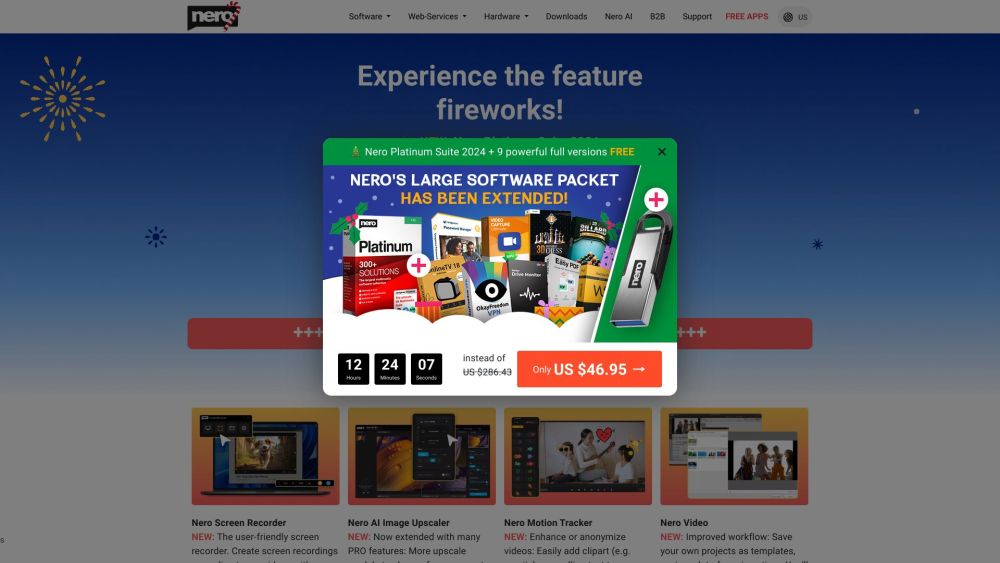
Nero offers multimedia software and hardware solutions, including AI-powered tools.

AI-powered video processing tool for editing and enhancing video/audio quality.
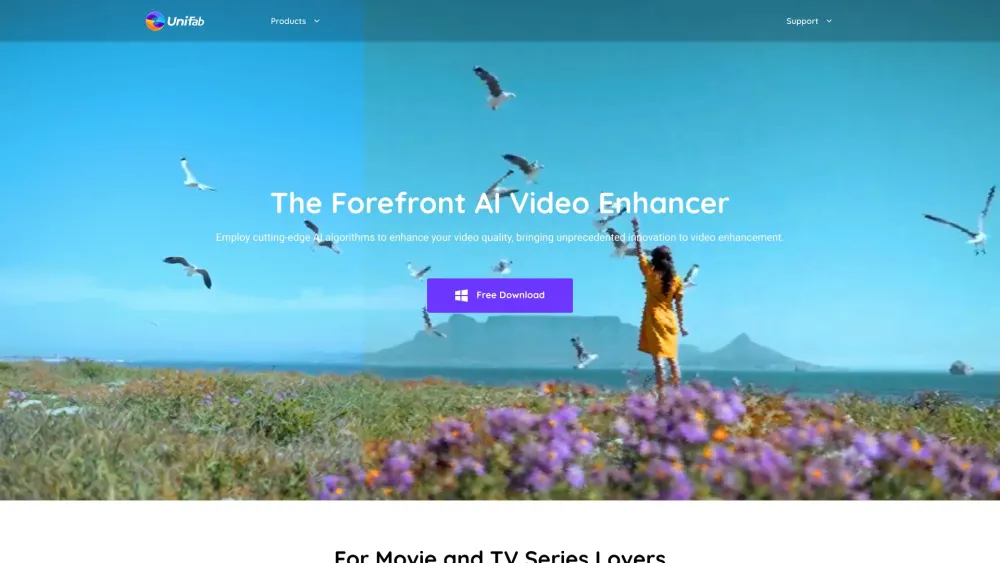

AI-powered all-in-one video solutions for enhancing and optimizing content.


Pixmax.ai is an all-in-one AI creative workspace for generating cinematic videos, visual stories, and marketing content.


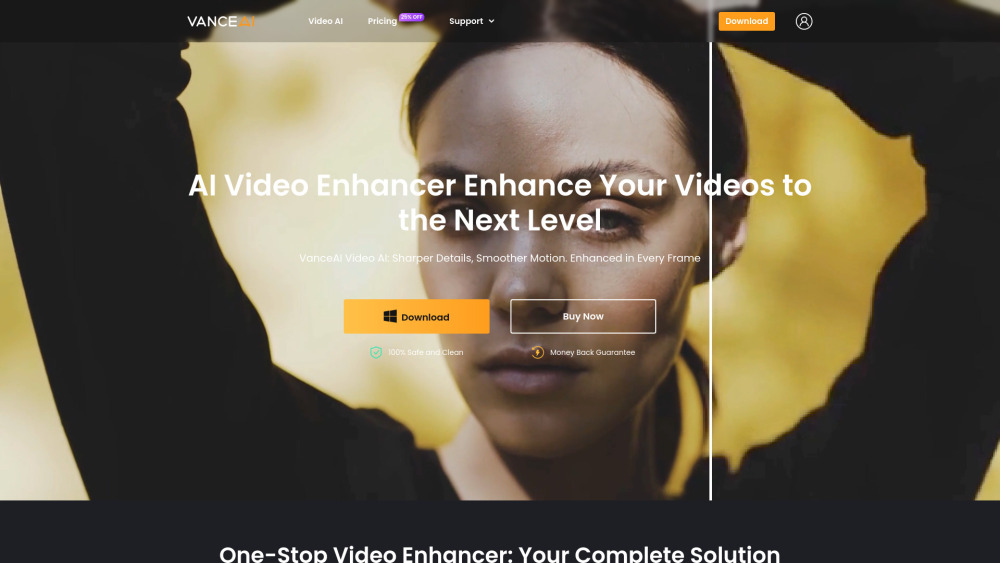
One-stop AI video enhancer for upscaling, smoothing, denoising, and more.

EzUGC - The only AI Ad studio you'll ever need!


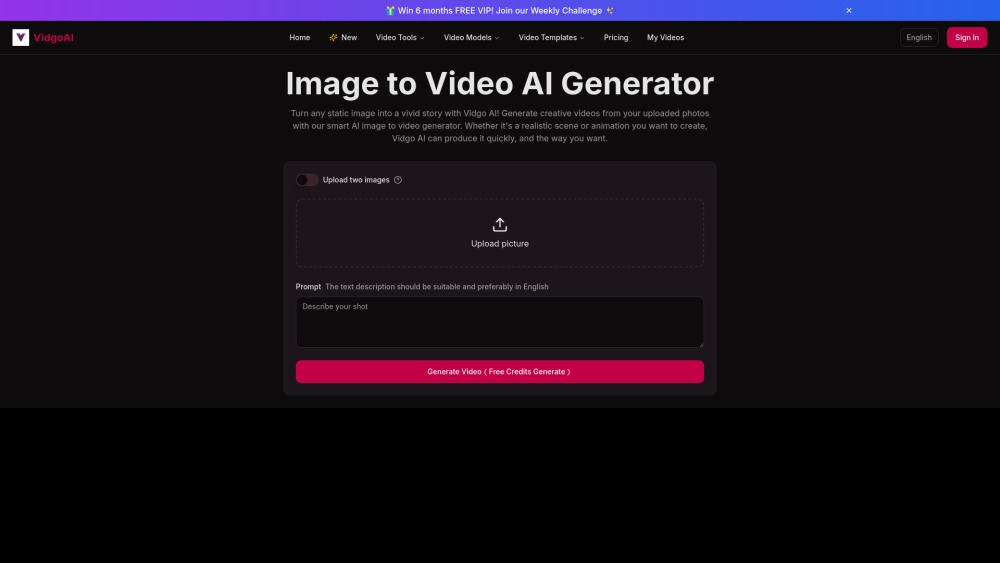
Vidgo AI generates videos from images and text using AI-powered tools.

Unleash Sora. No Limits. No Watermark. Just Creation.

