Rabbithole
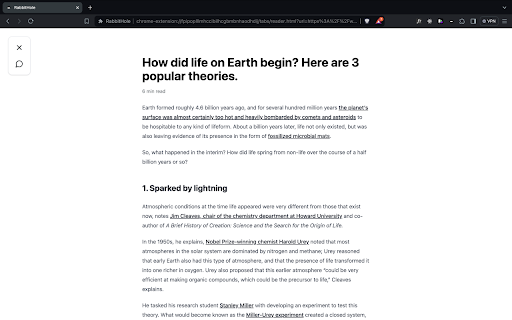



Reading Mode ai chrome extension? Reading Mode is a feature activated by the keyboard shortcut Opt+L (Alt+L on Windows) when reading articles online. It removes distractions and provides tools to enhance reading comprehension and speed.
Reading Mode removes distractions and offers tools for faster, better article comprehension.
- Quickly understand the main points of a lengthy article.
- Translate a foreign language article into your native language.
- Research unfamiliar concepts mentioned in an article without opening a new tab.
- Get direct answers to specific questions about the article's content.
- Press Opt+L (Alt+L on Windows) while viewing an article online to activate Reading Mode.

Audioread converts text to audio for listening in podcast apps using AI voices.


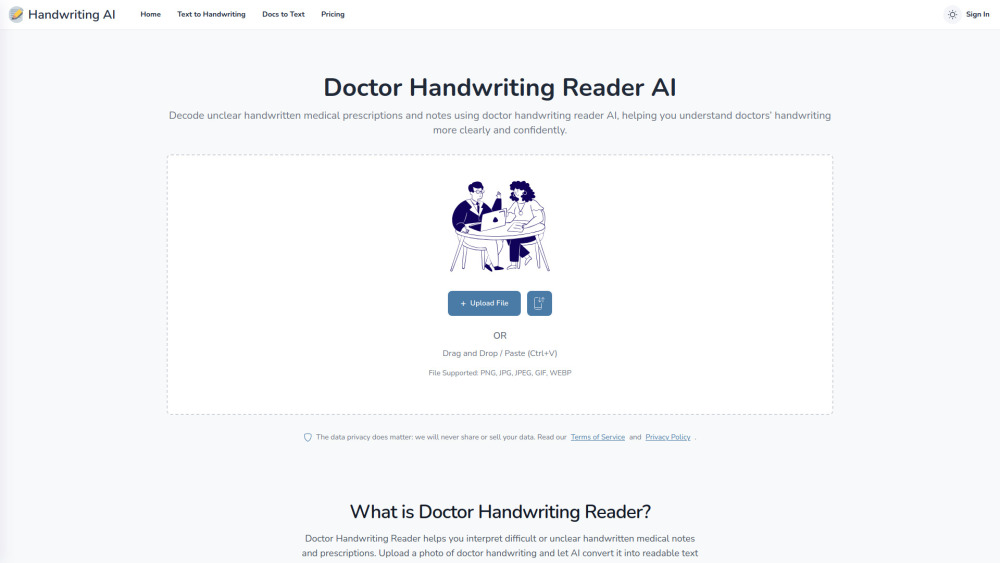
AI tool that decodes messy handwritten medical prescriptions into clear, readable, and structured text.

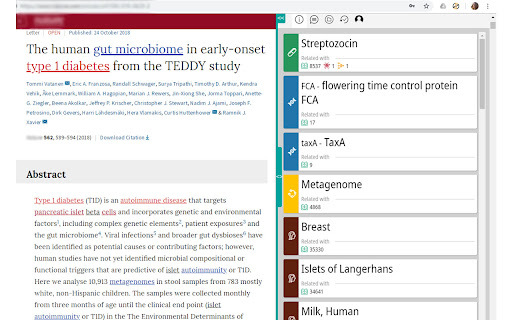
Chrome extension for exploring biological terms and related entities in web sources.

Unrolls Twitter threads for easy reading and saving to Notion.

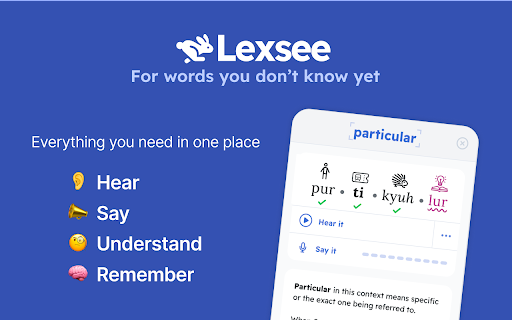
Lexsee is a reading companion and AI tutor for teens with dyslexia.

AI reading companion for summarizing and interacting with web articles, PDFs, and videos.

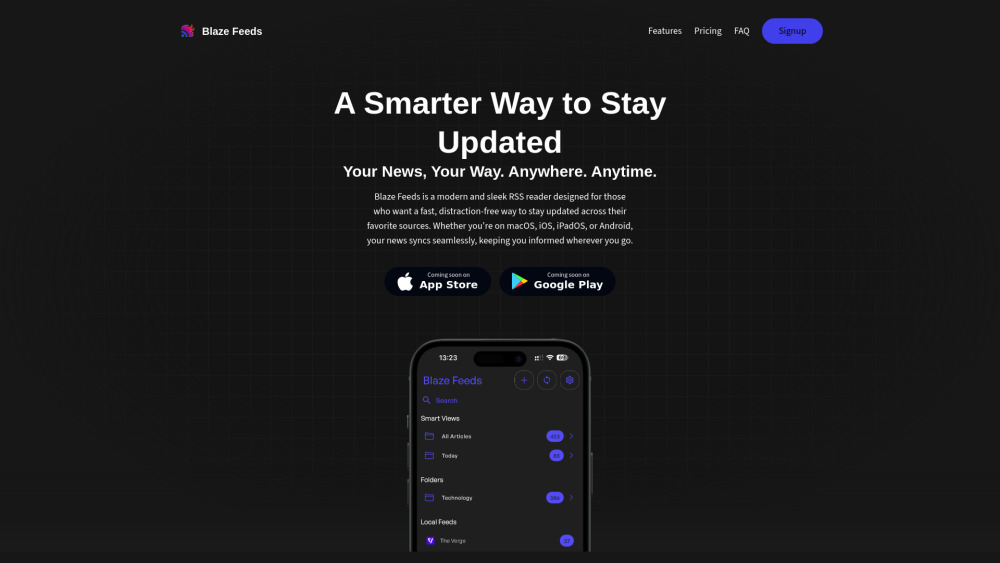
AI-powered RSS reader with smart summarization and cross-platform support.

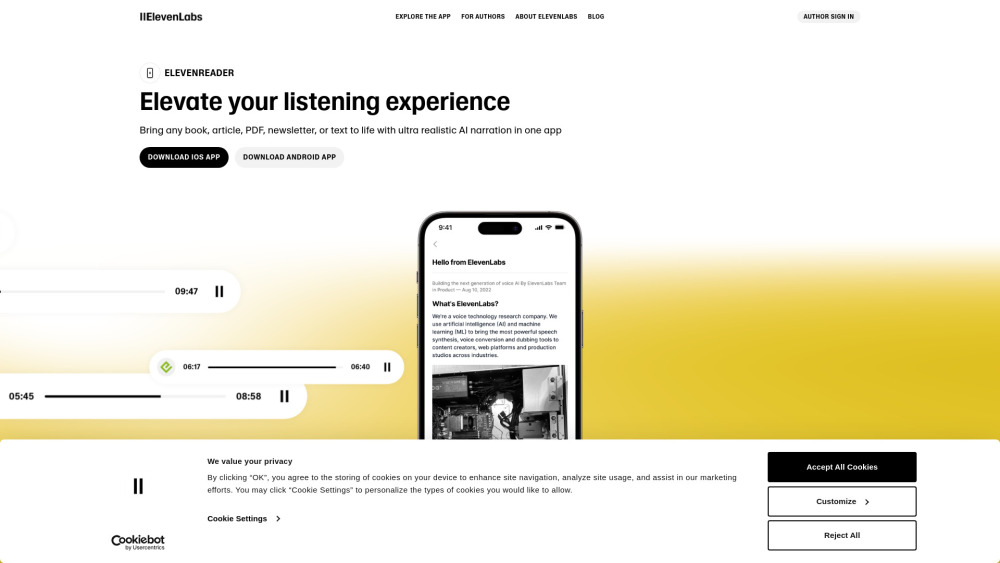
App for reading text aloud with high-quality voice AI.

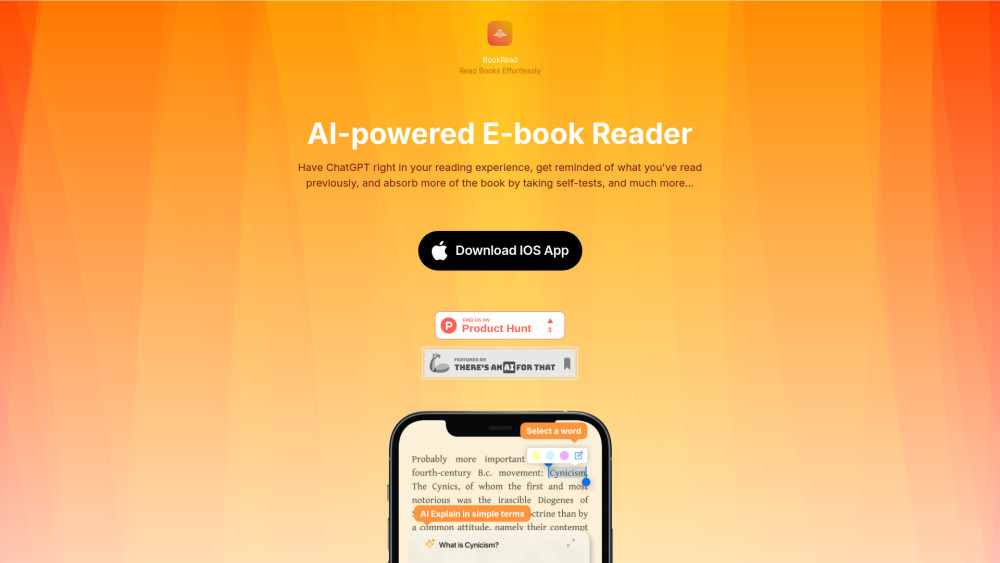
AI-powered reading companion for effortless reading with explanations, summaries, and self-tests.

Free online Lenormand card readings with AI interpretations and learning resources.


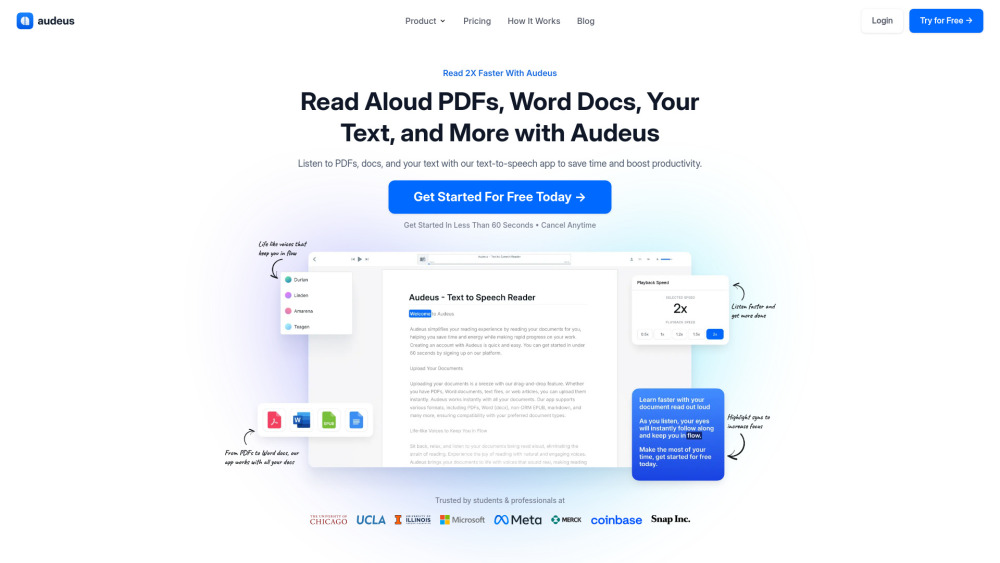
Text-to-speech app for PDFs, Word docs, and more to boost productivity.

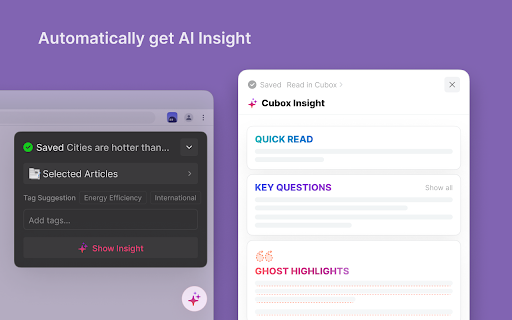
A tool for collecting, reading, researching, and organizing online information.

AI-powered RSS reader with summaries, visual explanations, and personalized recommendations.


Browser extension and web app for distraction-free online reading with AI features.


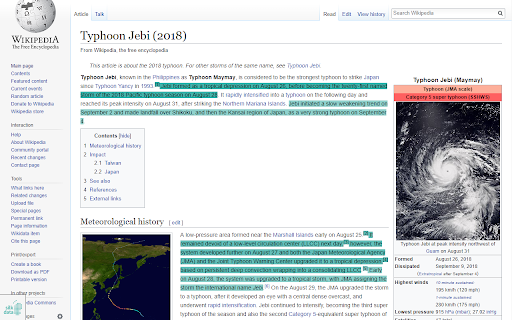
AI-powered tool for optimized content reading by highlighting relevant information and keywords.

AI-powered script analysis tool for writers, producers, and production firms.

Intelligent highlighting tool for capturing, understanding, and organizing web information.
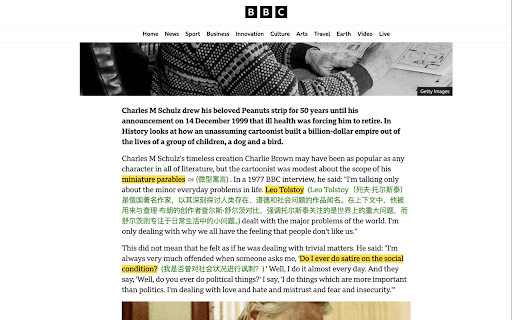

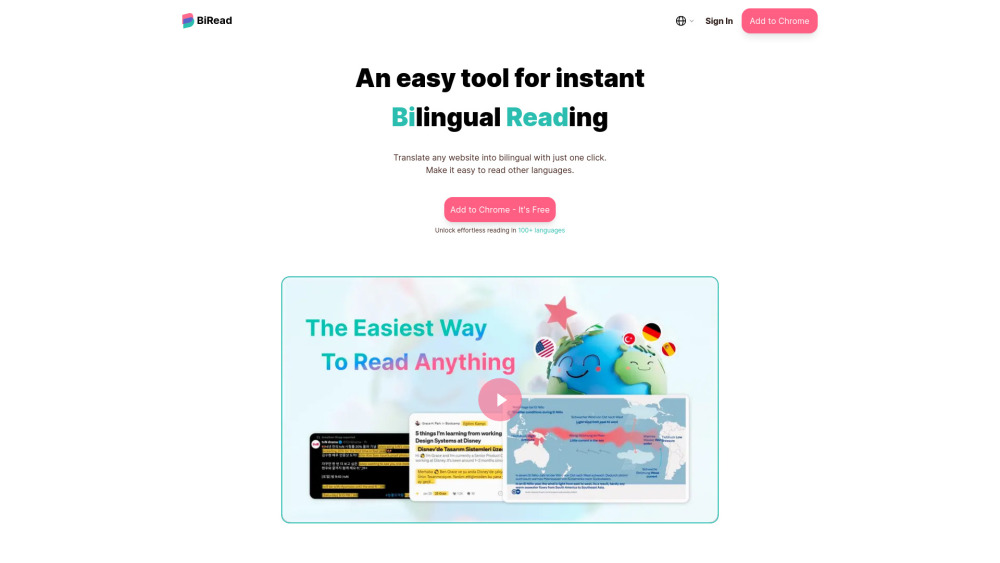
Free AI tool for instant bilingual webpage translation and language learning.