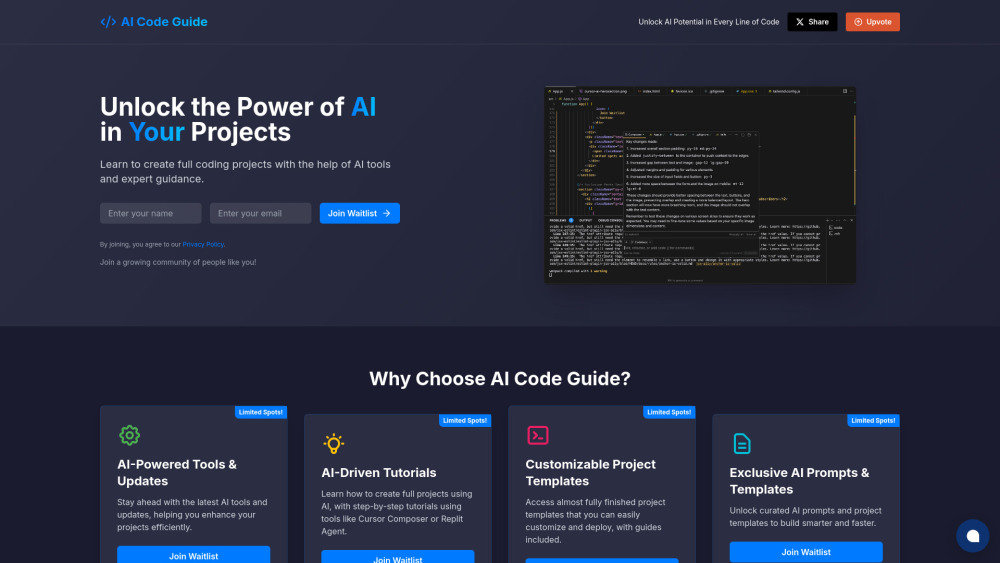
Guided Create Interactive Product Demos





guided. ai chrome extension? guided. is a platform that allows users to create interactive training content and product walkthroughs in minutes. It transforms browser activity into dynamic product demos, step-by-step guides, and how-to videos with ease. Users can capture their screen, edit the recording, and produce various output formats, enhancing user experience and streamlining content creation.
Create interactive training content and product walkthroughs from browser activity.
- Creating interactive product demos for potential customers
- Generating step-by-step guides for onboarding new users
- Producing how-to videos for customer support and training
- Enhancing employee training with interactive content
- 1. Capture your browser activity by recording your screen directly from your browser. 2. Edit and produce the recording in the guided. web application. 3. Choose to create interactive product demos
- step-by-step guides
- or how-to videos.

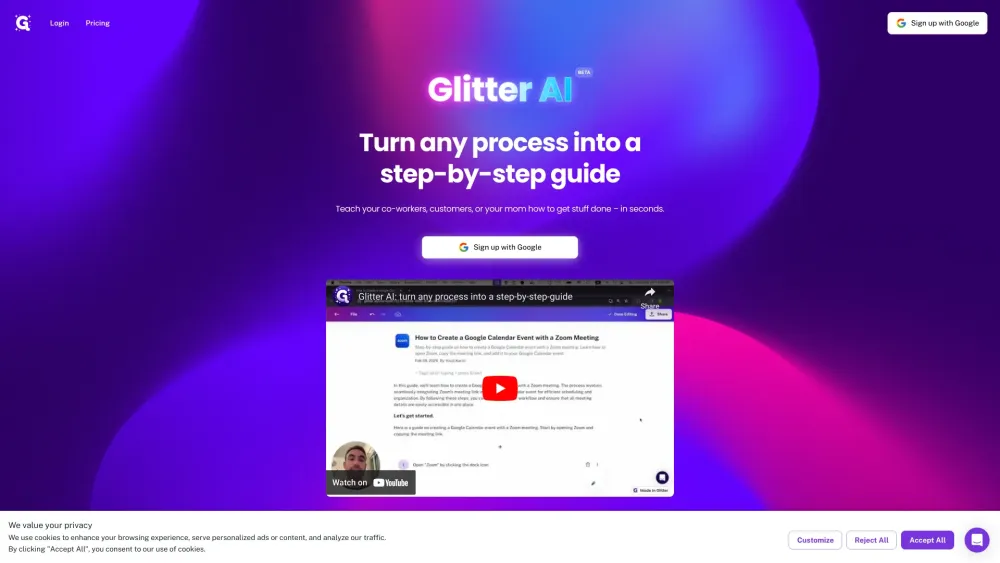
Glitter AI creates written guides from voice and clicks, with screenshots and text.

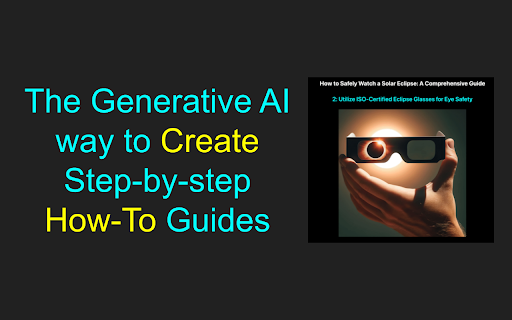
Generative AI platform for creating How-To videos, DOCs, GIFs, and slides.

ProjectAI: Learn programming through real-world projects with step-by-step guidance.
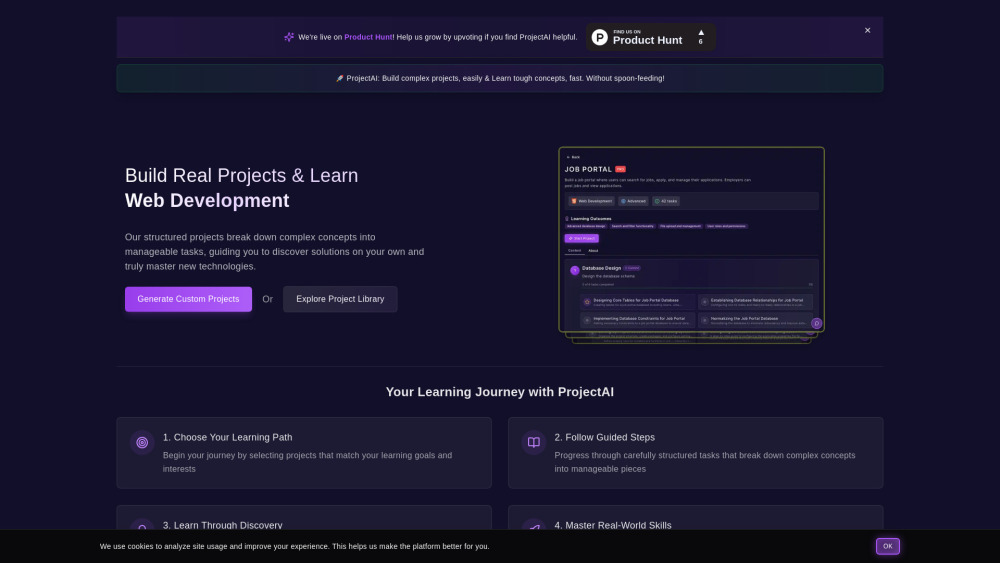

AI-powered macOS co-pilot for mastering complex apps with visual, step-by-step guidance.
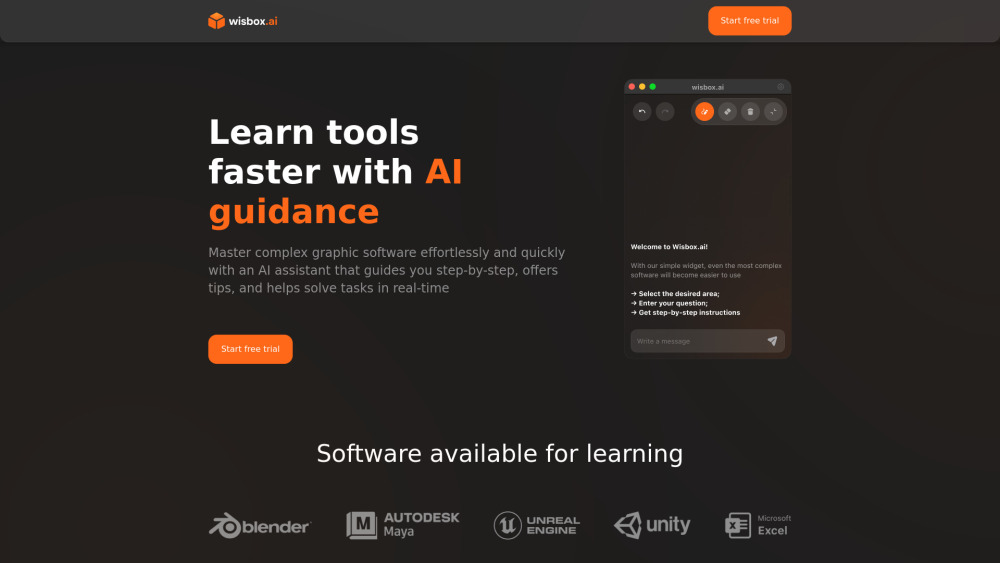

Beginner-friendly AI course with practical, hands-on learning in 14 simple lessons.
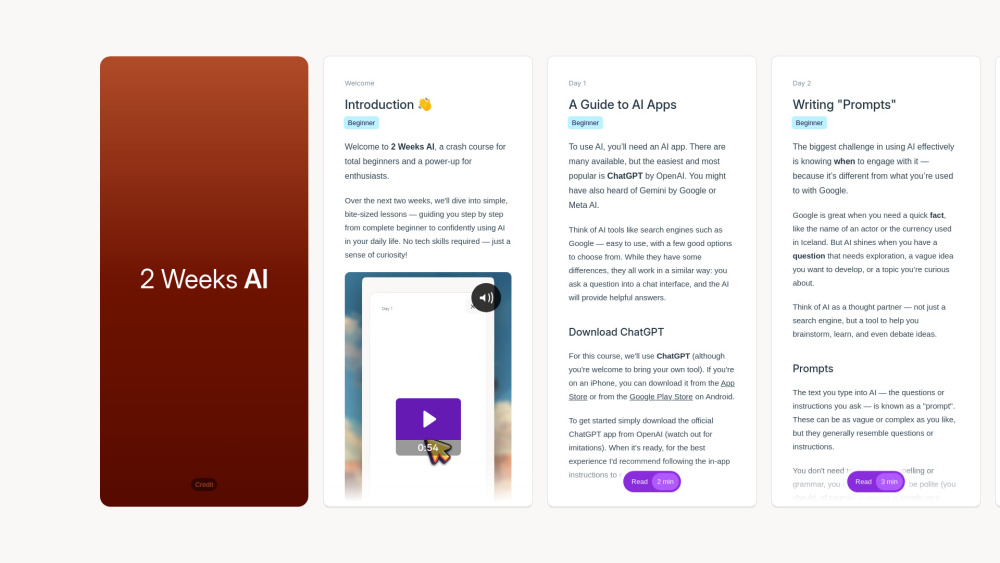

Chrome extension for creating interactive how-to guides with AI-powered annotations.
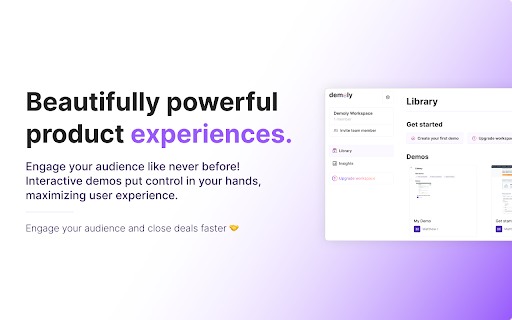

Transform screen recordings into interactive AI-powered tutorials and demos.

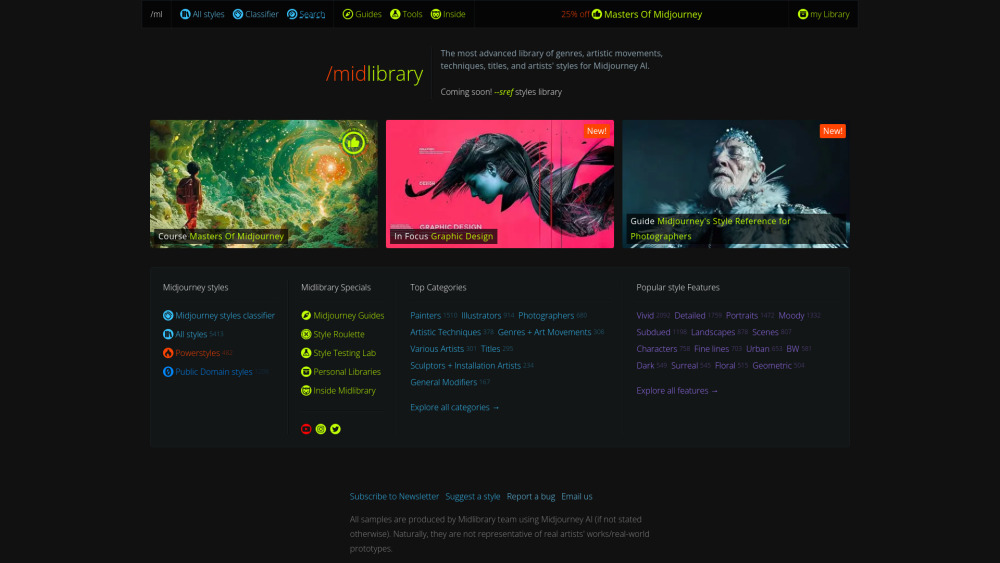
A library of Midjourney AI styles, SREF codes, guides, and tools.

AI coding resource hub with tools, tutorials, and project templates for beginners.