
Gpt For Work


GPT For Work provides advanced AI add-ons for Google Workspace and Microsoft Office. It integrates leading models like GPT-4o, Claude, and Gemini into spreadsheets and documents. Users can automate bulk translation, data cleaning, and content generation at scale. It is an essential productivity tool for analysts and marketers seeking highly efficient workflows.
AI for Sheets and Excel that does your work
- product management
- SEO database
- outbound sales database management GPT For Work
- Install: Add the GPT for Sheets/Docs add-on or GPT for Excel add-in to your respective application. Open the Add-on: Access the tool via the sidebar menu under "Extensions" in Sheets or "Home" in Excel. Use the Agent: Select the "Agent" option
- click "Examples
- " or type instructions to perform tasks like summarizing
- translating
- or extracting data. Use Functions: Utilize formulas directly in cells (e.g.
- =GPT(...)) to generate content
- analyze data
- or perform web searches. Run Tasks: The Agent can handle large datasets automatically
- and you can refine results with further prompting.

AI-powered Google Sheets add-on for formula generation, content creation, and data analysis.


AI and web scraping tool for Google Sheets.
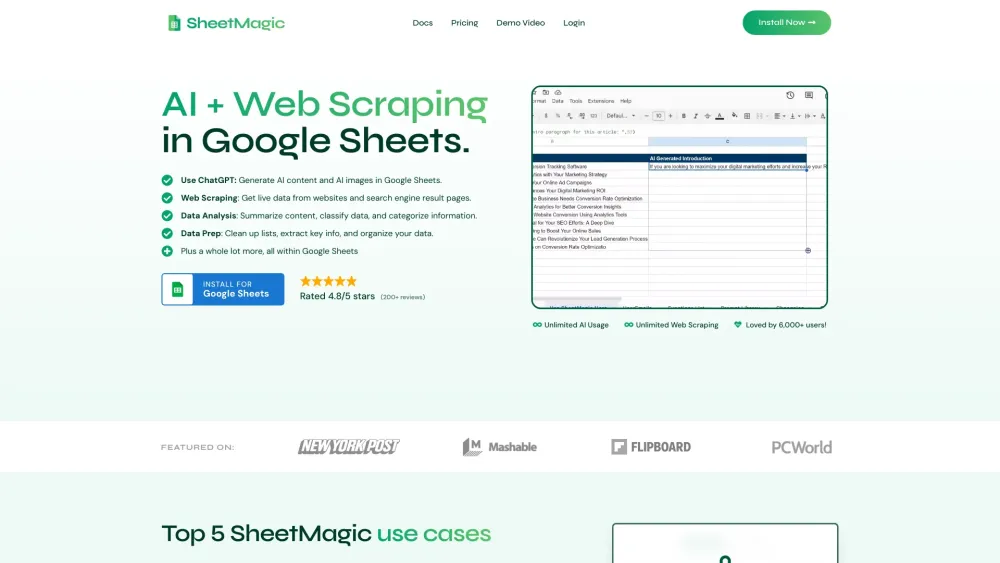

AI-powered platform enhancing spreadsheet productivity with tools for automation, analysis, and visualization.


AI-powered platform for intelligent CSV data processing, optimization, and automation.

AI-powered platform for automated web data gathering and enrichment.


AI-powered extension for Google Sheets, enabling intelligent data analysis and collaboration.
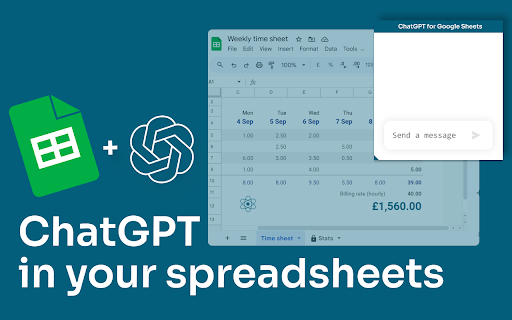

AI-powered platform for data extraction, analysis, and workflow automation using GPTs in a spreadsheet.


AI spreadsheet with code, connections, and real-time collaboration for data analysis.
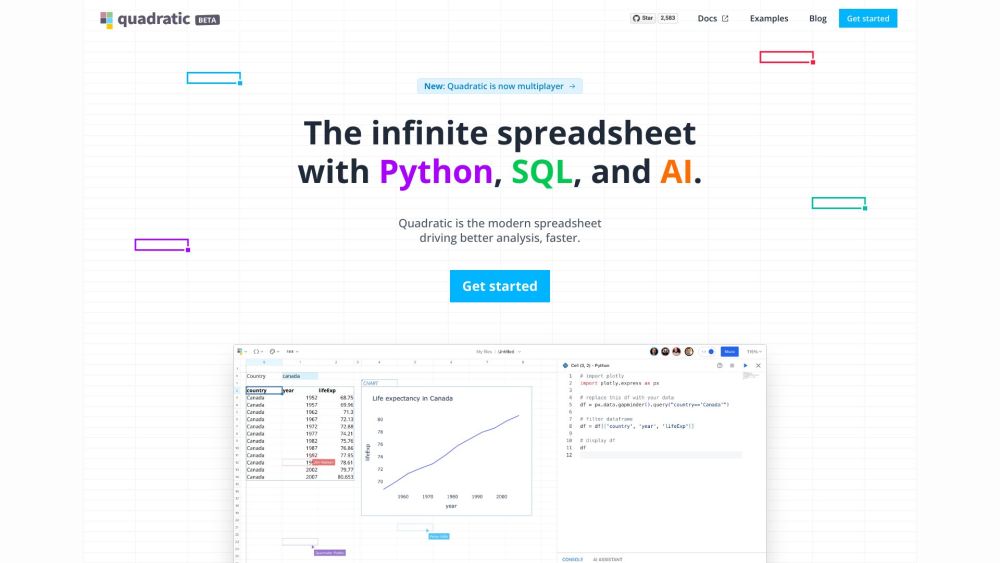

AI-powered spreadsheet generator from user prompts, with plans for future AI services.

