Wondershare Repairit




Wondershare Repairit is an intelligent, cross-platform data repair solution designed to recover and enhance your most important digital assets. It seamlessly repairs corrupted or unopenable videos, photos, audio tracks, and office documents (including ZIP archives), using advanced AI-driven models to restore original quality. Fully compatible with Windows and macOS, it resolves common file issues caused by recording accidents, cross-platform transfer failures, system crashes, and virus infections. With its batch processing capability and clear pre-export previews, Repairit ensures maximum data integrity for both personal memories and professional workflows.
Wondershare Repairit is an AI-driven data repair solution that fixes corrupted videos, photos, files, and audio across 1,000+ devices.
- Fixing Recording Accidents: Restore vital footage when camera power failure or SD card corruption makes videos unwatchable.
- Reviving Old Memories: Use AI to colorize black-and-white photos, repair physical scratches, and sharpen blurry faces in vintage family portraits.
- Emergency Document Recovery: Fix corrupted Word or PDF files caused by system crashes or virus infections to keep your workflow on track.
- Upscaling Low-Quality Assets: Utilize AI enhancement to upgrade low-resolution or poorly shot photos and videos to high-definition standards.
- Resolving Transfer Failures: Repair file header damage caused by network fluctuations or cross-platform transfers, ensuring files open correctly on any device.
- Step 1: Add Corrupted Files Launch Wondershare Repairit on your computer. Select the specific repair category from the left sidebar (e.g.
- Video Repair
- Photo Repair
- File Repair
- or Audio Repair). Click the "+ Add" button in the center of the interface to upload your damaged
- blurry
- or unopenable files. You can also drag and drop multiple files directly into the dashboard to process them in batches. Step 2: Click "Repair" to Start Once your files are successfully loaded into the list
- you will see their detailed information (such as file name
- size
- resolution
- or format). Click the blue "Repair" button in the bottom-right corner. Repairit’s advanced AI algorithms will instantly scan
- analyze


Azure AI Speech creates more human-like voices using improved AI speech synthesis.
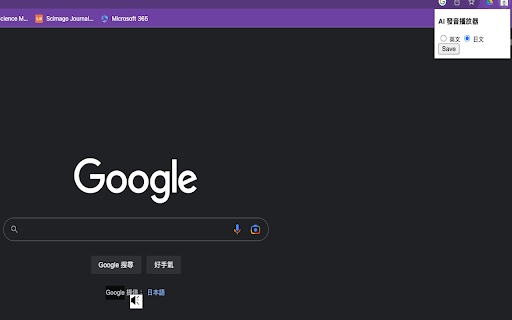

AI accent neutralization and voice enhancement for call centers.


Kardome offers voice user interface technology for clear voice command input in any environment.


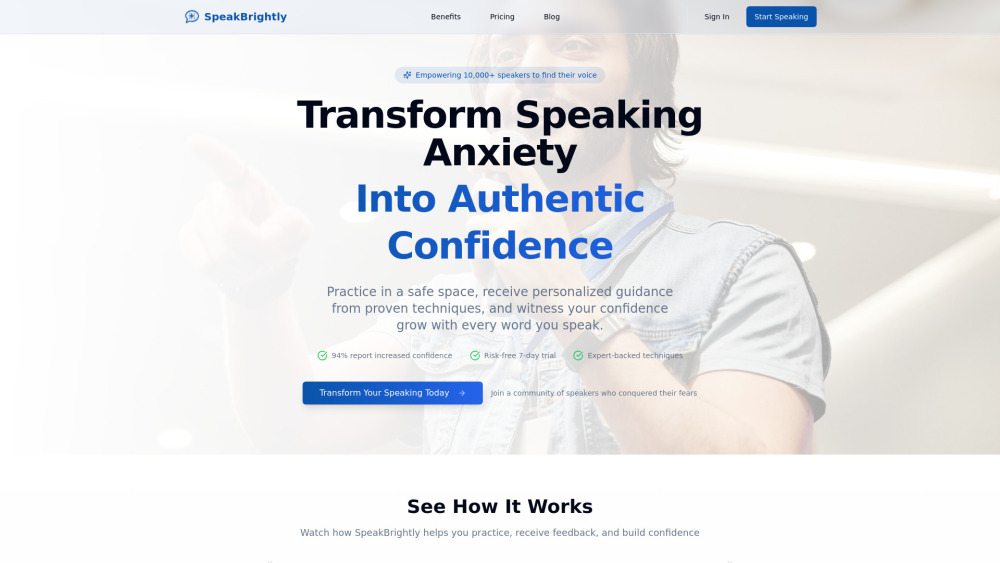
SpeakBrightly builds speaking confidence with personalized guidance and AI-powered feedback in a safe, private space.

All-in-one AI audio toolkit for vocal removal, stem splitting, noise reduction, and BPM & key detection.


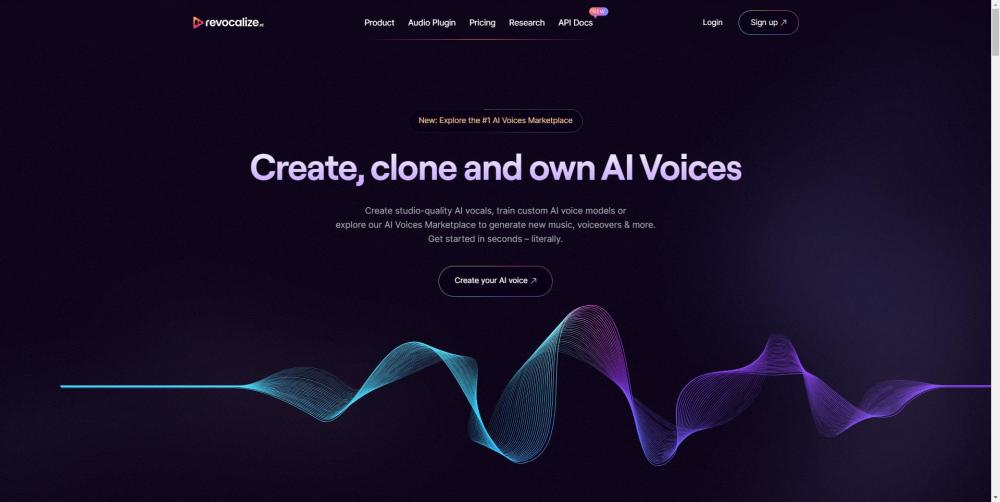
AI voice platform for creating, training, and monetizing AI voices.

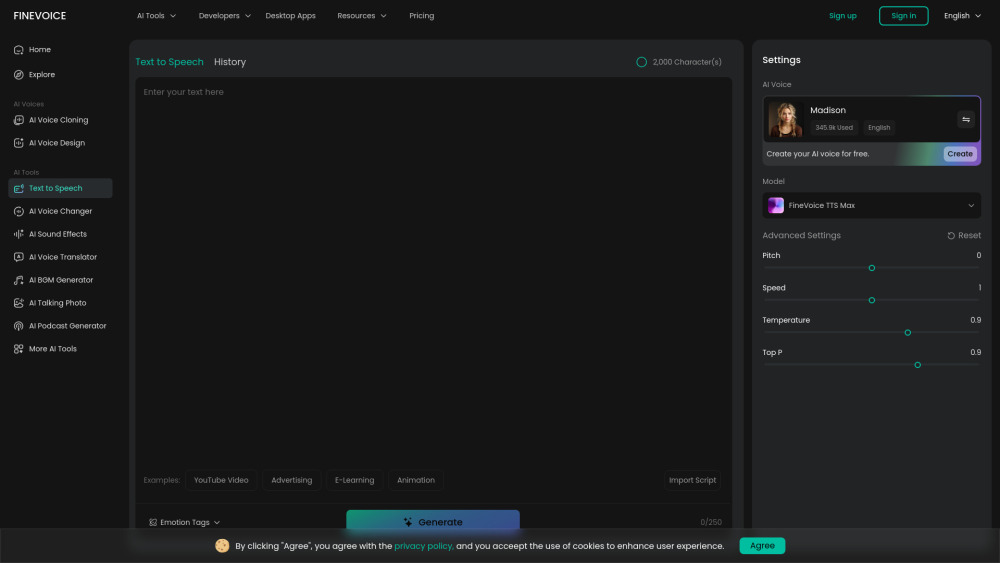
AI text-to-speech platform with 1500+ lifelike voices, emotion control, and multilingual support.

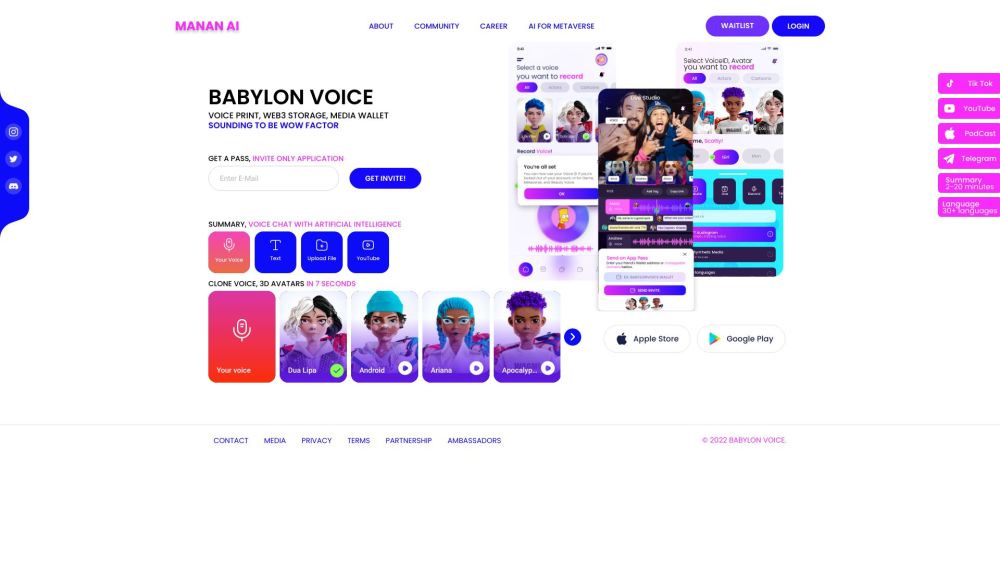
AI Voice GPT for games, wallets, metaverse, and news summaries with voice cloning.