Wavenet For Chrome
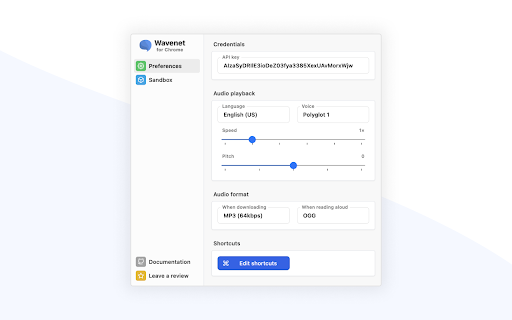



TTS Extension ai chrome extension? This is a Text-to-Speech (TTS) extension that transforms highlighted text into high-quality natural sounding audio using Google Cloud's Text-to-Speech. You need to create your own API Key in order to use this extension. It supports all Google WaveNet, Neural2, News, Studio voices and languages. It also allows adjustable pitch and speed, and downloading selected text to an MP3 file. SSML is supported. It chunks selected text into sentences to bypass the 5000 character limit and lower usage cost.
TTS extension using Google Cloud TTS for natural audio from highlighted text.
- Listen to articles and documents instead of reading them
- Create audio versions of written content for accessibility
- Learn pronunciation of foreign languages
- Proofread written content by listening to it
- 1. Create a Google Cloud API Key. 2. Highlight text. 3. Use the extension to convert the text to speech. 4. Adjust pitch and speed as needed. 5. Download as MP3 if desired. Use Cmd+Shift+S (macOS) or Ctrl+Shift+S (Windows) to read aloud. Use Cmd+Shift+E (macOS) or Ctrl+Shift+E (Windows) to download selected text.

AI voice generator with realistic text-to-speech and speech-to-speech capabilities.


Text-to-speech Chrome extension for reading aloud digital content in multiple languages.


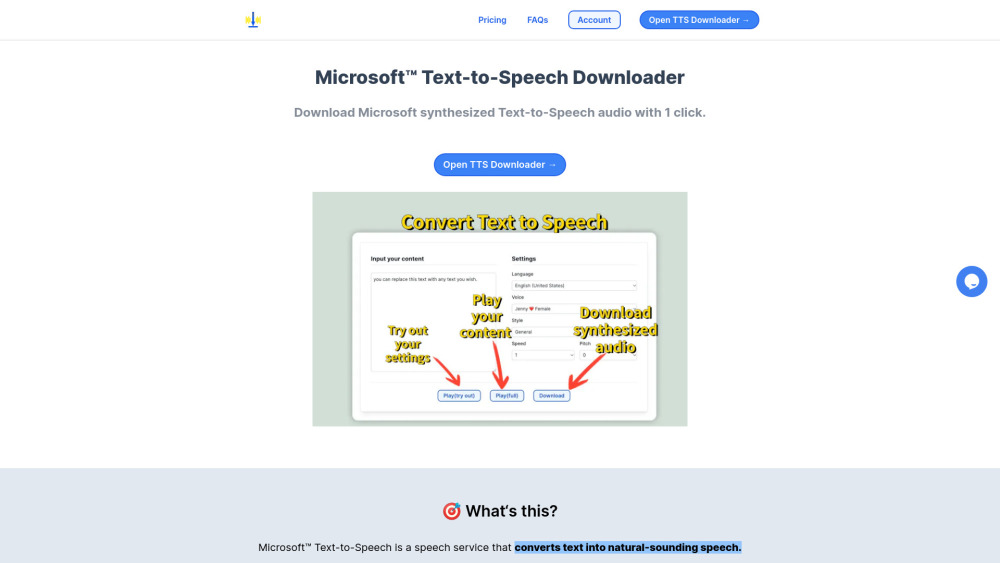
A tool to download Microsoft synthesized Text-to-Speech audio with one click.

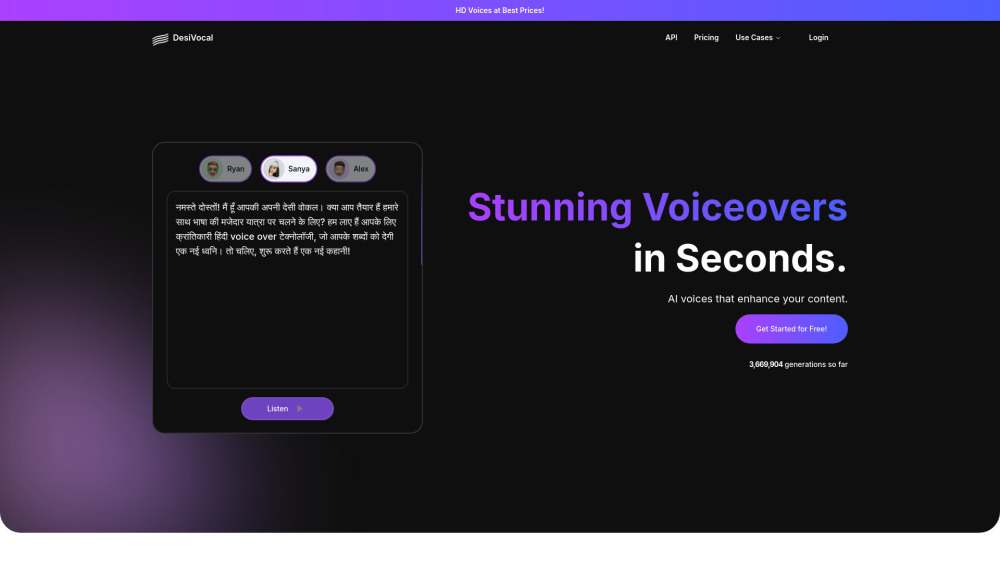
DesiVocal is a free AI voice generator for HD voice overs in multiple languages.

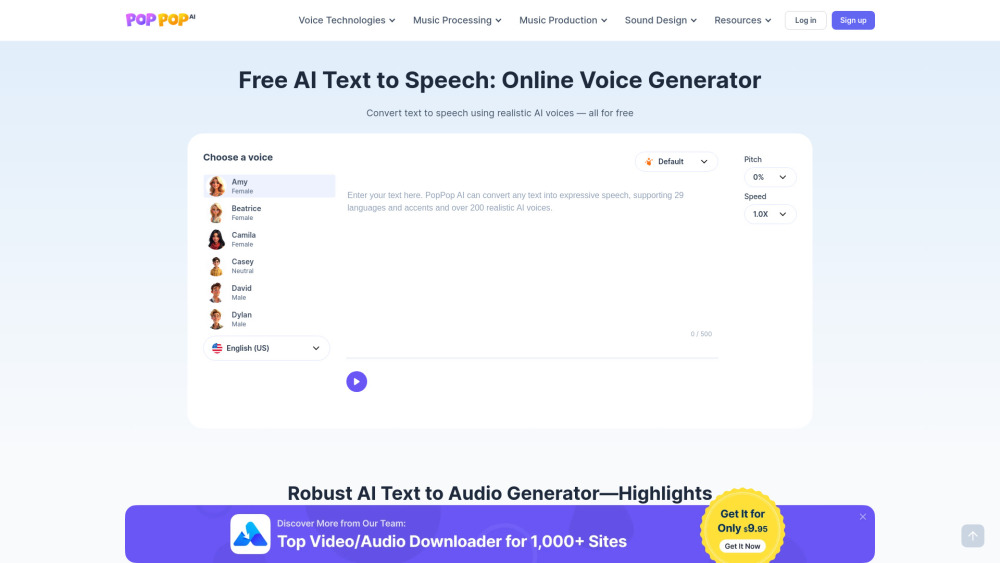
Free online text-to-speech converter supporting multiple languages.
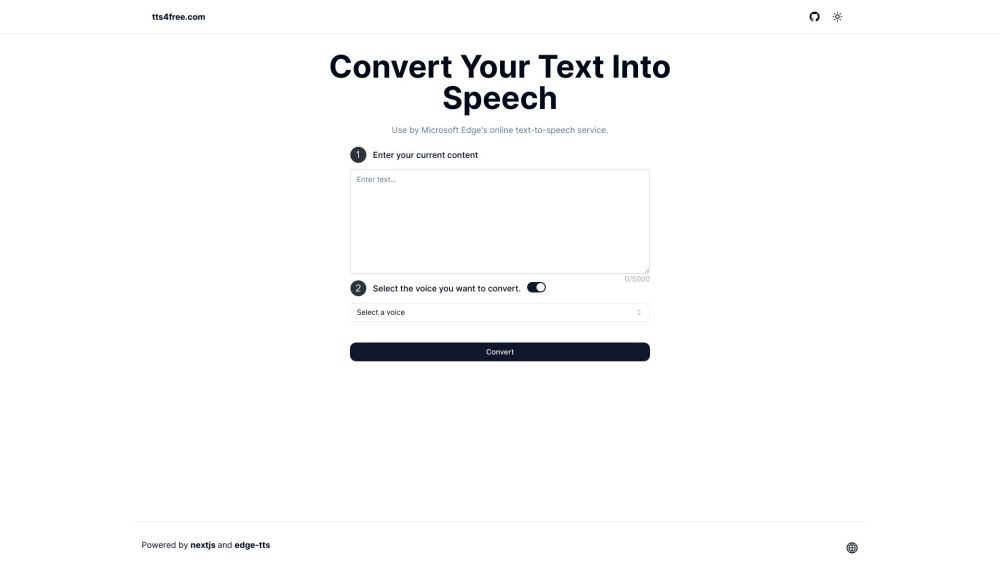

Free online text-to-speech tool with AI voices and multiple languages.
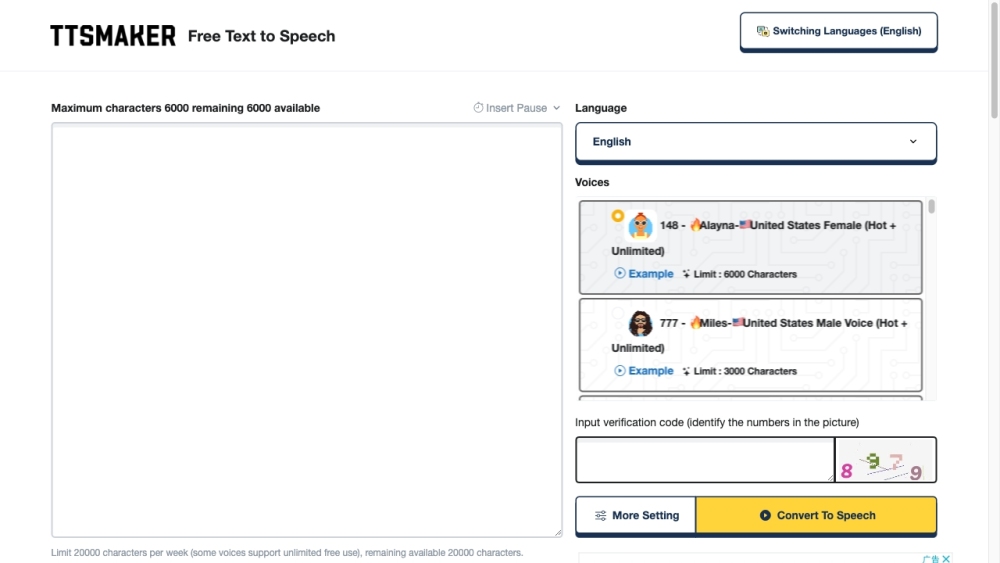

Free and open-source online AI voice generator for text to speech conversion.
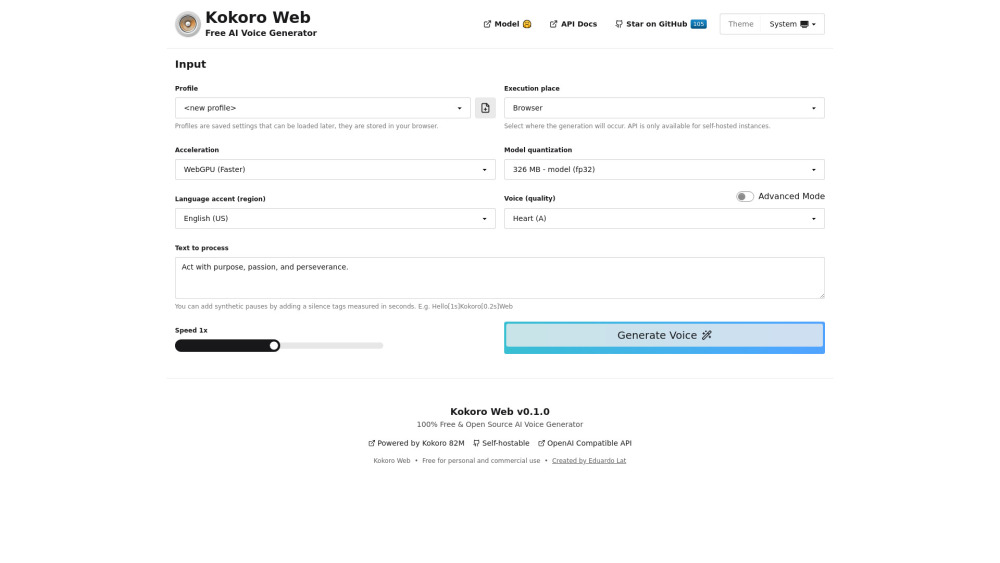

AI platform converts novels to audiobooks with unique character voices.
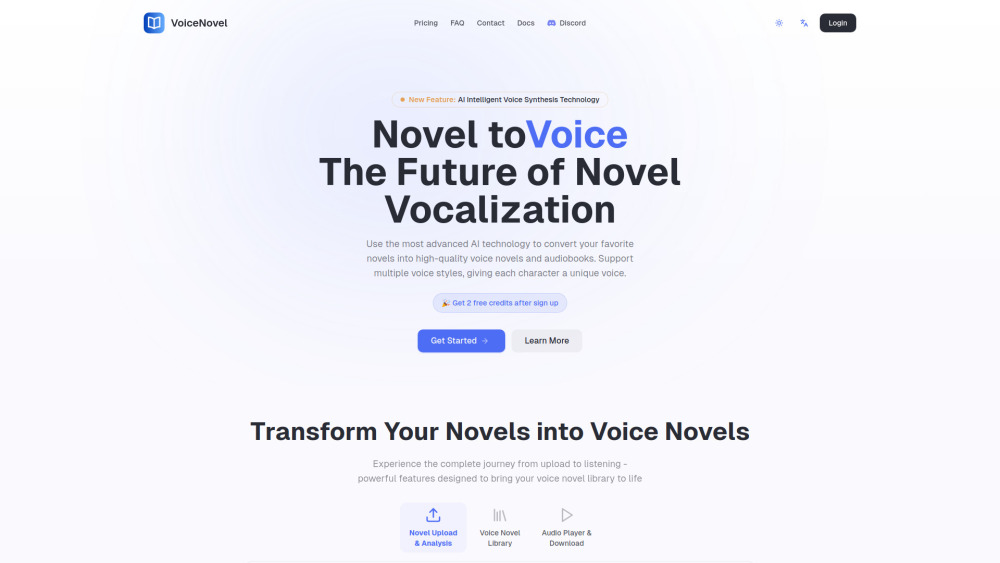

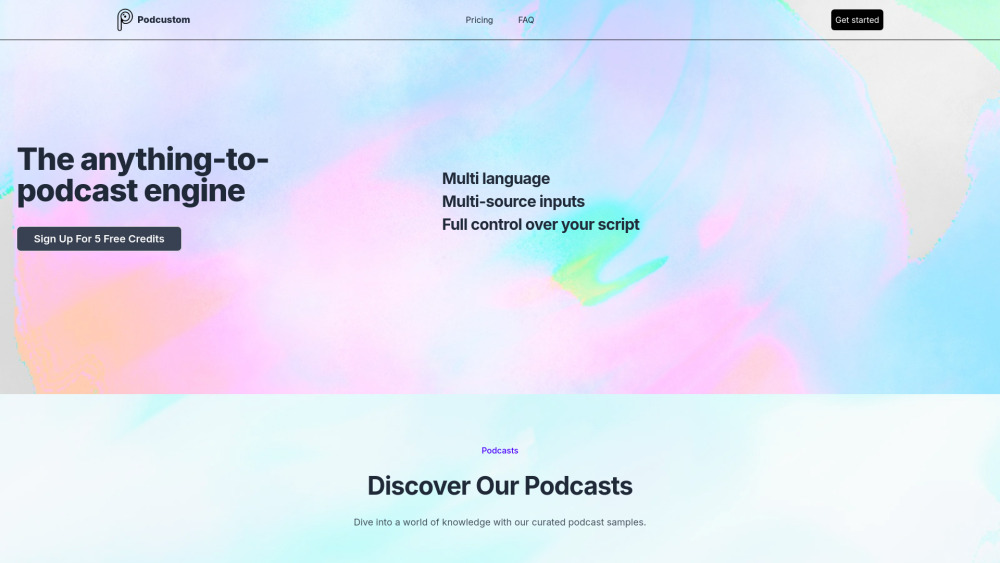
Podcustom is an AI-powered podcast generator for creating professional audio content from various sources.

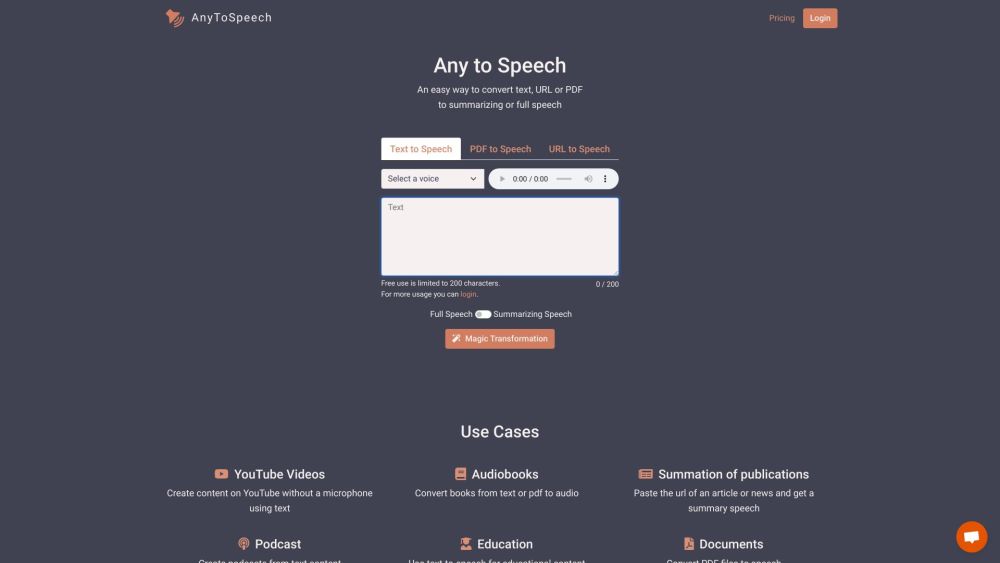
Online text-to-speech converter with natural voices and multiple formats support.

Free online text-to-speech converter with natural-sounding voices and no restrictions.


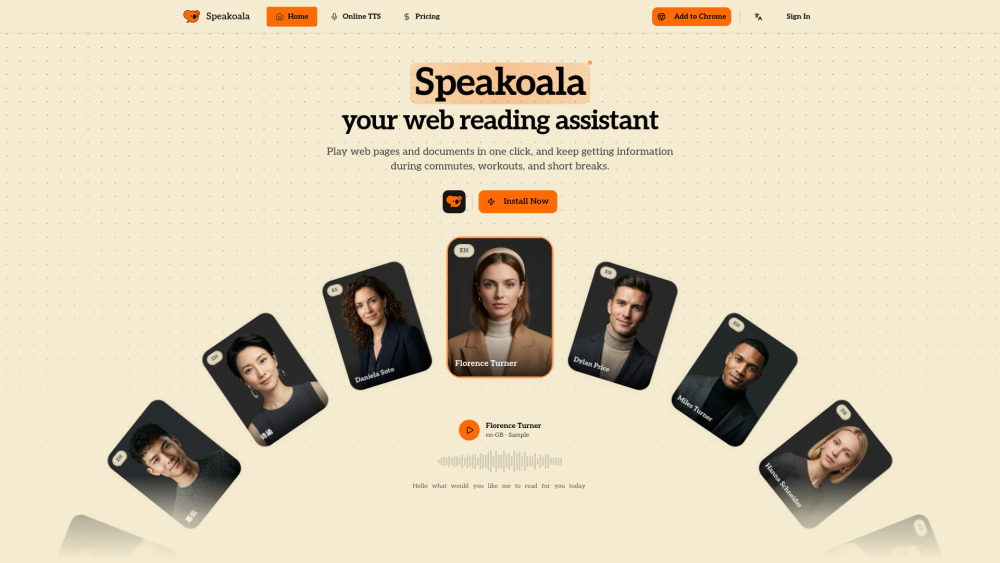
AI reading assistant that converts websites and local documents into natural speech.

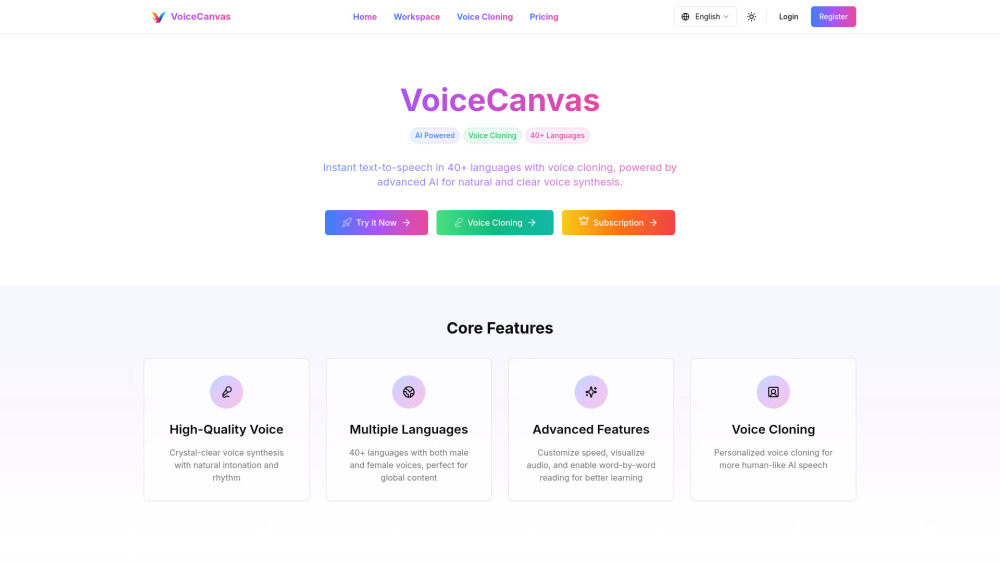
AI-powered multilingual voice synthesis and cloning platform with natural language processing.

AI-powered pronunciation guide for names.


Free online AI-powered text-to-speech solution with multilingual support and voice cloning.


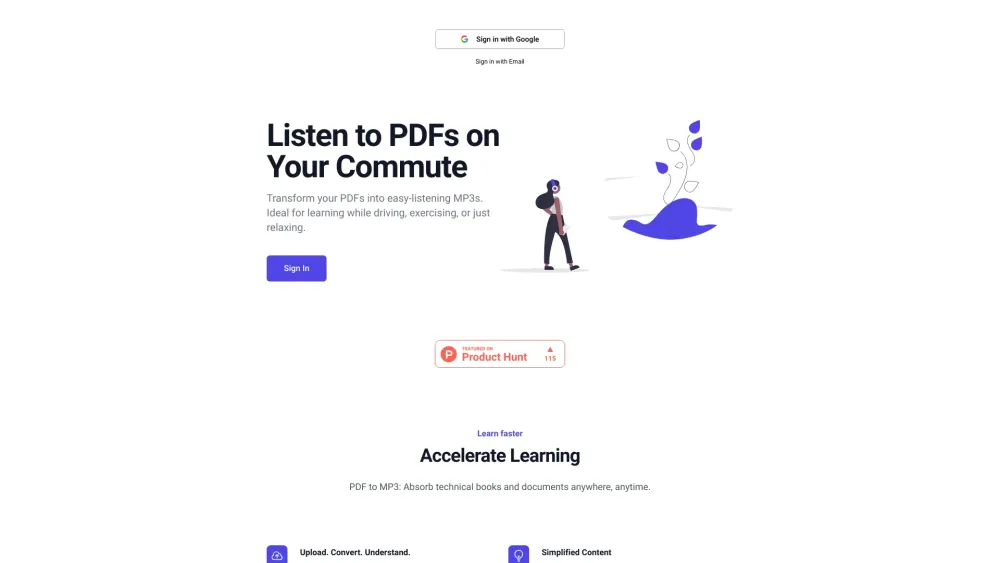
Converts PDFs to MP3s for easy listening and learning.

AI voice generator with 300 voices in 70+ languages for lifelike speech synthesis.


Free online AI text to speech generator with realistic voices and customization.