Vox
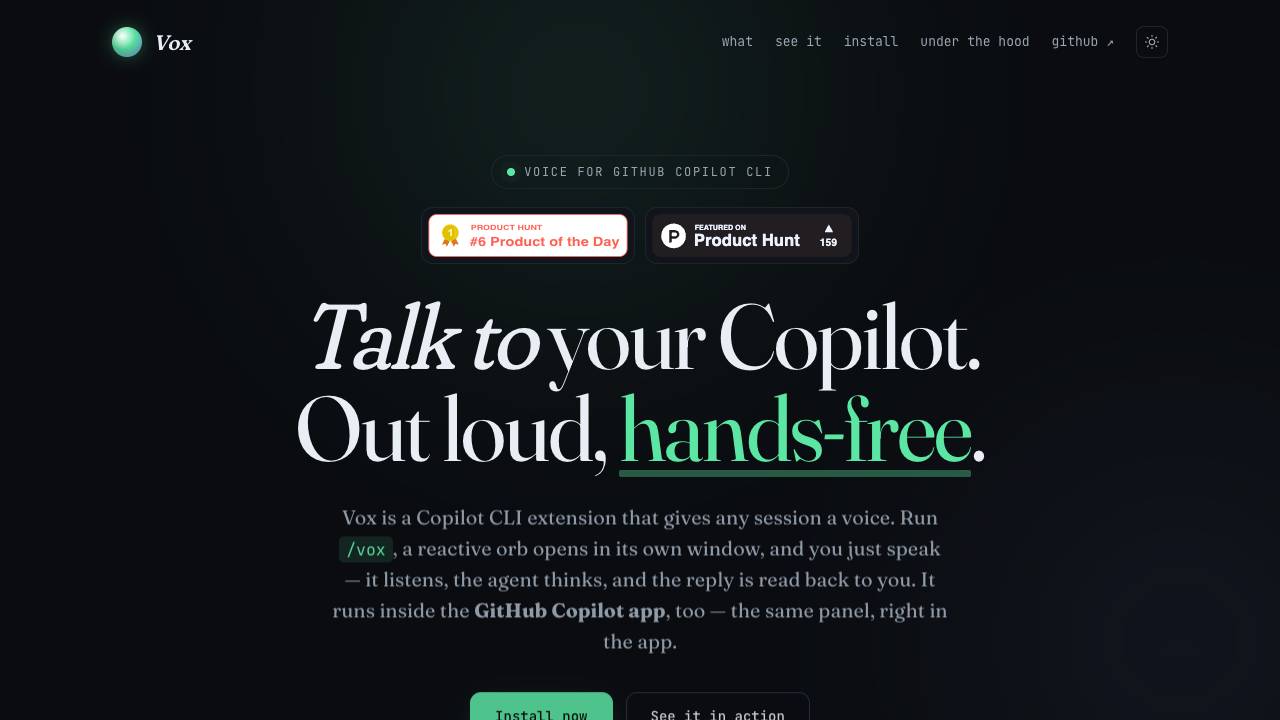


Vox converts speech to text for Copilot CLI instructions and uses text-to-speech to deliver responses, enabling hands-free interaction. It uses a pure JavaScript implementation with no cloud dependencies and runs on Windows, macOS, and Linux.
Vox is a GitHub Copilot CLI extension that provides a voice interface for coding sessions. By running the /vox command, users get a standalone window with a reactive orb that listens to spoken input and reads aloud the AI agent's replies.
- Hands-free coding while multitasking or doing manual work.
- Accessible coding for users with limited mobility or repetitive strain injuries.
- Rapid prototyping by speaking code ideas without typing.
- Ambient coding used during other activities that occupy hands or eyes.
- Ensure Node.js and git are installed and available in PATH.
- Run the one-line bootstrap command to clone the repo and install the extension.
- Open a terminal with GitHub Copilot CLI and run /vox.
- The orb window appears; tap the orb or press Space to start listening.
- Speak your turn; pause briefly and the audio is automatically sent to Copilot.
- The reply is read aloud; you can open the transcript panel at any time.

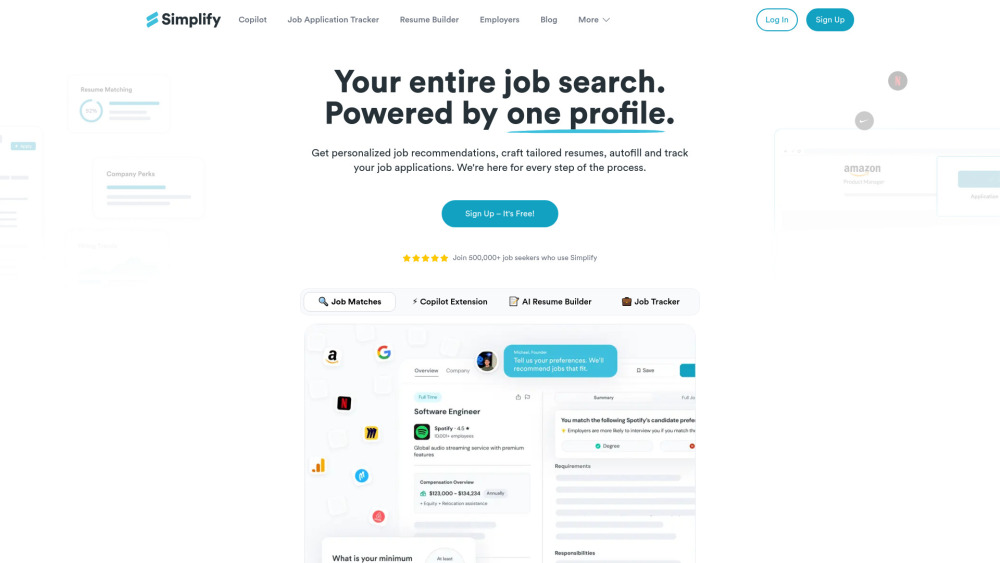
Simplify streamlines job searching with AI-powered tools for matching, resume building, and application tracking.

VWO is a digital experience optimization platform for experimentation and conversion rate optimization.


AI sales co-pilot automating follow-ups and CRM to close more deals.


All-in-one AI writing copilot with 120+ tools for ads, emails, blogs, and more.


Free, open-source AI email client for Windows


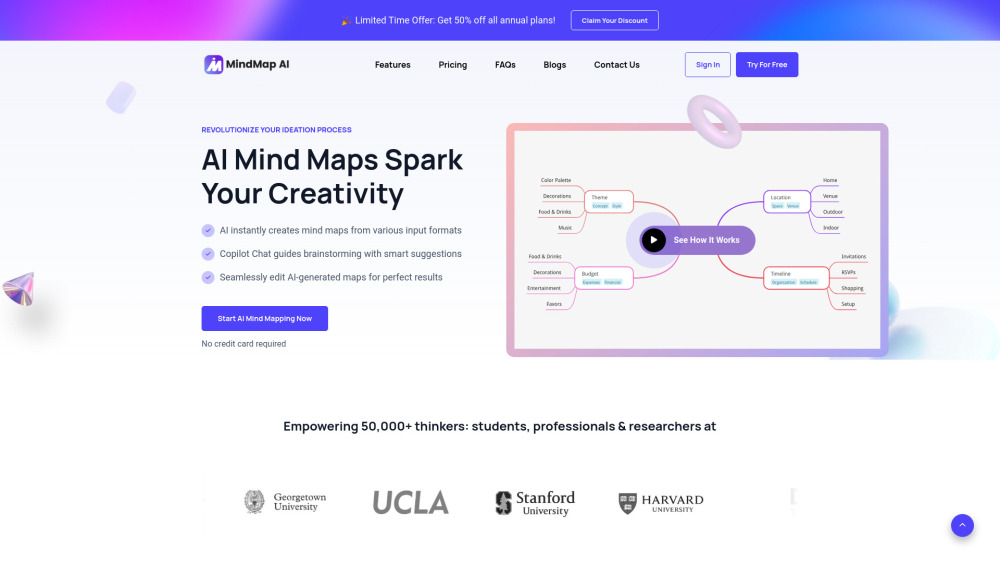
AI-powered mind mapping tool for instant idea generation and brainstorming.

Your AI Co-Worker in Slack & iMessage


Partner for your most ambitious work
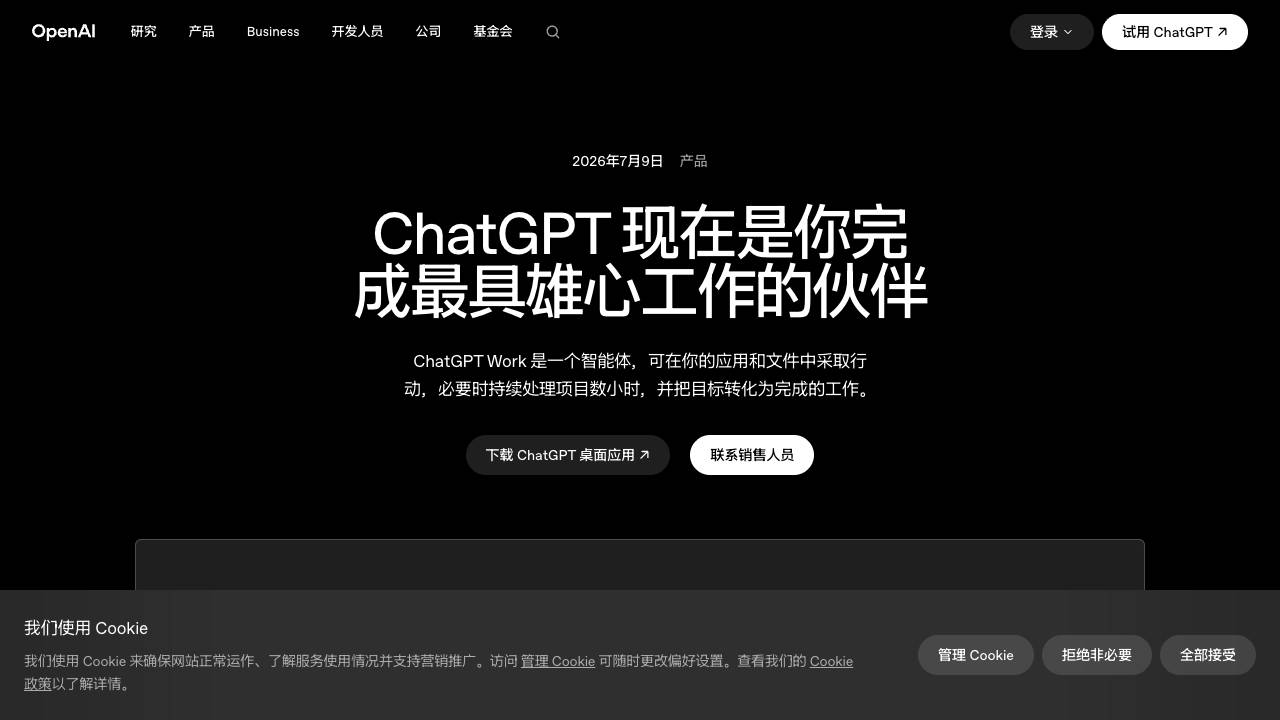

AI-powered sales enablement platform for customer-facing teams.


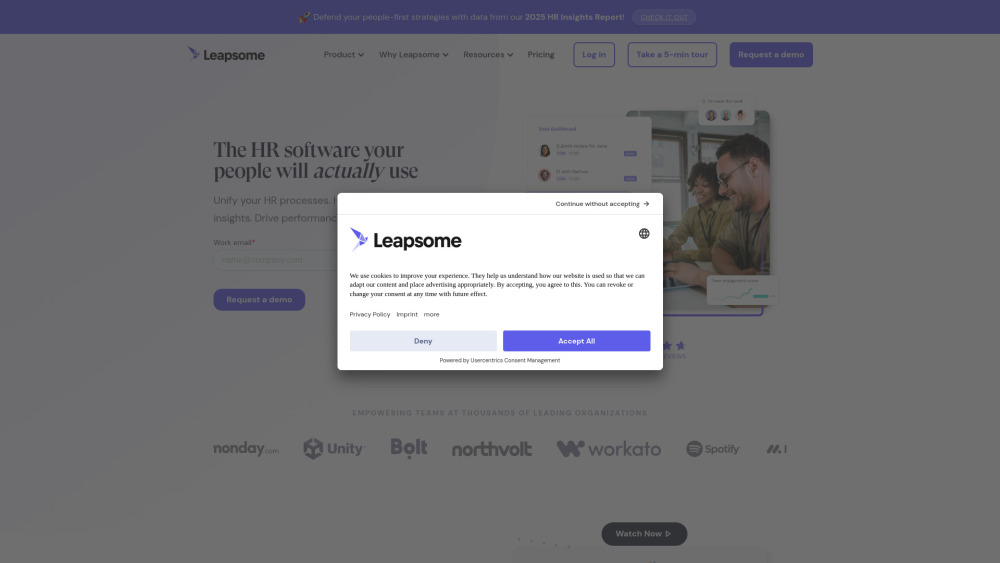
AI-powered HR platform unifying HR processes, insights, and driving performance and engagement.

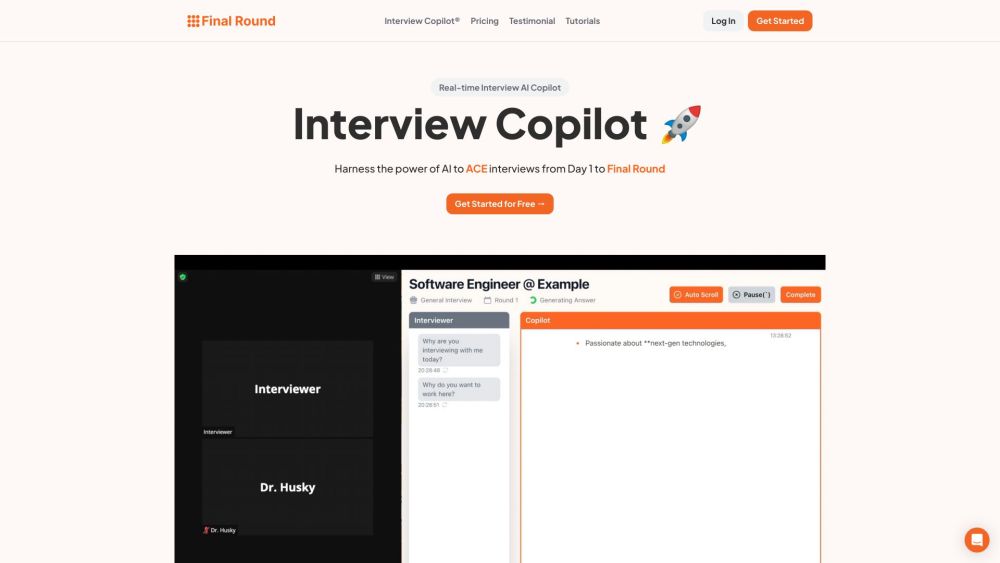
AI interview copilot with real-time transcription and personalized assistance.

AI-powered career platform for job seekers with tools for resume building and job searching.


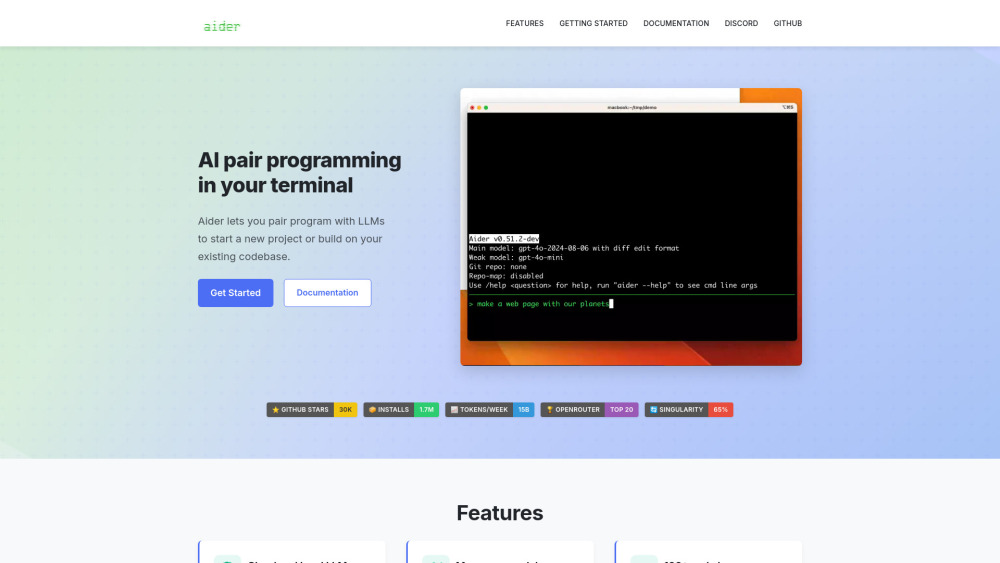
Aider is an AI pair programmer that edits code in your local git repo.

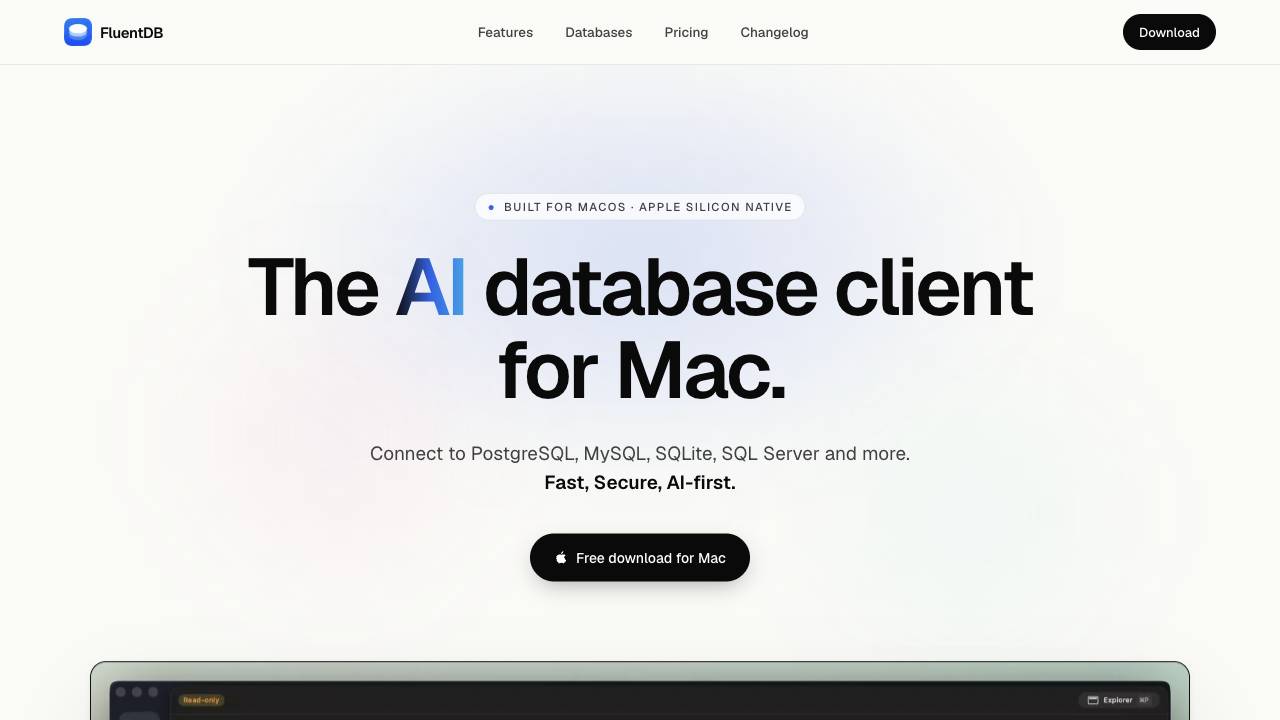
The AI database client for Mac

VidIQ is a SaaS platform that helps YouTube creators grow their audience using AI-powered tools.


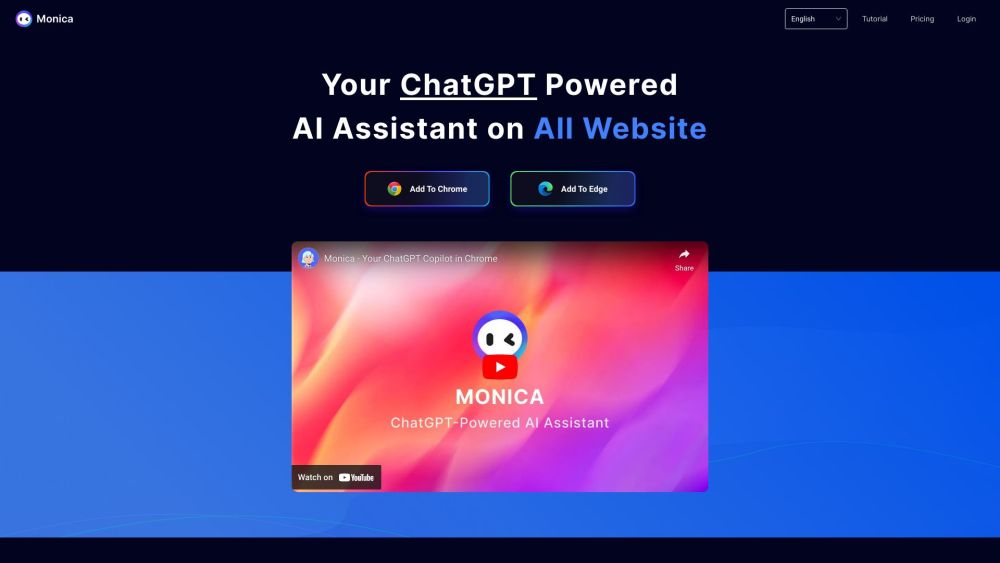
Chrome extension AI assistant for chatting, copywriting, translation, and more.

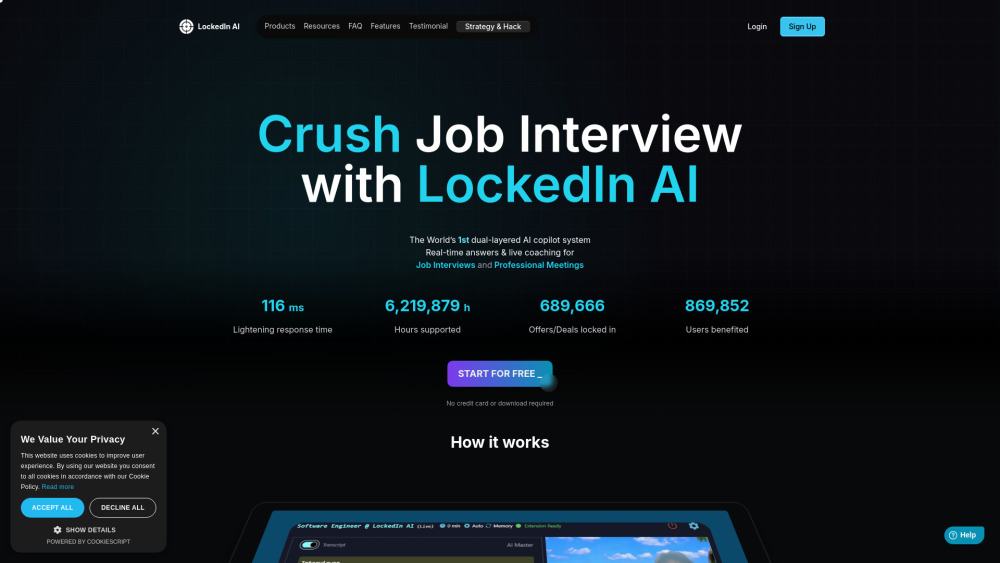
AI copilot for interview prep & professional meetings with real-time assistance.

AI Copilot browser extension for productivity enhancement using AI and LLM.