Vibe3D Ai
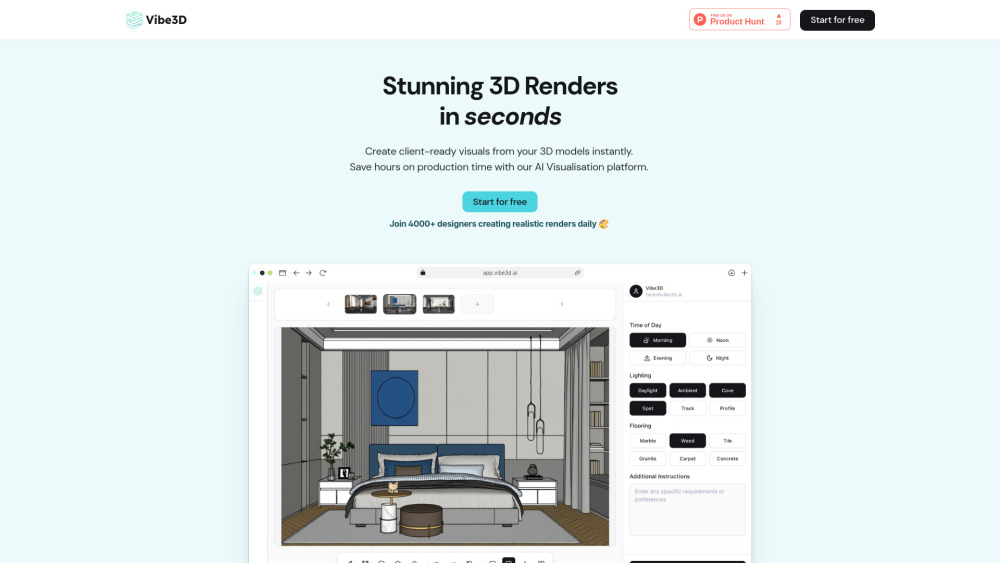


Vibe3D is an AI-powered rendering tool designed for Interior Designers and Architects. It generates ultra-realistic, client-ready renders from 3D models, offering features like one-click edits and contextual prompt suggestions. This platform aims to make it very easy to create stunning renders quickly, saving hours on production time. It's compatible with popular 3D modeling tools such as SketchUp and 3ds Max, providing high fidelity and true realism 10x faster than traditional methods.
AI-powered rendering tool for designers, generating ultra-realistic 3D renders quickly.
- Creating client-ready visuals from 3D models instantly
- Saving hours on production time for designers and architects
- Rapidly iterating on client feedback for design changes
- Handling multiple design projects efficiently within studios
- Students learning to create professional-level renders without technical barriers
- To use Vibe3D
- first
- import your designs with a click to start your project and set up your workspace. Next
- set the configurations
- add any scene-specific instructions if needed
- and hit 'Render'. After rendering
- you can edit in-place by selecting areas that need updates and applying AI-powered edits using natural language commands. Finally
- use the smart preview to compare different versions and download the best one.

AI-powered 3D rendering tool for fast, lifelike visualizations.


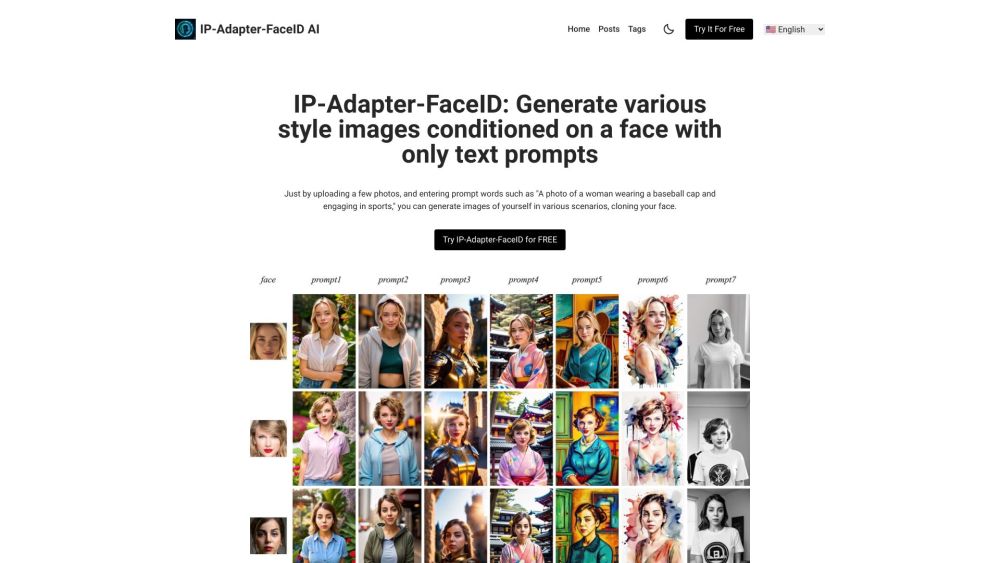
Generate images with consistent face using text prompts and uploaded photos.

Efficient 6B-parameter foundation model for image generation.


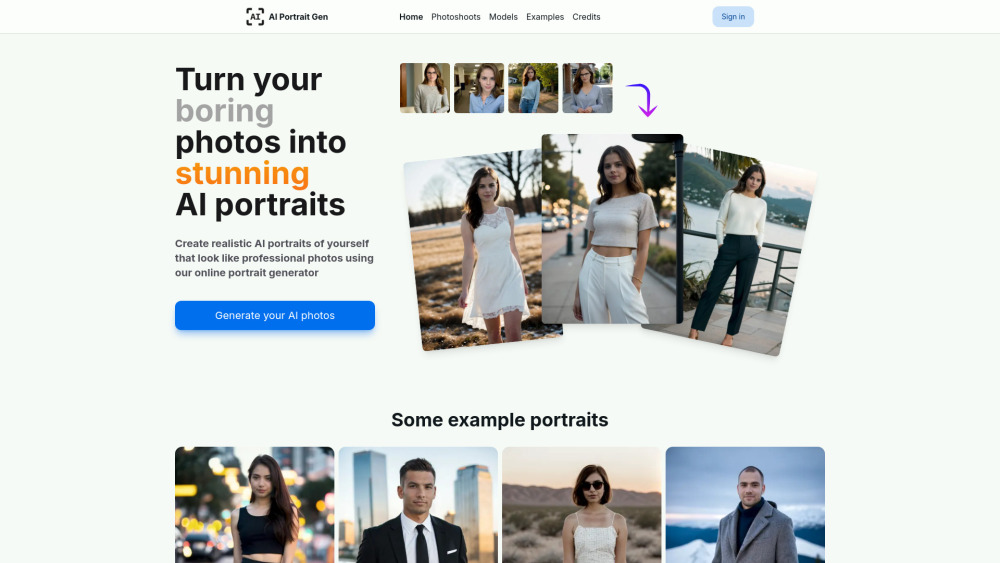
Online AI portrait generator for realistic, professional-looking photos from uploaded images.

AI platform for generating and animating realistic and anime-style feet images and videos.

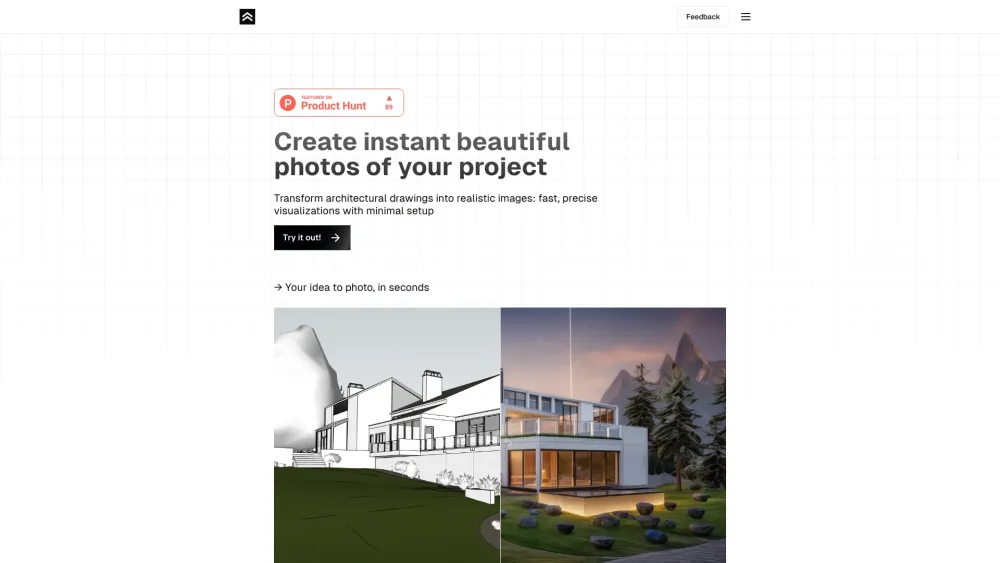
Transforms architectural drawings into photorealistic renders quickly and easily.

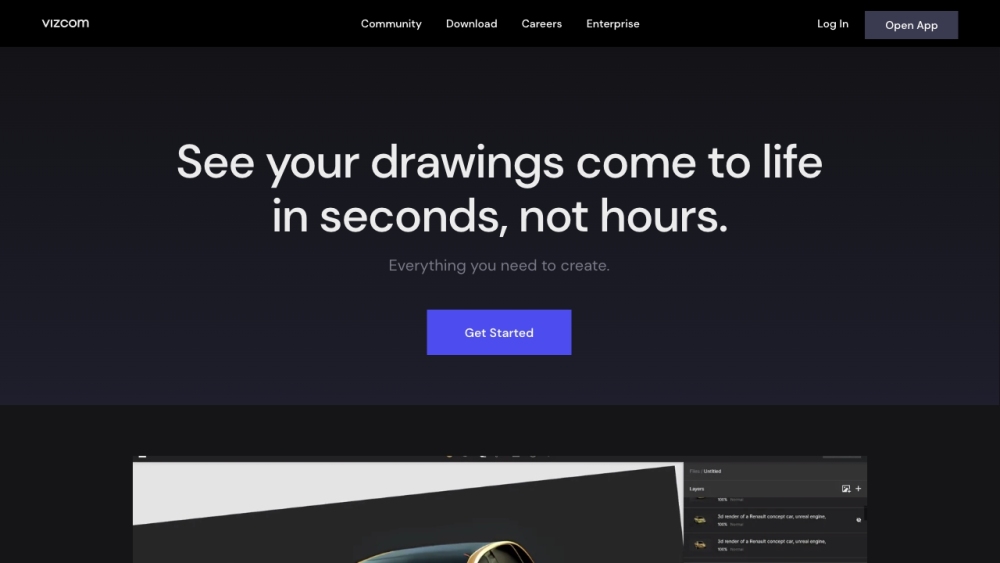
AI-powered creative tool for designers to transform sketches into renders and 3D models.

Persona AI creates realistic AI photos of yourself in various styles and settings.

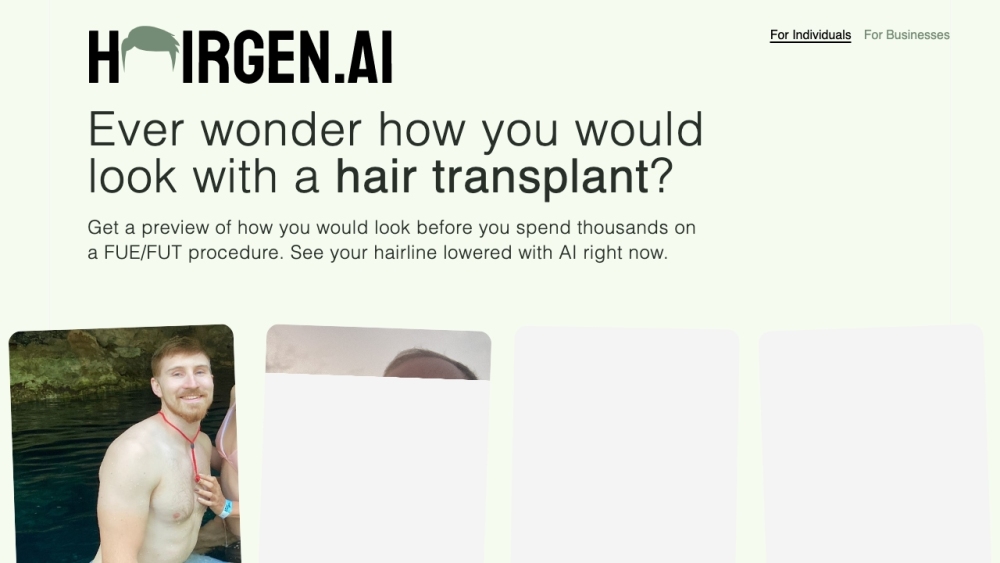
AI-powered hair transplant preview service.

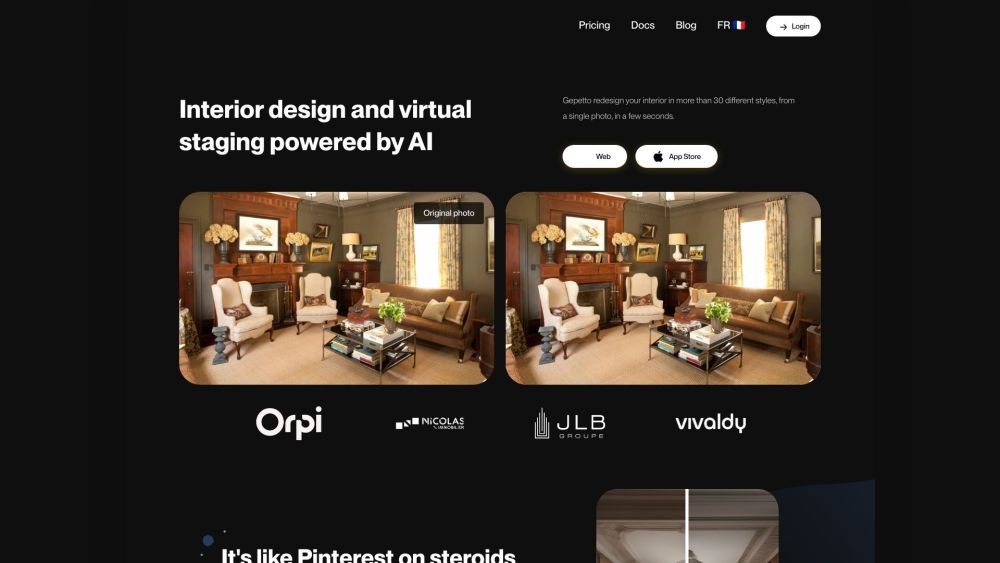
AI-powered interior design and virtual staging tool for real estate and design professionals.

Nano Banana Pro is a next-generation AI image generation and editing model, excelling in precise text rendering, multilingual support, and professional-grade visual control.

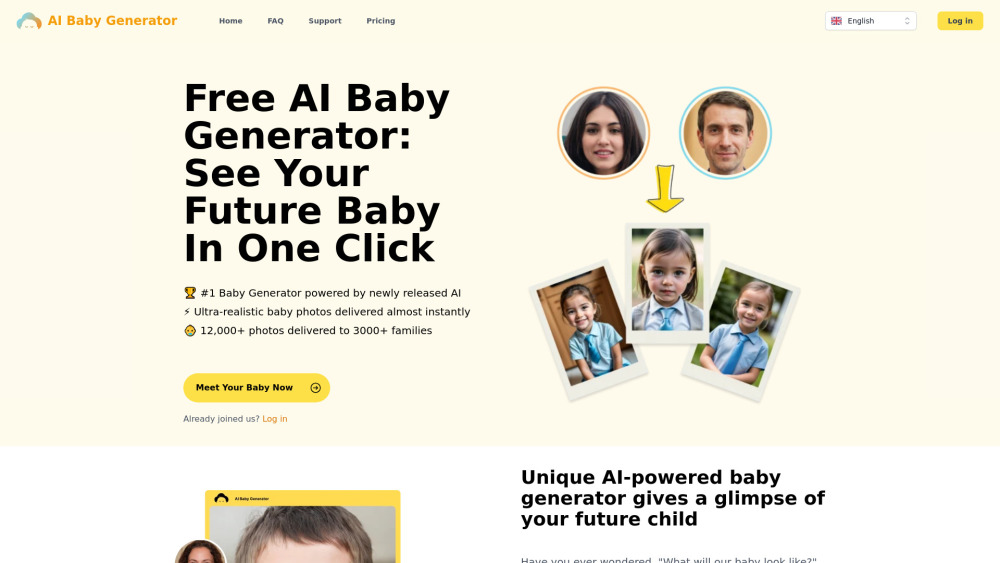
AI tool to predict future baby's face.

AI image generator for ultra-realistic photos.

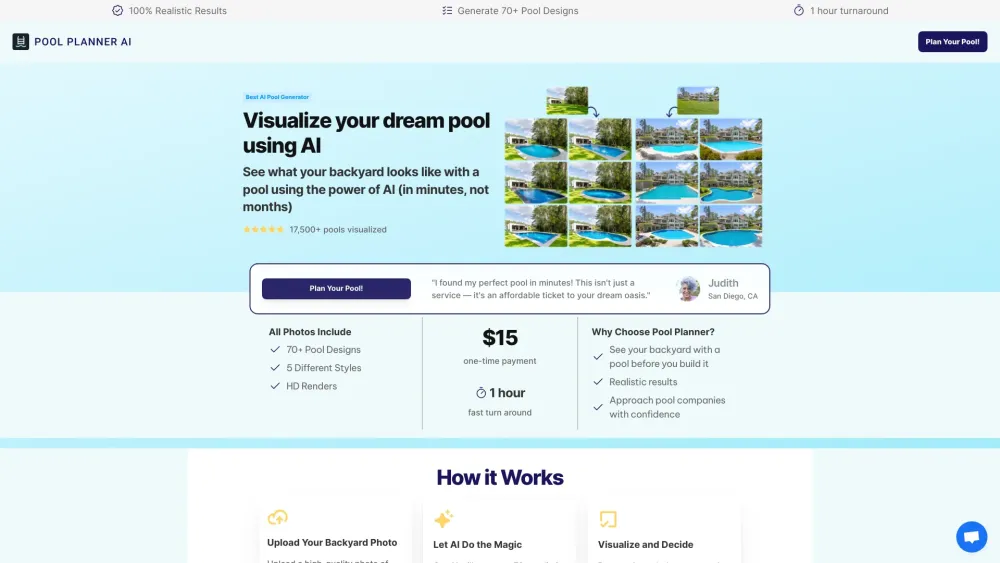
AI tool to visualize pool designs in your backyard before building.
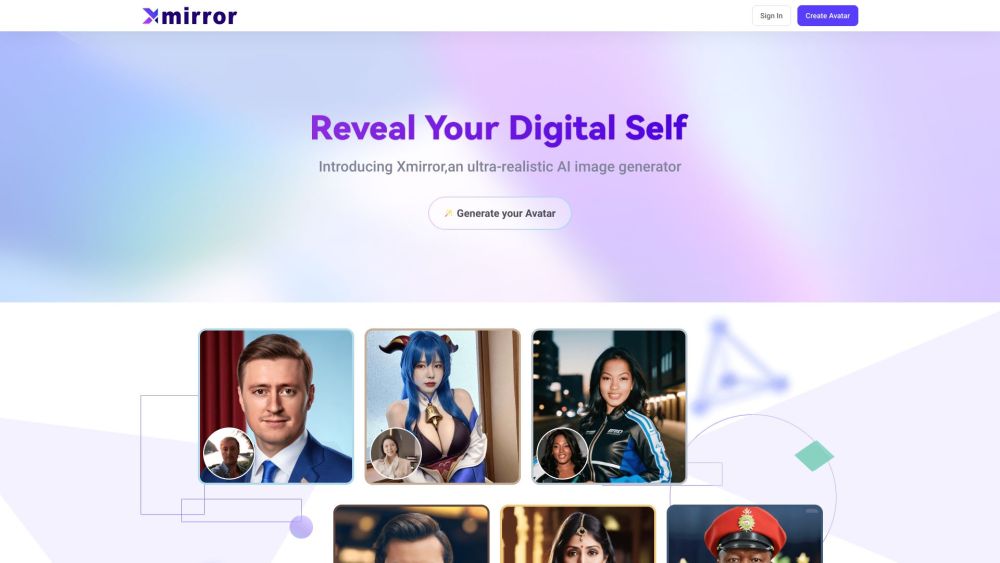
Xmirror is a free AI image generator for creating realistic images.

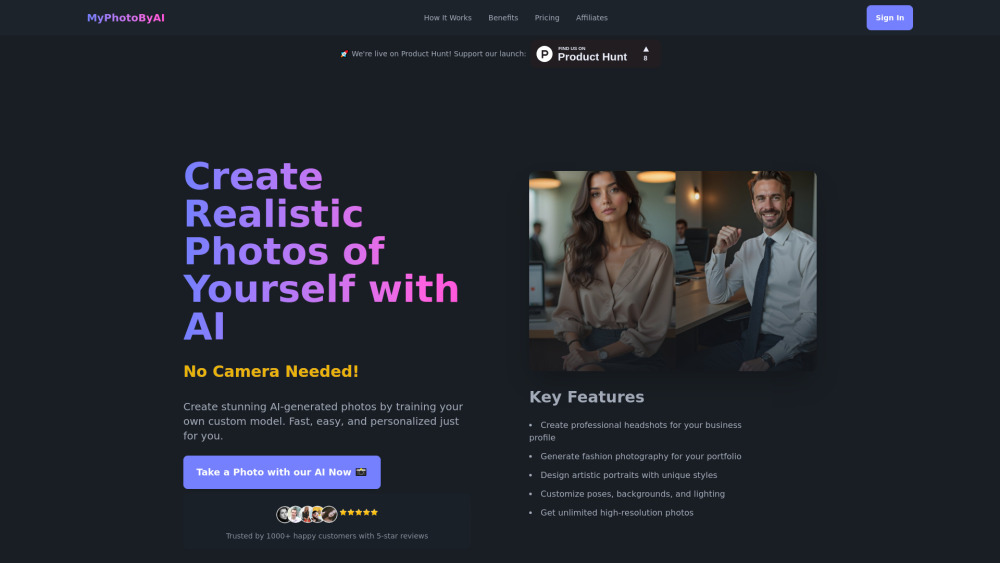
AI-powered platform for creating professional AI-generated photos.

Gemini 3 Pro-powered AI image generator for photorealistic 4K visuals and precise text rendering.


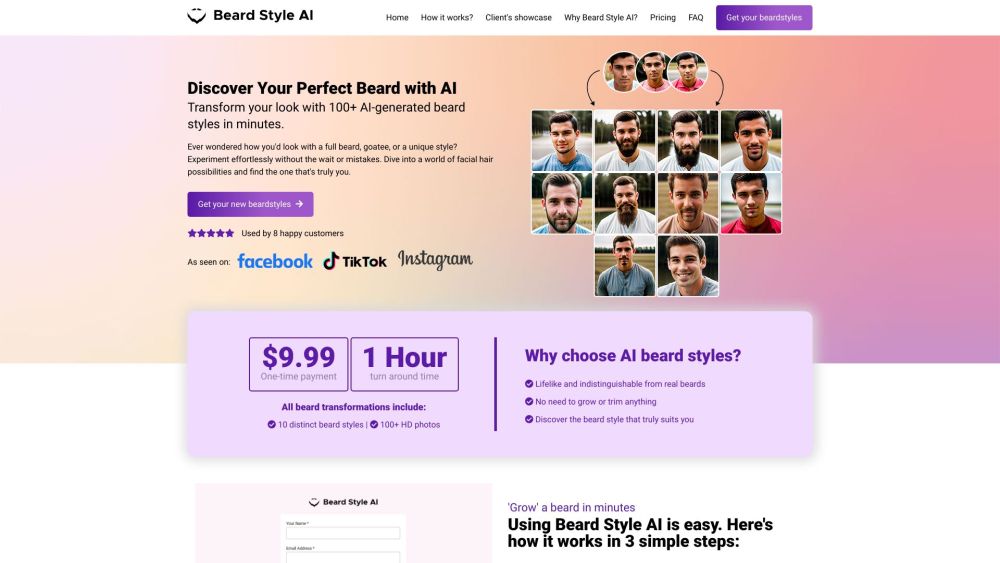
Generates realistic beard styles on uploaded photos.