Trainn Ai
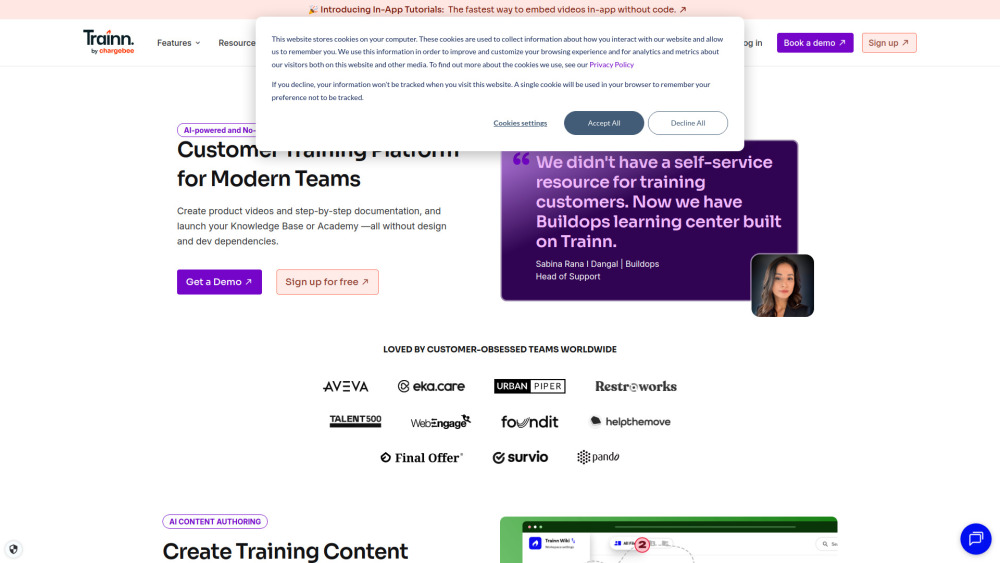

Trainn is an AI-powered customer education software that helps software companies create product videos, tutorials, and training content in minutes. Just record your screen, and Trainn automatically turns it into professional quality videos and guides with AI voiceovers, zooms, spotlights, and captions. No editing skills required. Perfect for SaaS teams that want to onboard users faster, educate customers, and scale product training without spending hours creating content. With Trainn, you can: 1. Record your screen and generate studio-quality product videos automatically 2. Convert recordings into step-by-step documentation and guides 3. Create interactive tutorials and walkthroughs 4. Embed videos and guides inside your app for instant help 5. Launch a knowledge base or training academy without coding 6. Track engagement with analytics and learner insights
AI-powered video and guide creation tool for your customer education needs
- Customer Onboarding: Create bite-sized tutorials that help users learn your product faster
- Product Training: Turn complex features into simple video walkthroughs and easy-to-follow tutorials.
- Customer Support: Replace repetitive support tickets with short how-to videos
- Product Documentation: Turn complex help articles into visual step-by-step guides
- Sales & Product Demos: Showcase product features with engaging demo videos
- Customer & Partner Training: Create training videos and step-by-step guides to help customers and partners quickly learn tools and workflows
- SOPs for Internal Processes: Document standard operating procedures with clear visual guides that teams can follow anytime.
- Sales Enablement: Create product walkthrough videos and demo guides that help sales teams understand features and pitch them effectively.
- 1. Sign up for an account on the Trainn site. 2. Install the Trainn Chrome extension. 3. Record your workflow or product demo 4. Automated: Trainn turns your screen recording into a professional-looking video with AI voiceovers
- zooms
- spotlights
- transcripts
- and subtitles. 5. Use our simple clip-based timeline to edit and refine your video. 6. Publish your video and share it via a link
- embed it anywhere using the embed code
- or export it to your system.

AI coding resource hub with tools, tutorials, and project templates for beginners.
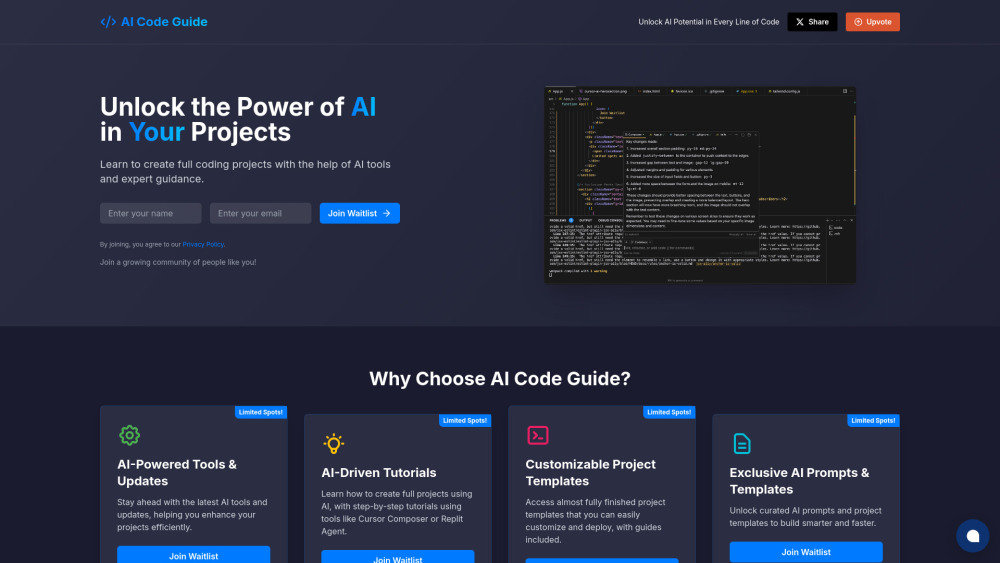

Gamified Git learning platform turning repositories into 3D worlds for intuitive understanding.

Rareconnections empowers content creators with AI tools for automation and monetization.

Kroto transforms screen recordings into professional how-to guides with AI.
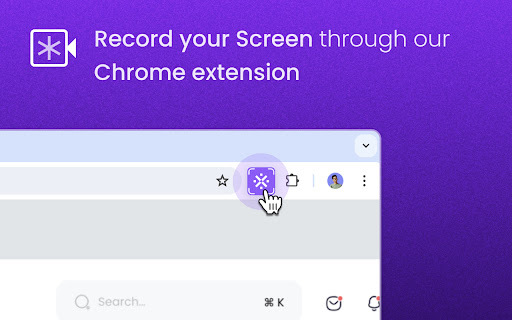

Chrome extension for creating interactive how-to guides with AI-powered annotations.
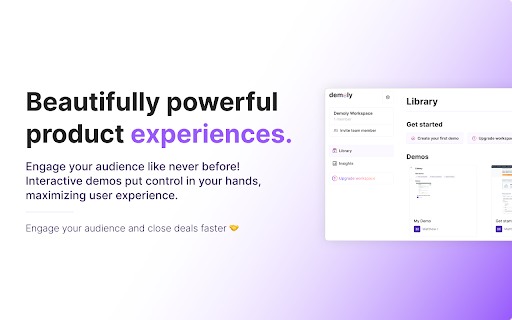

Yishow auto-generates video and text guides, revolutionizing how-to content creation.
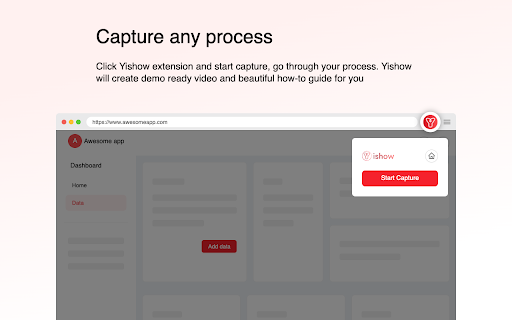

Castofly automates documentation and training material creation with AI.

Wizardshot creates step-by-step tutorials from screen recordings.
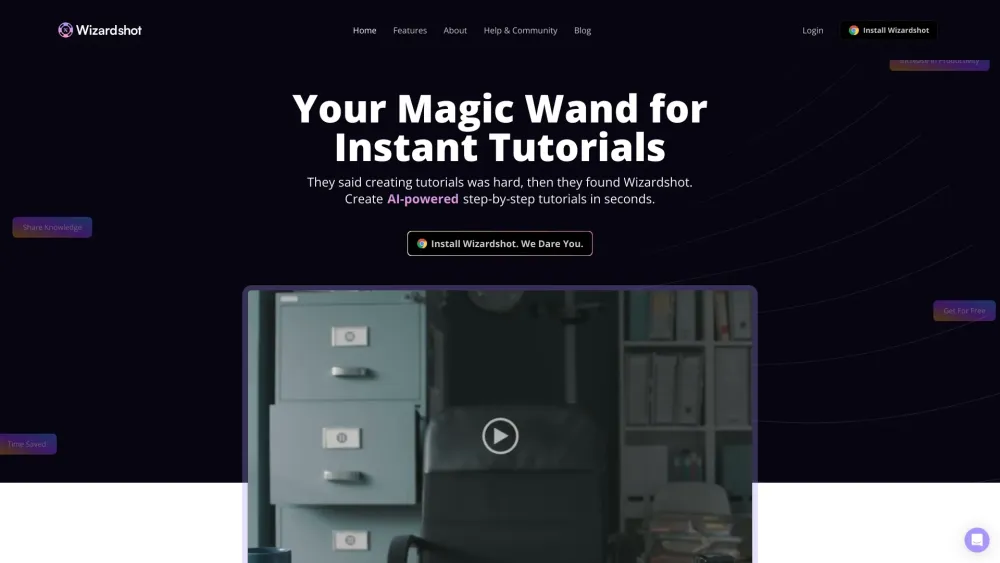

Learn AI and no-code skills with daily 30-minute lessons.
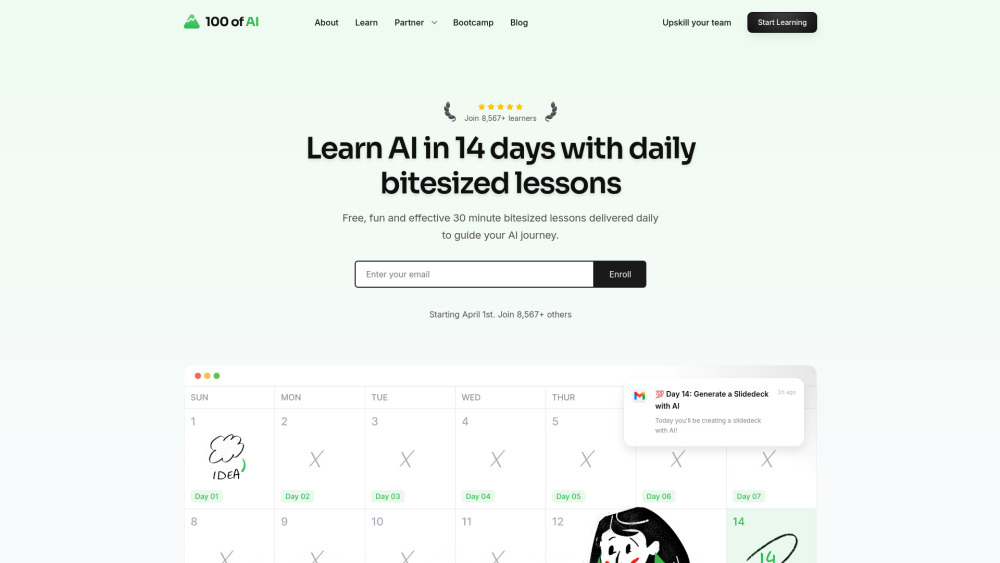

Transform screen recordings into interactive AI-powered tutorials and demos.
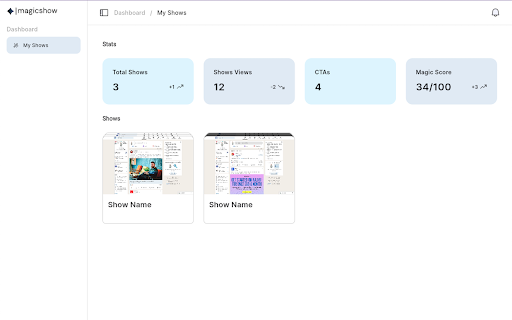

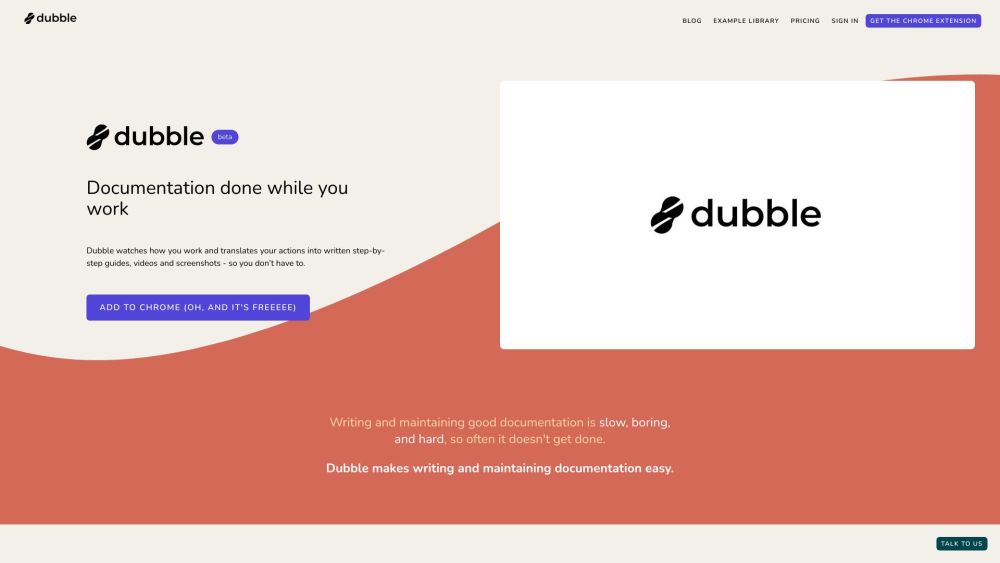
Documentation tool that creates step-by-step guides, videos, and screenshots automatically.

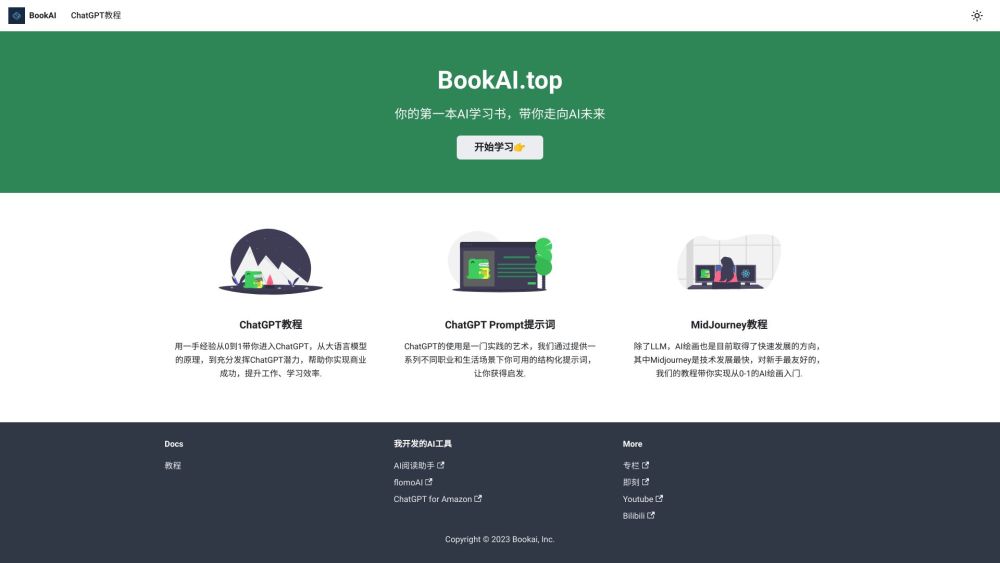
A guide to using AI, especially ChatGPT, for professional development and efficiency.

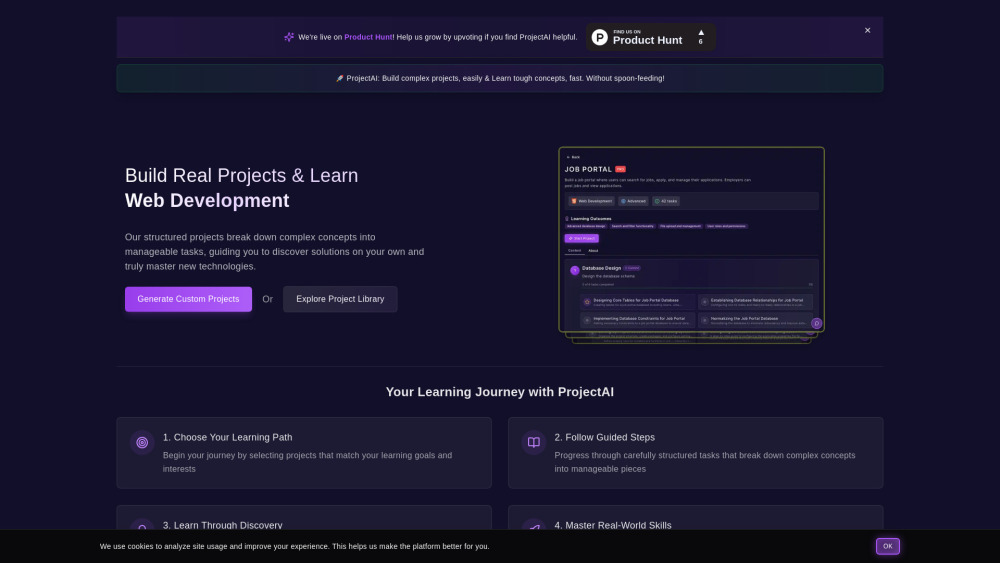
ProjectAI: Learn programming through real-world projects with step-by-step guidance.

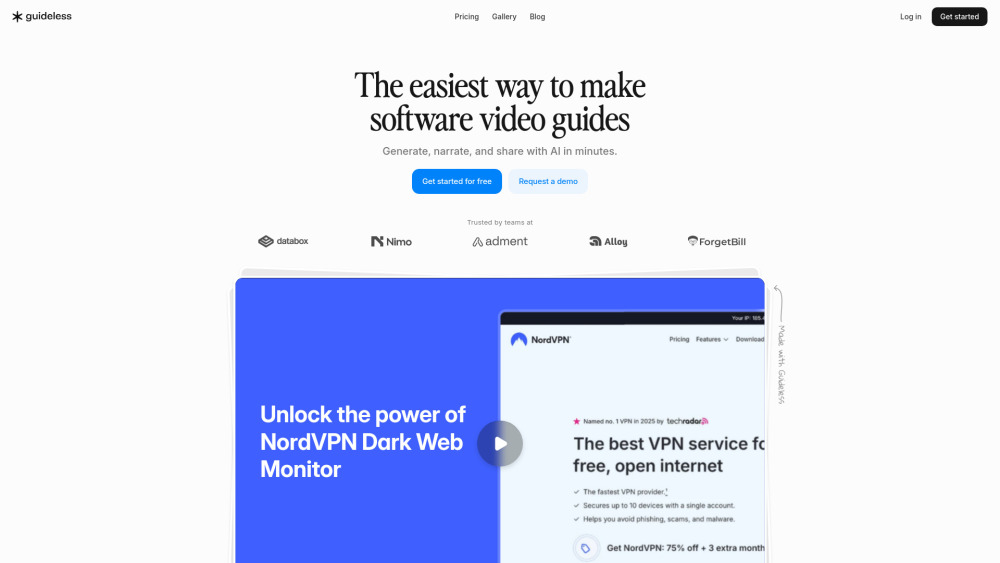
AI tool transforming browser workflows into professional narrated video guides instantly.

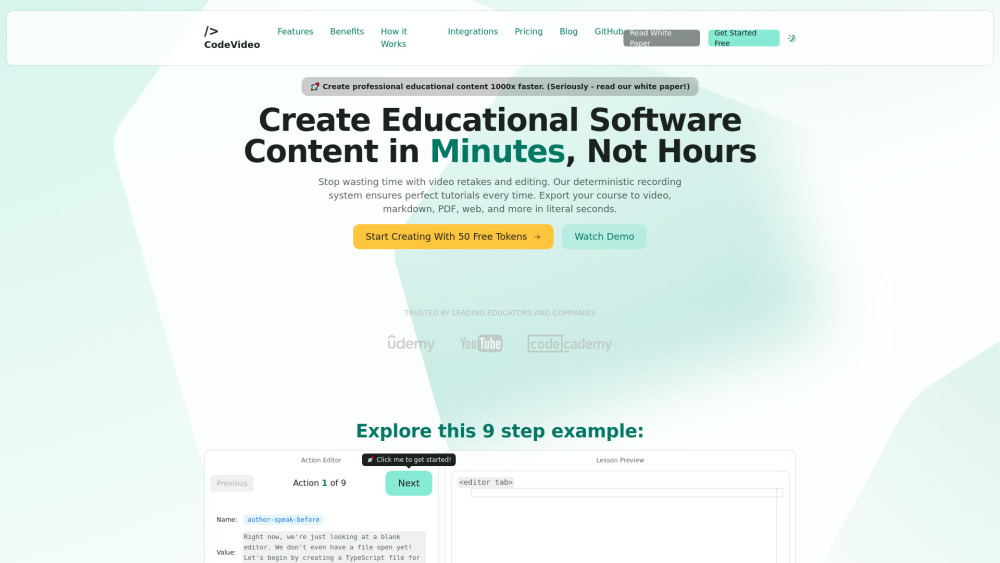
CodeVideo: Create educational software content quickly and export to multiple formats.

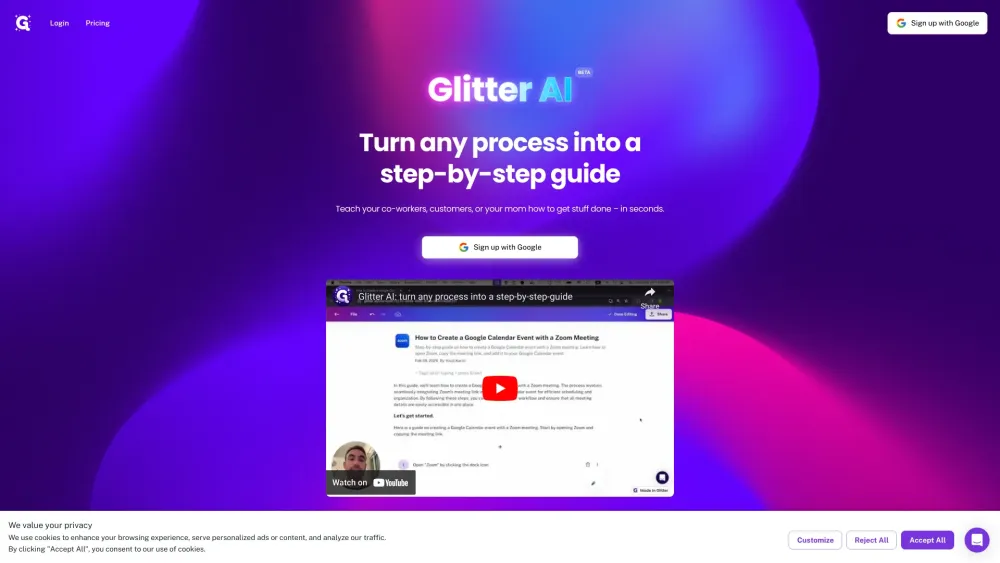
Glitter AI creates written guides from voice and clicks, with screenshots and text.

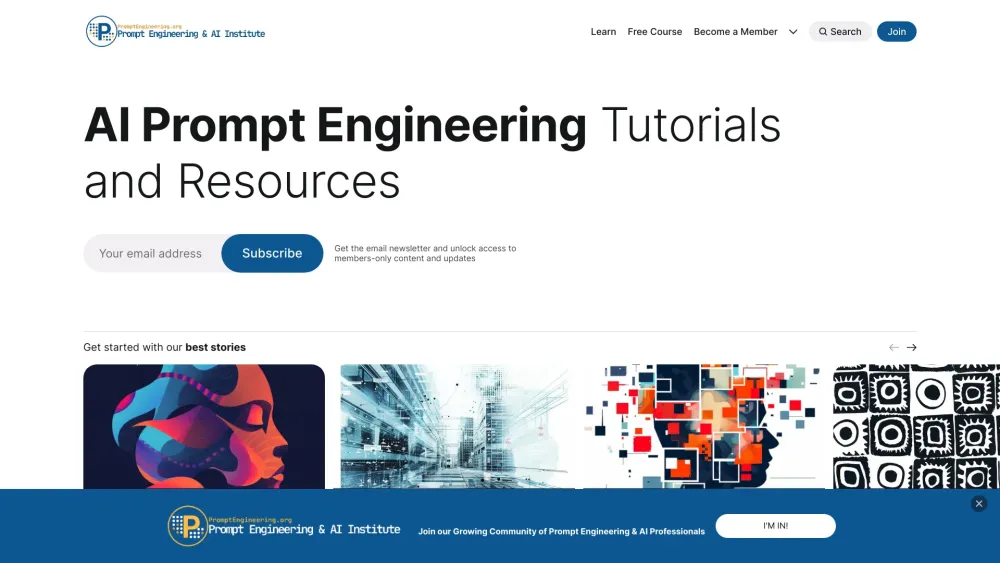
A resource hub for prompt engineering tutorials, trends, and AI strategies.

AI-powered platform for creating interactive product demos, videos, and guides.