Tattooai
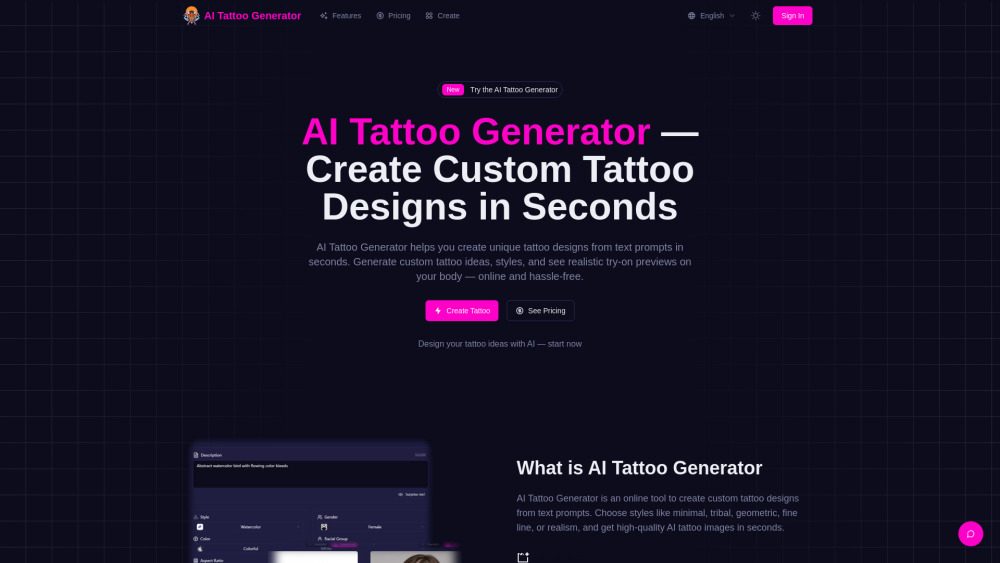


AI Tattoo Generator is an online tool that helps you create unique custom tattoo designs from text prompts in seconds. It allows users to generate custom tattoo ideas, styles, and placements with high-quality AI images, online and hassle-free. Users can choose from various styles like minimal, tribal, geometric, fine line, or realism, and get high-quality AI tattoo images. Pro users can also generate realistic try-on previews on specific body parts to visualize how the design looks on their body. The tool supports downloading high-resolution images and stencil-ready files for tattoo artists.
AI tool to create custom tattoo designs from text prompts.
- Generate custom tattoo ideas and designs from text prompts.
- Visualize how tattoo designs look on specific body parts with realistic try-on previews.
- Create stencil-ready files for tattoo artists.
- Explore various tattoo styles like minimal, tribal, geometric, fine line, or realism.
- To use the AI Tattoo Generator
- first
- describe your idea by entering a text prompt detailing your tattoo concept
- theme
- symbols
- and keywords. Next
- choose your preferred style (e.g.
- minimal
- fine line
- tribal
- geometric
- realism) and set the size and color options (color/black & gray). Then

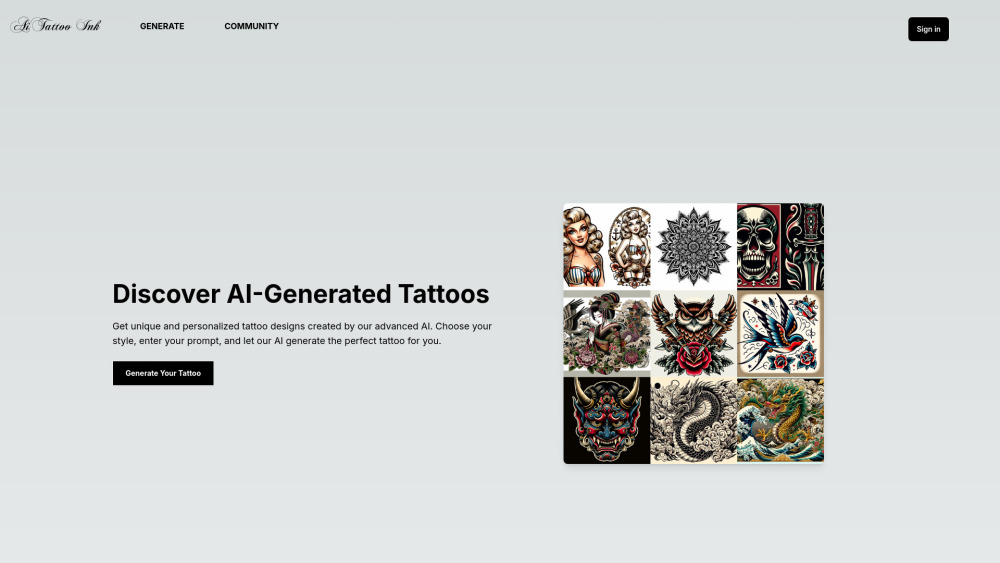
Free AI tattoo generator for unique, custom tattoo designs in seconds.


AI tattoo generator for artists and studios to create print-ready designs.


AI-powered tattoo design generator from prompts or sketches.


AI-powered platform for generating custom tattoo designs instantly.
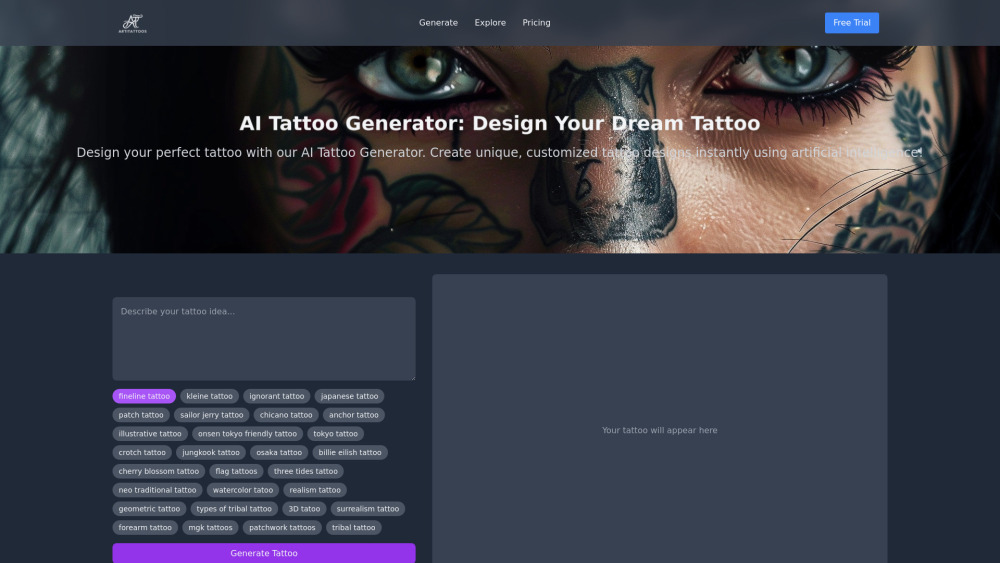

AI tattoo generator creating unique, personalized tattoo designs with AR preview.
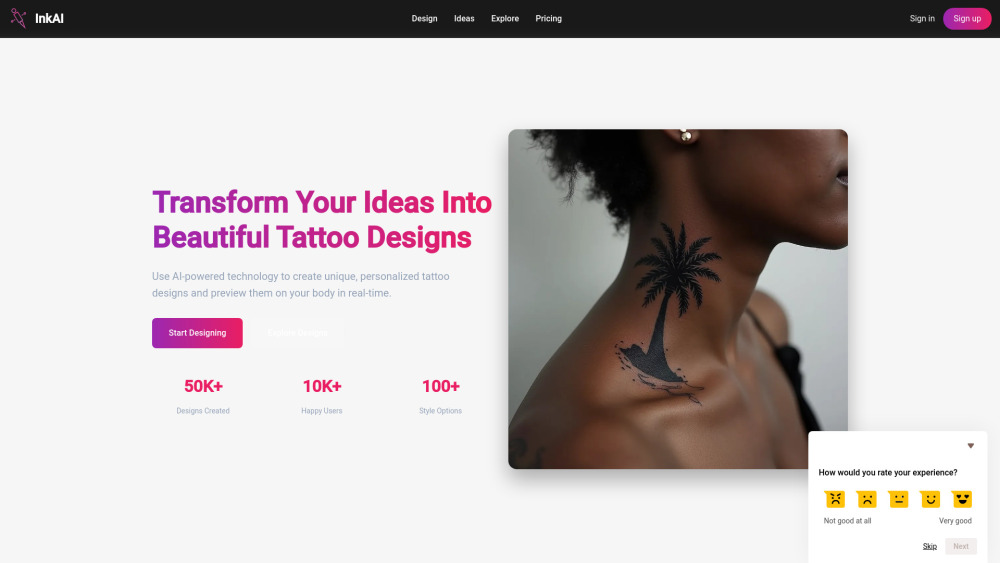

AI-powered tattoo design generator creating custom designs from user descriptions.


Tattoodrift is a platform for creating unique, AI-generated tattoo designs based on user descriptions.
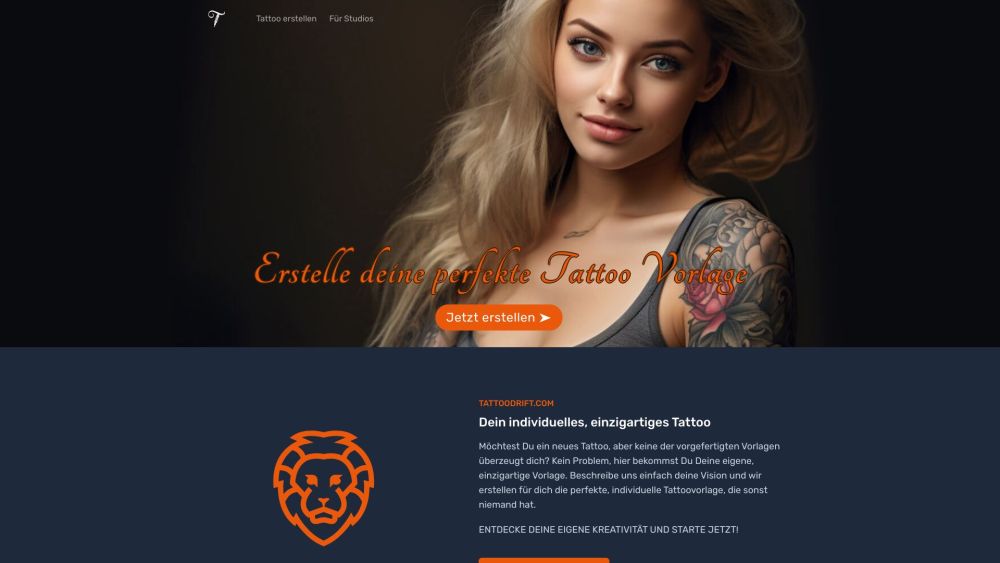

AI tattoo generator for custom designs, virtual try-on & inspiration.


AI-powered tattoo design platform for creating custom tattoo designs.


AI-powered platform for creating custom tattoo designs.


AI-powered tattoo design generator for unique and personalized tattoo ideas.


AI tattoo generator for custom and unique tattoo designs in seconds.