Socialprofiler





Socialprofiler is an AI-powered social media backgound check tool built to help people better understand public online profiles. Users can search by name, username, or phone number, discover public social media accounts, and turn scattered social signals into a clear, easy-to-read profile report. With Socialprofiler, users can find people on social media across major platforms: Instagram, Facebook, X, TikTok. Exploring interests, lifestyle clues, unusual activity patterns, and possible red flags on social media has never been easier. Moreover, you can then ask follow-up questions through an interactive conversational AI assistant. It is especially useful for dating, personal safety, reconnecting with people, checking new online connections, and getting more context before meeting someone in real life. Socialprofiler also supports reverse phone social media lookup, making it easier to connect a phone number with publicly available social media profiles and gain a broader view of someone’s online footprint.
Socialprofiler is an AI-powered social media people search and profile insight tool that helps users find people on social media, understand public interests, and spot potential red flags in social media before trusting a new connection.
- Check a dating match before meeting in person
- Quickly find people on social media, such as lost relatives, former classmates, or old friends, and instantly discover the best ways to reconnect
- Spot red flags in social media before trusting a new connection
- Get smarter conversation starters, gift ideas, and compatibility clues
- Research public figures, creators, influencers, or online personalities
- To use Socialprofiler
- enter a person’s first and last name
- username
- or phone number into the search field. Add optional details
- such as state
- when available to improve matching accuracy. Socialprofiler then scans public social media data and generates an AI-powered report with profile matches
- interests
- public activity signals
- connection insights
- and potential red flags. After opening a report
- users can ask the Conversational AI Assistant questions such as what the person may be interested in
- whether anything looks unusual
Automates Facebook DM outreach and meeting booking.

AI-powered comment moderation software for Facebook & Instagram to improve ad conversion rates.


Facebook Group automation tool for scheduling posts and increasing engagement.

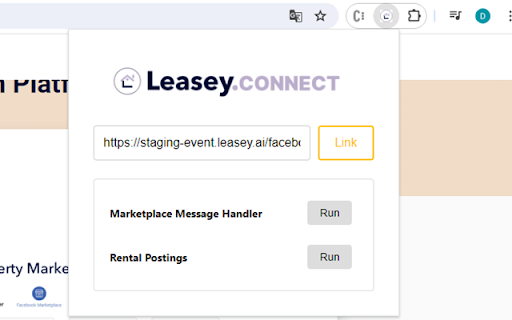
Automates rental listings on Facebook Marketplace with 24/7 instant responses.

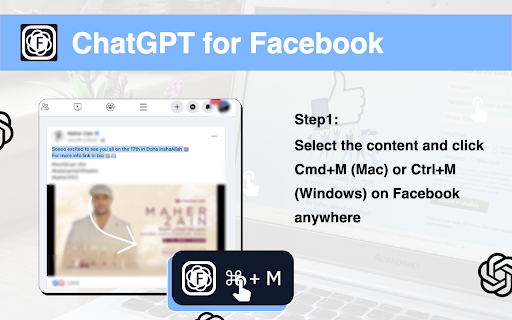
AI-powered tool for generating Facebook™ comments and replies.

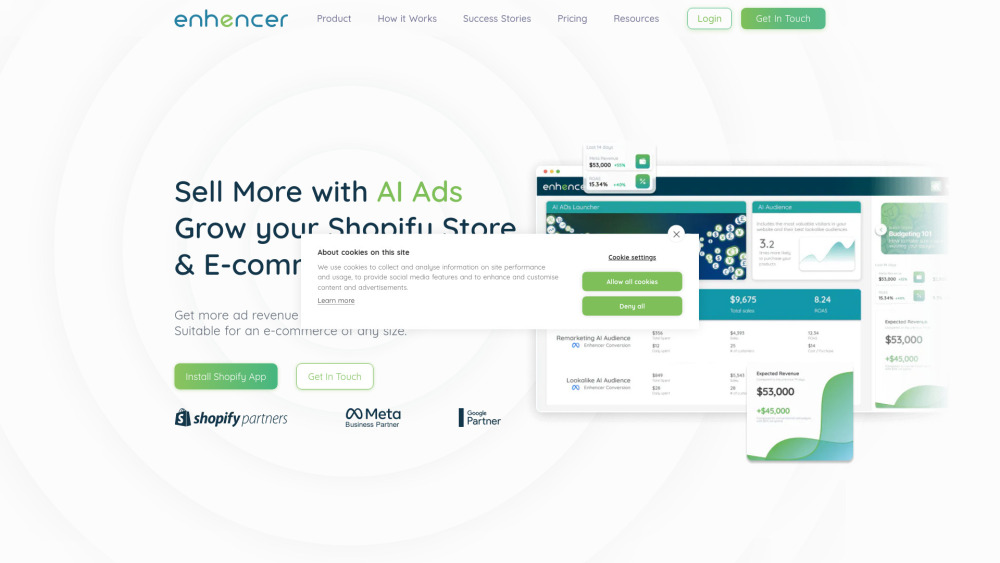
AI-powered tool for generating and optimizing Meta ads for better ROI and conversion.


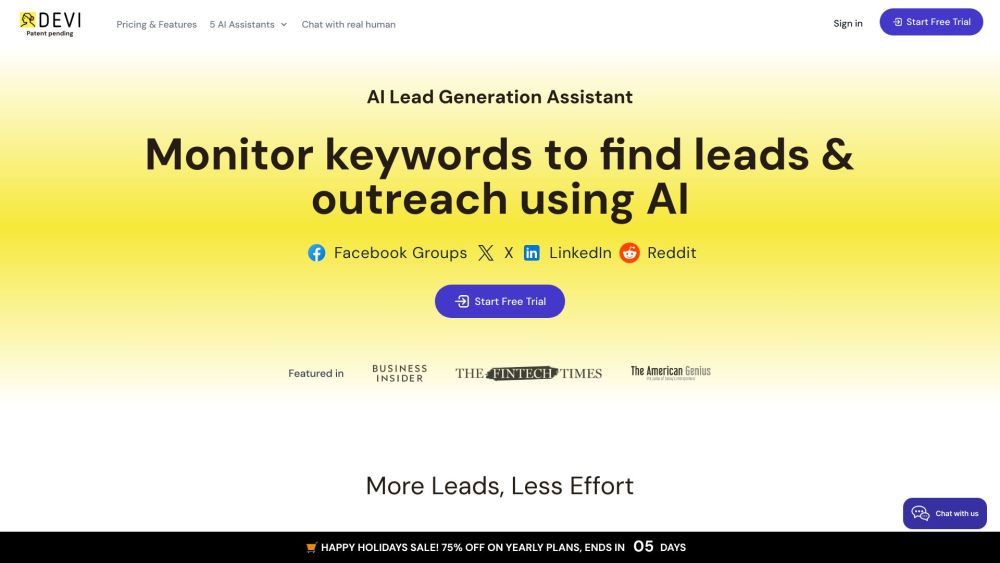
AI tool for social media lead monitoring, outreach, and content scheduling.

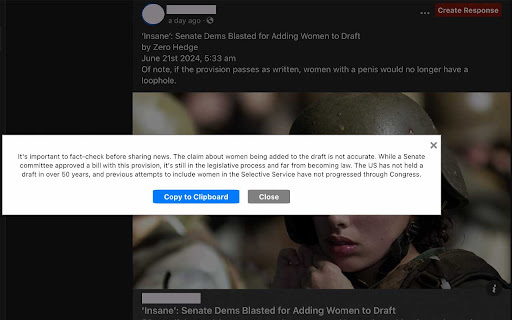
AI extension for Facebook to identify low-credibility posts and generate informed responses.

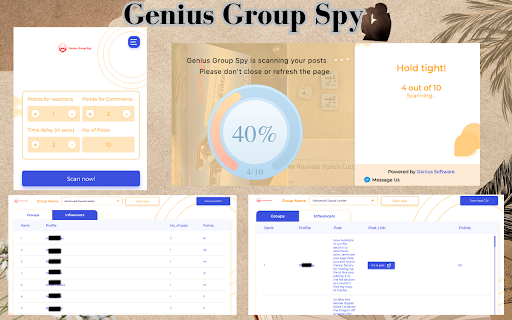
Find top influencers and posts in Facebook groups quickly.

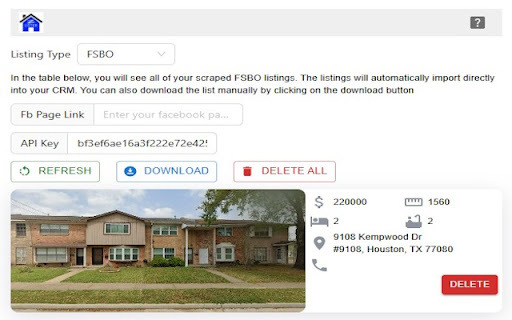
AI tool for real estate agents to automate listings, reviews, and FSBO imports.

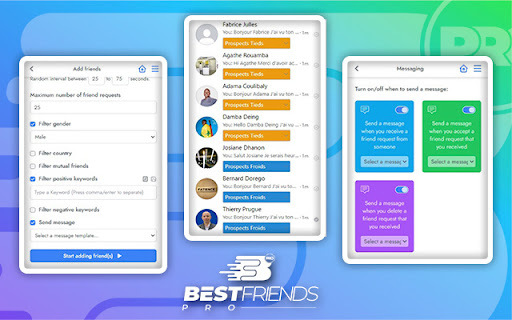
AI-powered tool for automated Facebook prospecting and lead generation.

Face2social is a social media face search engine that helps users find social media accounts by photo, discover public profiles, and identify where a face appears across major social platforms.


Contai.io is an AI content automation platform built for creators who want to publish faster, grow smarter, and stop wasting time on manual content work. Discover viral ideas, analyze competitors, generate articles, social posts, and visuals, then publish automatically to WordPress and social media.


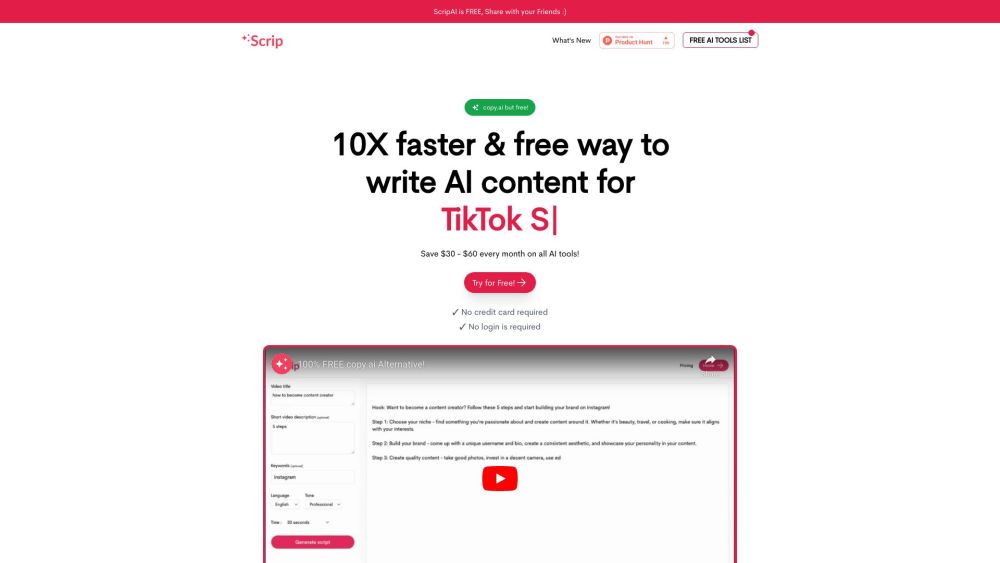
Free AI writer for creating viral short video scripts and AI content.

AI Chrome extension for instant, high-quality social media posts with captions and hashtags.


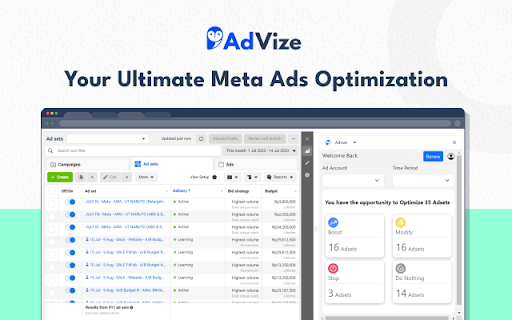
AI-powered Meta Ads optimizer for improved ad performance through data-driven suggestions.

Somny is an AI Character Generator that transforms your photos into lifelike characters, portraits, and animated video clips. Create custom images and videos from your own face, your pets, or your friends & loved with simple prompts.


AI platform to maximize ad performance for e-commerce businesses.