Screenshanti Parental Control




Screenshanti is an innovative parental control application designed to empower parents to manage their child's digital well-being. It offers a comprehensive solution to ensure a safe and balanced digital environment for children. The app utilizes AI for real-time child detection, automatically locking the mobile phone when a child is detected using it. It works offline and operates discreetly in the background, providing continuous monitoring without interruptions. Screenshanti also includes an application pin lock for added security, ensuring that only parents can access and modify the settings.
Parental control app using AI to monitor and limit child's phone usage.
- Preventing excessive mobile phone usage by children
- Securing the device to limit access to inappropriate content
- Monitoring device usage without an internet connection
- Install the Screenshanti app on the mobile phone. Configure the settings and application pin lock. The app will then automatically detect when a child is using the phone and lock it.
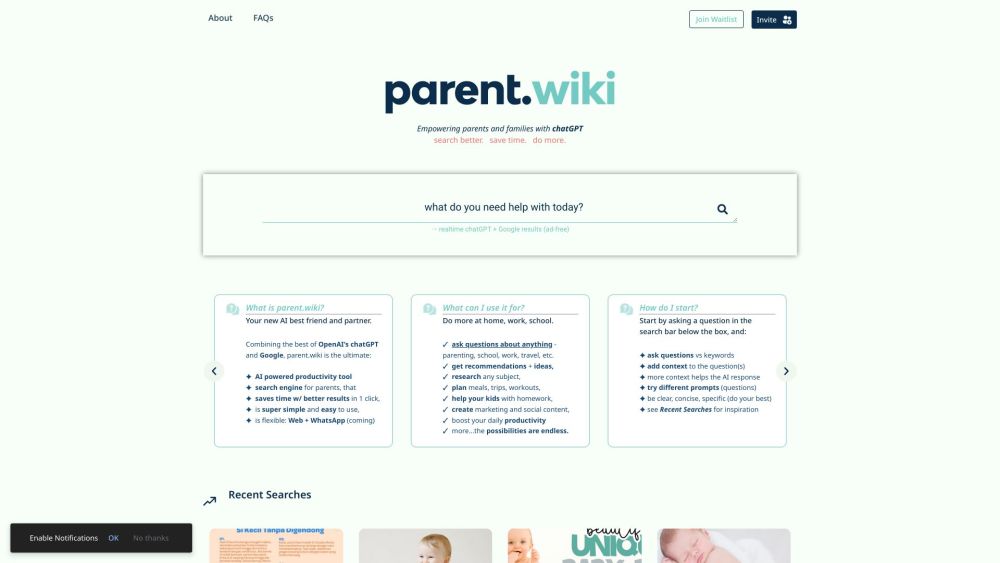
AI-powered search engine for parents combining ChatGPT and Google results.

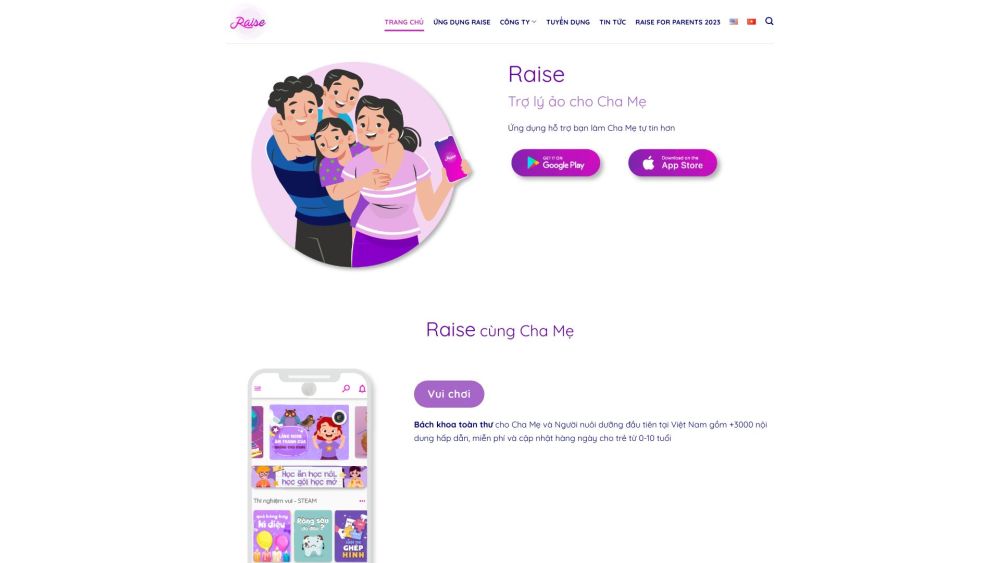
A virtual assistant app for parents with educational content and family connection features.

AI-driven parenting copilot providing personalized guidance and support for new parents.

Build profitable AI digital twin from know-how in 3 days


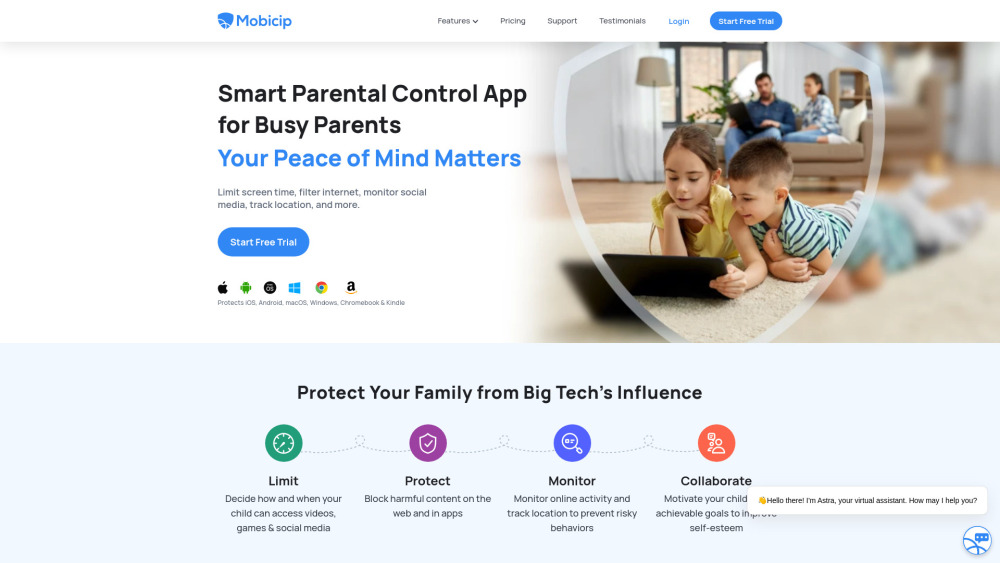
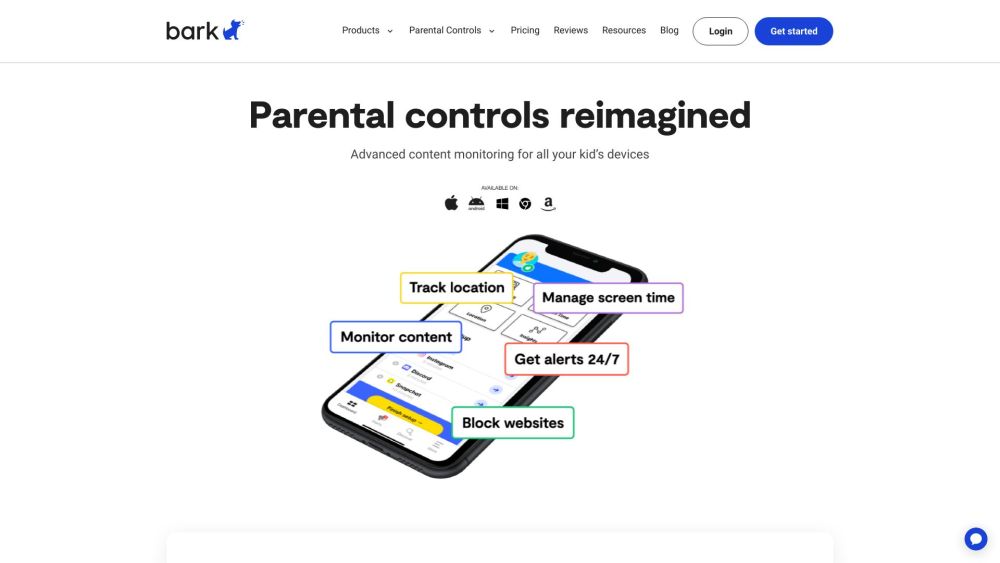
Parental control service with monitoring, screen time, and location sharing features.

Digital mentor for parents of autistic children, offering tailored guidance and activities.


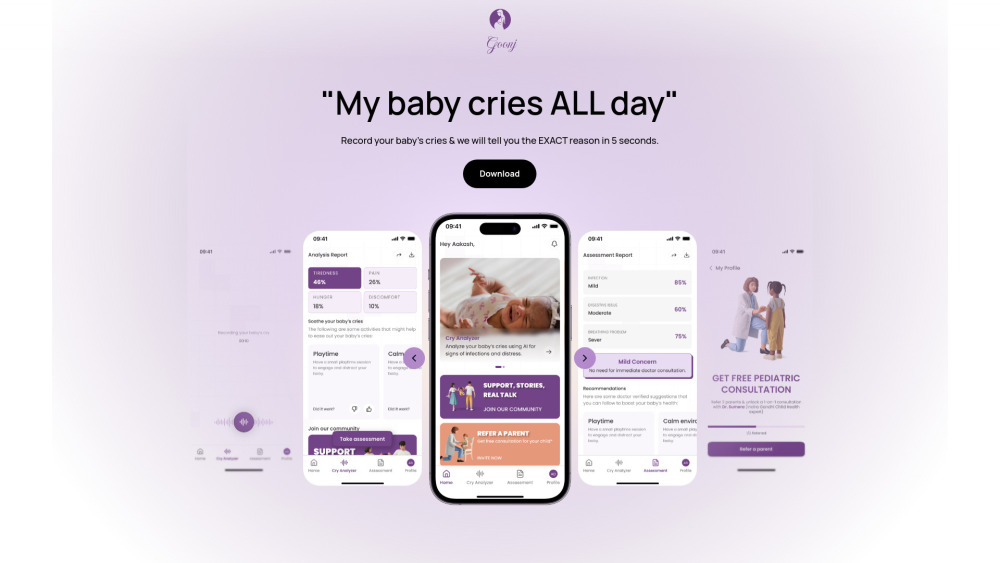
AI tool analyzes baby cries for hunger, sleep, discomfort, providing confident insights.

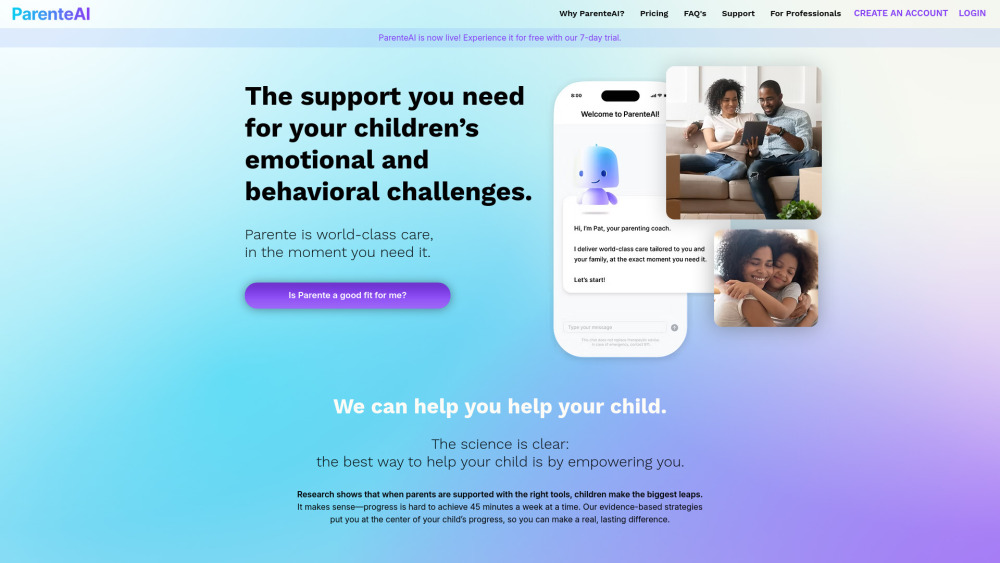
AI-powered mental health support for kids through parent coaching and training.

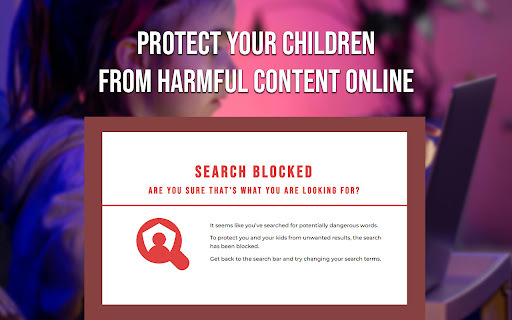
AI-powered tool protecting children from harmful online content by blocking dangerous search results.

A simple pollen tracker that helps you check daily pollen levels and trends, so you can plan outdoor activities and avoid bad allergy days.


Coparenting app for scheduling, accountability, custody tracking, and guidance.

AI platform connecting parents and enrichment providers.

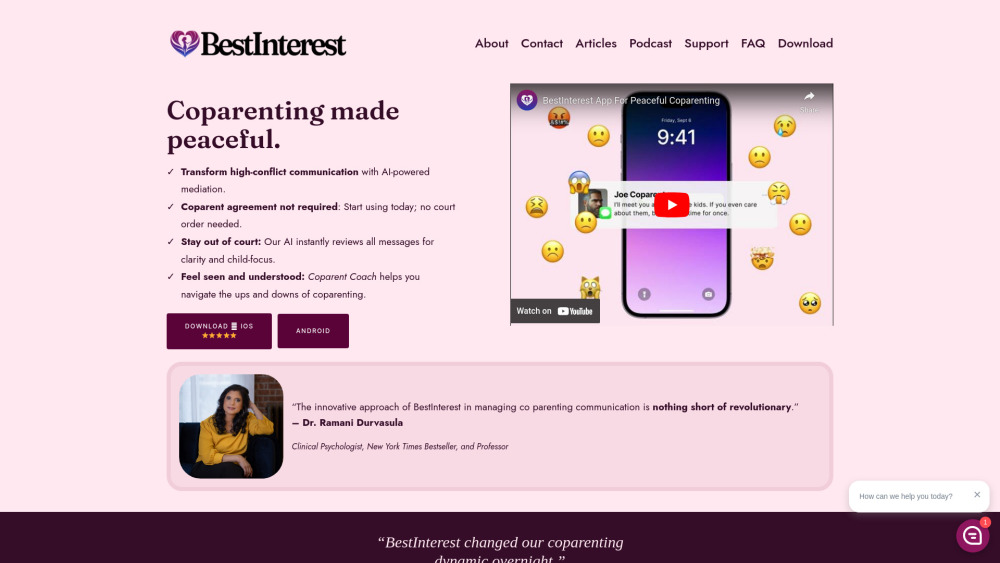
AI-powered co-parenting app for peaceful communication and conflict resolution.

AI family organizer that manages schedules and reminders via SMS and email.


Digital parenting app for filtering explicit content and monitoring online activity.

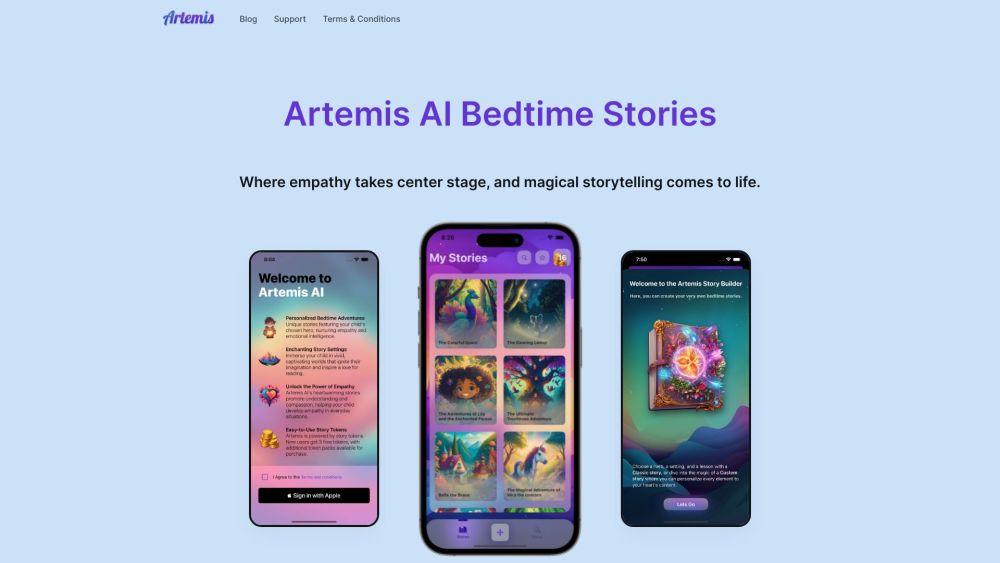
Artemis AI creates personalized, empathy-based bedtime stories for children using AI.

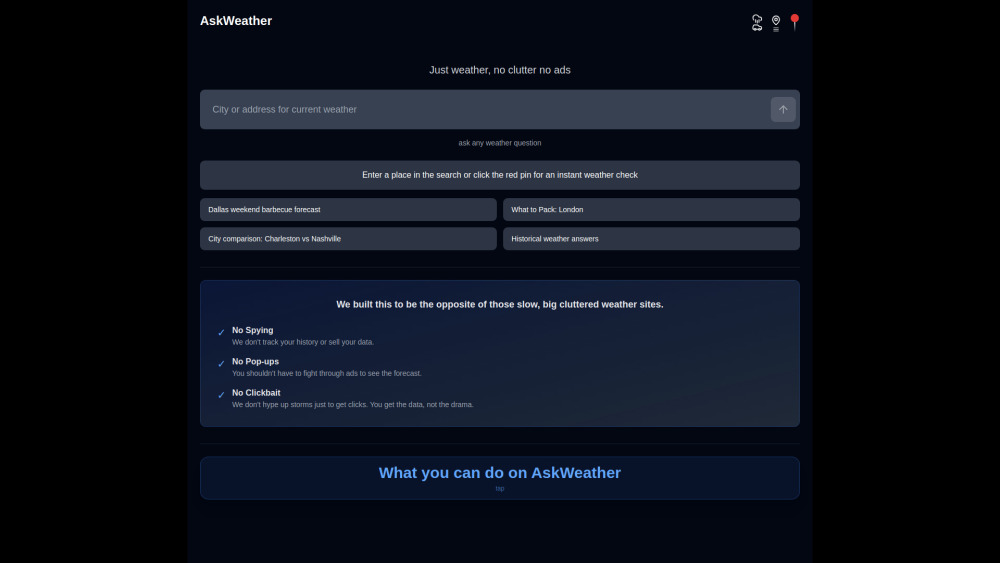
AskWeather is an ad-free, high-density weather dashboard with a built-in AI planning agent. Instead of scrolling through ads, you can chat with your weather data to get smart packing lists, travel advice, and outage updates instantly.

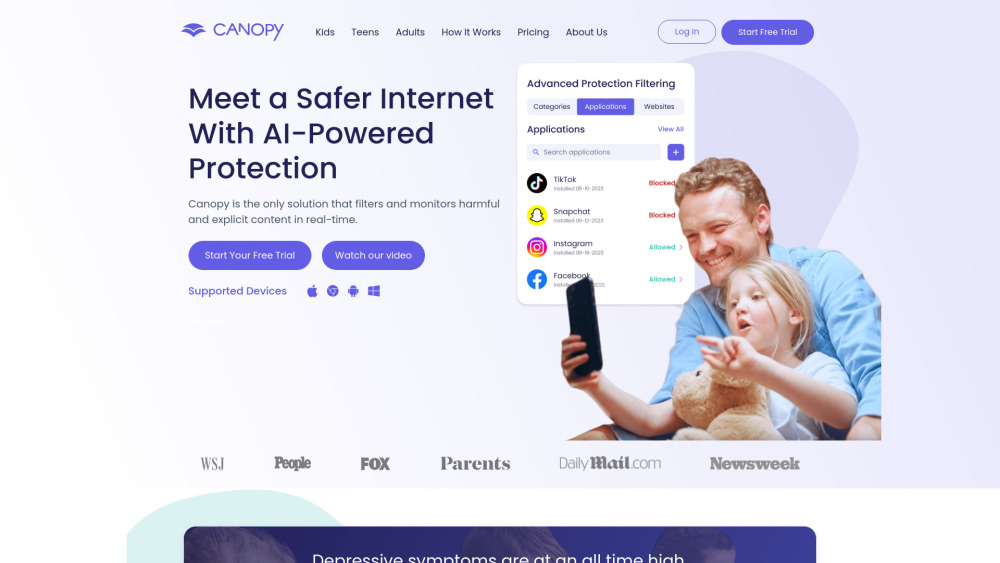
Parental control software for managing screen time and online safety.