Clyr
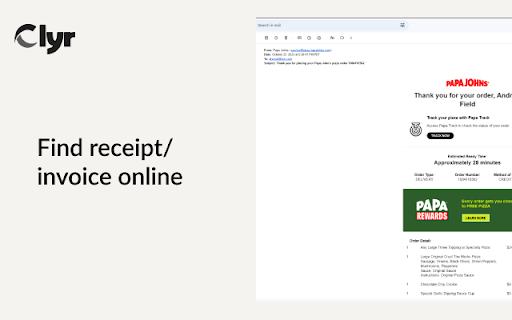



Clyr ai chrome extension? Clyr's Receipt and Invoice Capture is an extension designed to streamline expense and spend management. It automates the process of capturing, matching, and categorizing receipts and invoices, reducing a multi-step process to a quick, automated action.
Clyr automates receipt and invoice capture, matching, and categorization for streamlined expense management.
- Capture receipts and invoices directly from websites and emails.
- Automatically match receipts to transactions in your account.
- Categorize receipts using AI-powered algorithms.
- 1. Install the Clyr extension. 2. Log in or register for a Clyr account. 3. When you receive a receipt or invoice online
- click the Clyr icon in your toolbar. 4. Snap the image
- and it will be automatically matched and categorized in your Clyr account.

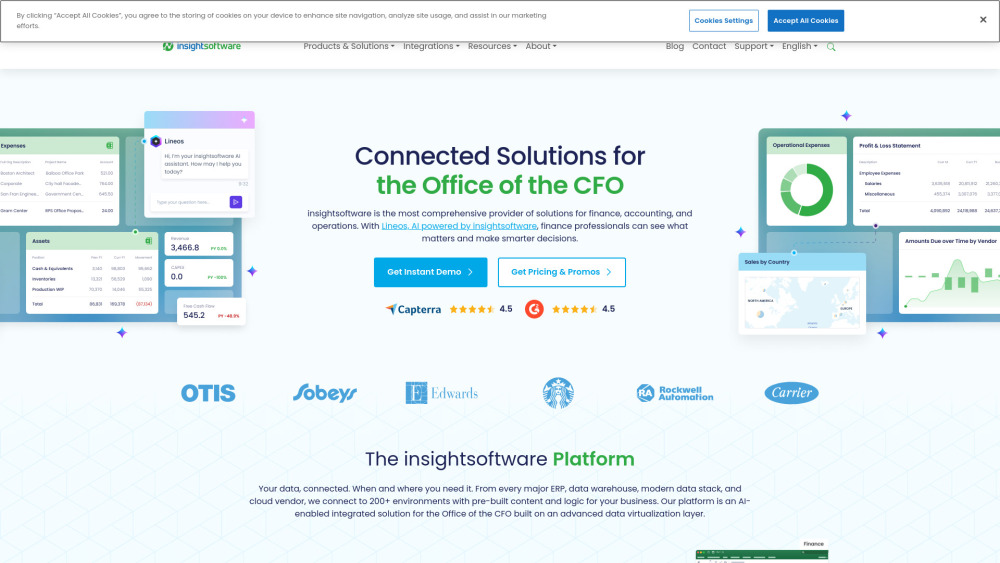
Comprehensive solutions for finance, accounting, and operations, powered by AI.

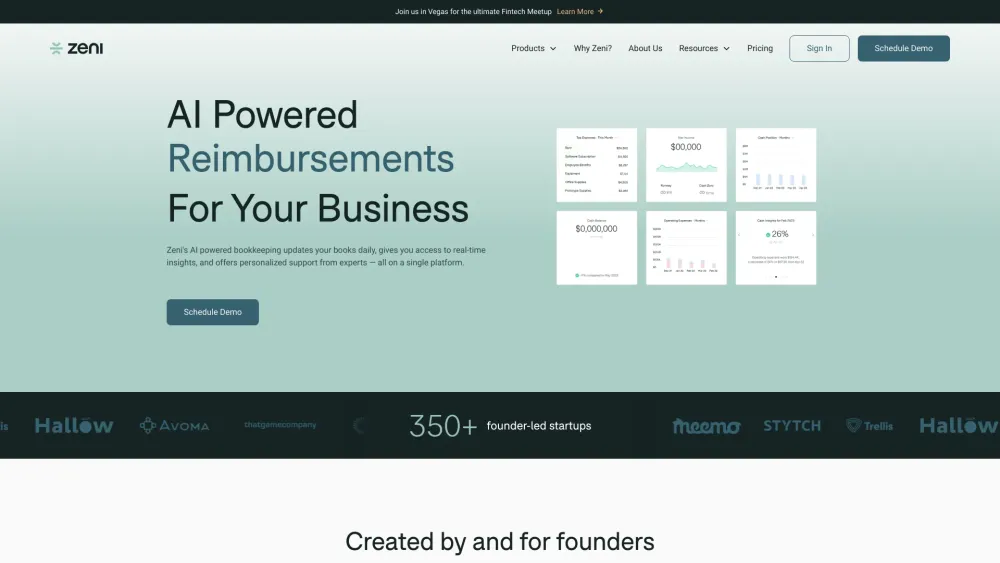
AI-powered bookkeeping software for startups with real-time financial insights and expert support.

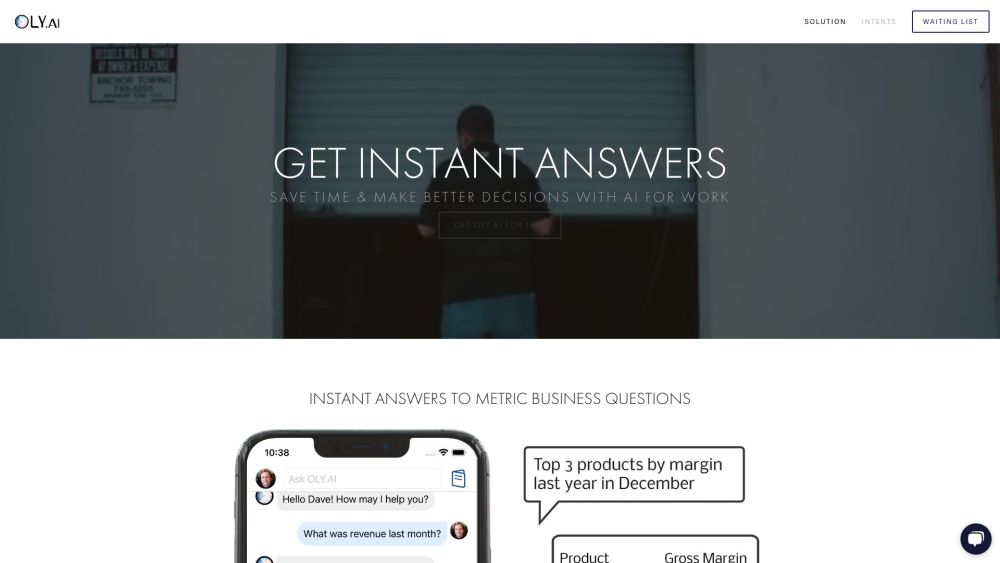
AI-powered accounting tool automating bookkeeping tasks through chat with an AI assistant.


AI-powered accounts receivable automation for efficient debt collection and improved cash flow.
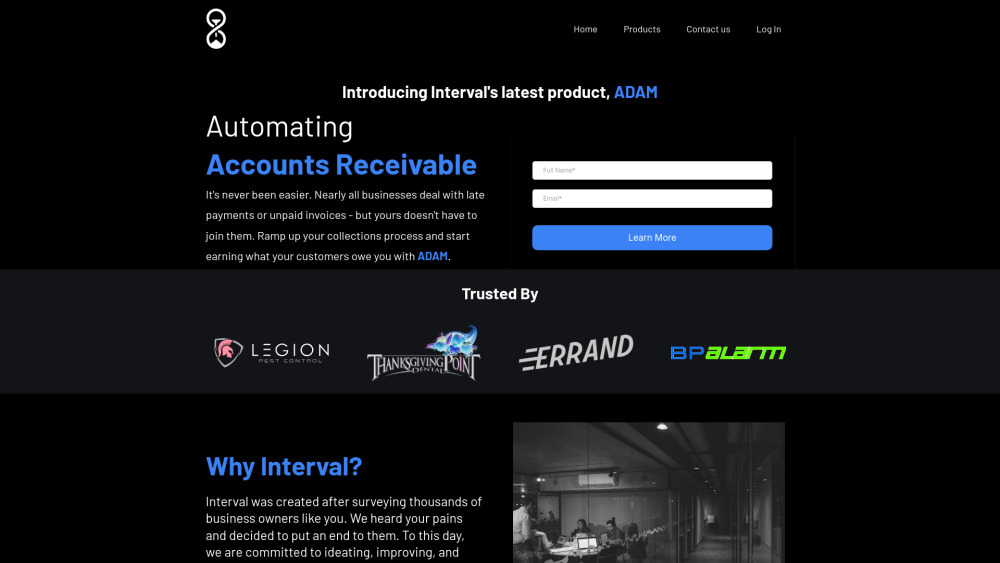

AI-powered expense tracker with voice input and iCloud storage.


AI-powered financial reporting platform for data analysis and business performance improvement.


Receipt management tool using AI, text messages, and email for easy expense tracking.


AI bookkeeping software for multi-entity businesses.


Real-time accounting service for software businesses with AI automation and expert support.


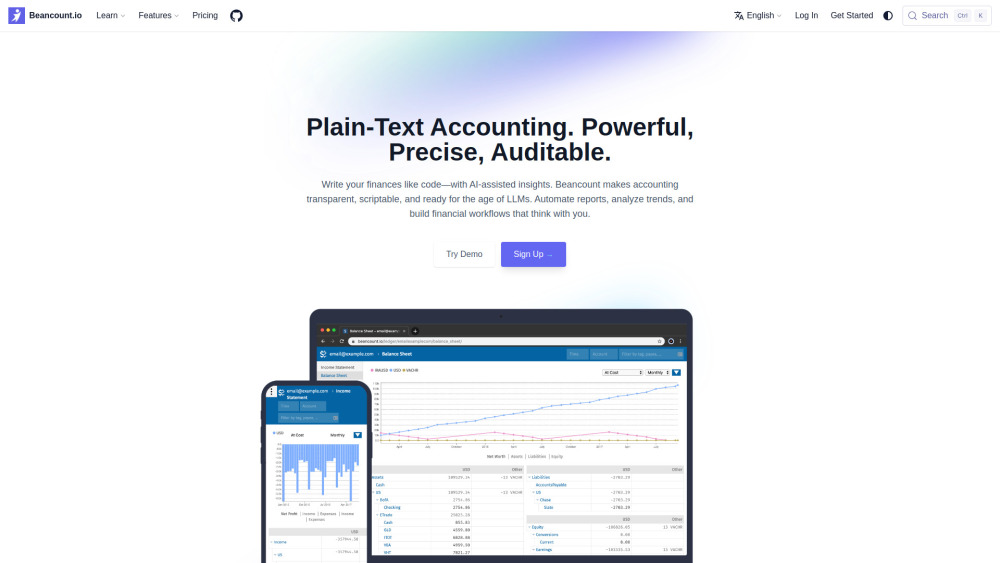
AI-powered plain-text accounting platform with Git-native version control for developers and professionals.

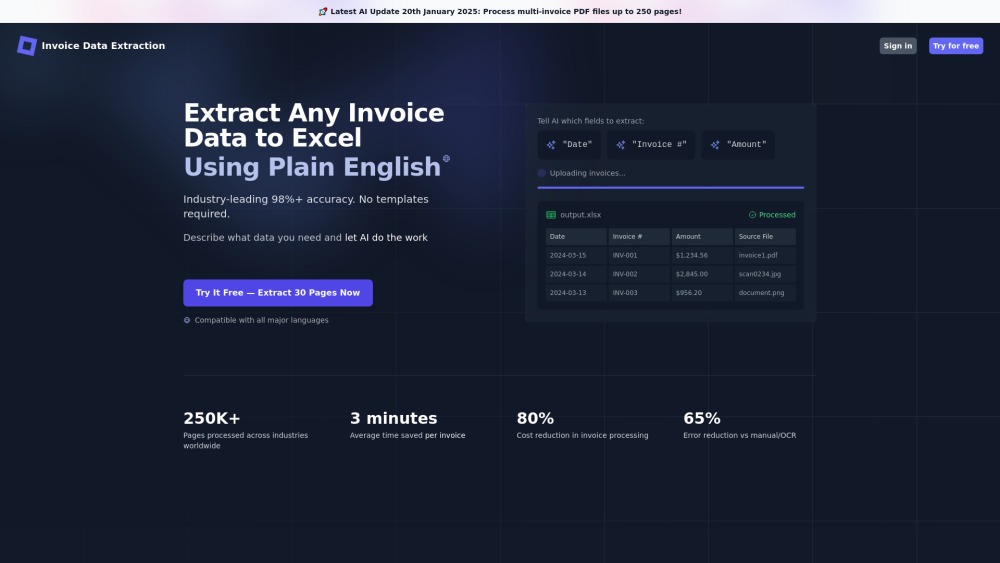
AI tool for fast, accurate, template-free invoice data extraction to Excel.

All-in-one practice management & client portal for accounting firms with AI tools.


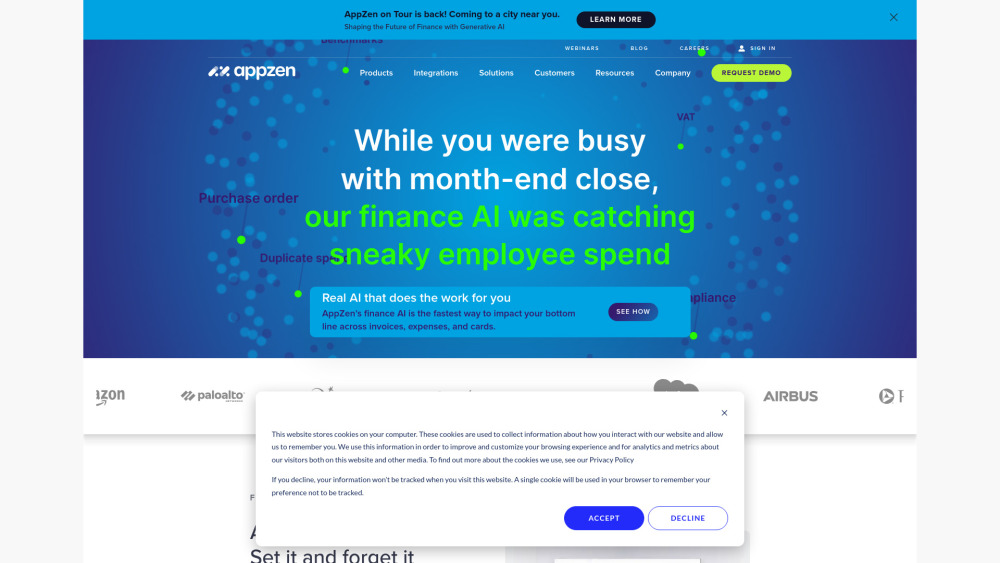
AppZen offers AI-powered finance automation for accounts payable, expense auditing, and T&E management.

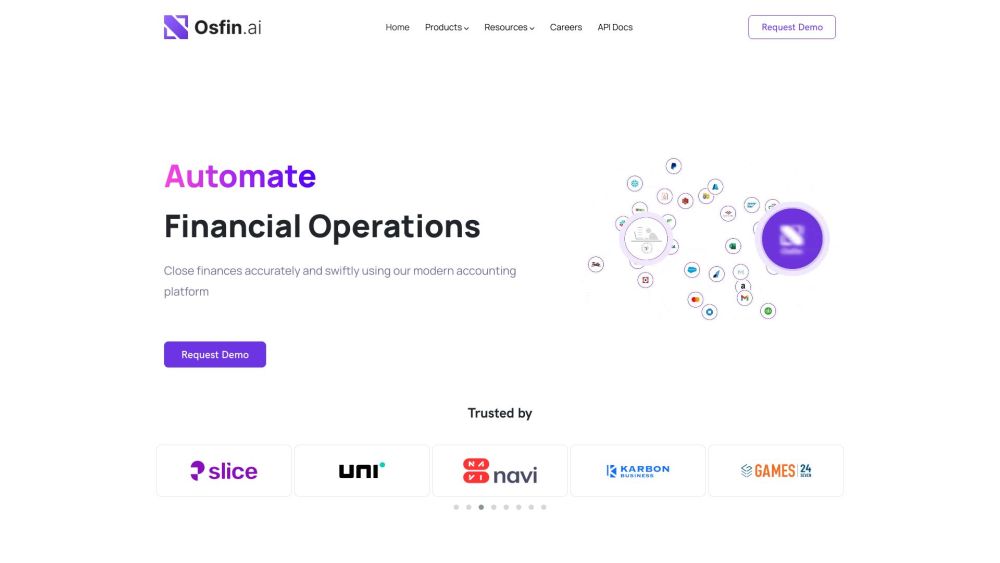
Osfin.ai is a fin-ops platform for financial data management and automation.

AI-powered bookkeeping and financial analysis for QuickBooks Online users.

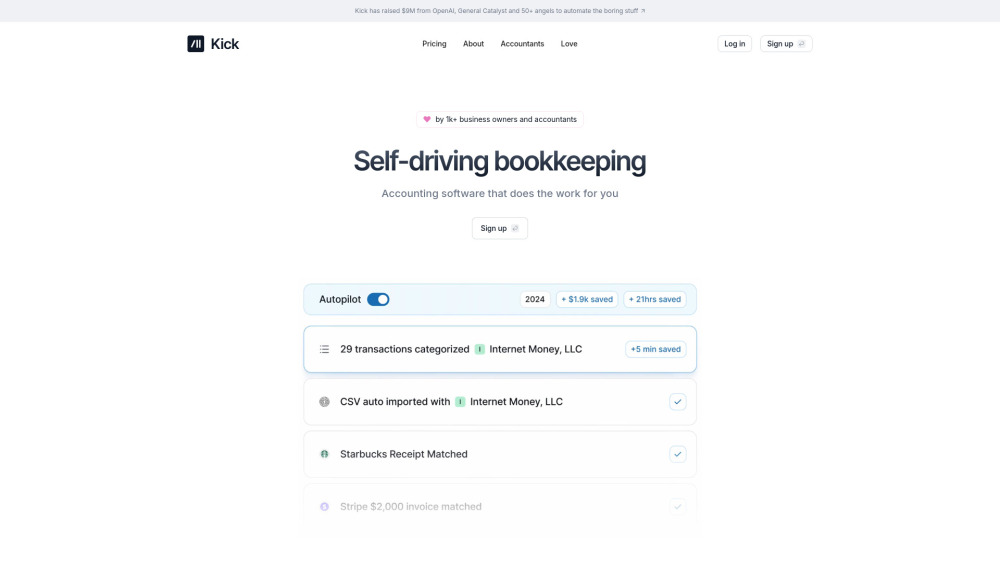
Automated bookkeeping software for entrepreneurs and accountants.

All-in-one payment solution to streamline transactions and boost business efficiency.


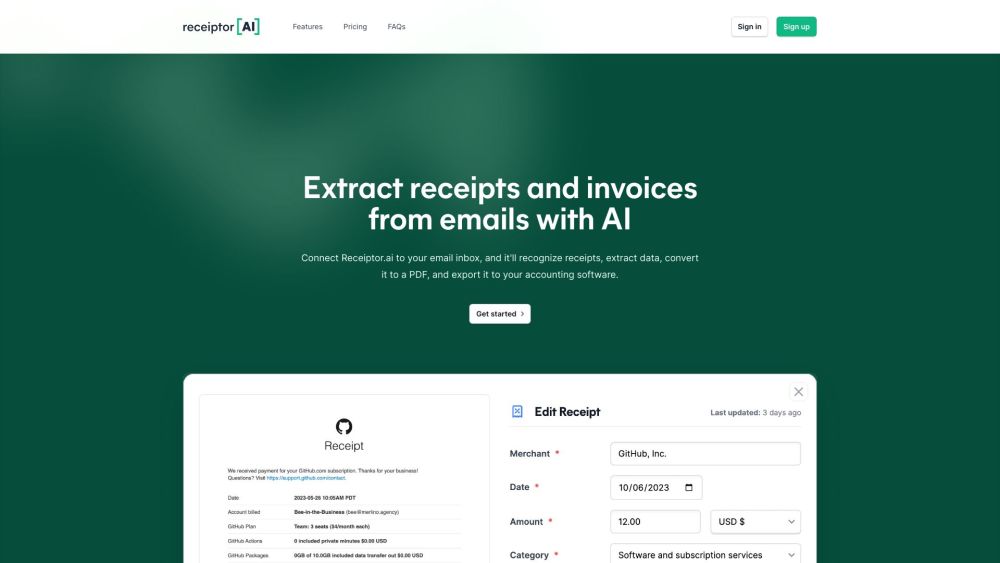
AI-powered receipt extraction and expense management tool.