Qgvxezulu1Gopb44Jv4Fy8Xvyhjbenw8
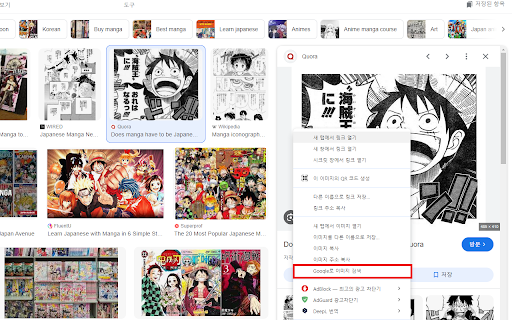
Google Lens, Papago, DeepL Image Translation ai chrome extension? This process involves using Google Lens to extract text from an image and then translating that text using either Papago or DeepL. Google Lens is an image recognition technology that can identify objects and text within an image. Papago and DeepL are machine translation services that provide translations between various languages. This combination allows users to translate text embedded in images quickly and easily.
Translating image text using Google Lens with Papago or DeepL.
- Translating signs, menus, or documents in foreign languages.
- 1. Open Google Lens and take a picture or upload an image. 2. Google Lens will identify the text in the image. 3. Copy the extracted text. 4. Paste the text into Papago or DeepL. 5. Select the source and target languages. 6. Translate the text.

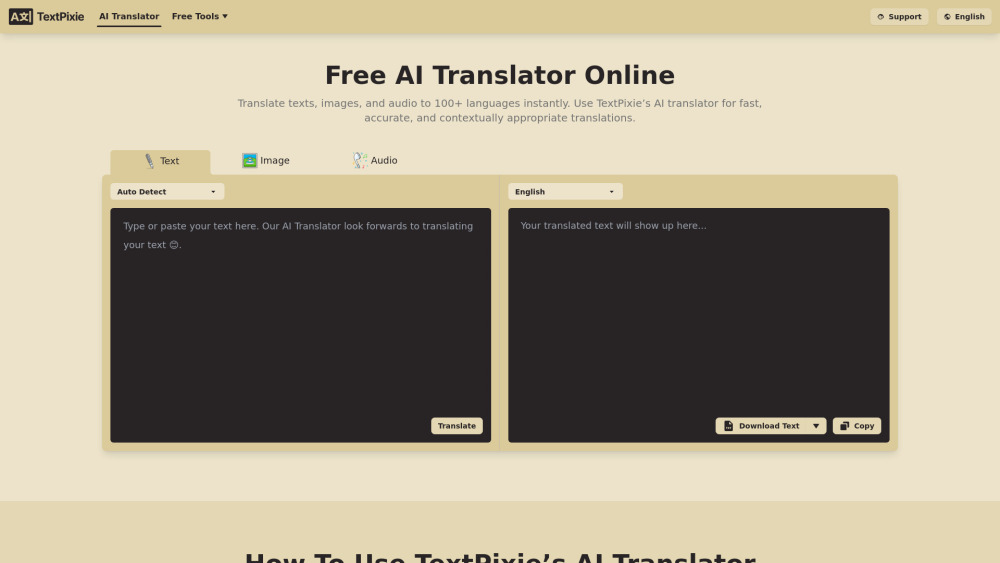
AI translator converting text, images, audio, documents into 100+ languages with free tools.
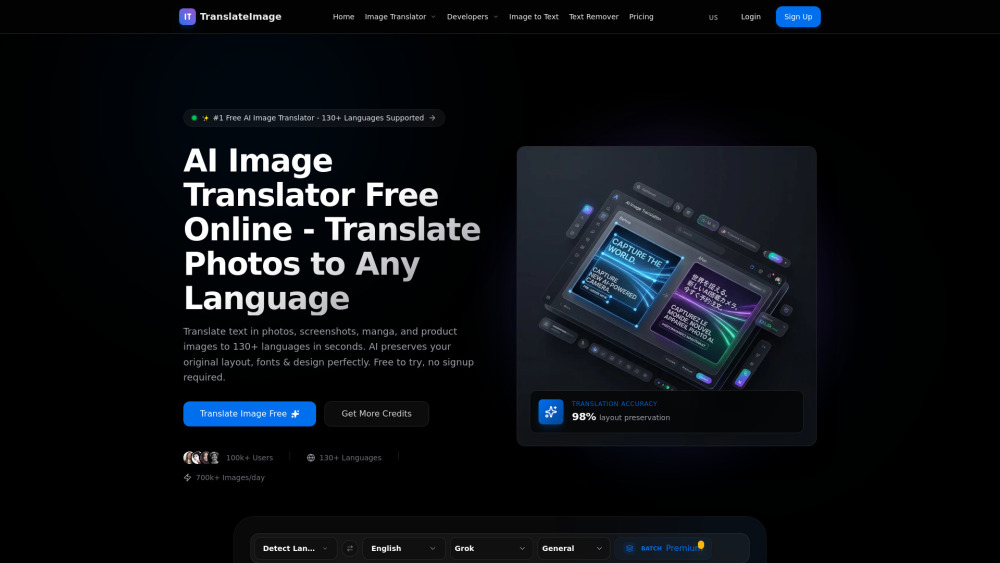
AI image translator converting text in photos, manga, and documents to 130+ languages, preserving original design.

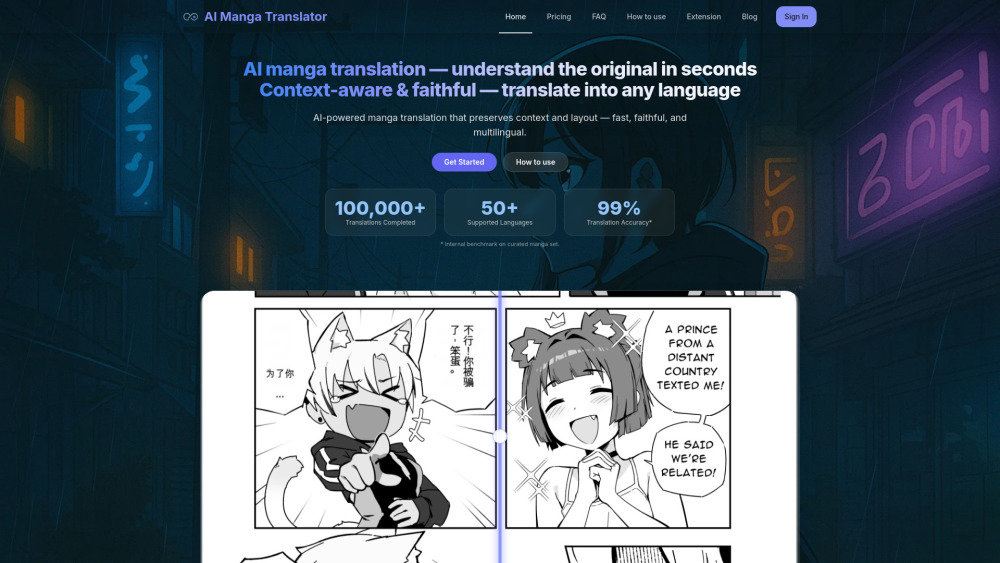
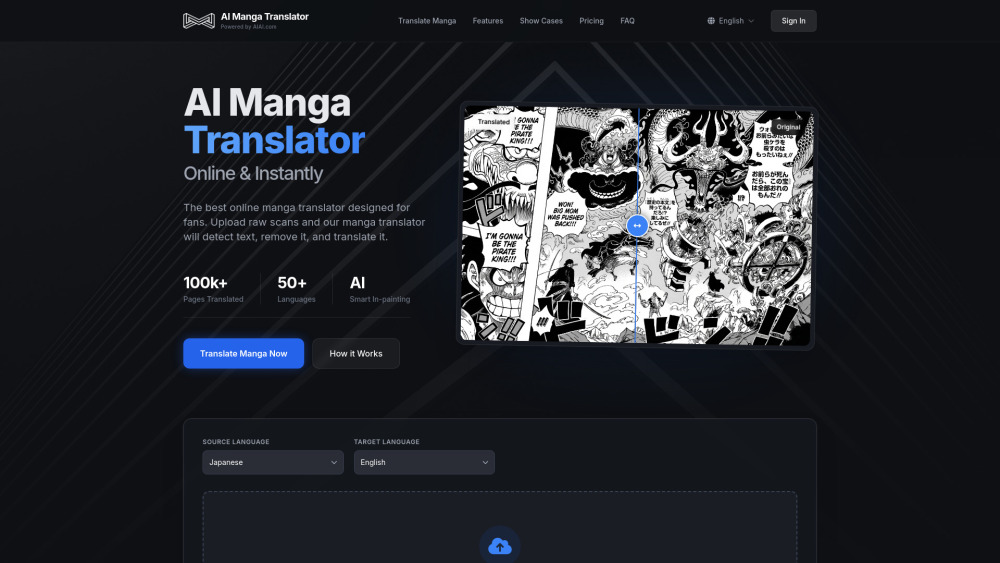
AI-powered online manga translator with OCR, batch processing, and layout preservation.

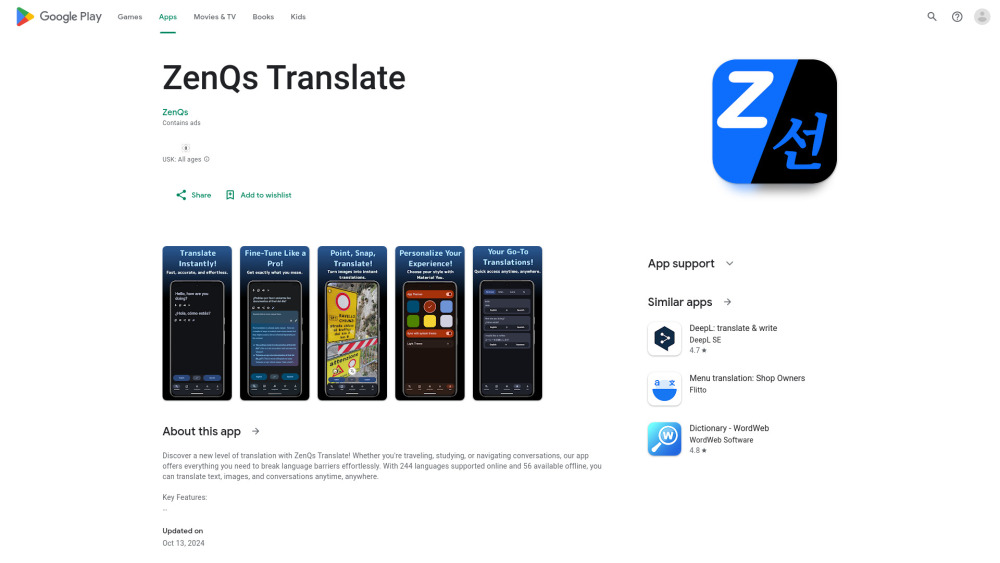
Translation app supporting 244 online and 56 offline languages with AI features.

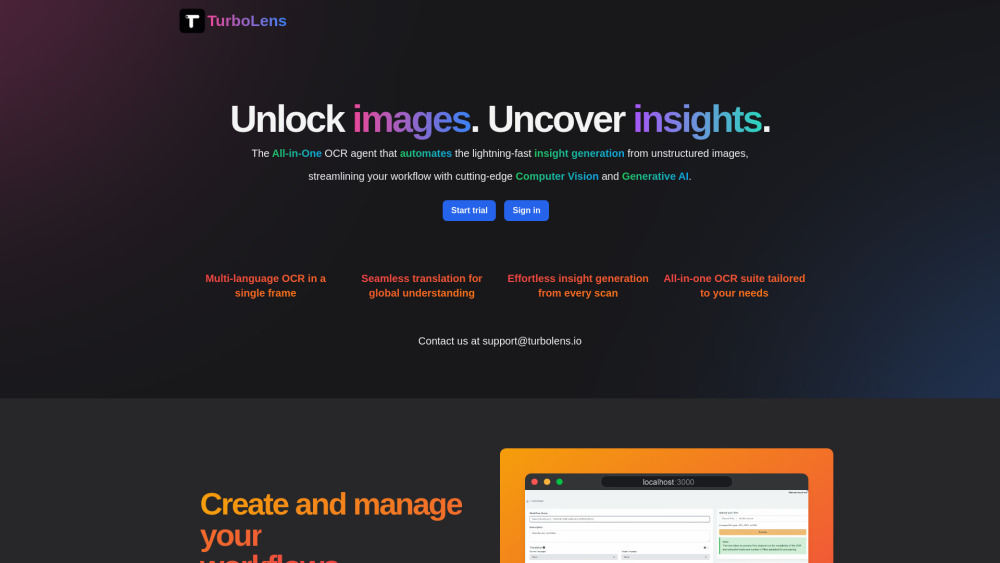
All-in-one OCR tool for instant insight generation from images and documents.

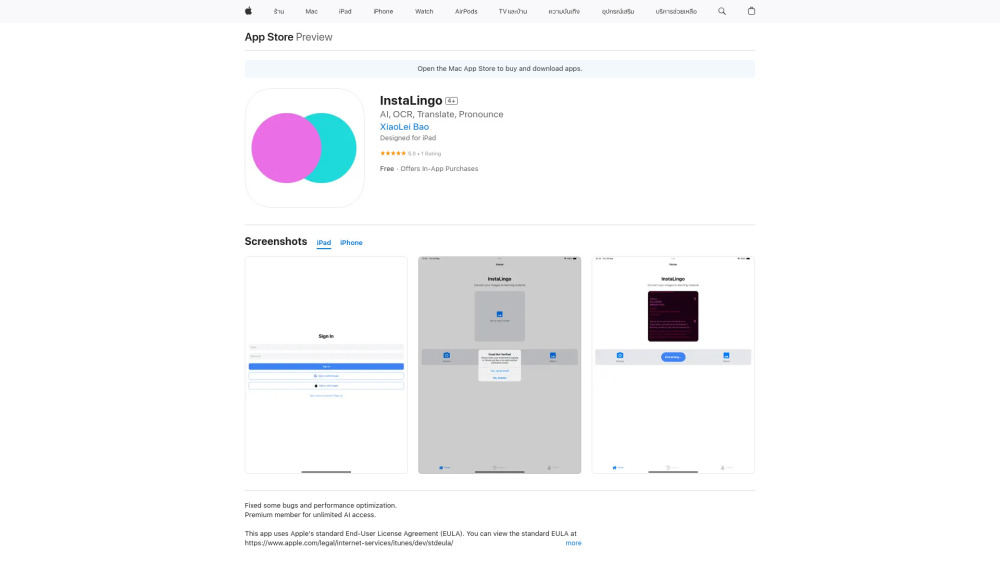
AI-powered app for image text extraction, translation, and pronunciation.

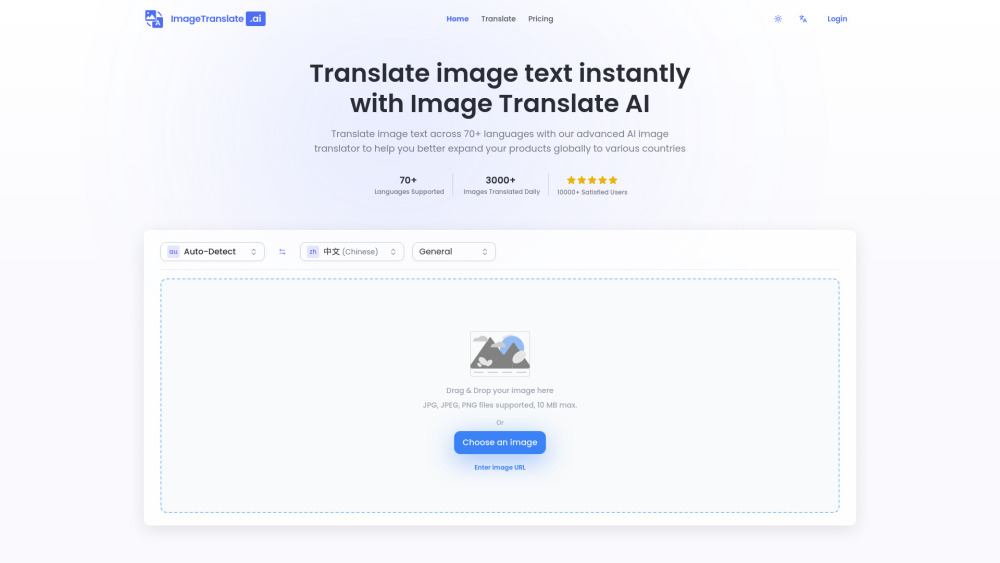
AI-powered image translator for instant text translation in images across 70+ languages.

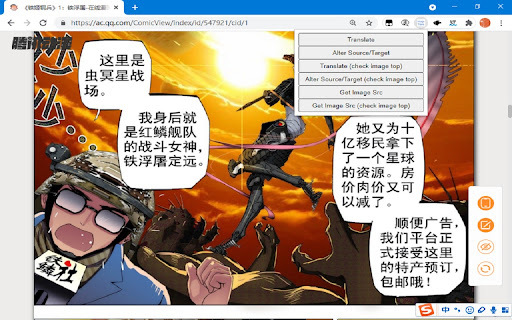
Chrome extension for translating images on websites using OCR and machine translation.

Instant camera translation app for language learning and travel.

AI-powered tool for translating manga images into multiple languages.


AI image text translator converting designs into 75+ languages with brand consistency.

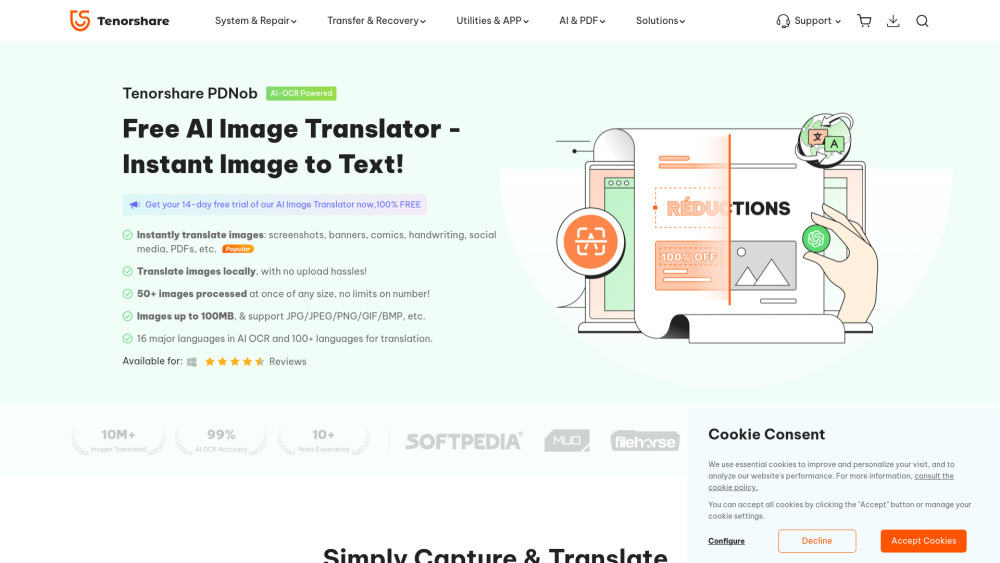
Free AI-powered app to translate text from images instantly and locally.
AI tool to translate Amazon product images into 7 European languages in one click.
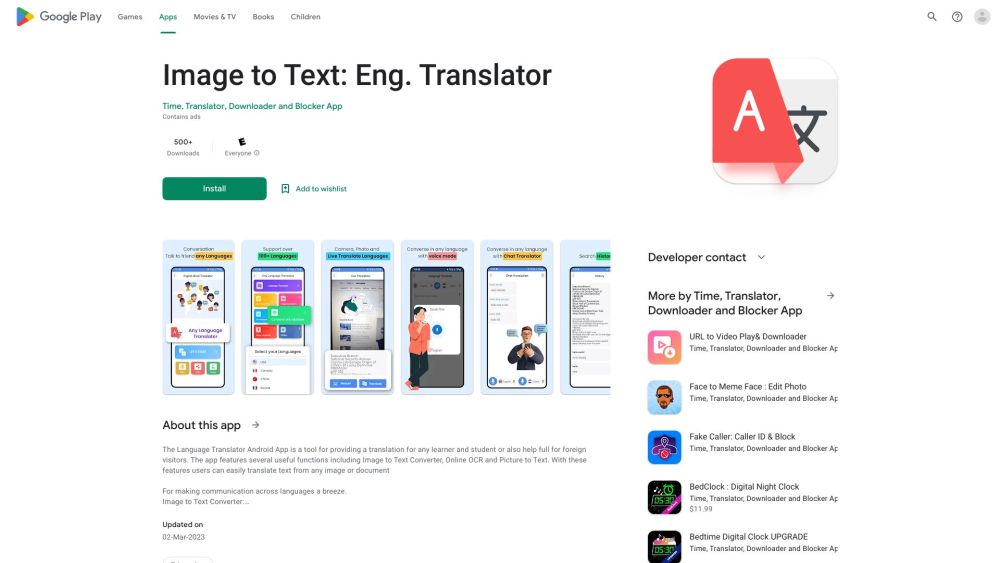
Android app for language translation using camera, images, and OCR.

An intelligent manga translation tool launched by AIAI.com that utilizes advanced AI technology to perform text recognition, precise translation, and image in-painting. It breaks language barriers to deliver a seamless manga reading experience.
AI tool for instant, accurate manga translation with original layout preserved.
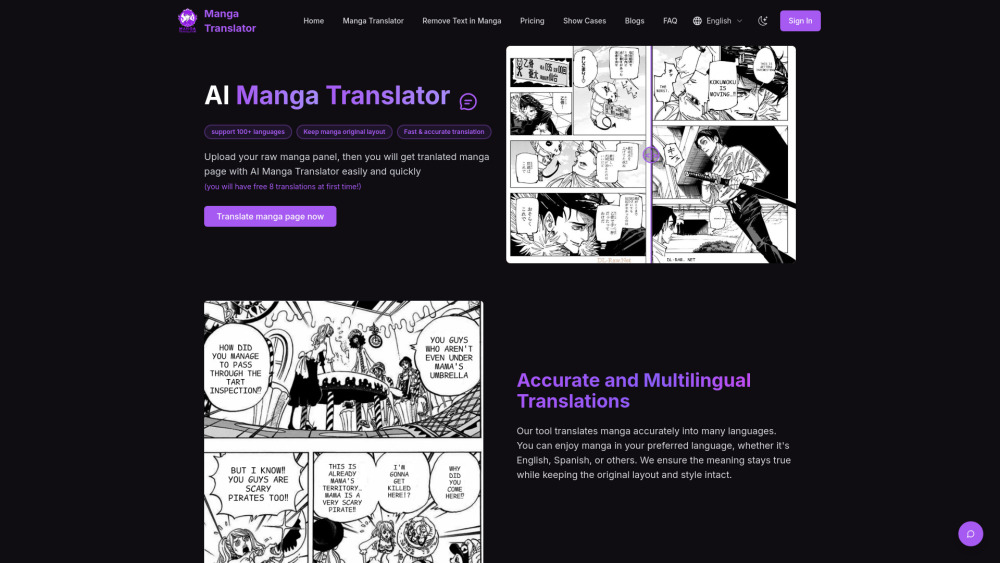

AI-powered tool for instant image and manga translation into 100+ languages.