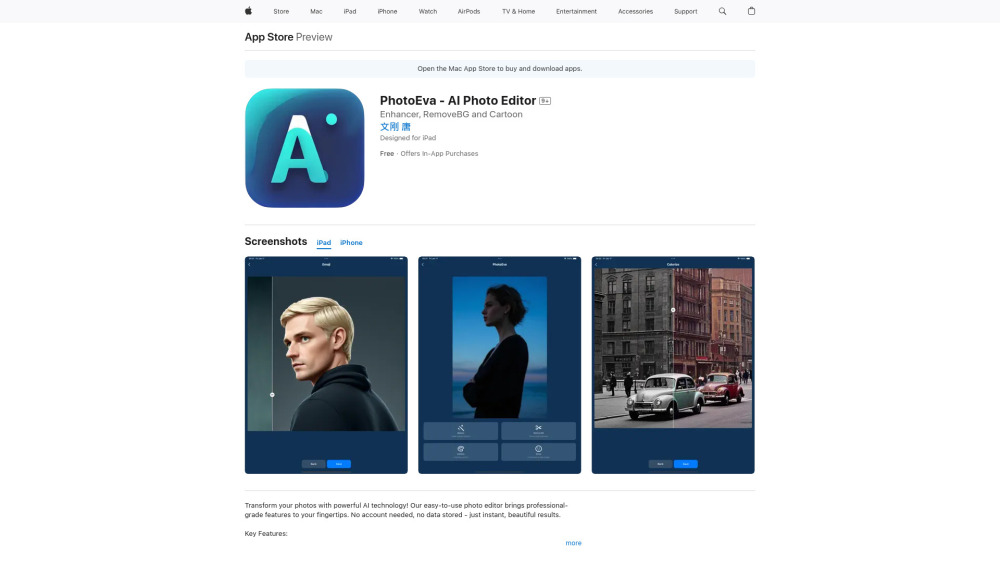
Photo Editor Ai


NEXORA AI Photo Editor is a comprehensive online platform that utilizes industry-leading diffusion models to transform and enhance images. It offers a suite of tools including AI-driven portrait generation for professional use, Studio Ghibli-inspired art conversion, automatic photo retouching, restoration of old or damaged photographs, and high-quality 4K image upscaling. The platform is designed to be accessible to users of all skill levels, providing professional-grade results through a simple three-step web-based process without the need for complex software installations.
An all-in-one AI photo editor for portraits, restoration, upscaling, and artistic styling.
- Transforming everyday selfies into professional LinkedIn and CV portraits
- Converting personal memories into cinematic Studio Ghibli style art
- Repairing scratched or faded family heritage photos
- Upscaling low-resolution or blurry images into crisp 4K masterpieces for printing
- Users can enhance photos in three steps: first
- upload an image from their device; second
- choose a specific AI mode such as Portrait
- Ghibli
- Restore
- Upscale
- or Retouch; and finally
- generate and download the high-quality result.

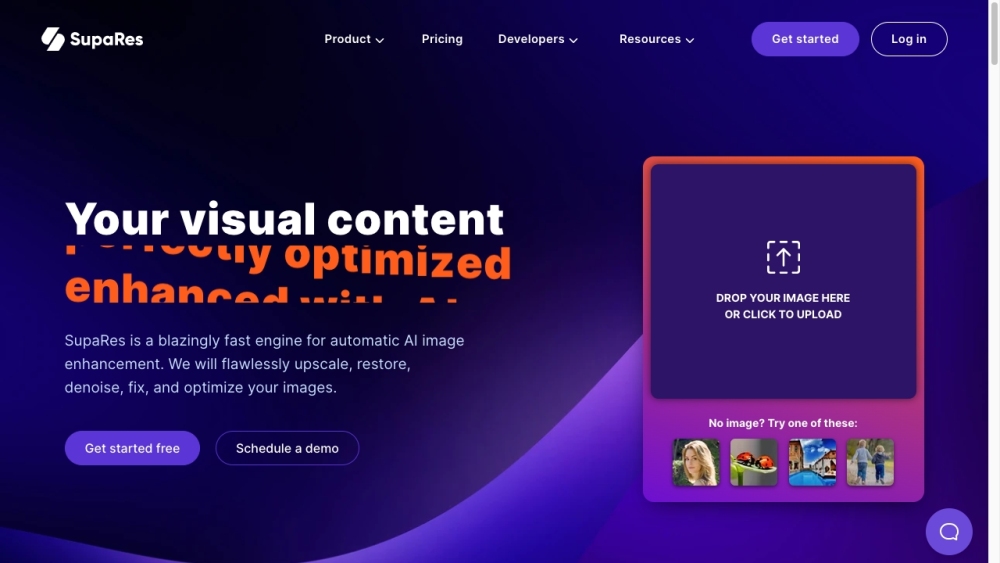
AI-powered image enhancement platform for automatic image improvement.

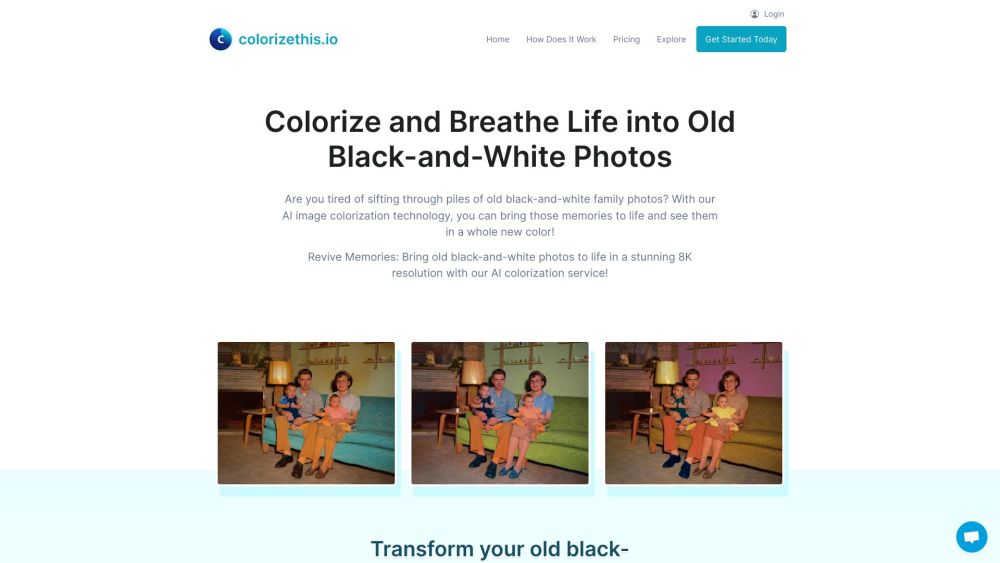
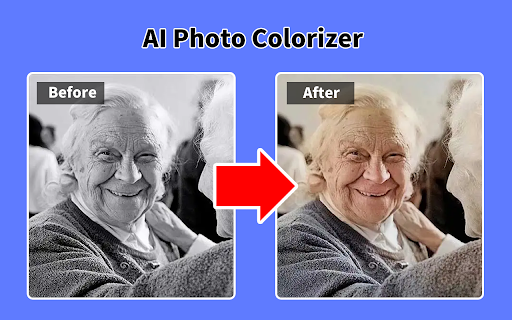
AI-powered service to colorize black-and-white photos in 8K resolution.

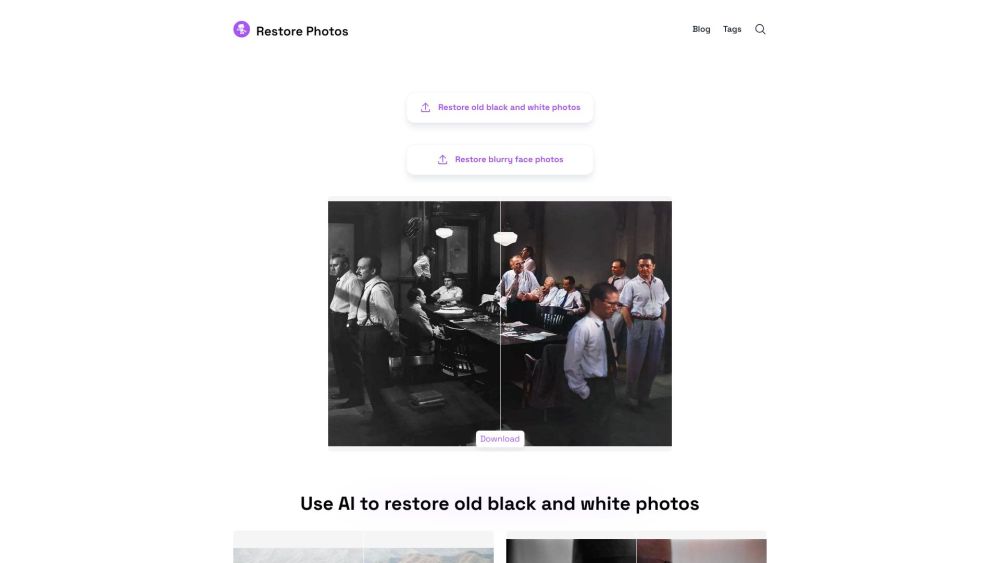
AI-powered platform to restore old, blurry, and black and white photos.

AI-powered platform to restore and enhance old photos.


SOTA AI for precise image editing, text rendering, and photo restoration.

AI-powered tool to restore, sharpen, and enhance old photos.

Picsify restores old and low-quality images with one click.


AI-powered platform for photo restoration, enhancement, and album management.

AI video generator and old photo animator.


All-in-one AI platform for problem-solving, work automation, and photo restoration.


AI-powered face enhancement and face swapping tool for videos and images.

AI-powered platform to restore and enhance old or damaged photos.
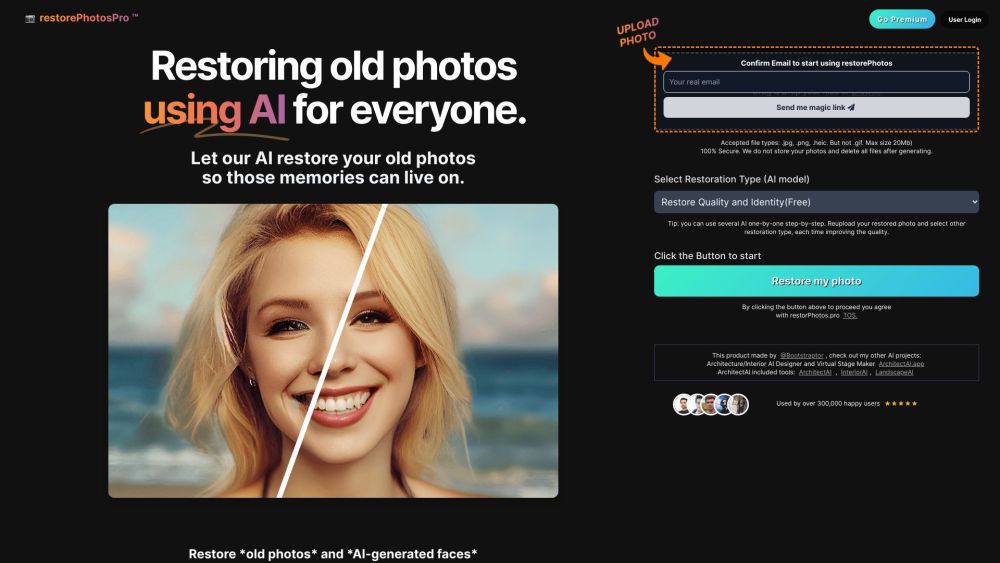
AI-powered image enhancement tool for upscaling, restoring, and enhancing images.

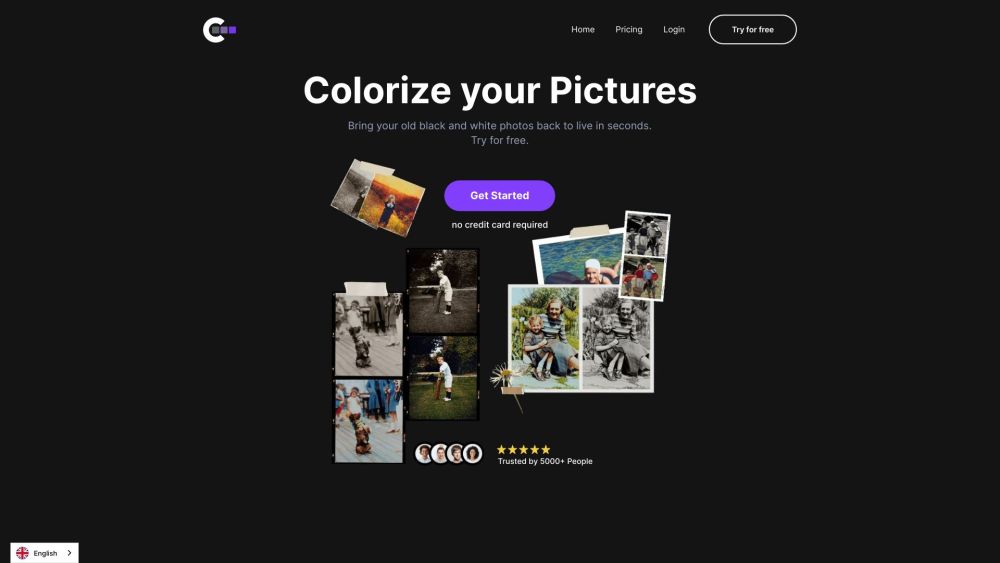
Online tool to colorize black and white images quickly and easily.
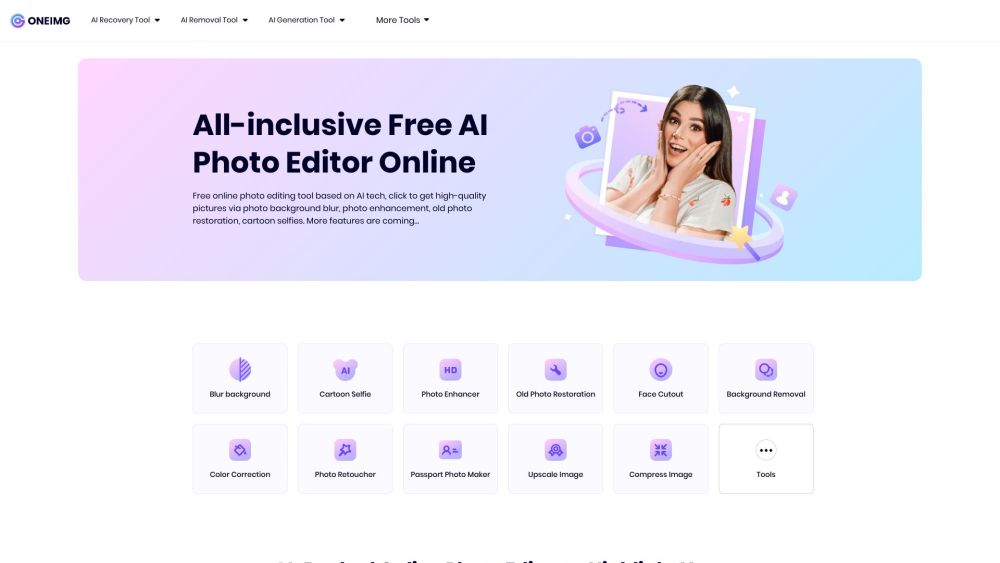
Free AI-backed online photo editor for optimization and enhancement.

AI photo retake, restoration, and animation app for fixing imperfect moments and reviving old memories.


AI-powered platform for image editing and content creation.

AI photo editor with restoration, background removal, colorization, and emoji creation.