Pastey Extension
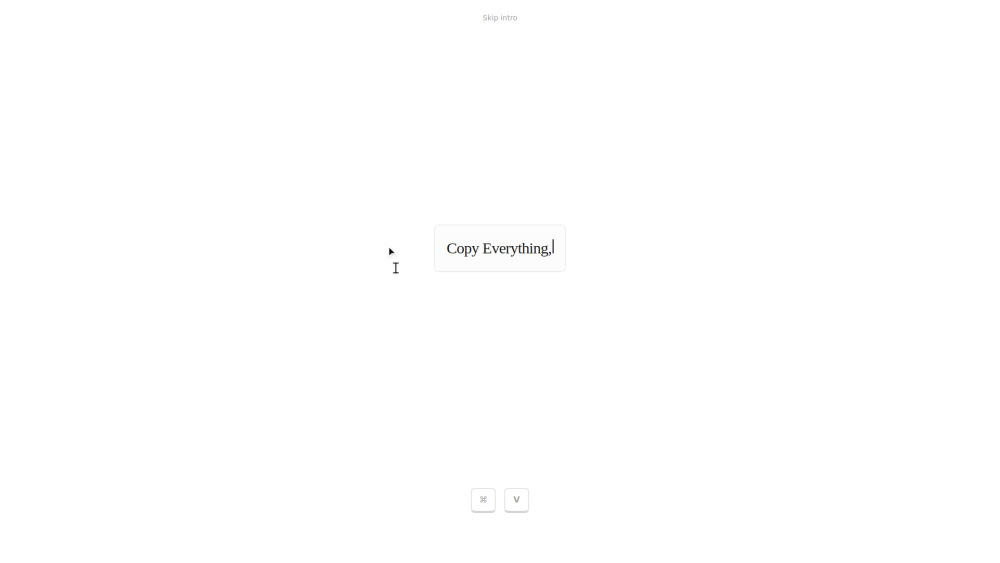


Pastey is an AI-powered browser extension that reimagines the standard copy-paste workflow. Instead of just being a clipboard, it is a context-aware tool woven into your browser flow. By holding the ⌘+V shortcut, users can access 'Smart Paste,' which adapts text to its destination, or use 'Inline Rewrite' to transform the tone of selected text instantly. It includes a searchable history, automatic detection of 2FA codes, and data masking for sensitive information like credit cards. Built with a local-first approach, it ensures that clipboard data and context are stored and indexed privately on the user's device.
AI-powered context-aware clipboard extension for smart pasting and instant text rewriting.
- Changing a casual Slack message into a professional tone by selecting and pasting.
- Adapting raw data or notes to fit the specific formatting of a coding environment or document.
- Quickly retrieving a specific 2FA code or a link from the searchable clipboard history.
- Masking sensitive credit card information while managing clipboard data.
- Install the Pastey extension and use your browser as normal. To use its AI features
- hold ⌘+V (or Ctrl+V) to trigger the context-aware paste menu. To rewrite text
- select the existing text and paste over it to instantly change its tone or polish the writing.

AI-powered online tool to rewrite texts, change words, and paraphrase content.
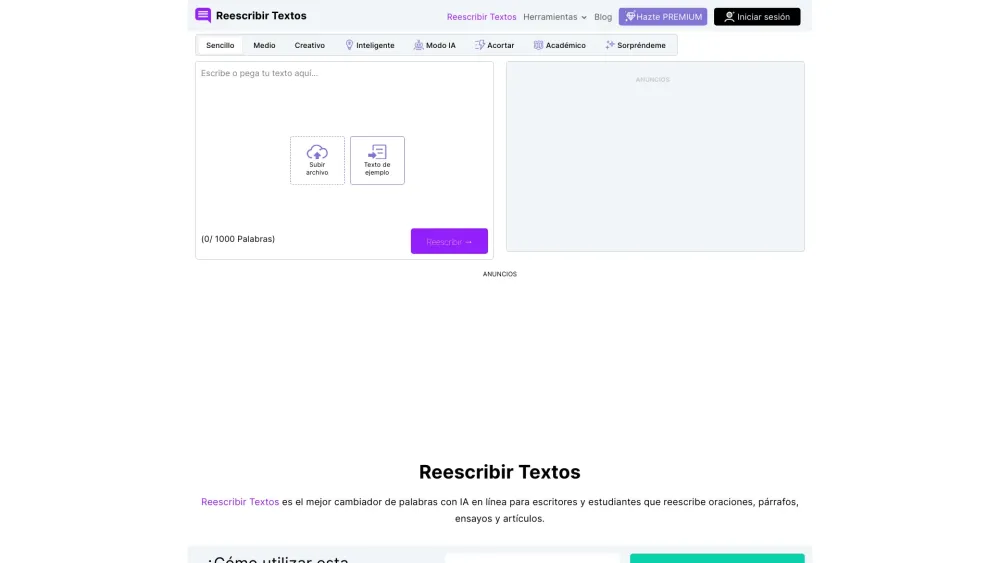

Free AI-powered tool to rewrite text with various modes and tones.
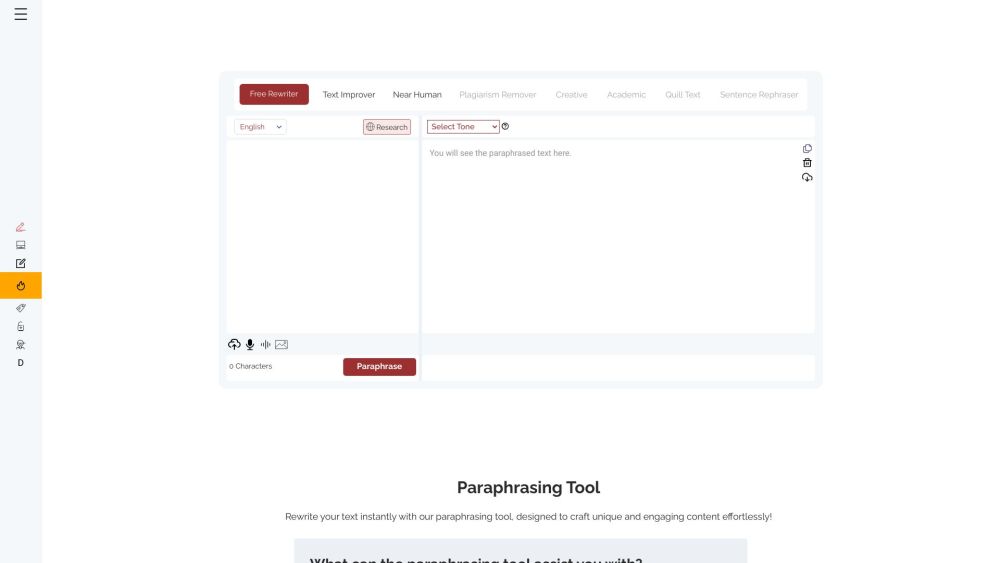

AI-driven content creation tool for paraphrasing, summarization, and bypassing AI detection.
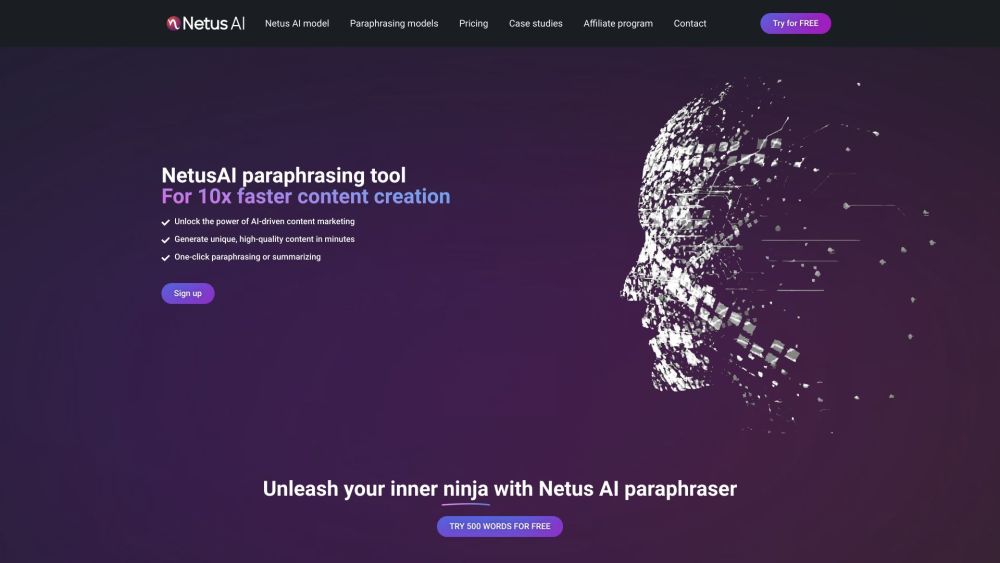

AI article rewriter, spinner, and humanizer for unique, high-quality content.


Rephrasely is a free AI-powered paraphrasing and content rewriting tool supporting 100+ languages.
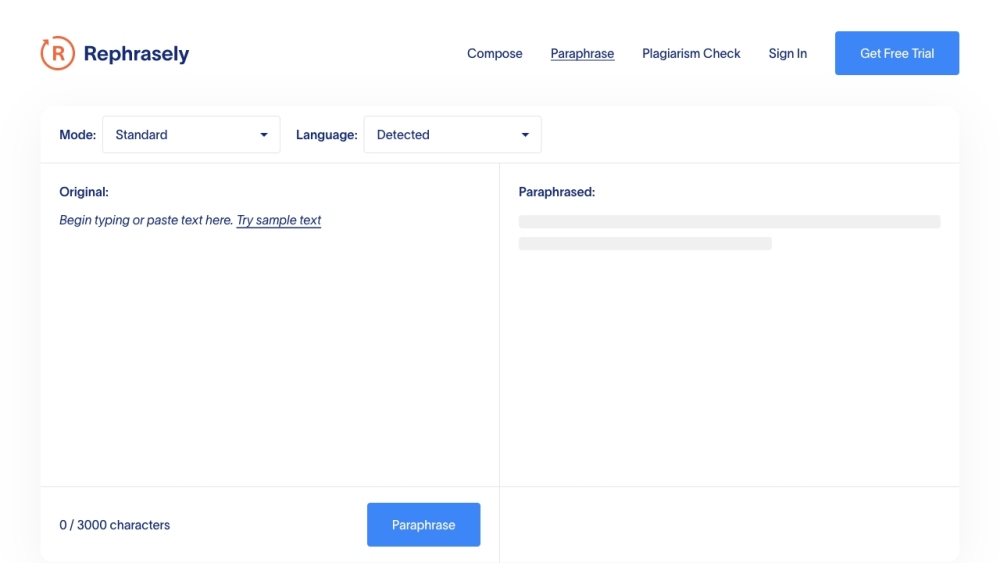

AI writing assistant for effortless, high-quality content creation.
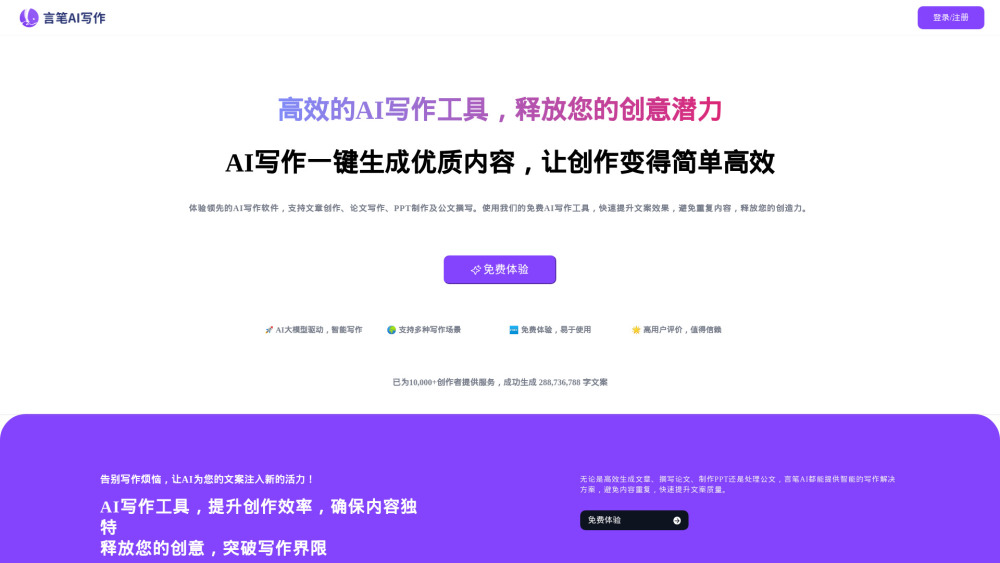

AI-based tool to remove plagiarism and make content unique.
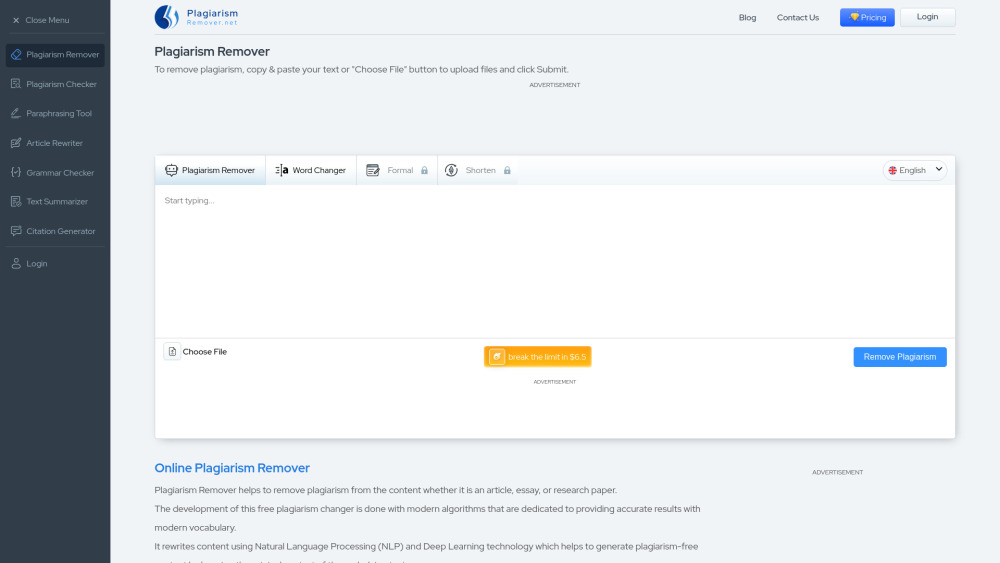

AI-powered article rewriter with multiple modes and language support for unique content creation.
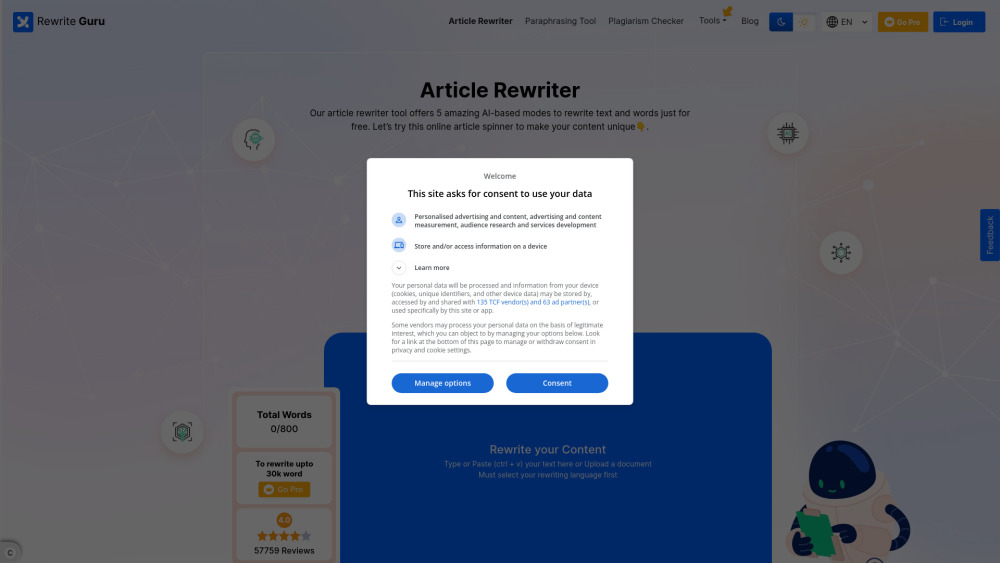

AI-powered content creation tools for rewriting, paraphrasing, and generating unique content.

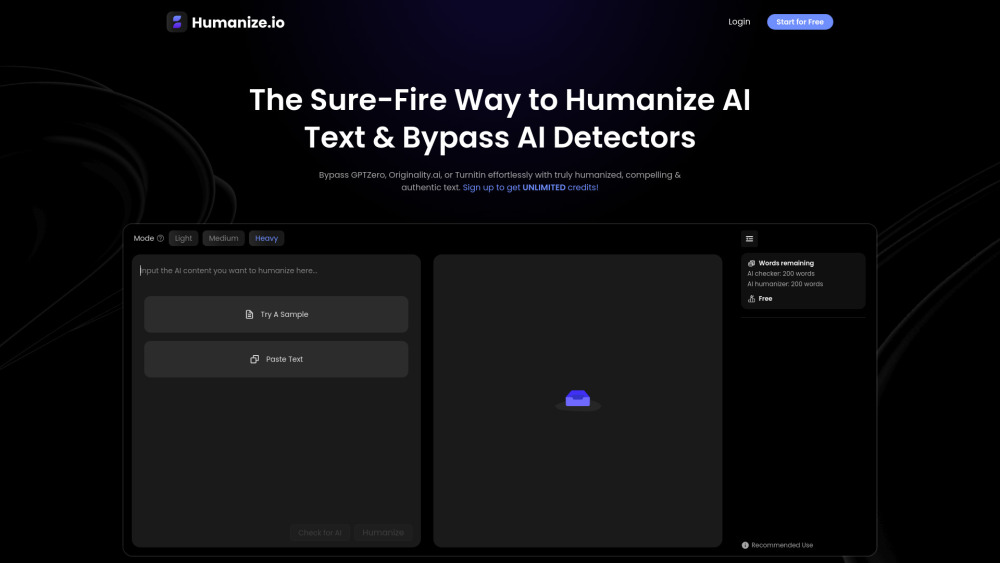
AI tool to humanize AI-generated text, making it sound more natural and engaging.

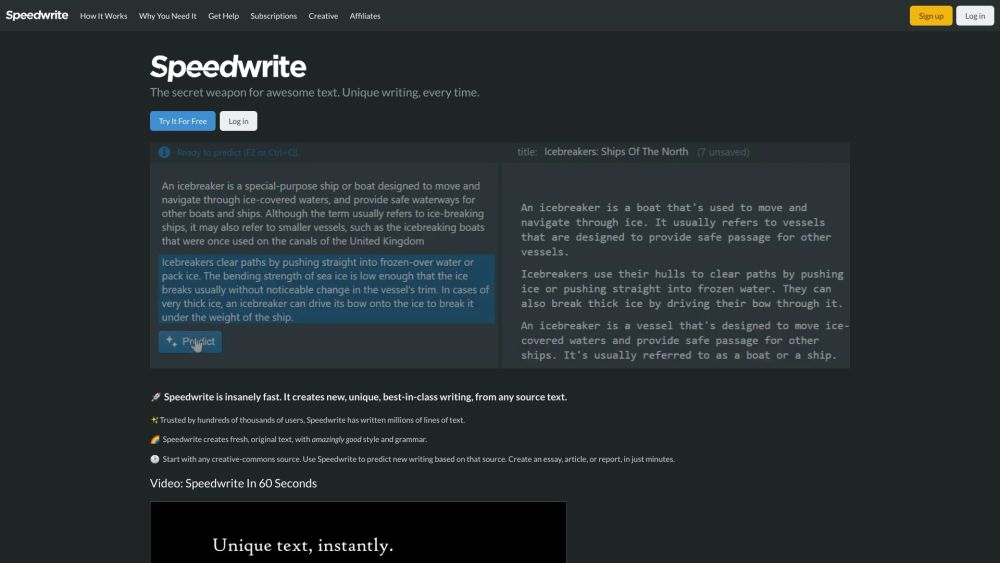
Automatic text generator for unique, high-quality writing from any source text.

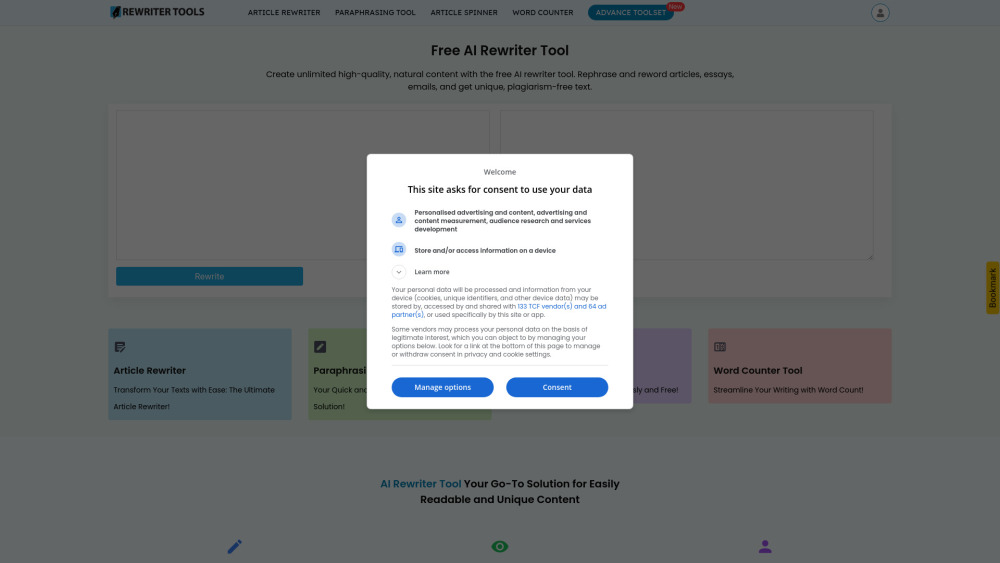
AI-powered text rewriter for high-quality, unique content creation and SEO improvement.
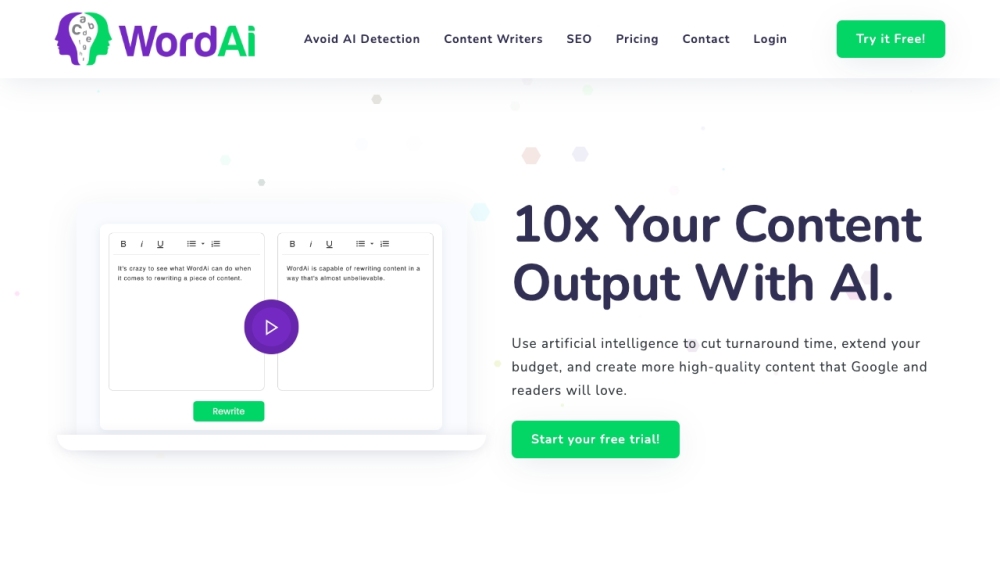

AI-powered tool to enhance writing with natural language processing and customization.
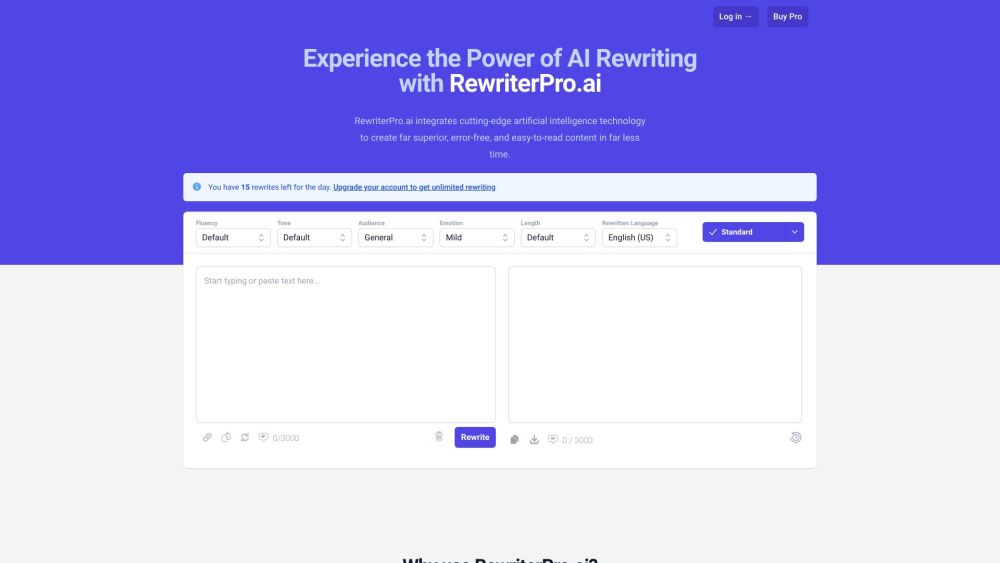

Stealthly AI humanizes AI text, bypasses AI detectors, and ensures plagiarism-free content.


uPass AI is an AI bypasser and humanizer to make AI content undetectable and plagiarism-free.
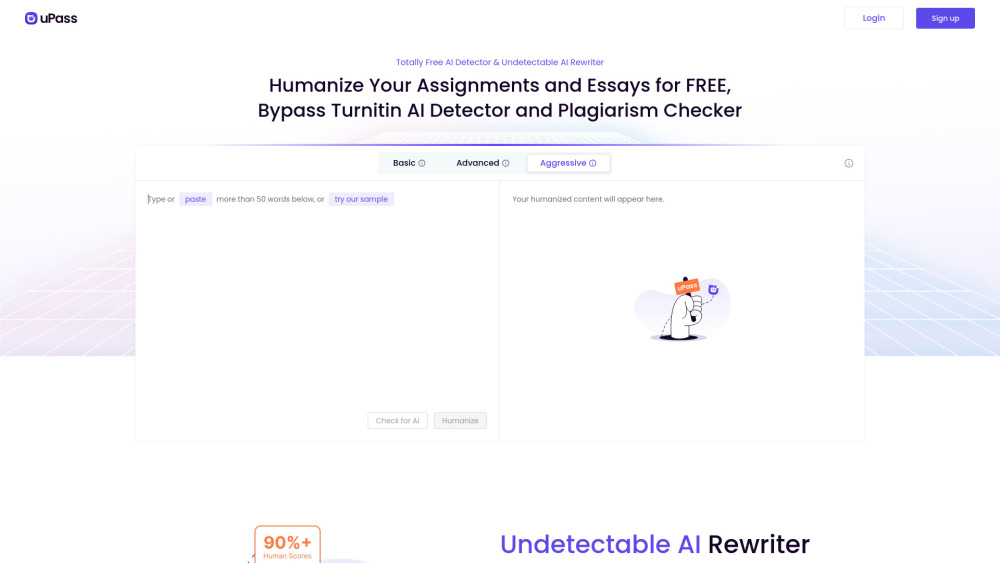

AI tool to rewrite AI content, bypass AI detectors, and ensure human-like quality.

AI rewriting tool to make text original and bypass AI detection.

AI-powered paraphrasing tool with multiple modes and additional writing utilities.