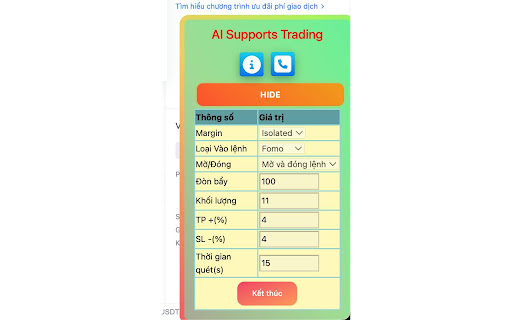
Olymp Ai Bot


Advanced AI Trading Automation for Olymp Trade Olymp AI Bot by SignalBots.ai is an intelligent browser-based trading assistant designed specifically for Olymp Trade traders who want faster market analysis, real-time trading signals, and automated execution capabilities. Built with advanced artificial intelligence and multi-timeframe market scanning technology, the platform helps traders identify high-probability opportunities across Forex, indices, commodities, and cryptocurrency markets directly from their Olymp Trade workspace. The bot integrates seamlessly into major browsers including Chrome, Firefox, Edge, Opera, Brave, and others, allowing traders to receive live signals without switching between multiple applications or trading tools. Whether you're a beginner seeking structured trade ideas or an experienced trader looking to automate part of your strategy, Olymp AI Bot offers a flexible solution that adapts to your trading style. Users can choose between manual signal confirmation and fully automated trade execution. The platform continuously scans market conditions, evaluates potential setups, and filters opportunities according to predefined criteria such as minimum payout rates, preferred timeframes, and risk parameters. This helps traders focus on quality setups while reducing emotional decision-making and reaction delays. Olymp AI Bot supports more than 40 popular trading instruments, including major currency pairs like EUR/USD, GBP/USD, and USD/JPY, global indices such as the S&P 500, NASDAQ, Dow Jones, and Nikkei 225, as well as commodities like Gold, Silver, Brent Oil, and WTI Crude Oil. Selected cryptocurrency markets are also available, providing traders with diverse opportunities throughout the trading day. The platform features three specialized trading strategies designed to match different market conditions. Fast Trades focuses on short-term momentum opportunities, Turbo Breakout targets volatility-driven price movements, and Master AI combines multiple technical and algorithmic factors to identify potentially high-probability trading setups. Traders can customize their preferred strategy mix and execution settings based on their individual objectives. Risk management remains a core component of the system. Users can define trade amounts, percentage-based position sizing, minimum payout thresholds, and execution preferences. Every signal, executed trade, filtered opportunity, and skipped setup is recorded within a transparent activity log, allowing traders to review performance and better understand the decision-making process behind each signal. Installation requires only a few minutes and no technical expertise. After adding the extension and activating a license, the bot automatically connects to the Olymp Trade platform and begins streaming signals directly within the trading interface. New users can start in demo mode using a virtual balance before transitioning to live trading when they feel comfortable with the system. Whether you're looking to improve discipline, reduce analysis time, automate repetitive tasks, or enhance your trading workflow with artificial intelligence, Olymp AI Bot delivers a powerful combination of automation, real-time market intelligence, and risk management tools within a single, user-friendly environment. **Key Features:** * AI-powered trading signals * Automated and manual trading modes * Browser extension for Chrome, Firefox, Edge, Opera, and Brave * Support for Forex, indices, commodities, and crypto markets * Multi-timeframe market analysis * Custom risk management controls * Real-time signal monitoring * Transparent trade and signal logs * Demo and live account compatibility * Fast installation and setup * Lifetime license options * Designed specifically for Olymp Trade traders
The Ultimate AI-Powered Trading Assistant for Olymp Trade The world of online trading is evolving rapidly, and artificial intelligence is becoming an essential tool for traders who want to stay ahead of the market. Whether you're a beginner looking for trading guidance or an experienced trader seeking automation, AI-powered solutions are transforming how trading decisions are made. One of the latest innovations in this space is the Olymp AI Bot by SignalBots.ai, a browser-based trading assistant specifically designed for Olymp Trade users. Unlike traditional signal providers that require multiple applications, manual monitoring, or complex configurations, Olymp AI Bot integrates directly into your trading environment. Through a lightweight browser extension compatible with Chrome, Firefox, Edge, Opera, Brave, and other major browsers, traders can access real-time trading signals, advanced market analysis, and automated execution tools without leaving the Olymp Trade platform. The platform is built around a simple concept: helping traders identify high-probability opportunities faster while maintaining strict risk management controls. By combining artificial intelligence algorithms, multi-timeframe market analysis, and automated trade execution capabilities, Olymp AI Bot aims to reduce emotional decision-making and improve trading consistency. One of the standout features of the system is its flexibility. Traders can choose between fully automated trading and manual signal confirmation. This means users retain complete control over their accounts while benefiting from AI-generated market insights. For those who prefer a more hands-off approach, the automated execution mode can instantly react to qualifying trading setups, helping traders capitalize on opportunities that might otherwise be missed due to human reaction times. The Olymp AI Bot supports a wide range of popular trading instruments available on Olymp Trade, including major Forex currency pairs, global stock indices, commodities such as Gold and Oil, and selected cryptocurrency markets. With coverage spanning more than 40 actively traded markets, users have access to a diverse range of opportunities throughout the trading day. Another major advantage is the platform's focus on simplicity. Installation takes only a few minutes, requiring no coding knowledge, VPS hosting, or complicated software setups. Once installed, the extension automatically detects the Olymp Trade platform, attaches itself to the trading interface, and begins streaming live signals directly within the trader's workspace. This seamless integration creates a unified trading experience that minimizes distractions and maximizes efficiency. Risk management is also a central component of the system. Users can define trade amounts, minimum payout thresholds, preferred timeframes, and execution preferences. The bot can filter out lower-quality setups, helping traders focus only on opportunities that meet predefined criteria. This structured approach helps reduce overtrading and encourages disciplined decision-making, two critical factors for long-term trading success. The platform offers multiple trading strategies tailored to different market conditions. Fast Trades focuses on short-term momentum opportunities, Turbo Breakout targets volatility-driven price movements, while the Master AI strategy utilizes advanced multi-timeframe analysis and machine learning models to identify potentially high-probability setups. These strategies allow traders to adapt their approach depending on market conditions and personal risk tolerance. For new users, the availability of a demo environment provides an opportunity to test the system without financial risk. Traders can evaluate signal quality, understand the platform's functionality, and gain confidence before transitioning to a live account. This educational aspect makes Olymp AI Bot particularly attractive for traders who are still developing their skills and market understanding. What truly differentiates Olymp AI Bot from many competing trading solutions is its emphasis on transparency. Every signal generated by the system can be reviewed through a detailed signal log that records executed trades, filtered opportunities, skipped setups, and the reasons behind each decision. This audit trail helps traders understand the bot's behavior and continuously refine their trading strategies. As AI technology continues to reshape financial markets, tools like Olymp AI Bot represent a new generation of intelligent trading assistants. By combining automation, market analytics, real-time signals, and risk management features within a single interface, the platform aims to provide traders with a comprehensive solution for navigating today's fast-moving markets. In this review, we'll explore how Olymp AI Bot works, its core features, supported markets, strategy framework, automation capabilities, pricing model, advantages, limitations, and whether it is the right trading solution for your goals in 2026.
- Olymp AI Bot Olymp Trade Bot Olymp Trade AI Bot Olymp Trade Trading Signals Olymp Trade Automation Olymp Trade Extension Olymp Trade Robot Olymp Trade Signal Bot AI Trading Bot Automated Trading Software
- Binary Options Bot Binary Options Signals Binary Trading Bot Binary Options AI Automated Binary Trading Binary Options Trading Software Binary Options Signal Provider Binary Scalping Bot Fixed Time Trading Bot Binary Trading Automation
- Forex Trading Signals Forex AI Bot Automated Forex Trading AI Forex Signals Forex Trading Automation Gold Trading Signals Crypto Trading Signals Index Trading Signals EURUSD Signals Trading Signal Software
- AI Trading Software Machine Learning Trading Trading Automation Platform Trading Browser Extension Chrome Trading Extension Firefox Trading Extension Algorithmic Trading Trading Assistant Smart Trading Tools Automated Signal Execution
- SignalBots SignalBots AI SignalBots Olymp Olymp Trade Extension Bot Olymp Trade Scalper Olymp Trade AI Scalper Olymp Signal Bot Olymp Trading Automation Olymp Trade Auto Trader Olymp Trade Trading Assistant
- # How to Use Olymp AI Bot Getting started with Olymp AI Bot is quick and straightforward. The platform is designed to work directly inside Olymp Trade
- allowing traders to receive AI-powered signals and automate their trading workflow within minutes. ## Step 1: Create or Connect Your Olymp Trade Account Before using the bot
- you'll need an active Olymp Trade account. If you don't already have one
- register a new account through the official Olymp Trade website. Existing users can simply log in using their current account credentials. For beginners
- it is recommended to start with a demo account to familiarize yourself with the platform and test the bot's performance without risking real capital. --- ## Step 2: Install the Olymp AI Bot Extension Download and install the Olymp AI Bot browser extension from the supported browser marketplace: * Google Chrome * Mozilla Firefox * Microsoft Edge * Opera * Brave Browser * Other Chromium-based browsers Once installed
- the extension will automatically detect when you open Olymp Trade and attach the trading panel to your browser. --- ## Step 3: Activate Your License After installation
- activate your Olymp AI Bot license. You can: * Request a free lifetime license through the SignalBots partnership program. * Purchase a lifetime license for one-time access. Once activated
- all bot features become available immediately. --- ## Step 4: Connect to Olymp Trade Open Olymp Trade in your browser and log in to your account. The Olymp AI Bot panel will appear automatically and display: * Account status * Available balance * Live signal feed * Strategy settings * Trading controls When the connection status shows **Connected**
- the bot is ready to use. --- ## Step 5: Choose Your Trading Mode Olymp AI Bot offers two trading modes: ### Manual Mode The bot generates trading signals and notifies you when opportunities appear. You decide whether to: * Enter the trade * Skip the signal * Adjust your position size This mode is ideal for traders who want full control over their decisions. ### Auto Trade Mode The bot automatically executes trades that meet your selected criteria. This mode is suitable for traders seeking automation and faster execution. --- ## Step 6: Select Your Strategy Choose one of the available AI strategies: ### Binary Option Fast Trades * Short-term opportunities * Momentum-based entries * Best for M1 to M5 timeframes ### Binary Option Turbo Breakout * Breakout trading strategy * Focuses on volatility expansion * Ideal during active market sessions ### Binary Option Master AI * Advanced AI-powered analysis * Multi-timeframe confirmation * Highest level of signal filtering You can test different strategies in demo mode to determine which fits your trading style. --- ## Step 7: Configure Risk Management Before trading
- define your risk parameters. ### Trade Amount Choose between: * Fixed amount per trade * Percentage of account balance Example: * $1 per trade * $5 per trade * 2% of account balance ### Minimum Payout Filter Set the minimum return rate required before the bot takes a trade. For example: * 75% * 80% * 85% Signals below your selected payout threshold will be automatically filtered out. --- ## Step 8: Choose Your Timeframes Select the timeframes you want the AI to analyze. Available options include: * 1 Minute (M1) * 5 Minutes (M5) * 15 Minutes (M15) * 30 Minutes (M30) * 1 Hour (H1) * 4 Hours (H4) Multiple timeframes can be enabled simultaneously for broader market coverage. --- ## Step 9: Monitor Live Signals Once configured
- the bot begins scanning markets and generating signals in real time. Each signal includes: * Asset name * Trade direction (BUY or SELL) * Signal status * Execution result * Time generated The signal stream updates continuously as market conditions change. --- ## Step 10: Review Signal History The built-in audit log records every action performed by the system. You can review: * Executed trades * Filtered signals * Skipped opportunities * Blocked setups This transparency helps traders understand how the AI makes decisions and evaluate overall performance. --- ## Step 11: Start with Demo Trading New users should spend time testing the bot in a demo environment before moving to live markets. Benefits of demo testing: * Learn the interface * Understand signal behavior * Test risk settings * Evaluate strategy performance * Build confidence Only switch to a live account when you are comfortable with the results. --- ## Best Practices for Using Olymp AI Bot * Start with small trade sizes. * Use the demo account first. * Set realistic profit expectations. * Follow strict risk management rules. * Avoid increasing trade size after losses. * Review the signal log regularly. * Test different strategies under different market conditions. * Never risk money you cannot afford to lose. --- ## Conclusion Olymp AI Bot simplifies the trading process by combining artificial intelligence
- automated execution

AI platform to automate trading strategies using plain English, no code required.
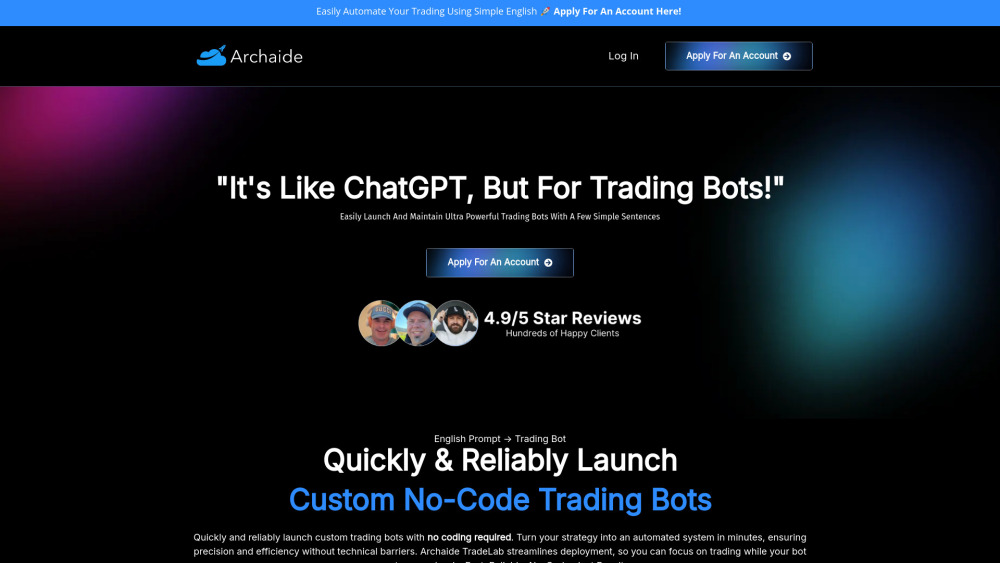

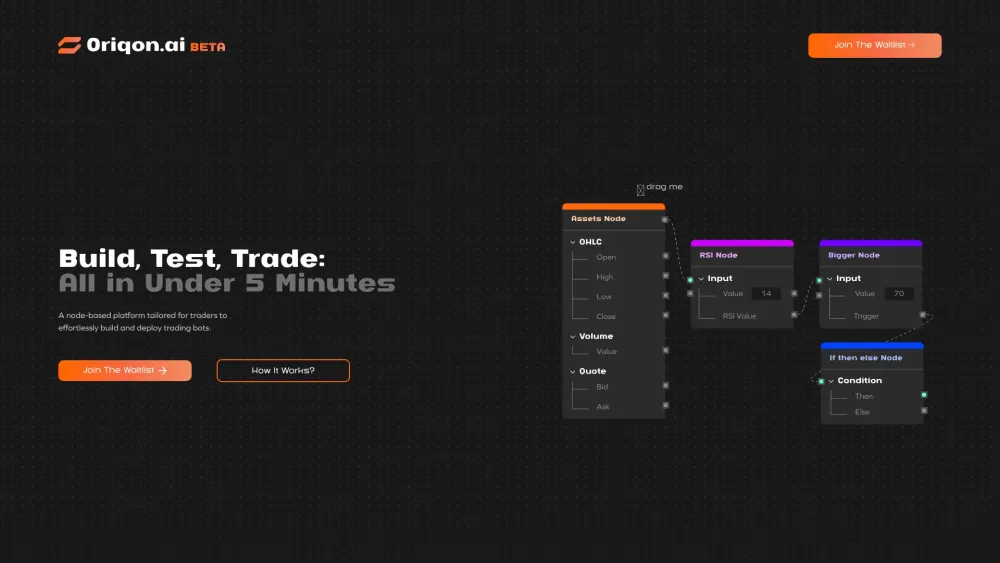
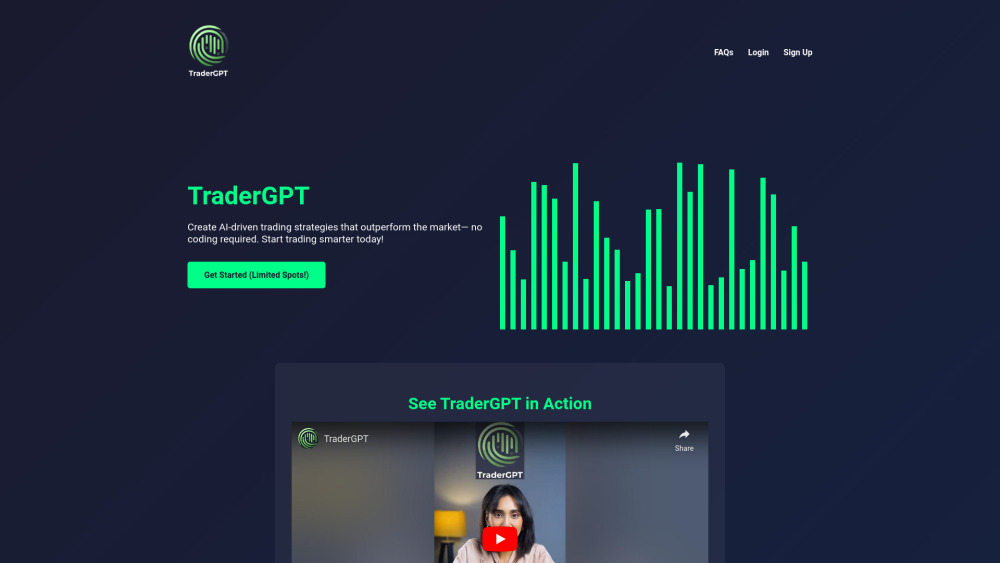
No-code platform to build, test, and deploy trading bots and algorithms.
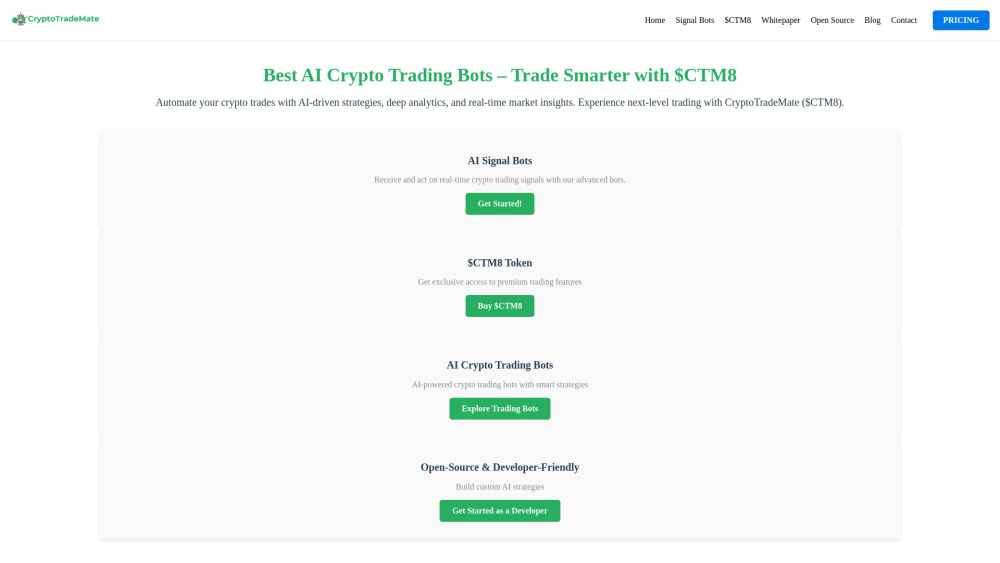
AI-powered crypto, stock, and forex trading platform with advanced trading bots and analysis tools.


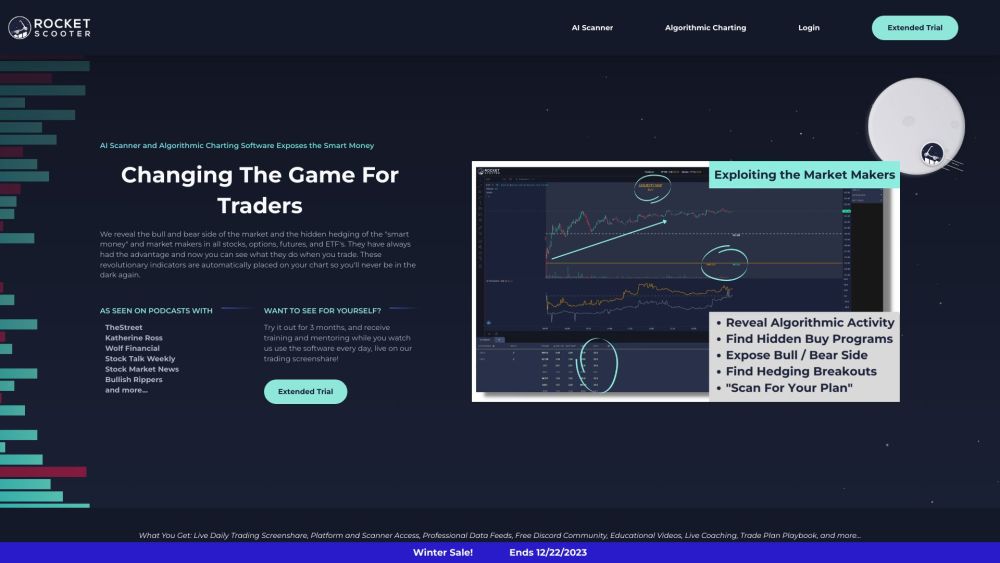
A browser plug-in for faster, AI-powered trading of stocks, options, and cryptocurrencies.
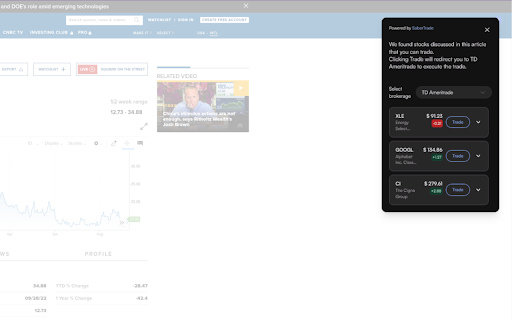

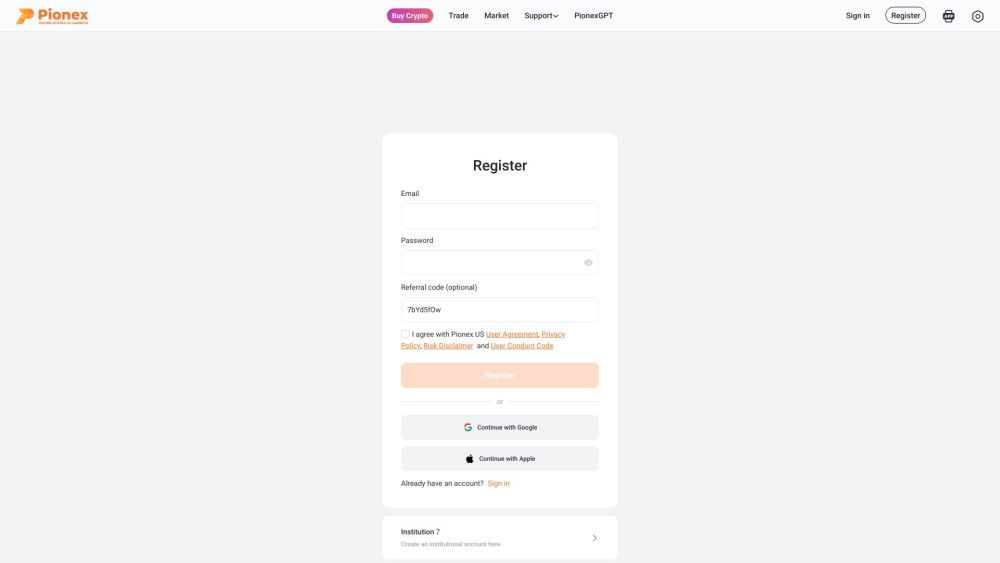
Crypto exchange with in-built trading bots for automated trading.

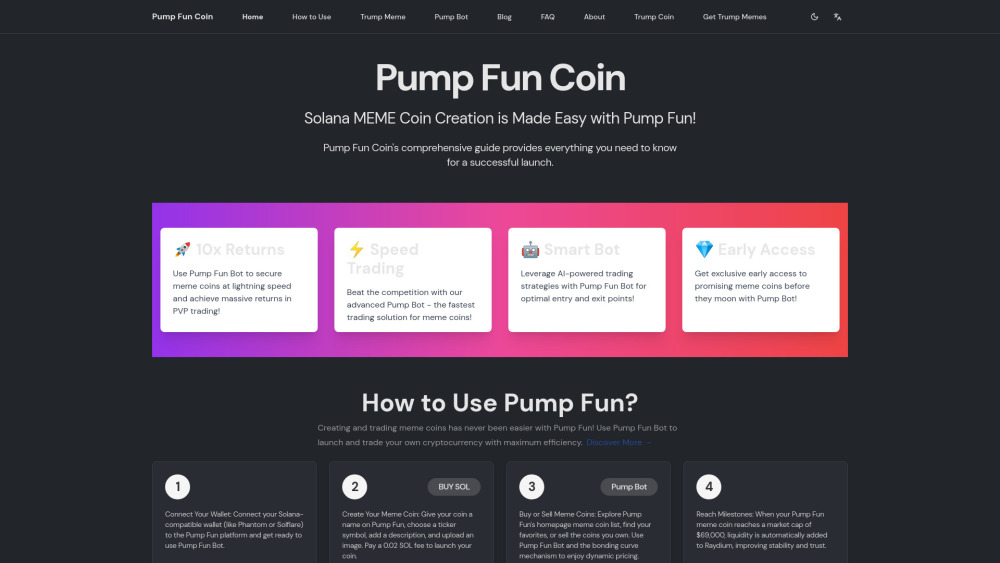
A guide and resource hub for creating and trading meme coins on Pump Fun.

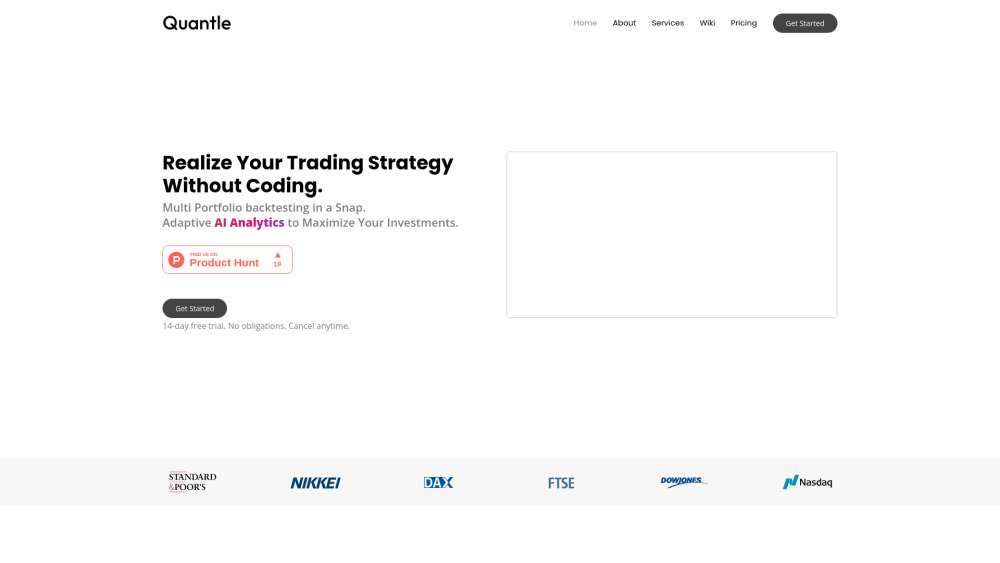
No-code platform for algorithmic trading strategy development and deployment.

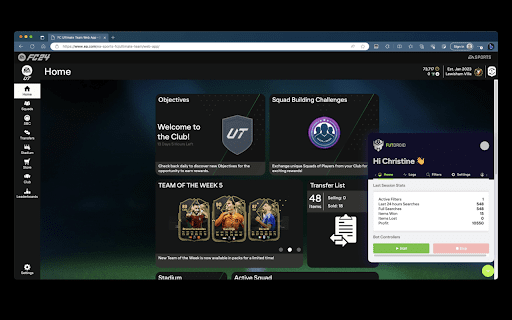
FUTDroid is a sniping bot for EAFC24 to generate coins and build dream teams.

Automated Forex trading bot for MT4/MT5 with AI-powered systems and performance tracking.

Leading AI quantitative trading platform using AI, blockchain, and big data.


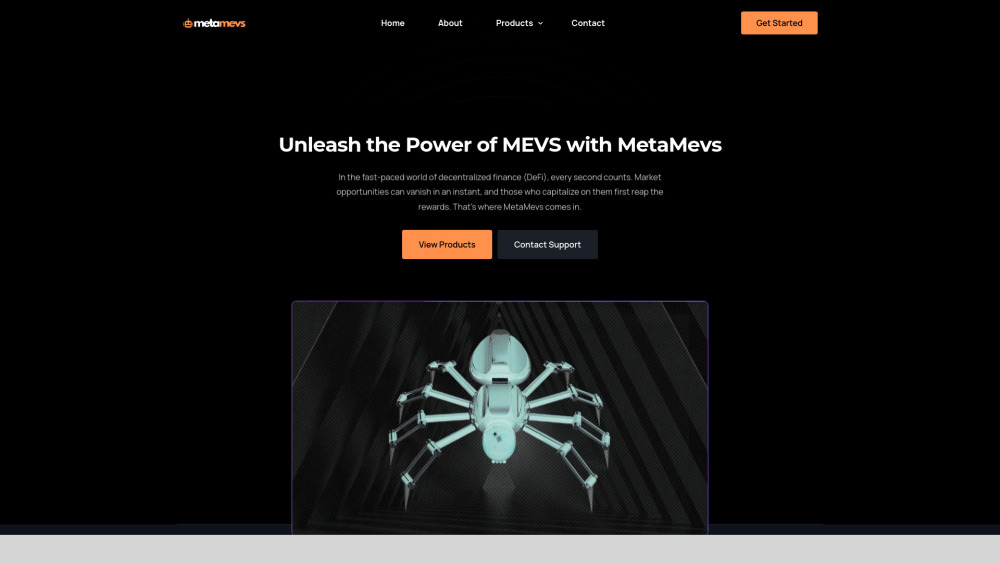
MetaMevs offers MEV bots for automated crypto trading in DeFi and CeFi markets.

Live trading performance benchmark for AI models in real markets.


AI trading bot for stocks & crypto, no coding required.

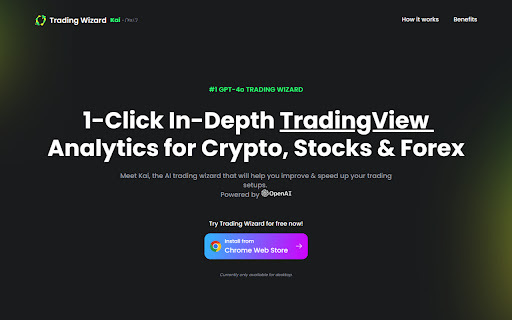
Kai is an AI trading assistant that improves and speeds up trading analysis.

Automated trading software with AI scanner revealing smart money positions in various markets.

AI-powered crypto trading bot platform with automated strategies and risk management.

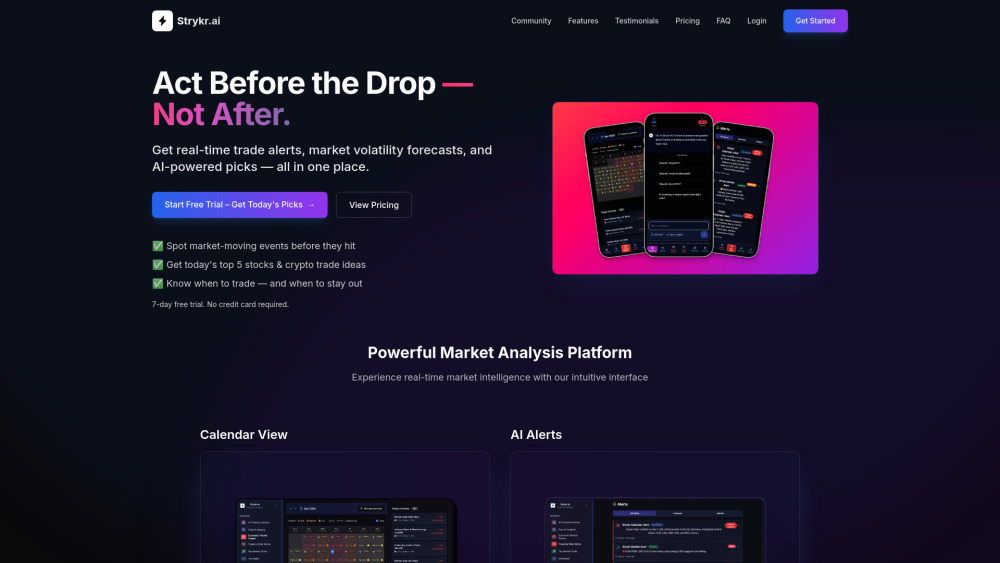
AI-powered market intelligence platform for traders with real-time alerts and analysis.

AI extension for optimizing Futures trading on MEXC with automated features.