Nexa
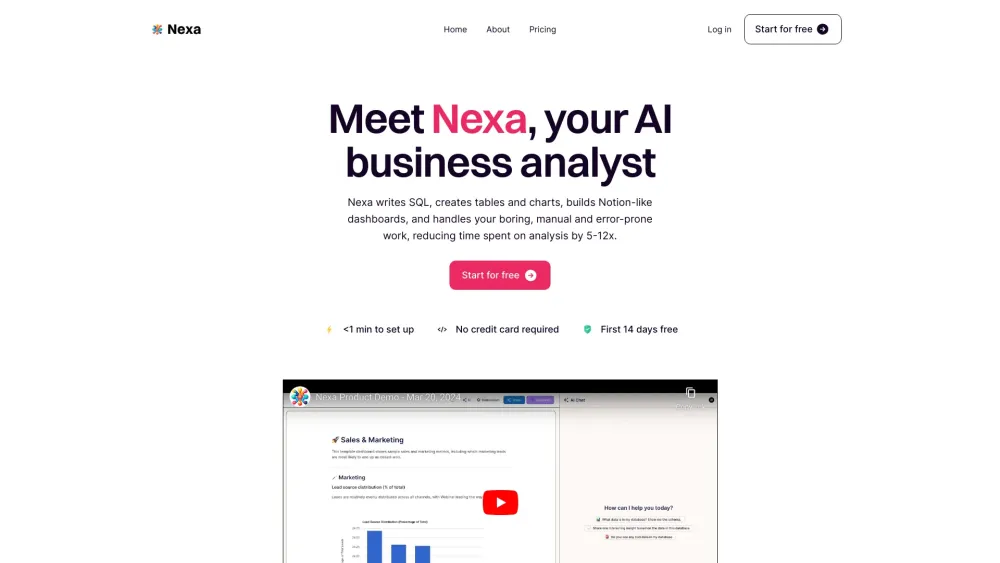



Nexa is an AI business analyst that writes SQL, creates tables and charts, builds Notion-like dashboards, and automates boring, manual, and error-prone data analysis work. It aims to reduce time spent on analysis and reporting by 5-12x, providing instant access to revenue-driving insights without requiring Excel formulas, SQL, or code.
AI business analyst for automated data analysis and insights.
- Startup founders and execs can enable self-serve data analysis for their teams, increasing overall productivity and reducing engineers' time spent writing SQL for others.
- Sales, marketing, and growth teams can stop exporting CSVs from multiple tools and get instant access to revenue-driving insights directly.
- Technical users (SQL wizards) can reduce analysis time significantly, with Nexa automatically understanding field meanings and suggesting insights.
- Non-technical users (Excel ninjas) can perform complex analysis like creating histograms with simple prompts, saving time and reducing errors compared to manual Excel work.
- To use Nexa
- first connect your data by linking your SQL database (MySQL
- PostgreSQL) or uploading CSVs. Then
- you can chat with your data using simple English prompts to request insights or brainstorm. Finally
- build Notion-like dashboards by adding charts and tables with one click
- which can be shared instantly with stakeholders.

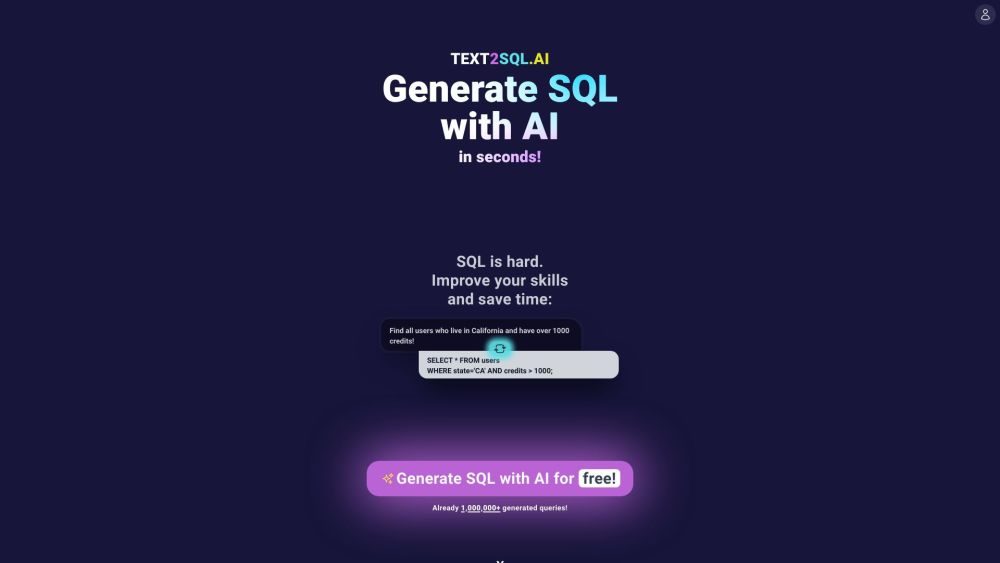
AI-powered tool to convert text into SQL queries for various databases.

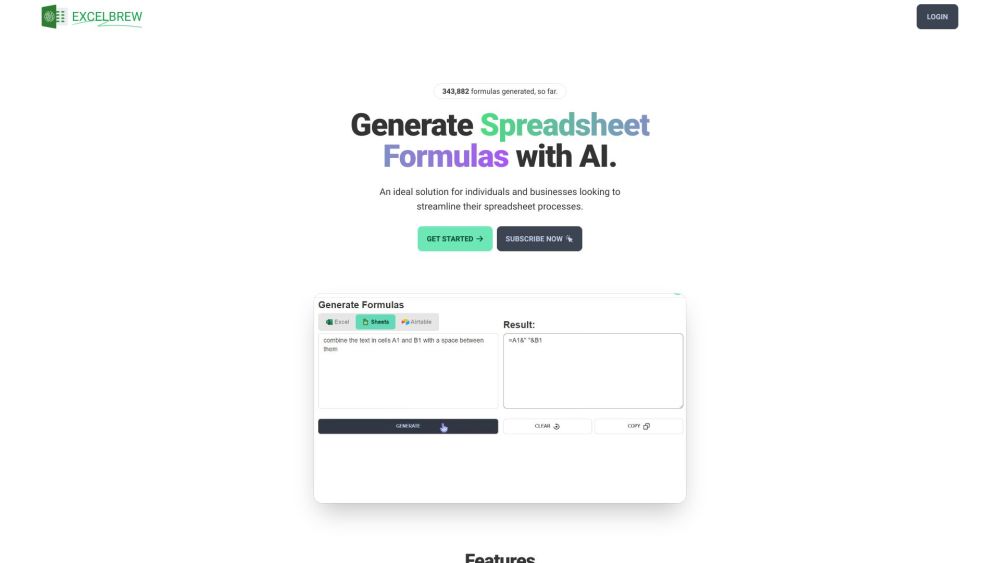
AI-powered tool for generating and explaining spreadsheet formulas, scripts, SQL queries, and regex.
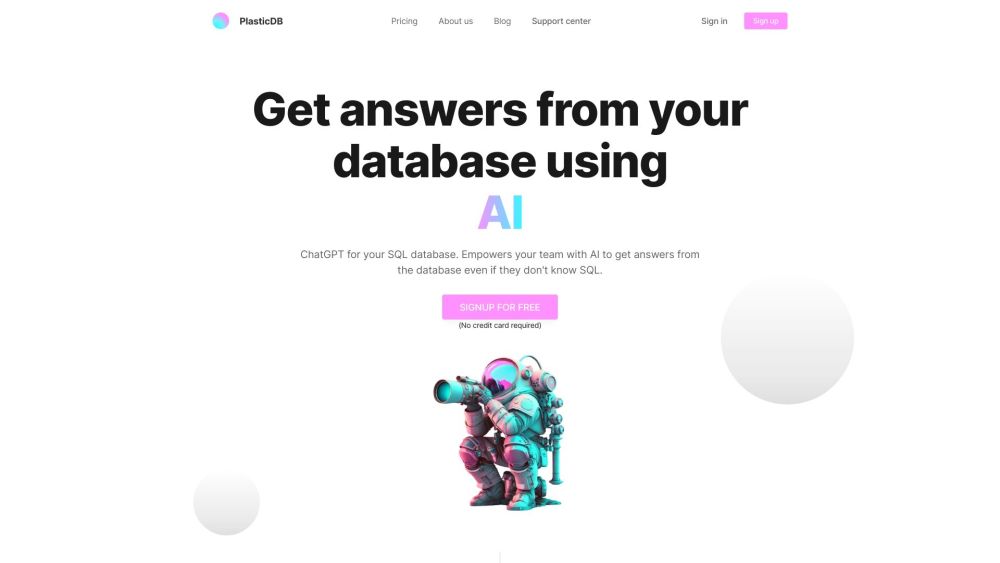
AI-powered tool to query databases without SQL knowledge.

AI-powered platform to simplify SQL query creation and optimization.


AI-powered SQL query generation from English prompts.


AI spreadsheet with code, connections, and real-time collaboration for data analysis.
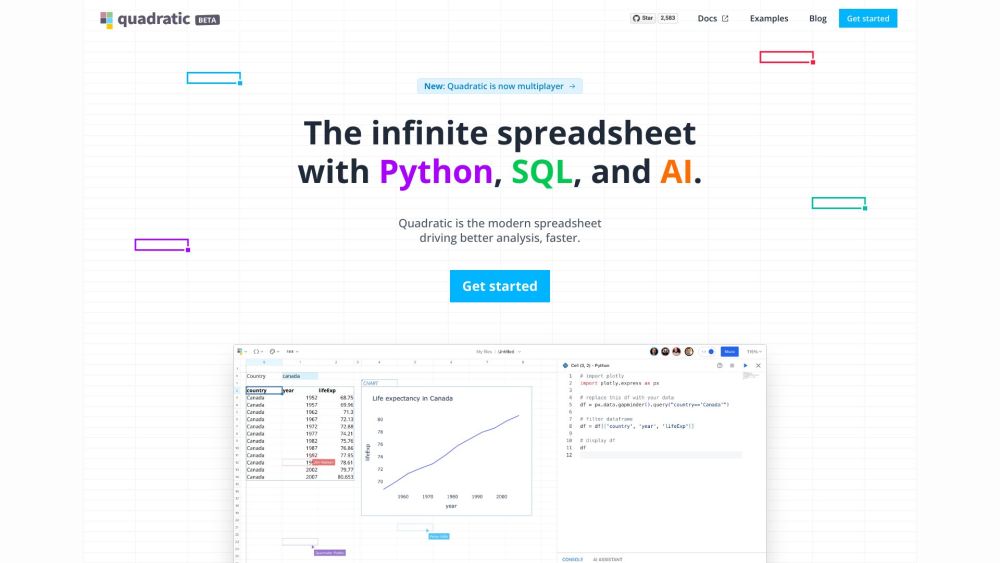

AI-powered platform for SQL query generation, optimization, and validation.
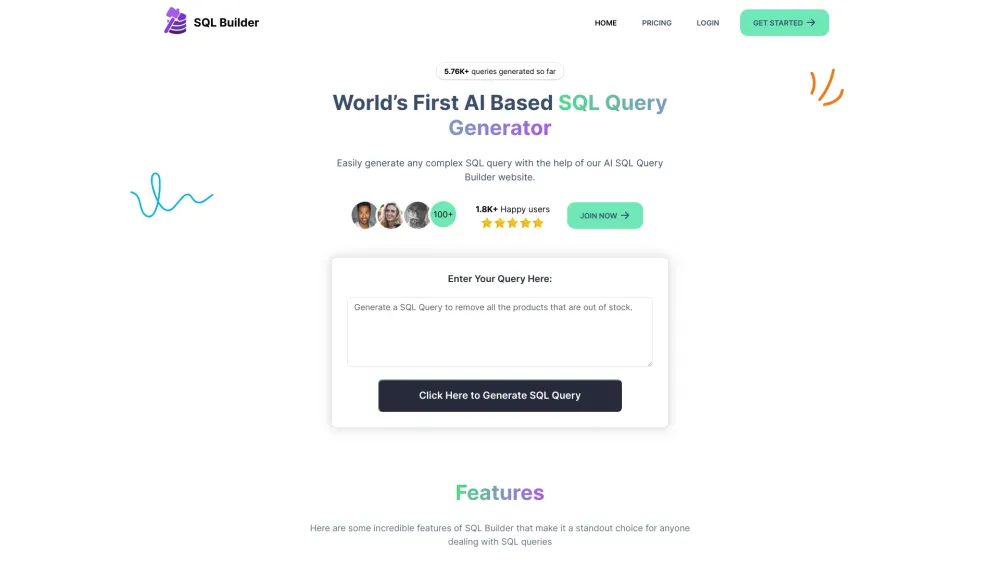

AI Data Analytics chatbot and SQL generator for SQL databases.
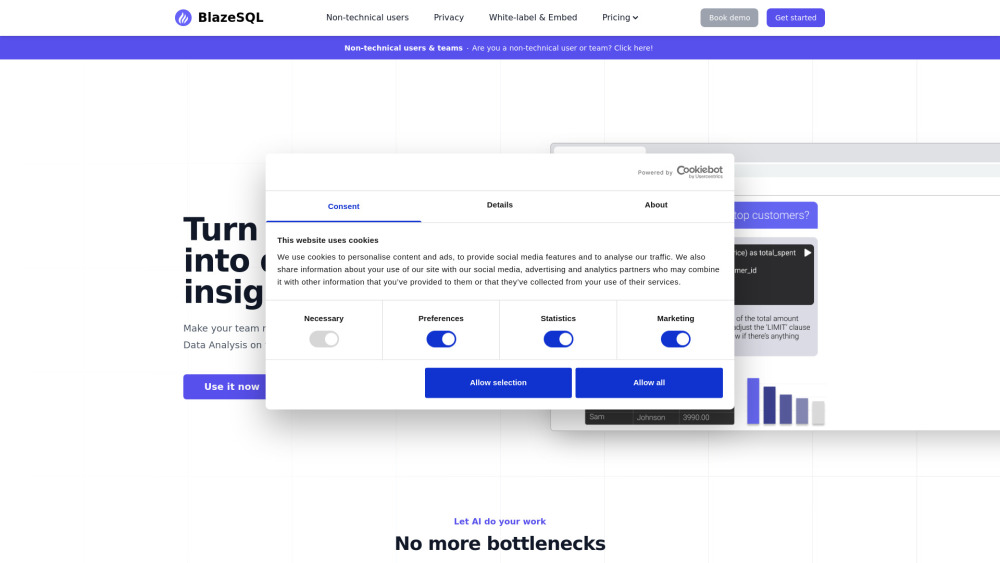

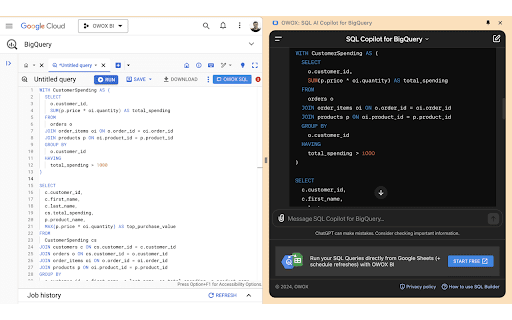
Chrome extension for faster BigQuery data querying using AI-generated SQL.