
Neocal
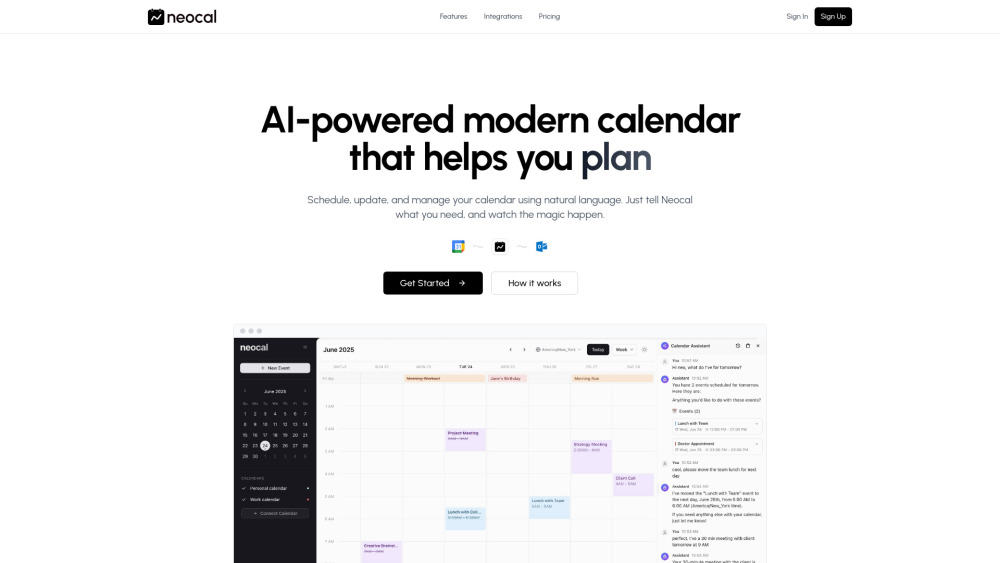


Neocal is an AI-powered calendar application designed to simplify schedule management. It allows users to interact with their calendar using natural language commands, making planning, updating, and managing events faster and easier. Neocal integrates seamlessly with Google Calendar, offering two-way synchronization and support for multiple accounts.
AI-powered calendar app for hassle-free schedule management using natural language.
- Scheduling a meeting by saying "Schedule a meeting with the design team"
- Finding an available time for multiple people with "Find a time when everyone is available"
- Asking about upcoming events like "When is my next client meeting?"
- Coordinating international calls with "Schedule a call with Tokyo office at their 10 AM"
- Rescheduling an event with "Move my 3 PM call to tomorrow"
- Setting up recurring events based on habits with "Schedule my usual weekly review"
- To use Neocal
- first connect your Google Calendar account. Then
- communicate your needs to Neocal using plain natural language
- such as "Schedule lunch with Sarah next Tuesday" or "Move my 3 PM call to tomorrow." Neocal will process your request
- provide smart suggestions for you to review and approve
- and then automatically update your calendar across all your devices.

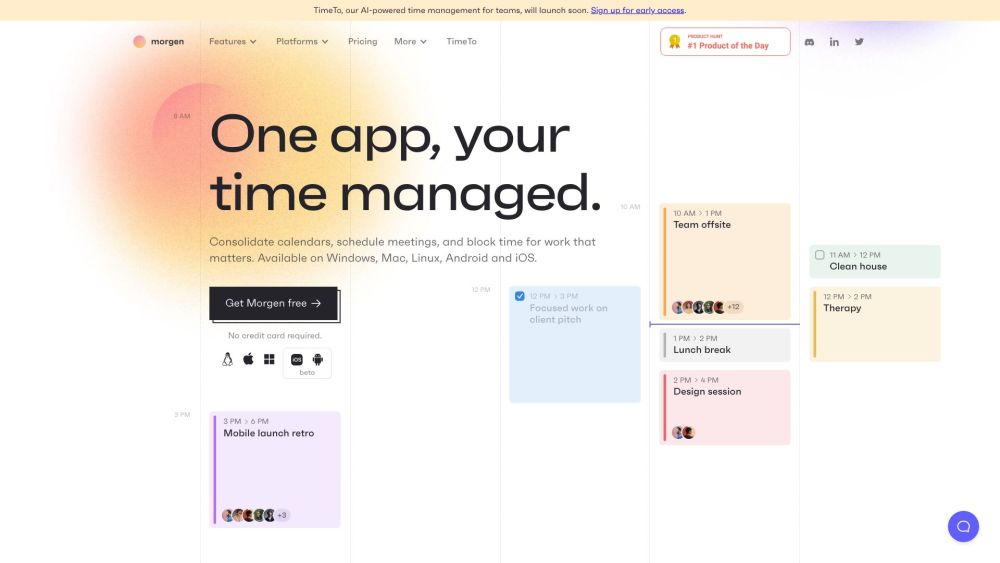
Time management platform integrating calendars, tasks, and scheduling with AI-powered planning.

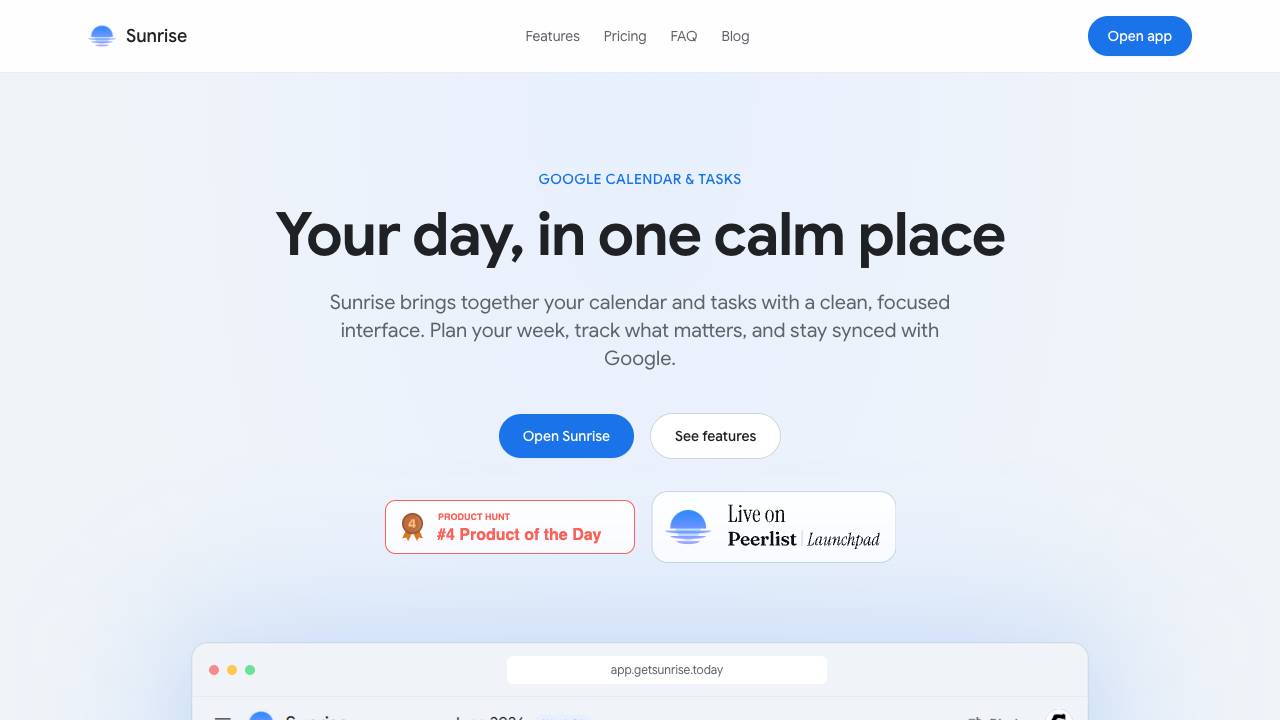
A real planner for Google Tasks

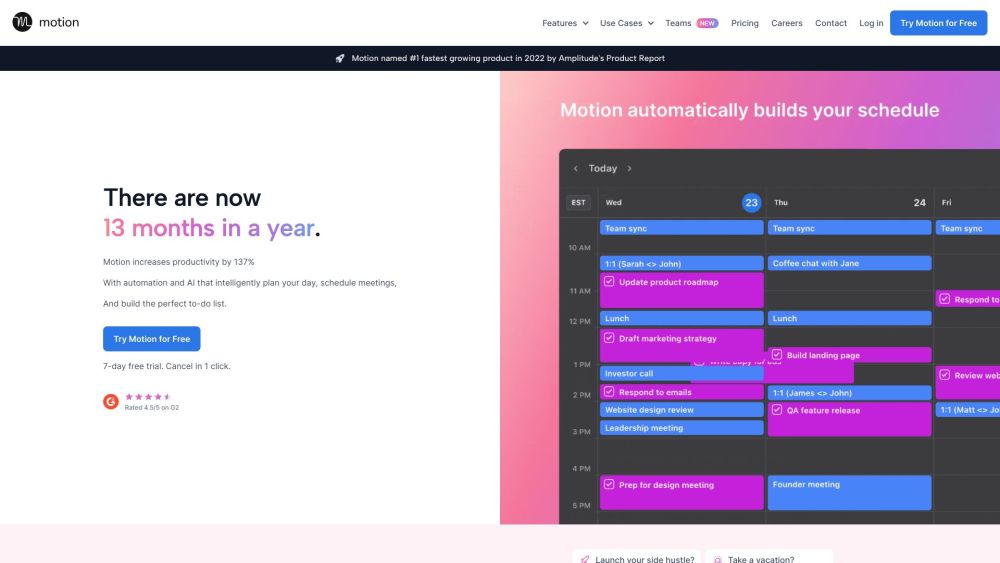
AI-powered super app for work, integrating tasks, projects, calendar, and more to boost productivity.

Voice-first AI calendar assistant for busy families.


Chrome extension to create calendar entries from text in one click.
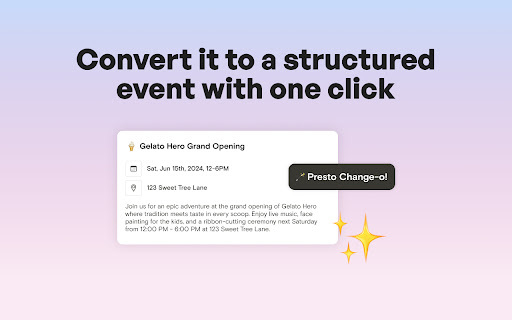

Chrome extension to create Google Calendar events from highlighted text.


Automates calendar event creation from text descriptions, saving time and effort.


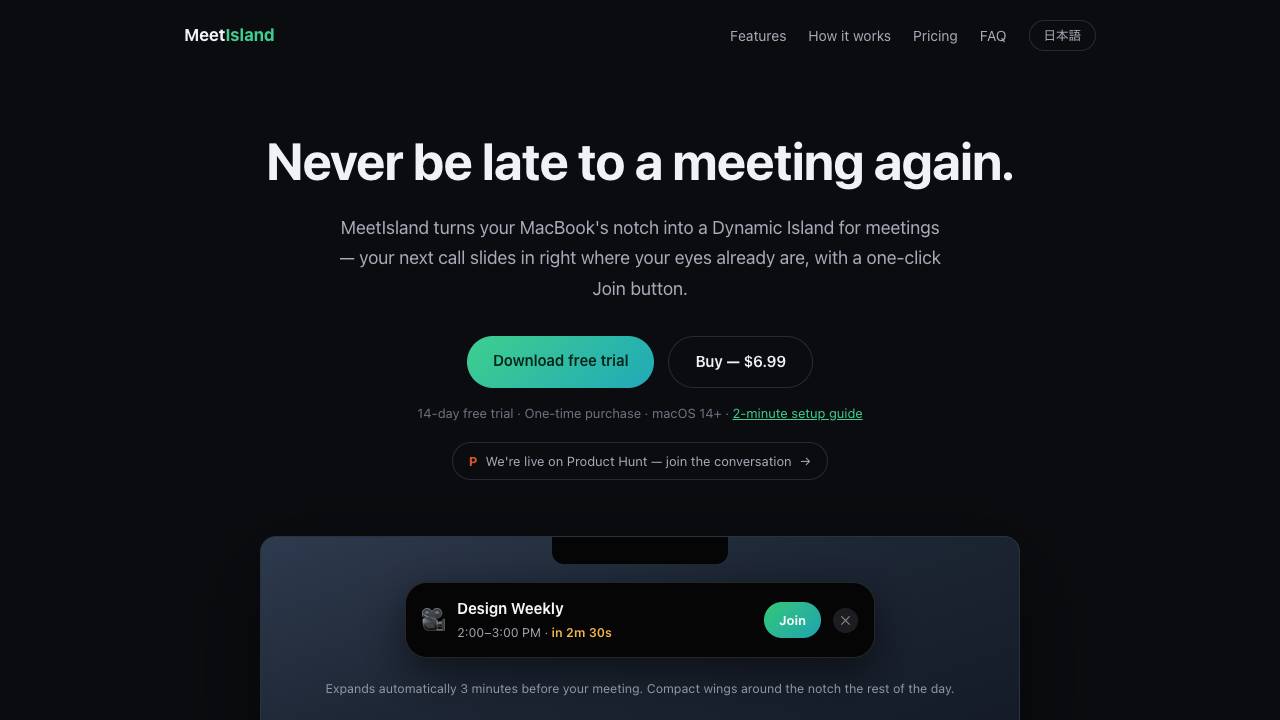
The Dynamic Island that gets you to meetings on time

Todue automates syllabus loading into calendars for students, streamlining organization and time management.

