Neo Ai Presentation Maker


Neo is an advanced Agentic AI platform designed to revolutionize the way presentations are created. It combines the power of AI with human-like workflows to help users build professional-grade presentations quickly and effortlessly. With Neo, you can generate, customize, and refine presentations using AI-powered templates that adapt to your content and style. This intelligent platform enhances productivity by automating tasks, allowing you to focus on the message while the tool handles the design.
Neo is an Agentic AI platform for presentations that empowers you to create professional-grade slides effortlessly. By leveraging AI-powered templates, Neo mimics human workflows to guide you through the process of building presentations. Whether you’re starting from scratch or repurposing existing content, Neo automates key aspects like template selection, content population, and theme adjustments, allowing you to focus on delivering impactful presentations with ease.
- 1. Corporate Presentations Sales Pitches: Quickly generate professional presentations tailored to your client’s needs, using AI-powered templates and content suggestions.
- 2. Marketing & Advertising Campaign Presentations: Create presentations for new marketing campaigns, product launches, or advertising strategies, complete with AI-generated visuals and content.
- 3. Educational & Academic Lectures & Class Presentations: Educators can use Neo to generate educational presentations, whether for lectures, student projects, or academic conferences.
- 4. Consulting & Strategy Business Strategy: Consultants can design presentations for strategic planning sessions, market analysis, and client advisory meetings.
- 5. Design & Creative Projects Pitch Decks for Startups: Entrepreneurs and startups can generate visually appealing pitch decks for investors, complete with compelling storytelling and data-driven insights.
- 6. Event Planning & Management Conference Presentations: Conference speakers and event organizers can use Neo to create engaging slides for talks, workshops, and panel discussions.
- 7. Human Resources & Talent Acquisition HR Presentations: Use Neo to create presentations for recruitment processes, employee performance reviews, and training programs. Job Interviews & Candidate Portfolios: Design personalized presentations for job candidates or to showcase
- Neo is designed to be user-friendly
- enabling you to create professional presentations effortlessly. Here's a step-by-step guide on how to use the platform: 1. Sign Up and Log In Visit the Neo platform and sign up for an account (or log in if you already have one). Choose your preferred plan (if applicable) based on your needs and get started. 2. Choose a Template Once logged in
- start a new presentation by selecting from a wide range of AI-powered templates. Neo provides various templates designed for different presentation types (e.g.
- business pitches
- reports
- educational decks
- etc.). You can browse through categories or search for a specific template that fits your needs. 3. AI-Powered Content Generation After selecting a template
- Neo’s AI will automatically populate slides with relevant content based on the template and any additional input you provide. You can also customize the content by typing in your own text or uploading data (such as images
- charts
- and documents). 4. Inline Editing Edit text
- images
- colors

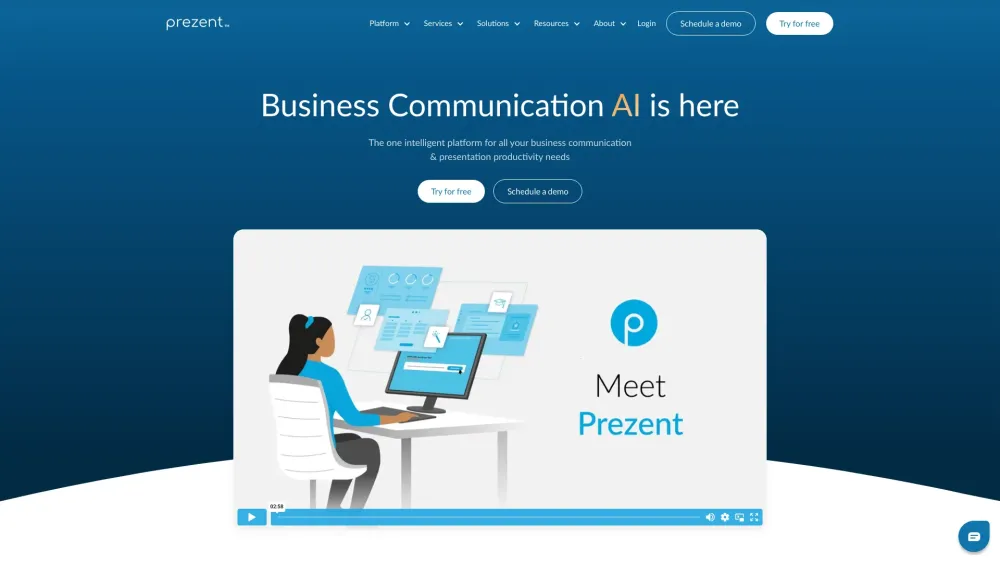
AI-powered platform for document, presentation, voiceover, and image creation.
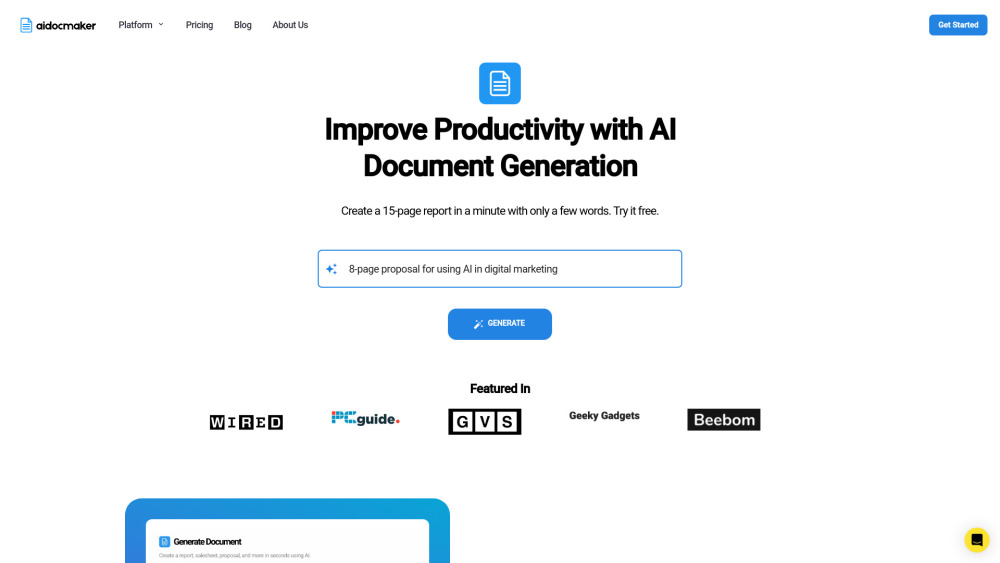

AI-powered presentation tool for creating engaging and influential media content.


AI-powered presentation maker for creating professional slides quickly and easily.
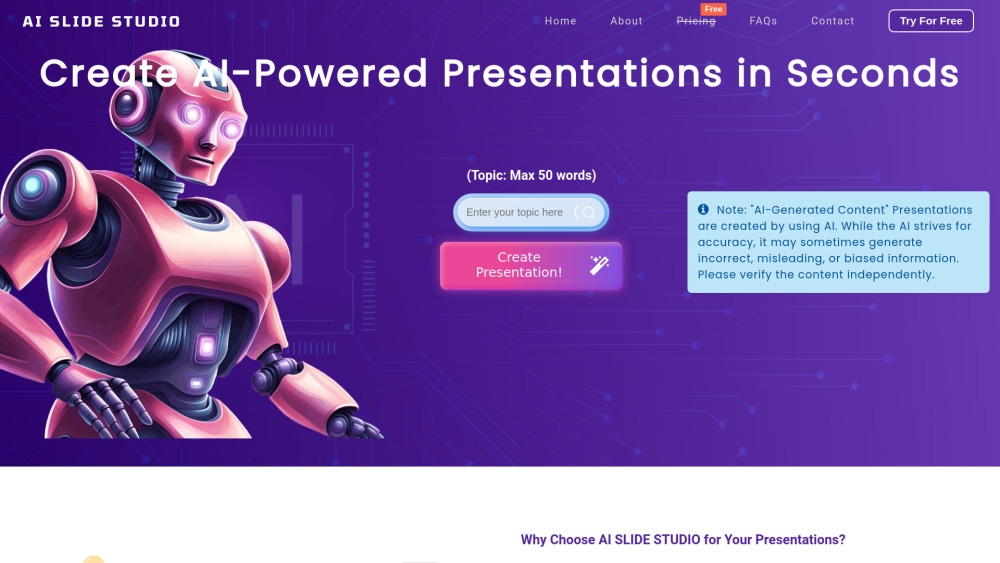

AI presentation maker for quick, professional slides with auto-design and document conversion.
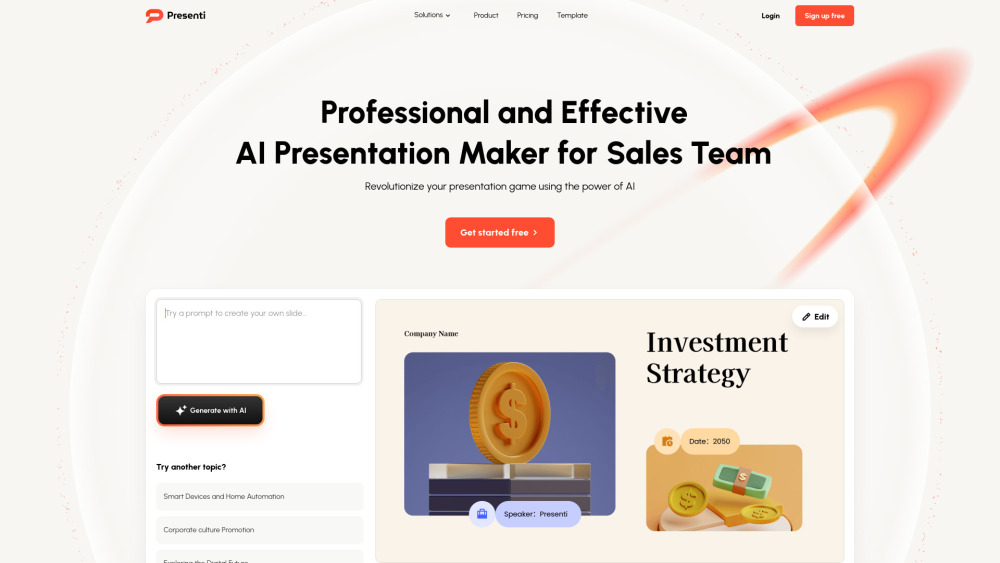

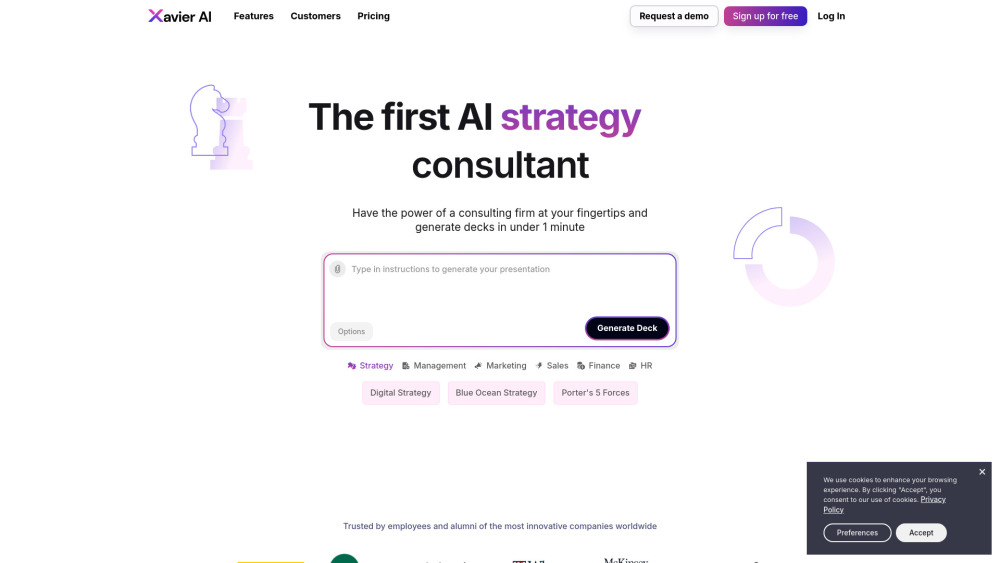
AI strategy consultant for quick, strategic presentation and deck generation.

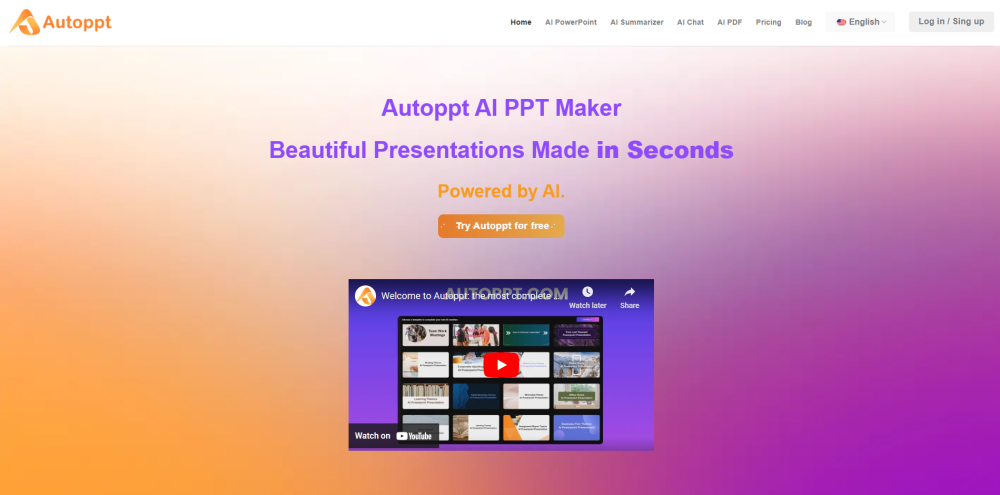
AI PowerPoint generator for creating presentations quickly with AI and templates.

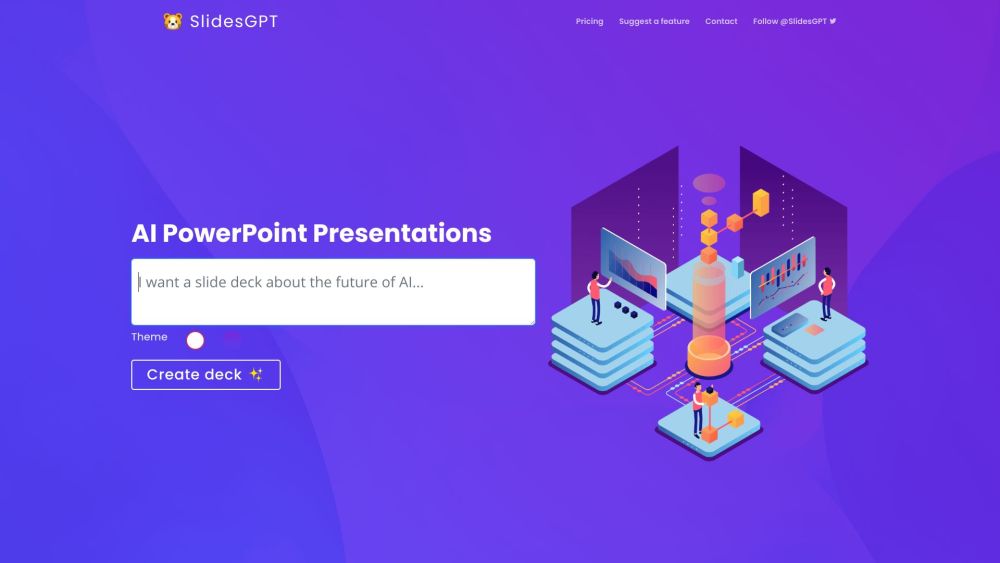
AI-powered presentation generator using ChatGPT API for PowerPoint, Google Slides, and PDFs.

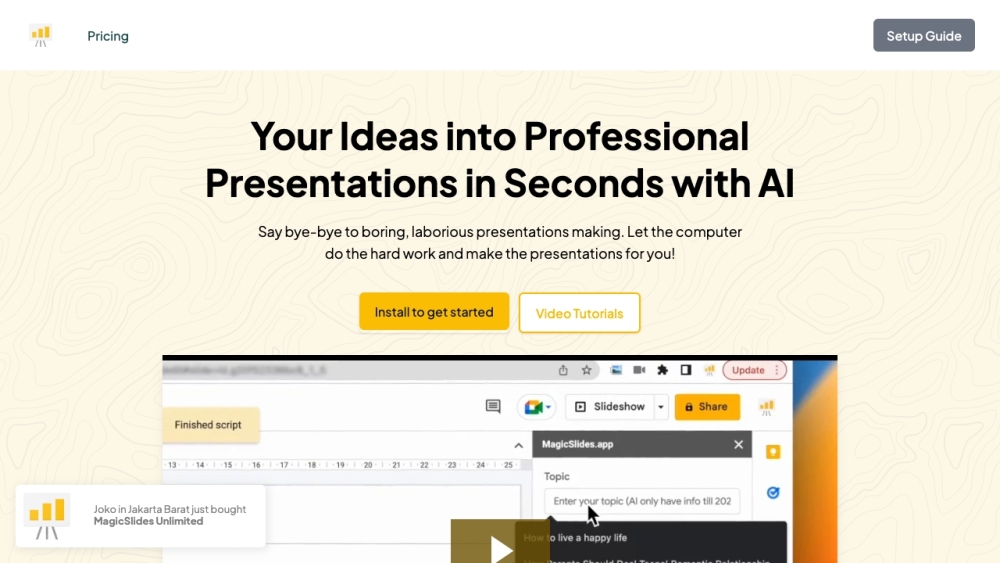
AI presentation maker that creates professional slides from various content sources.

AI-powered platform for business communication and presentation productivity.