Meshy

Meshy is an AI platform that allows three-dimensional (3D) content creation from text data and two-dimensional images. Users can leverage Meshy's features to convert text into a textured rendering, develop compelling 3D models from textual prompts, and transform an image into a 3D model with minimal effort. It has an AI-powered texture feature that lets users apply textures to 3D models seamlessly. Meshy offers a variety of art styles, including realistic, cartoon, and sculpture formats. Its interface is simple and intuitive, which makes it user-friendly, enabling non-experts to utilize it effectively. Meshy supports multiple languages and offers an Application Programming Interface (API) that allows its integration into other applications to expand its functionality. Users also have the advantage of previewing their work on a browser immediately after completion. It allows users to export their 3D models in various formats like FBX, OBJ, STL, BLEND, and USDZ for easy compatibility with other software applications.
Meshy is a 3D AI platform for generating 3D models from text or images.
- Generating 3D models for game development
- Creating textures for existing 3D models
- Animating 3D characters for virtual reality experiences
- Converting 3D files between different formats
- Quickly prototyping 3D assets for AR/VR applications
- Meshy is a 3D AI platform for generating 3D models from text or images. Here's a quick rundown: Getting Started • Sign up at https://www.meshy.ai • Free tier available; paid plans unlock more generations & downloads Main Features • Text to 3D — describe what you want
- get a 3D model • Image to 3D — upload a reference image
- convert to 3D • Text to Texture — apply AI-generated textures to existing meshes • AI Animate — rig and animate 3D characters Workflow 1. Pick a mode (Text/Image to 3D) 2. Enter your prompt or upload an image 3. Generate a draft preview (fast
- low-poly) 4. Refine → generate the textured final model 5. Download in formats like GLB
- FBX
- OBJ
- STL
- USDZ API Access • Available via REST API — models generated via API don't appear in the Workspace UI (intentional). Use the List Tasks API to retrieve them. Docs: https://docs.meshy.ai

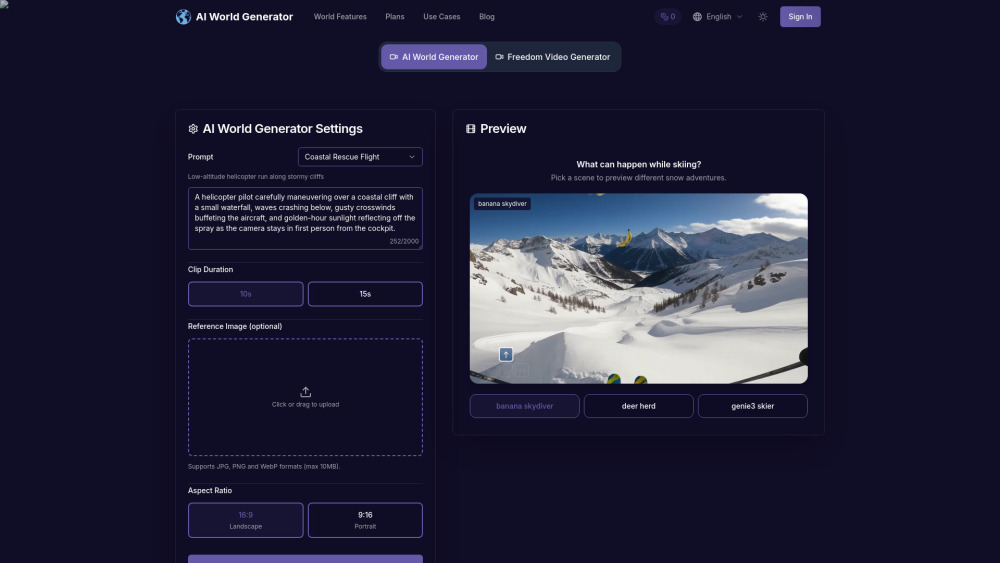
AI-powered 3D model generator from text or images in seconds.

AI-powered platform for generating 3D models from text and images.


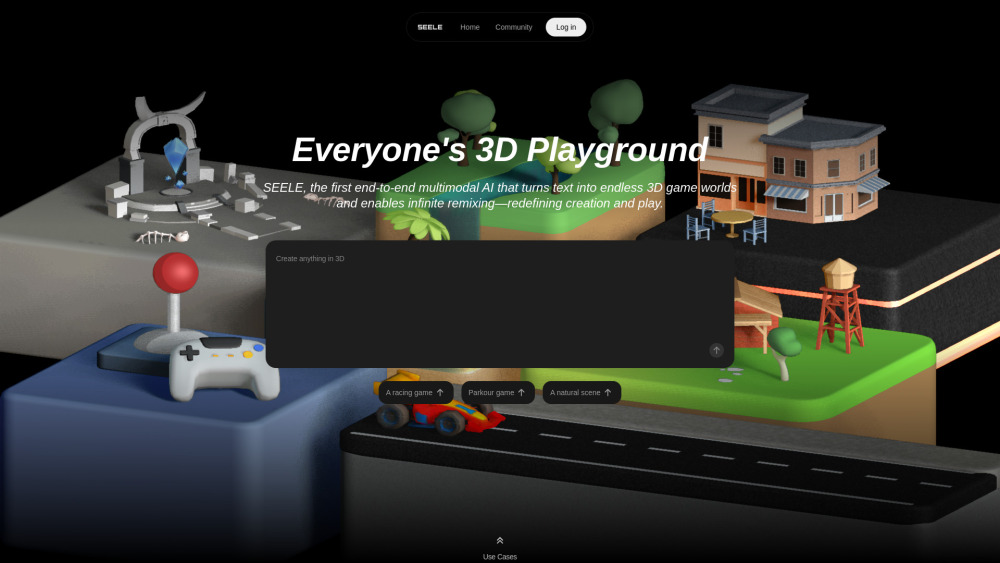
AI for creating and remixing 3D game worlds from text.

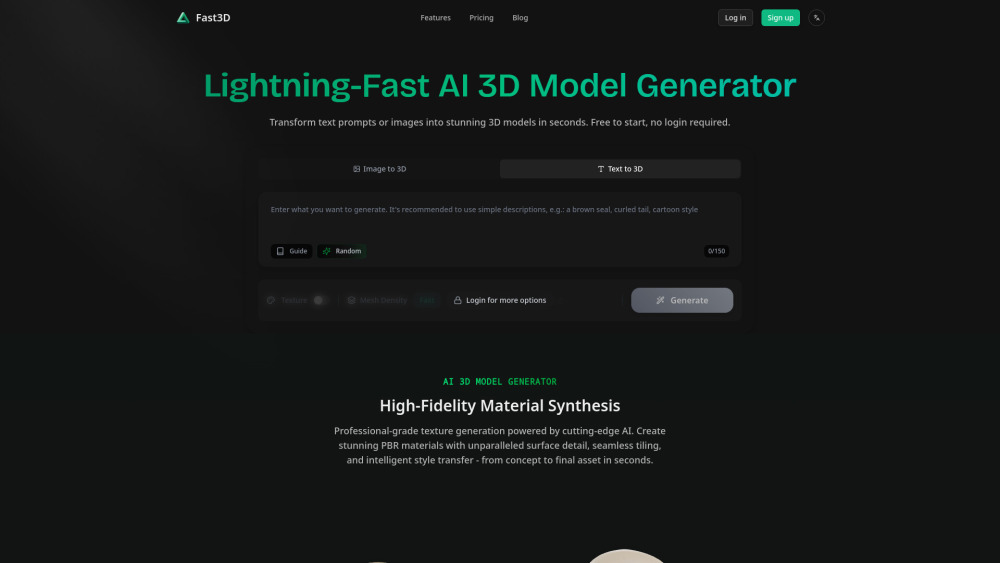
Instant AI 3D model generator from text & images.


AI-powered platform for generating 3D models from text or images.
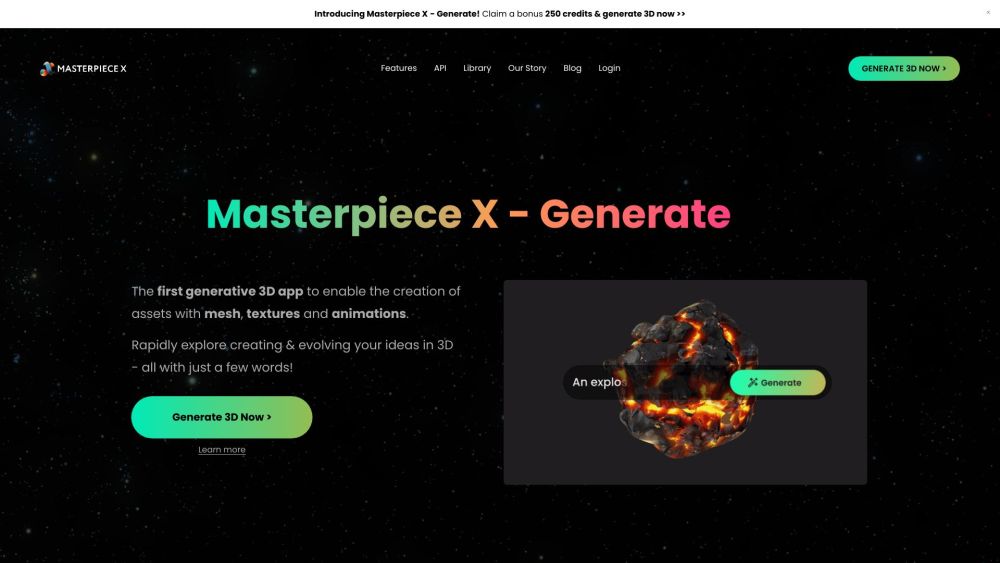

AI-powered platform for generating 3D assets from text or images in seconds.
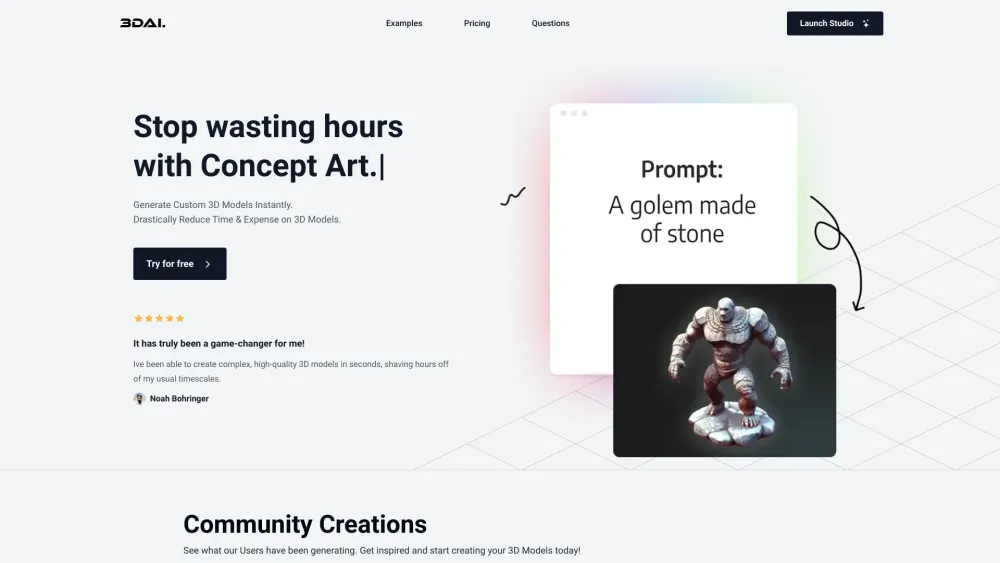

AI-powered platform for 3D model and asset generation with various tools and features.
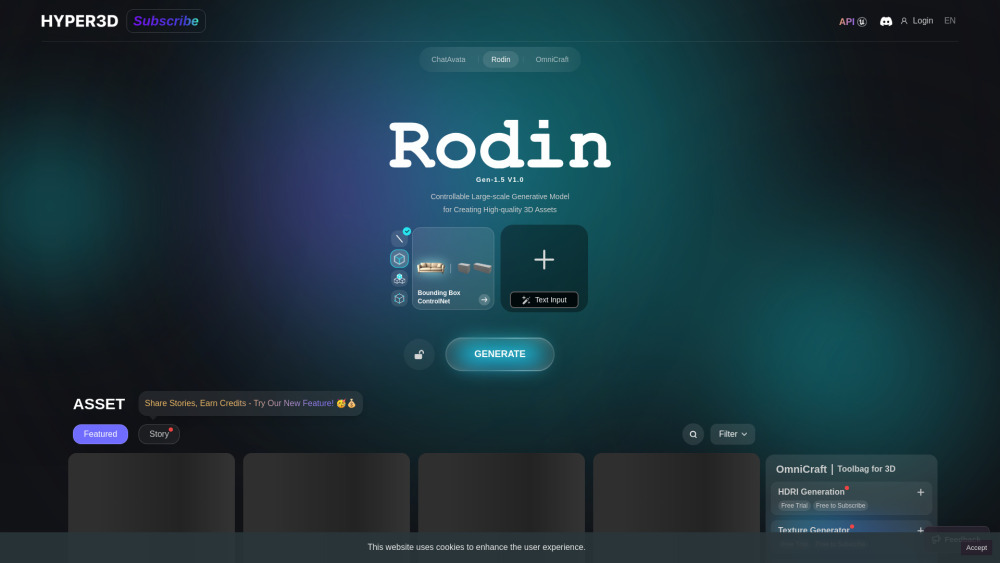

AI generator transforming text and images into production-ready 3D models.


TextTo3D converts text into 2D images and 3D models instantly.

AI-powered platform converting 2D images to 3D models for game development and more.
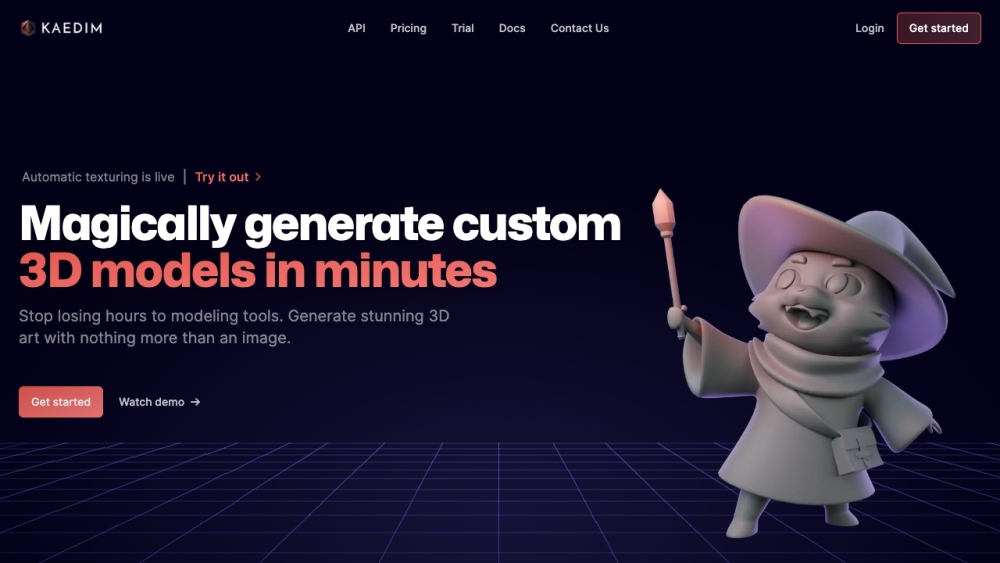

Arrival is a cloud-based SaaS solution for creating 3D virtual spaces with AI.


AI-powered 3D model generator from images and text.


AI platform for rapidly converting text or images into high-quality 3D models.


Generative AI tool creating Lego designs from text descriptions.

AI platform transforming text and images into high-quality 3D models fast.


Platform for generating, editing, and sharing high-fidelity 3D worlds.


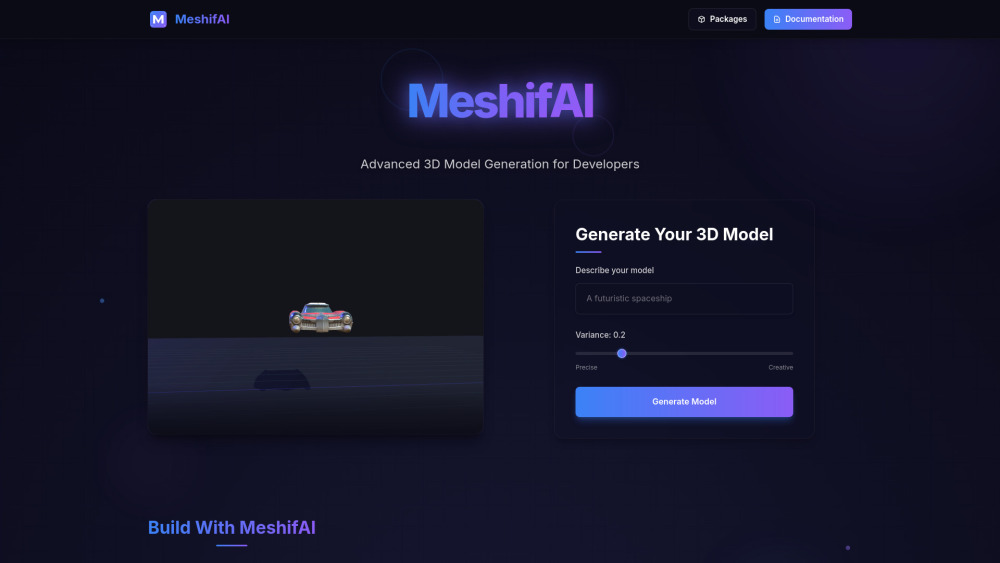
MeshifAI transforms text into 3D models using AI for developers and creators.

Real-time AI platform generating interactive 3D worlds from text with persistent memory.