Meeting Voice Captions Translate
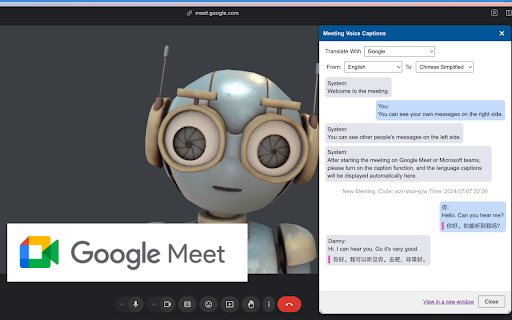


Voice Caption Translator ai chrome extension? This tool provides free voice caption translation for Google Meet and Microsoft Teams web audio/video conferences. It supports translation between common languages like English, Chinese, French, and Japanese, using either Google Translate or Microsoft Translate. The tool allows users to view conference voice captions in a new window and choose other translation tools if desired. It is compatible with Chrome, Edge, and Arc browsers and prioritizes user safety by processing all voice captions locally without uploading them to a server.
Free voice caption translation for Google Meet and Teams conferences.
- Facilitating communication in multilingual online meetings
- Providing accessibility for participants who are hard of hearing or non-native speakers
- Understanding foreign language presentations and discussions
- Use Alt+T or Shift+Alt+T to open the speech captions display and translation window during a Google Meet or Microsoft Teams conference. Select your desired translation language and engine (Google Translate or Microsoft Translate).

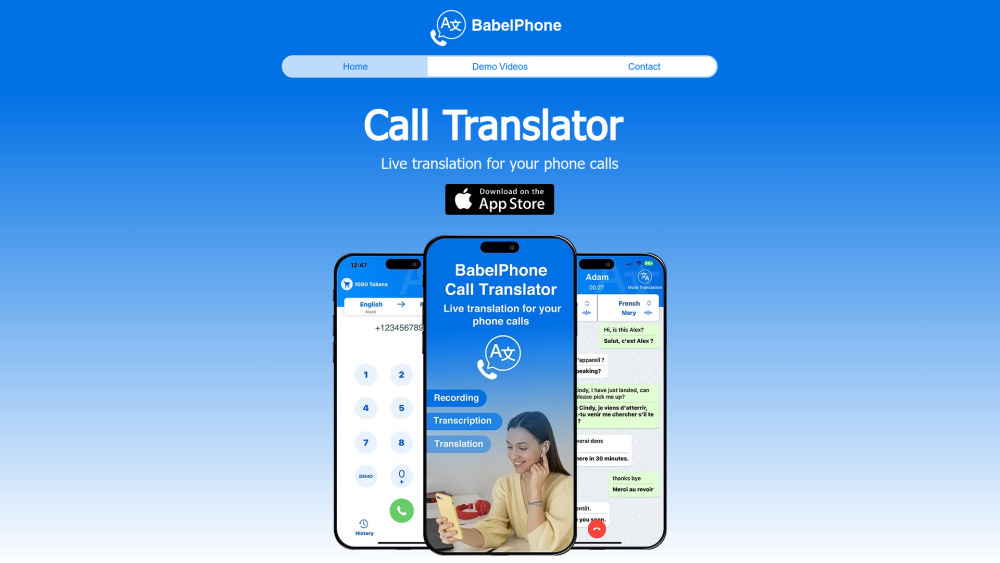
BabelPhone is an AI app for real-time phone call translation, transcription, and recording.

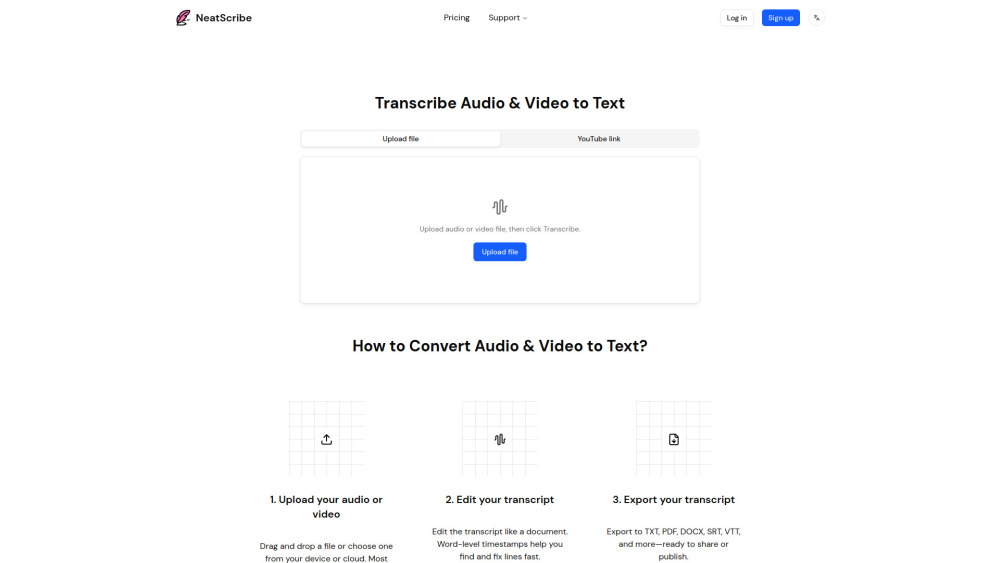
Intelligent audio & video to text converter

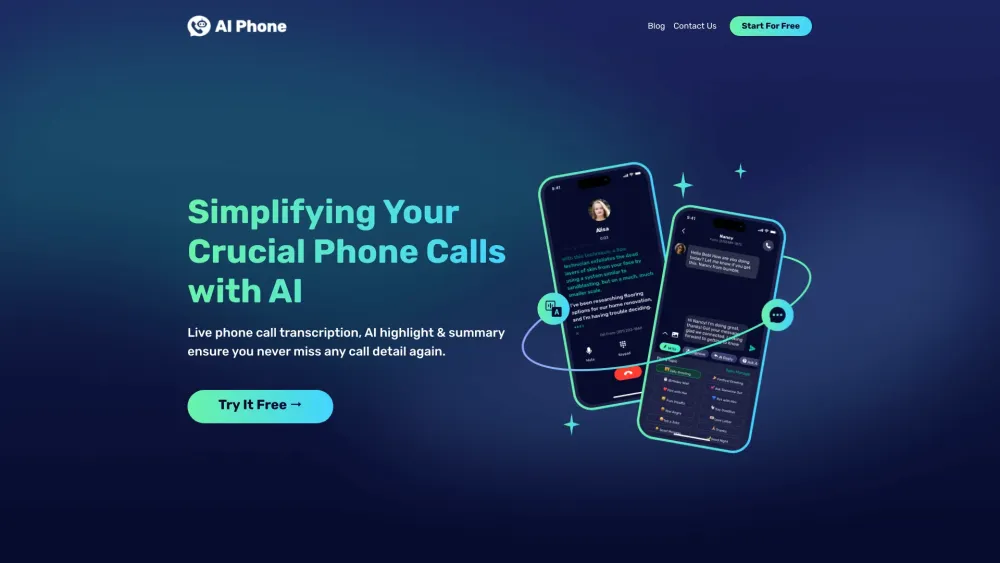
AI-powered app for live call translation, transcription, and summaries in multiple languages.

Shook is a mobile app to clone your voice and send voice messages in different languages.


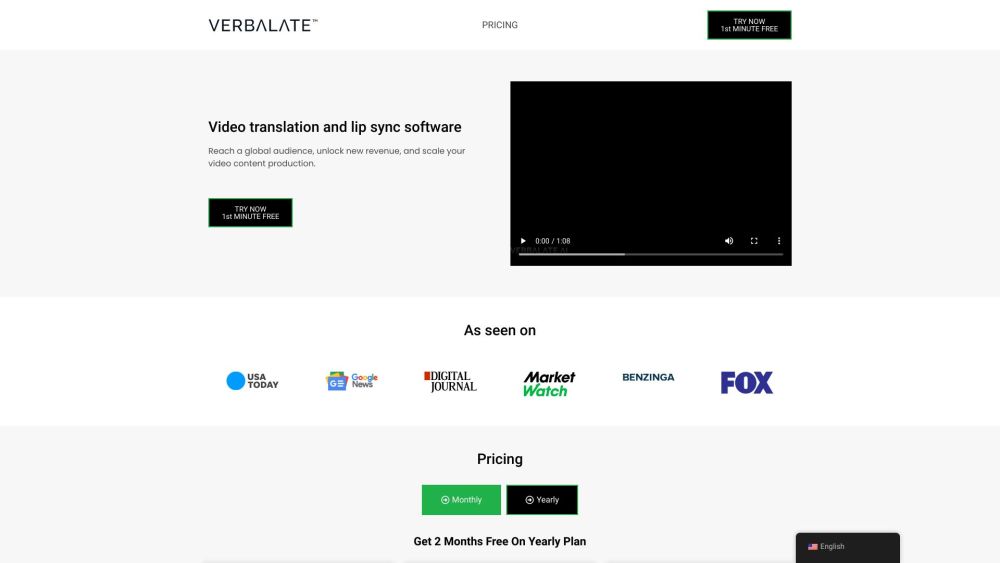
AI-powered video and audio translation with lip sync and voice cloning.

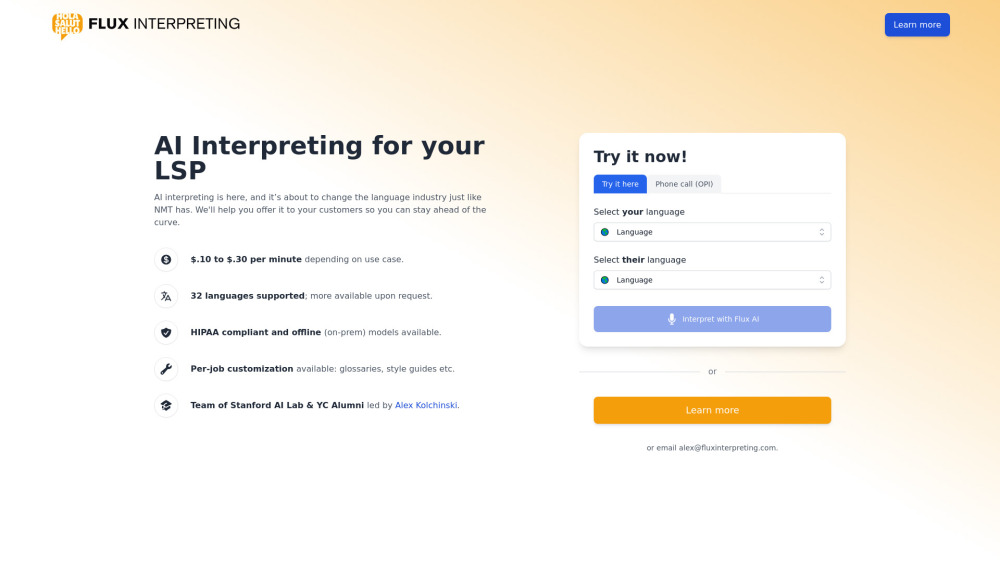
TranslateMyCall provides free AI-powered phone call translation between different languages.

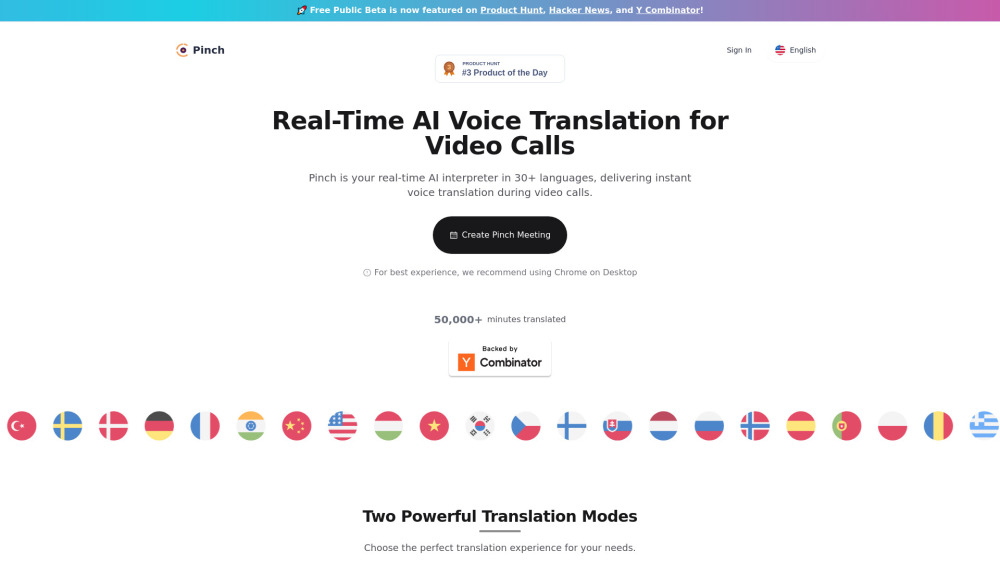
Real-time AI voice translation for video conferencing in 30+ languages.

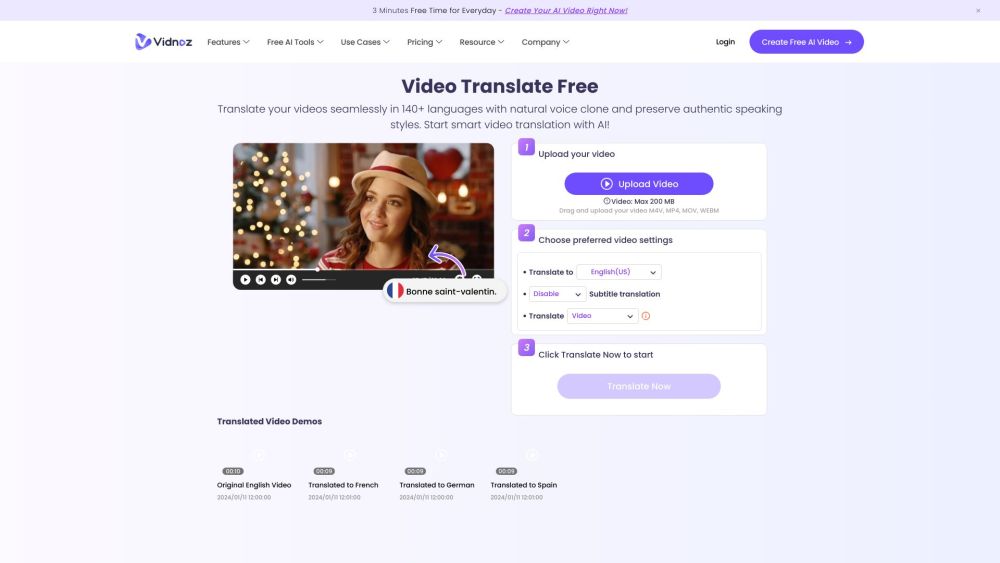
Vidnoz AI is an AI video translator and video creation platform with flexible pricing.

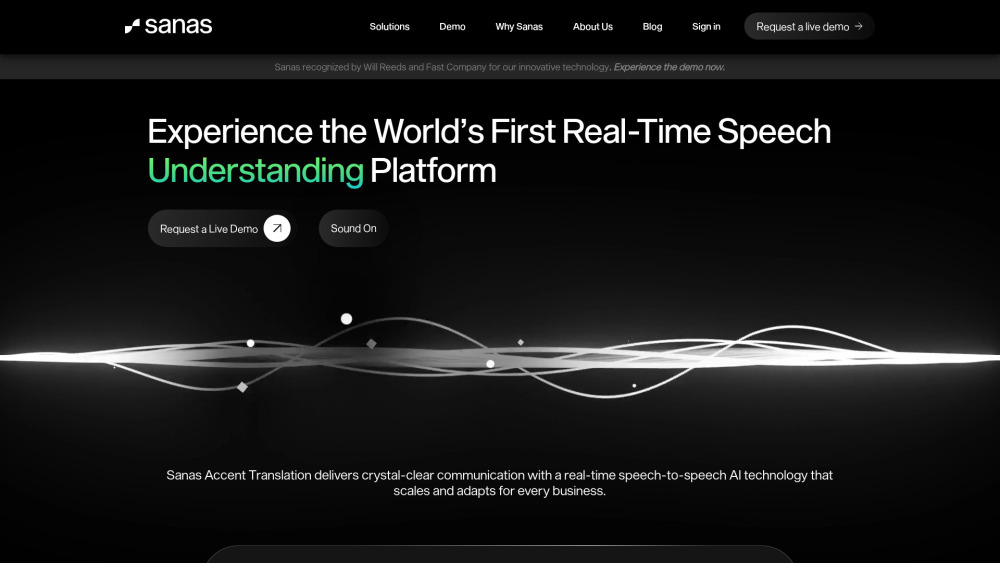
AI-powered platform enhancing global communication through noise cancellation and accent translation.

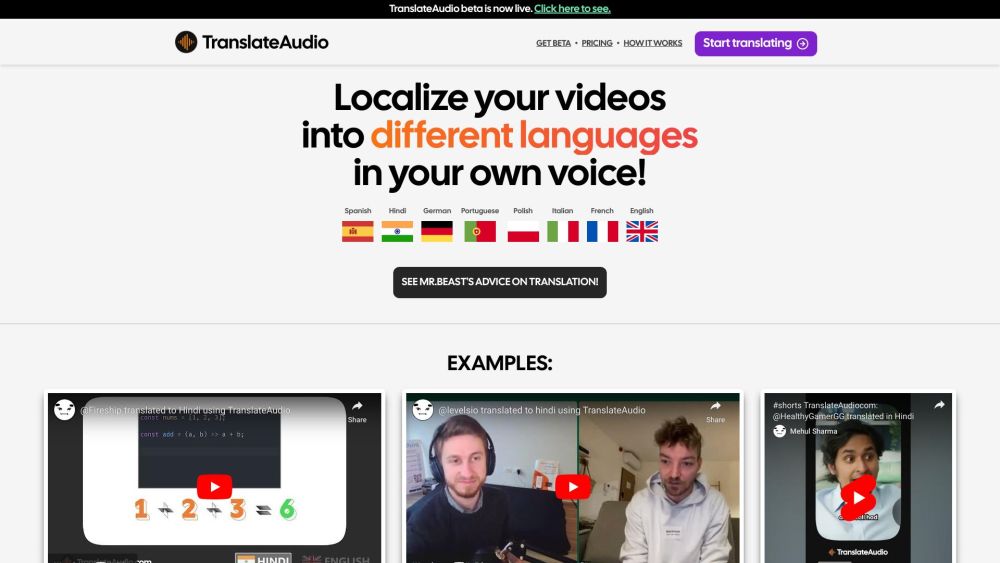
AI-powered audio translation service for multiple languages, cost-effective and quick.

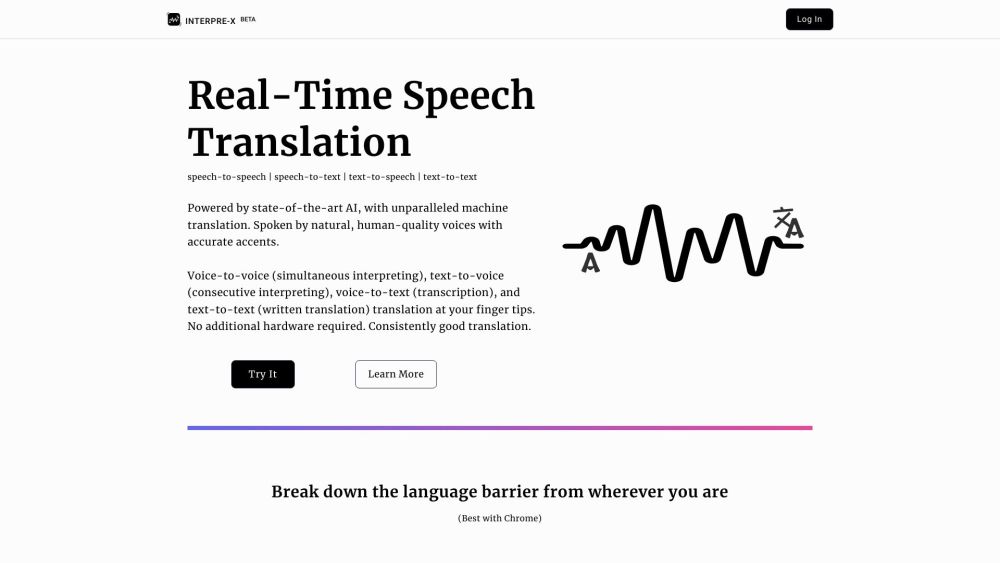
Real-time AI-powered speech and text translation service in 10+ languages.

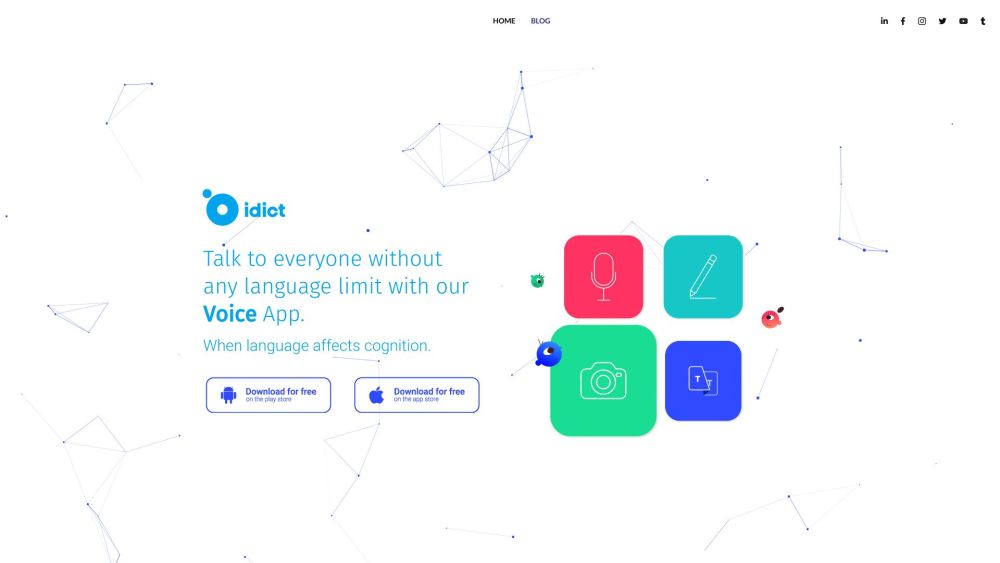
idict is a voice cloning translation app with 137 languages and AI-powered features.

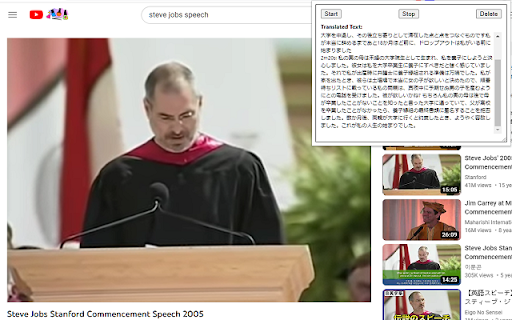
Chrome extension for real-time speech transcription and translation.

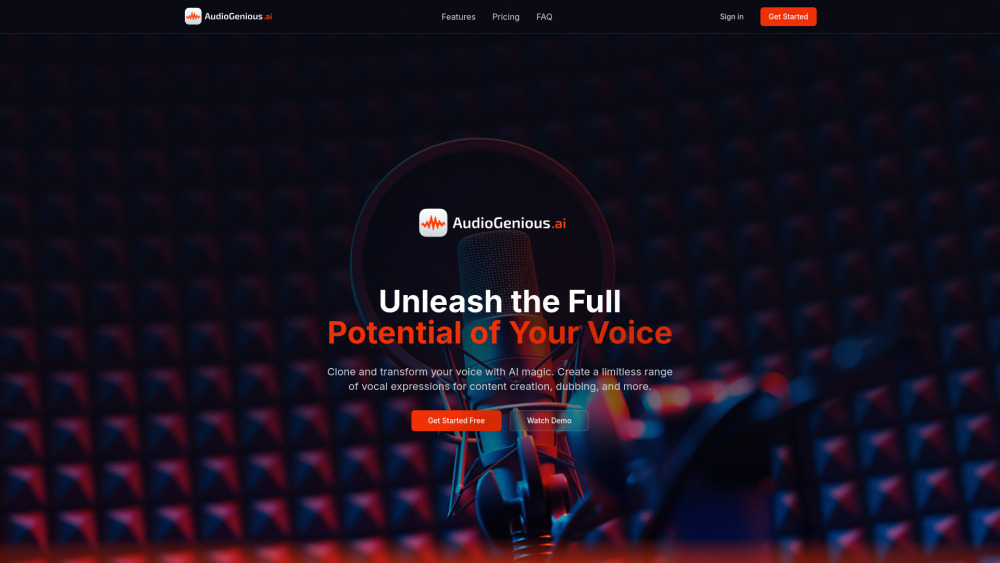
AI voice cloning and translation platform for transforming voices and enabling global communication.

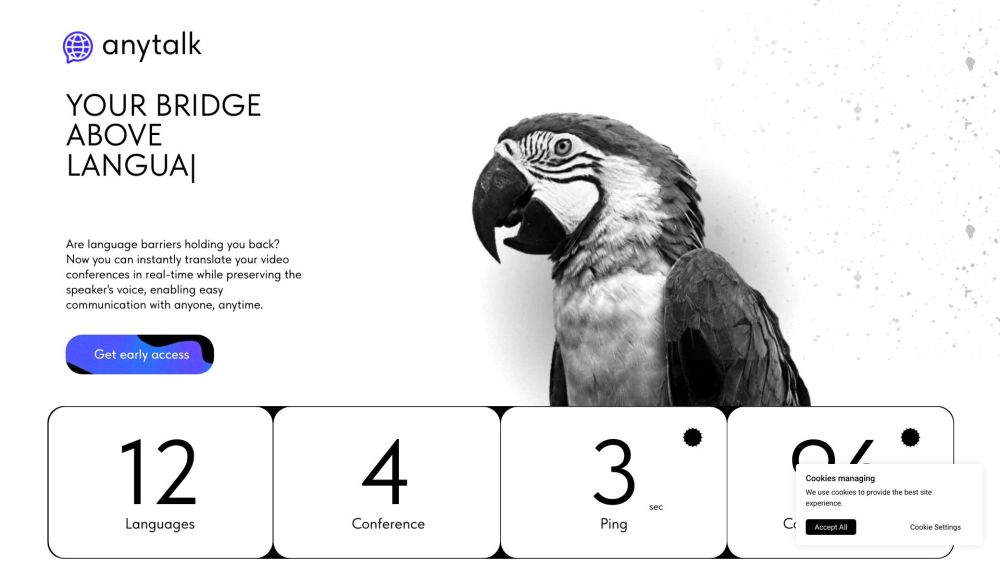
Real-time translation and voiceover app for video conferences and other content.
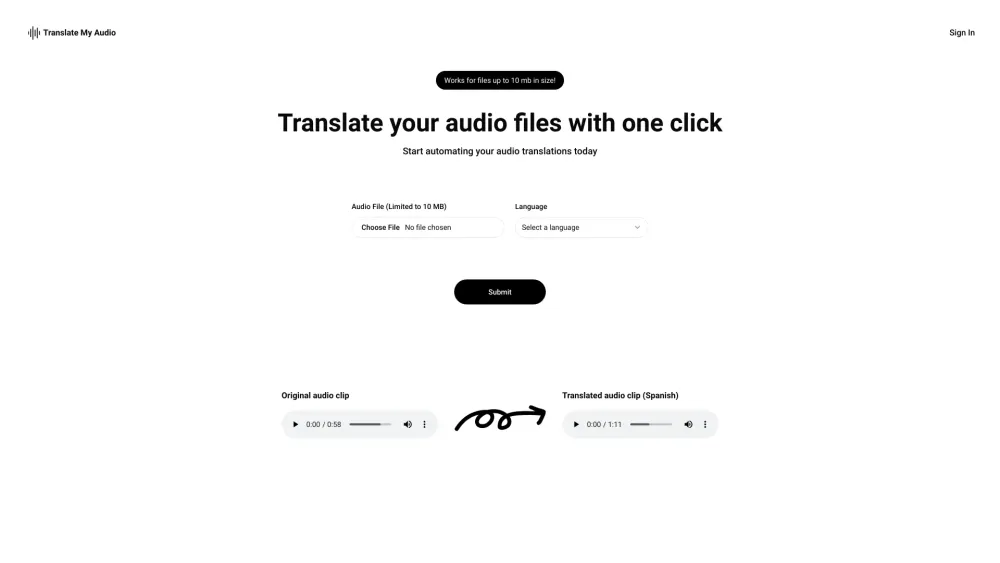
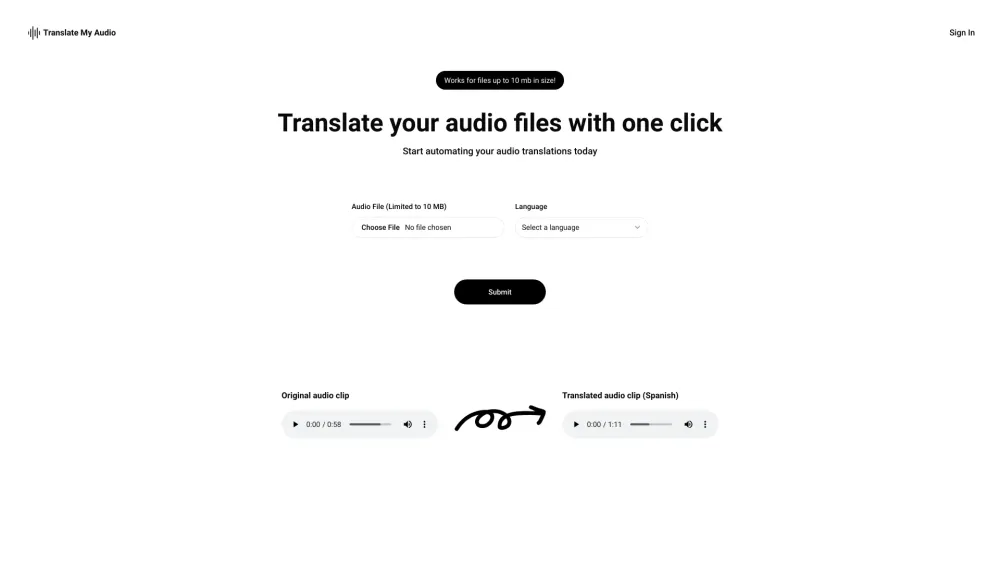
A website to quickly translate or dub audio clips to various languages for free.

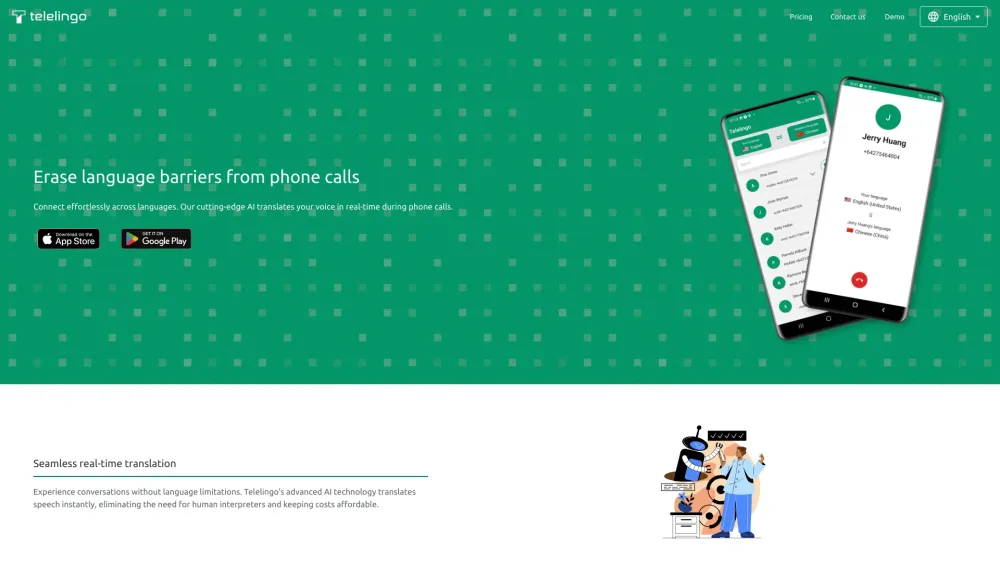
AI-powered real-time phone call translator across 80+ languages.
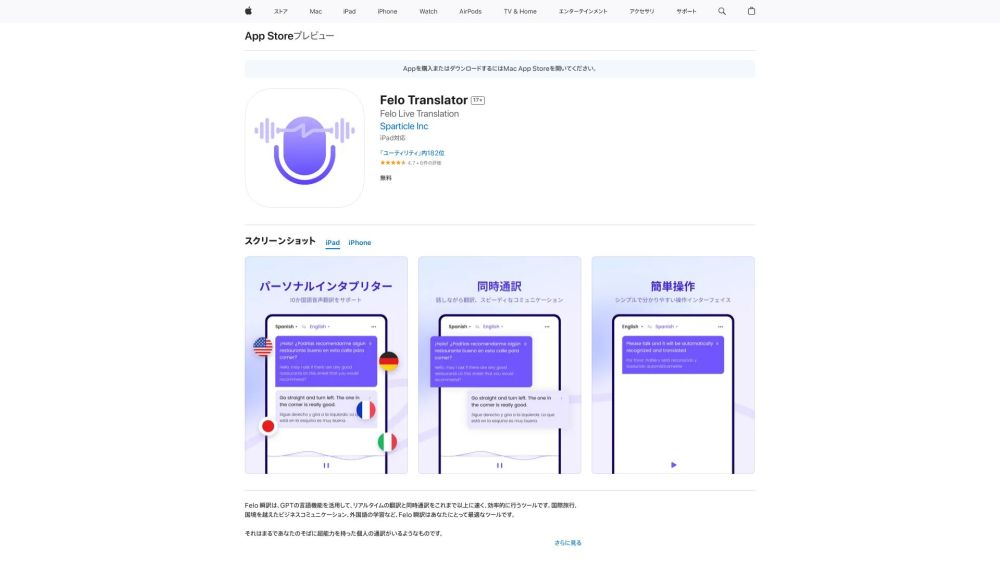
Real-time translation app with simultaneous interpretation and RRT technology.