
Markpaper App


MarkPaper is a fast, browser-based Markdown to PDF renderer/converter. It allows users to paste Markdown content (from sources like ChatGPT, Claude, or GitHub) and instantly render it into beautiful, professional PDFs with features like code highlighting and theme options (Academic, Modern, Editorial). Crucially, it requires zero installation (no pandoc, no LaTeX) and is 100% private, as rendering occurs entirely in the user's browser, ensuring nothing is uploaded or stored.
Fast, private, browser-based Markdown to PDF converter with zero installation and professional themes.
- Render AI-generated markdown (ChatGPT, Claude, Gemini) to PDF for sharing.
- Convert documentation markdown as printable documents.
- Paste markdown from GitHub (like READMEs) and render clean PDFs.
- Archive AI conversations or research in print-ready format.
- To use MarkPaper
- copy your Markdown content from any source (e.g.
- ChatGPT
- GitHub). Paste it into the MarkPaper web app. Optionally
- pick a professional theme. Finally
- click the print button and select your browser's 'Save as PDF' option to render the document.

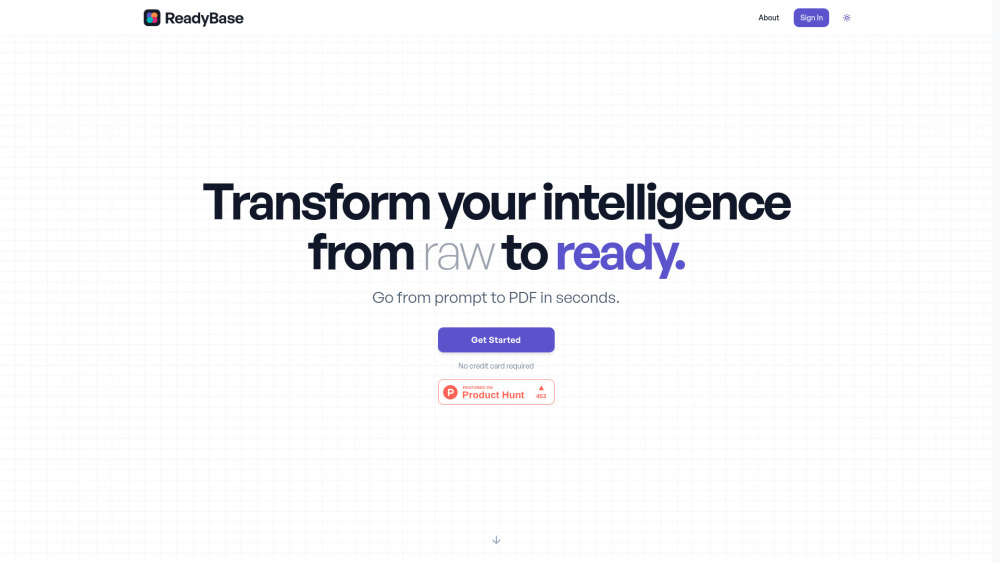
Transforms raw intelligence, data, and insights into polished, presentation-ready PDFs.

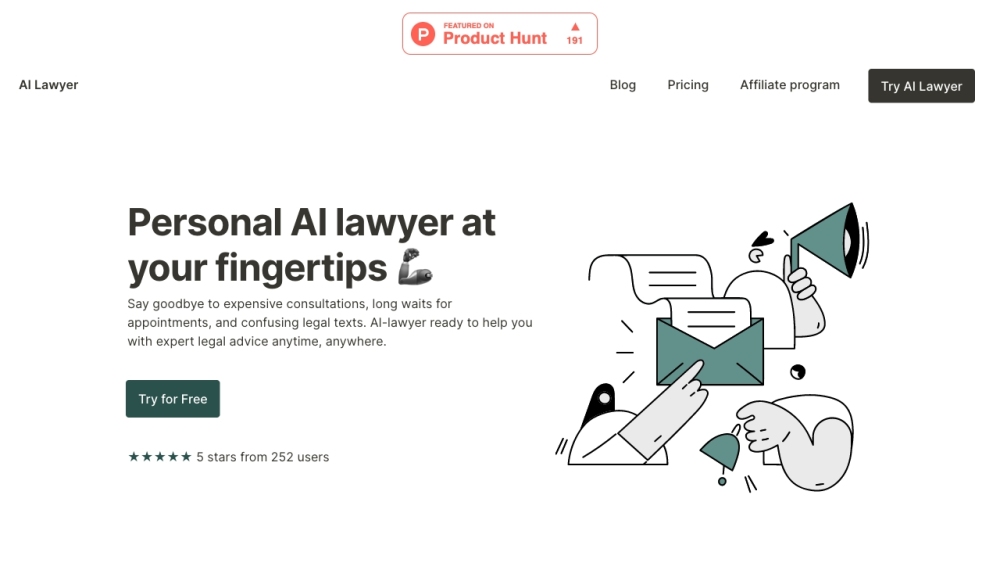
AI-powered legal platform offering advice, document creation, and summarizing tools.

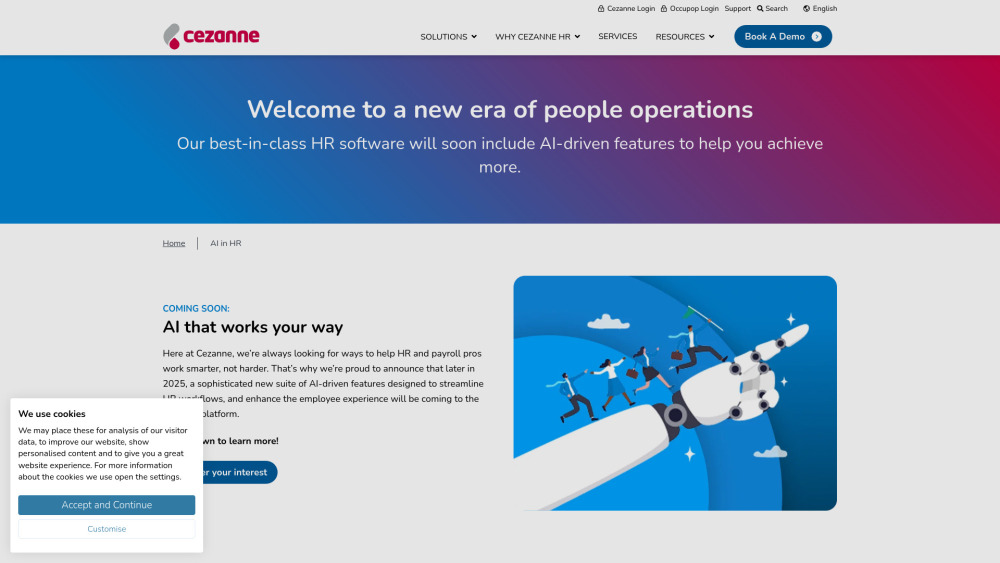
AI-driven HRIS to streamline workflows and enhance employee experience.

AI-powered platform for automated API documentation and developer portals.


AI-powered requirements management tool for faster and more accurate software development.


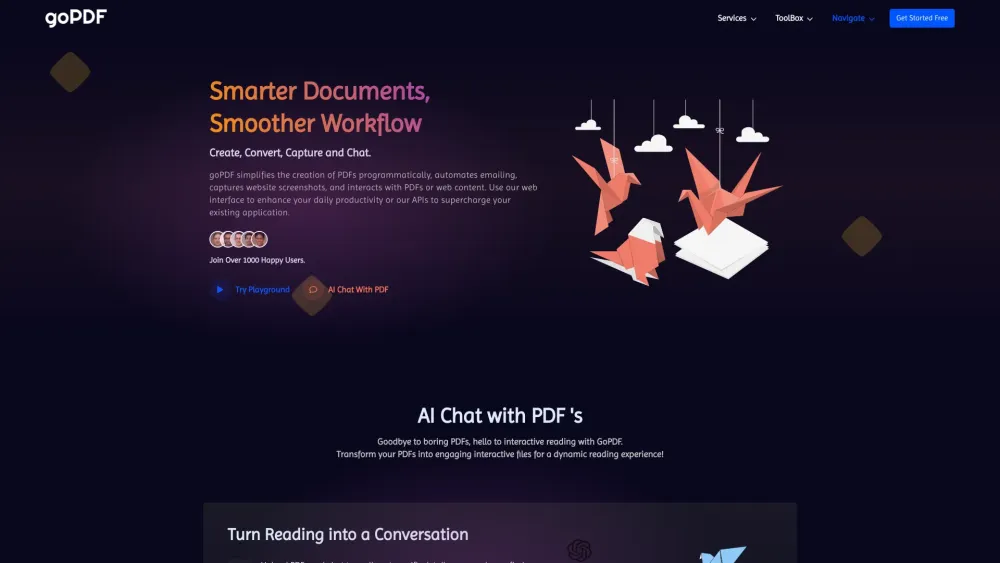
AI-powered document tools and APIs for productivity, including PDF conversion and AI content generation.

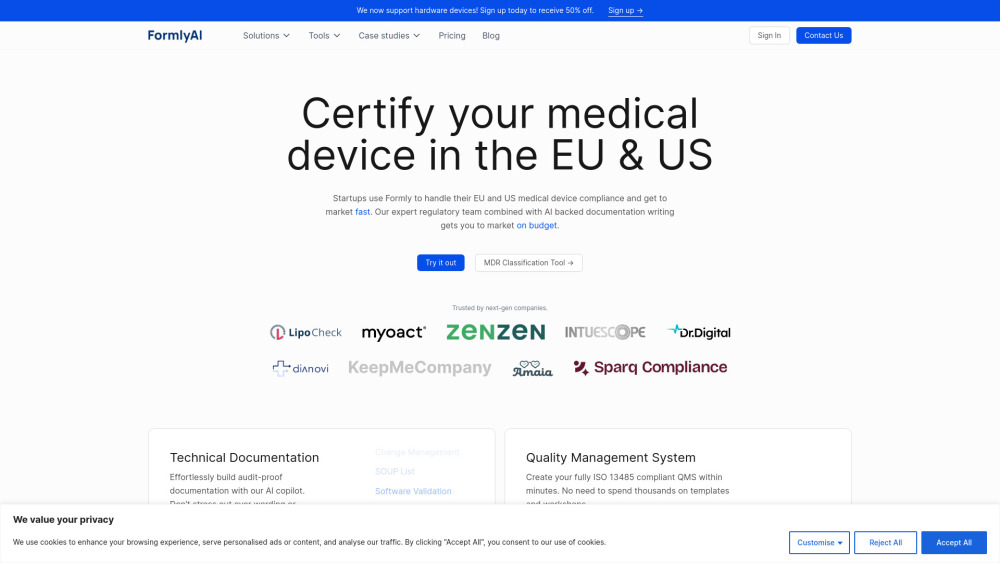
AI-powered software for medical device certification and compliance in the EU and US.

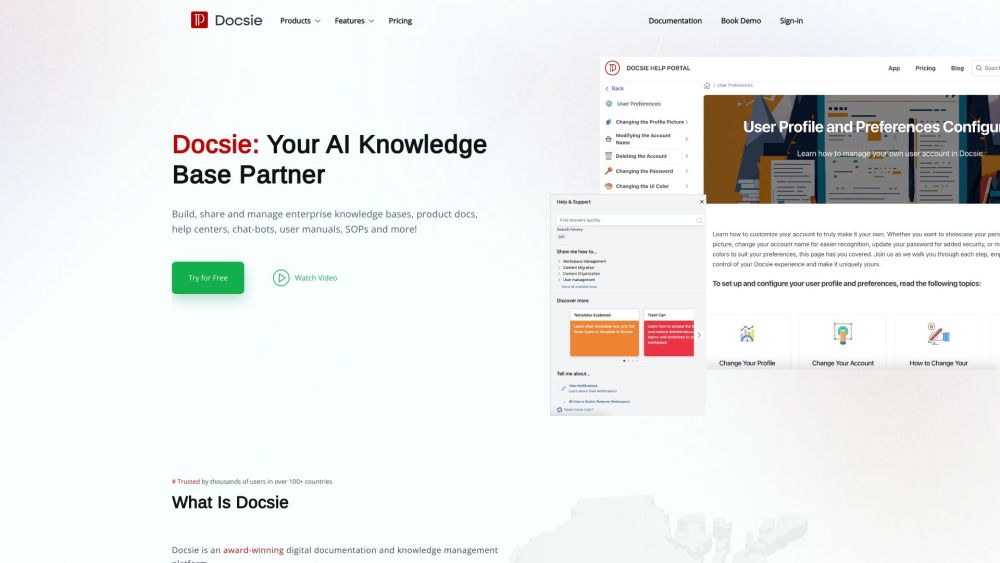
AI-powered platform for creating and managing product documentation and knowledge bases.

AI copilot for product managers to write product documentation quickly and efficiently.

