
Magicam
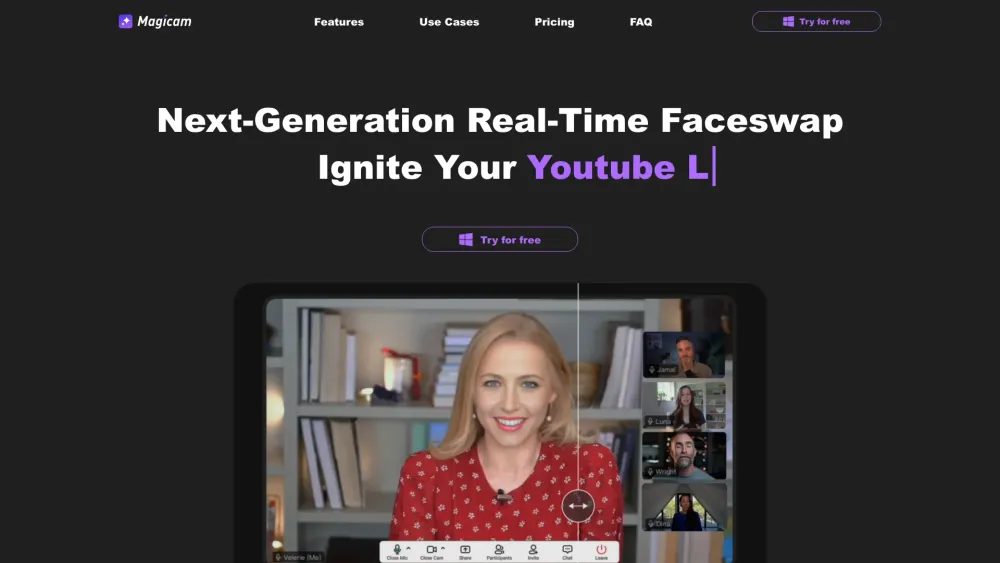


Magicam is a real-time face swap solution designed for live streaming, video conferencing, and video recording. It allows users to seamlessly swap faces in high-quality live streams using just a single photo. Magicam features a brand-new UI, making it simple and intuitive to use. With continuous updates and no credit limits, it aims to elevate content creation and unlock endless creative possibilities.
Real-time face swap tool for live streaming and video conferencing.
- Injecting magic into live videos
- Fostering a playful atmosphere in conferences
- Igniting team creativity
- Enhancing entertainment and creative live streams
- To use Magicam
- download the software for Windows
- upload a single photo
- and start swapping faces in real-time during live streams
- video conferences
- or recordings. The user-friendly interface makes it easy for users of all levels without requiring specialized skills.

Online AI platform for swapping faces in photos and videos.
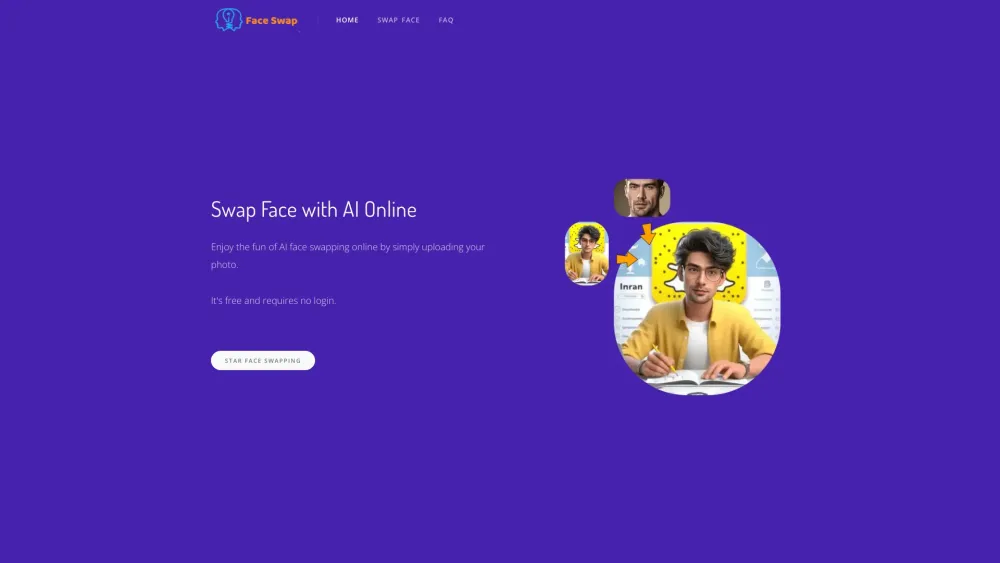

AI-powered online face swap tool for videos, photos, and GIFs.
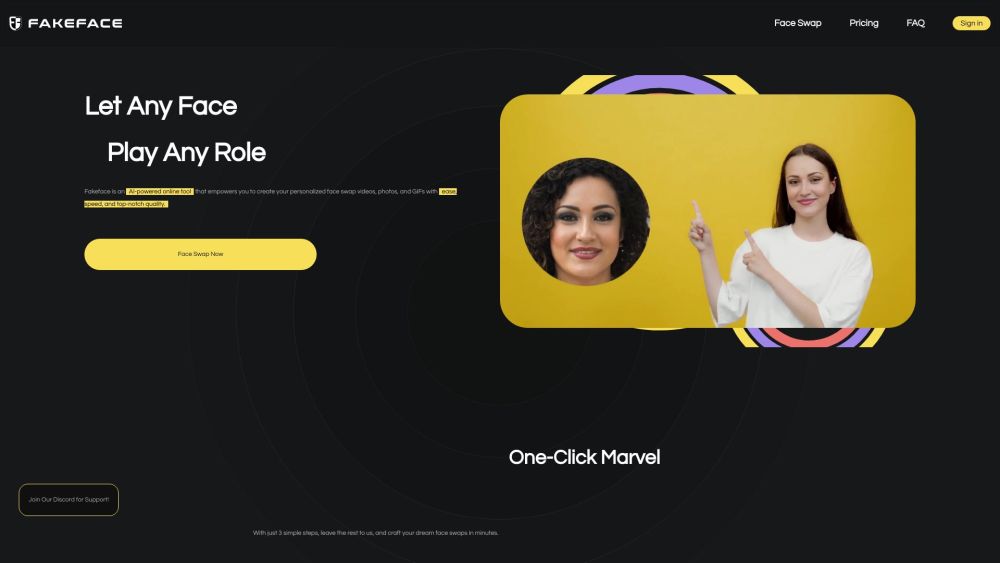

AI-powered online face swapping tool for photos and videos with various editing features.


Online AI faceswap tool for creating deepfake videos, photos, and GIFs quickly and easily.
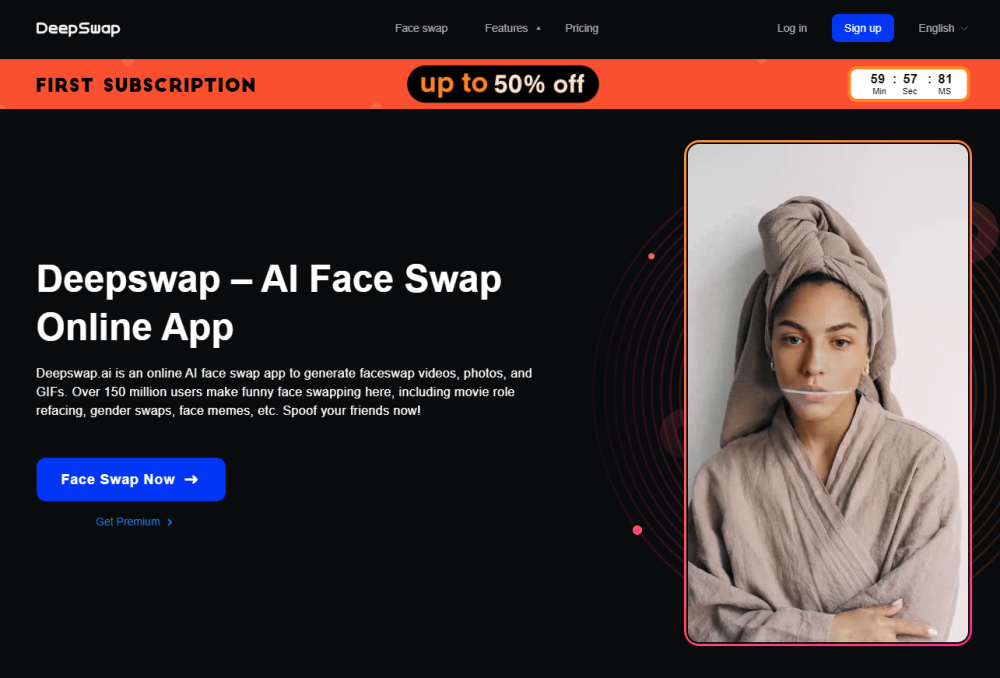

AI-powered face swap tool for photos, videos, and GIFs, available online and on Mac.
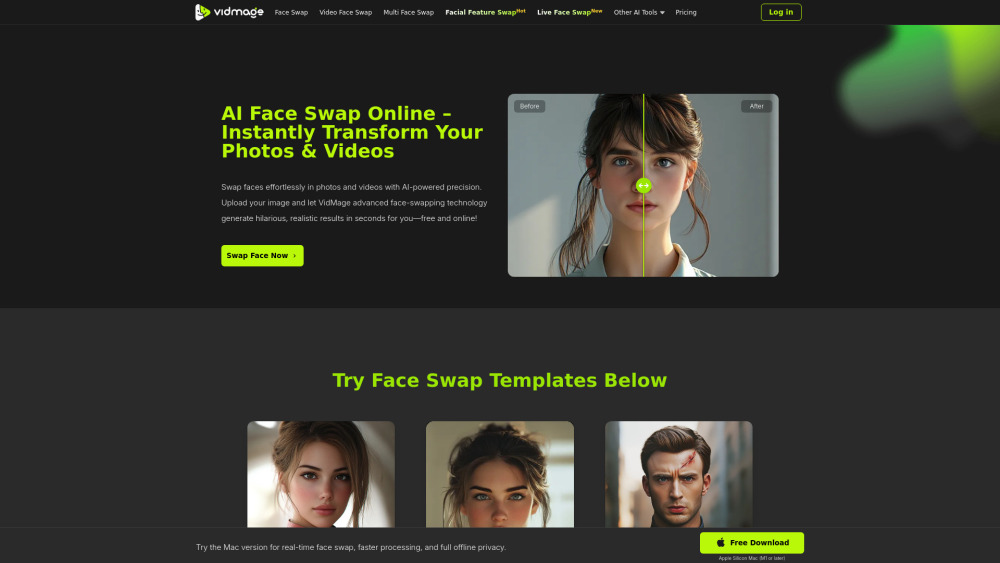

AI-powered online platform for free face and body swaps.


Cloud-based AI faceswap service for photos, videos, and GIFs.
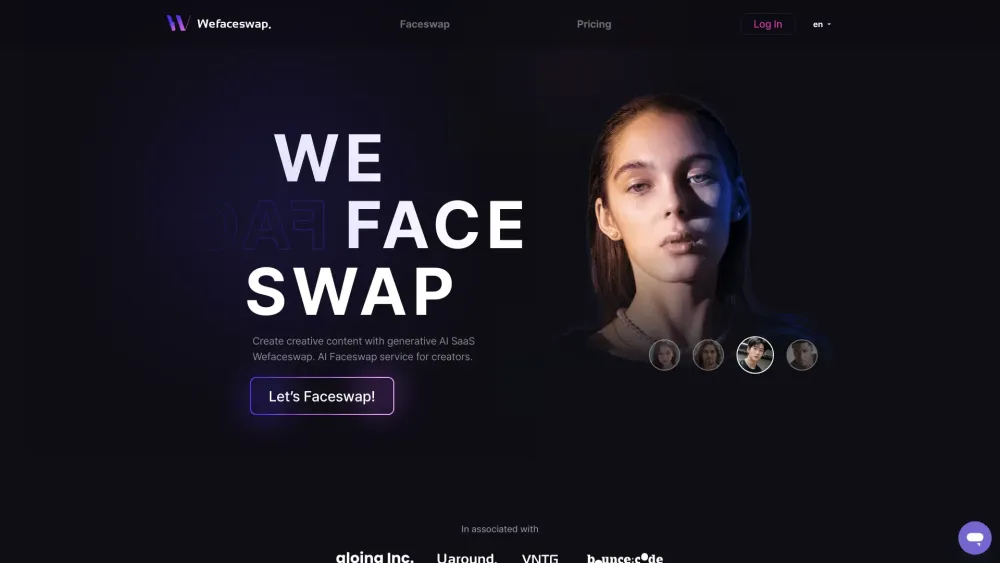

Online AI face swap platform for videos, GIFs, and photos with high similarity.
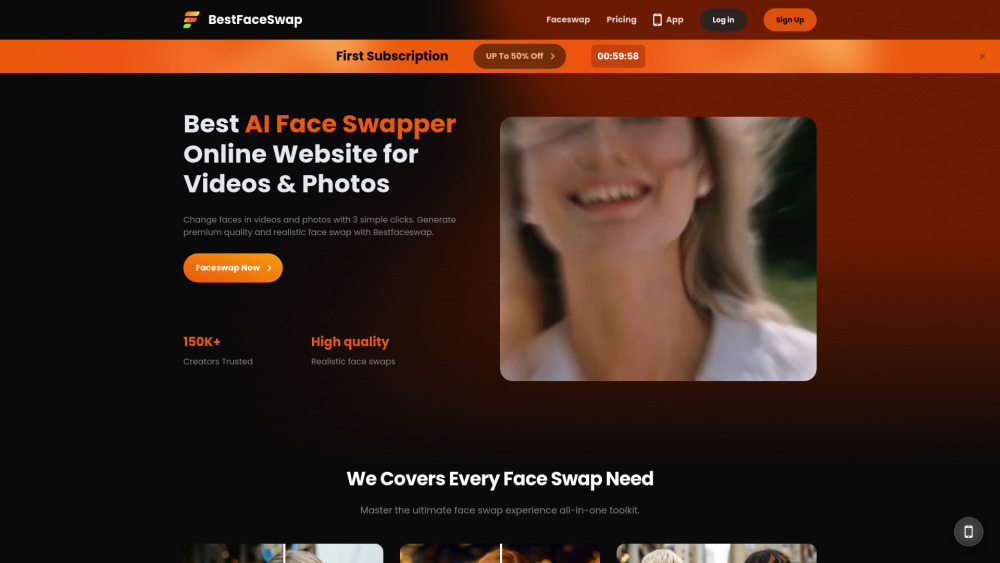

AI-powered platform for free online video and photo face swapping.
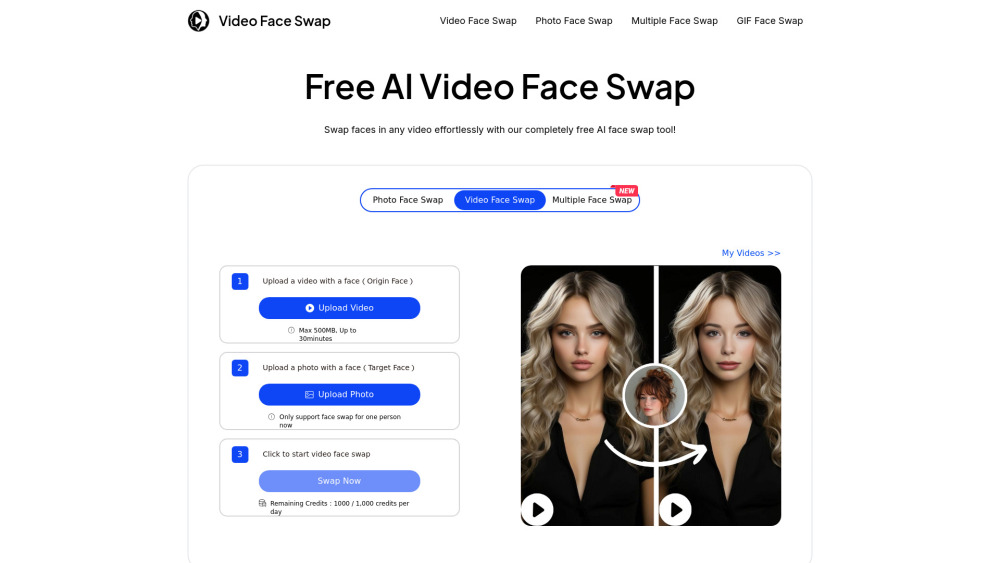

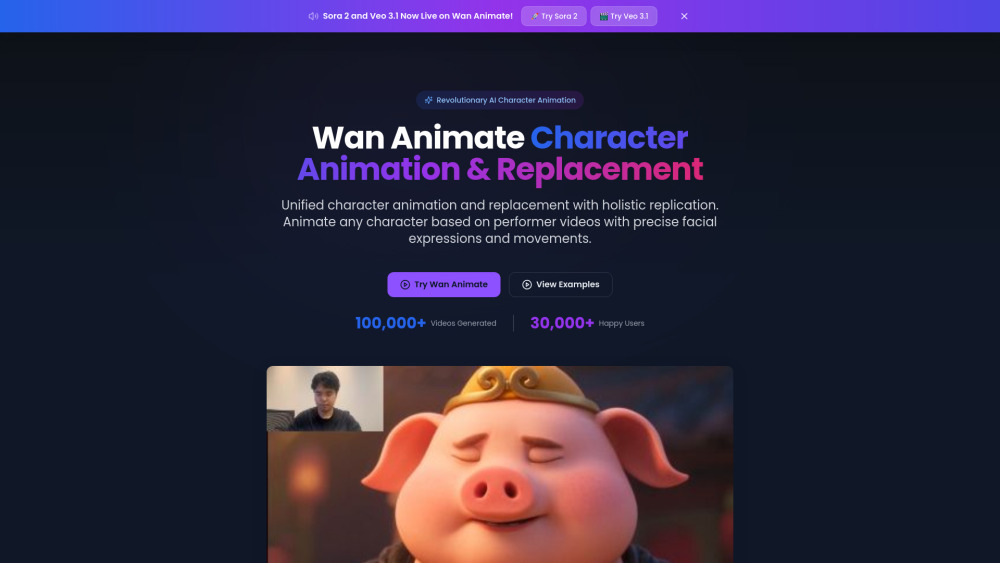
AI character animation and video face swap with holistic replication.

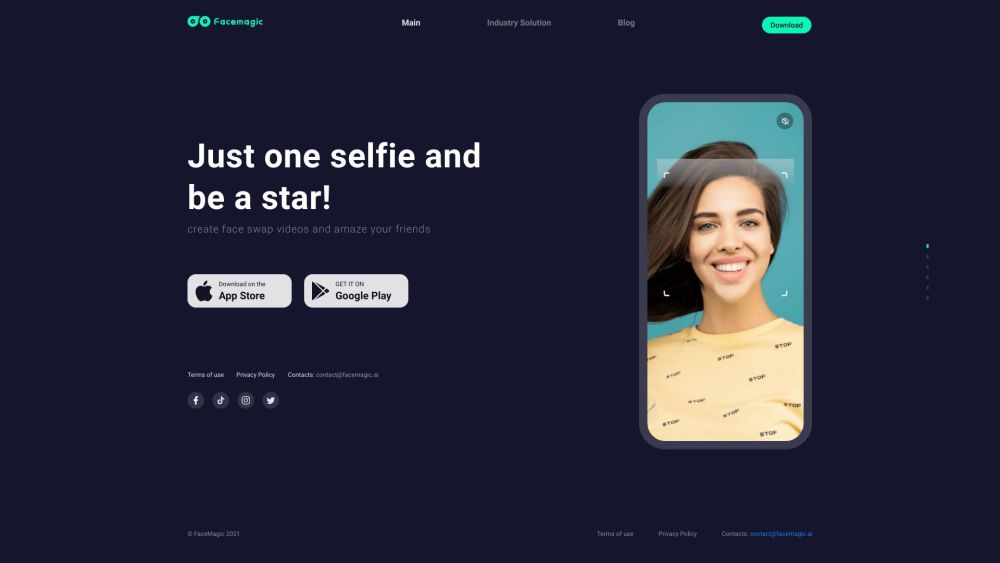
AI face swap app for creating face swap videos and photos.

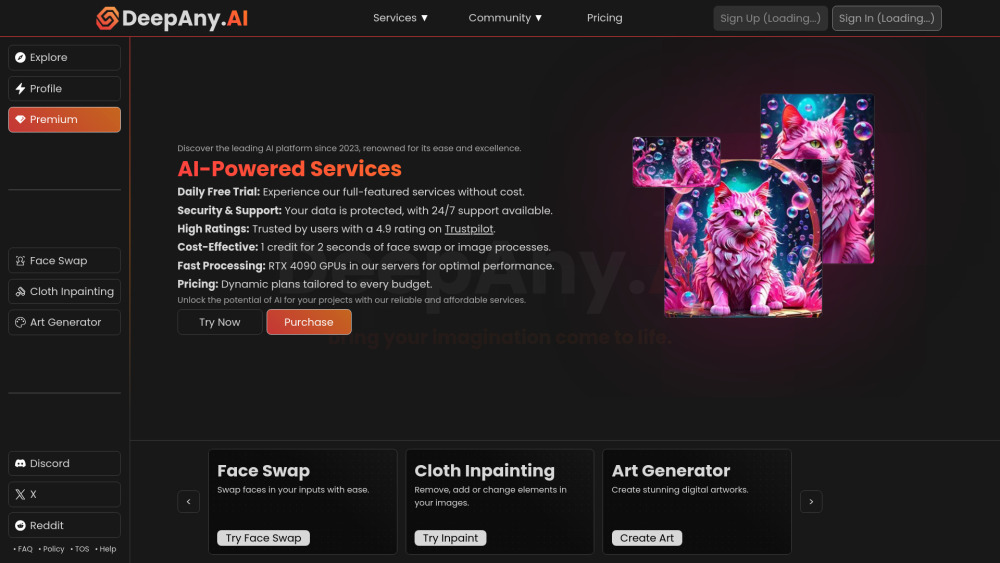
DeepAny.AI offers AI tools like face swap, video & art generation with flexible pricing.

AI platform for face swapping, retouching, and image enhancement.
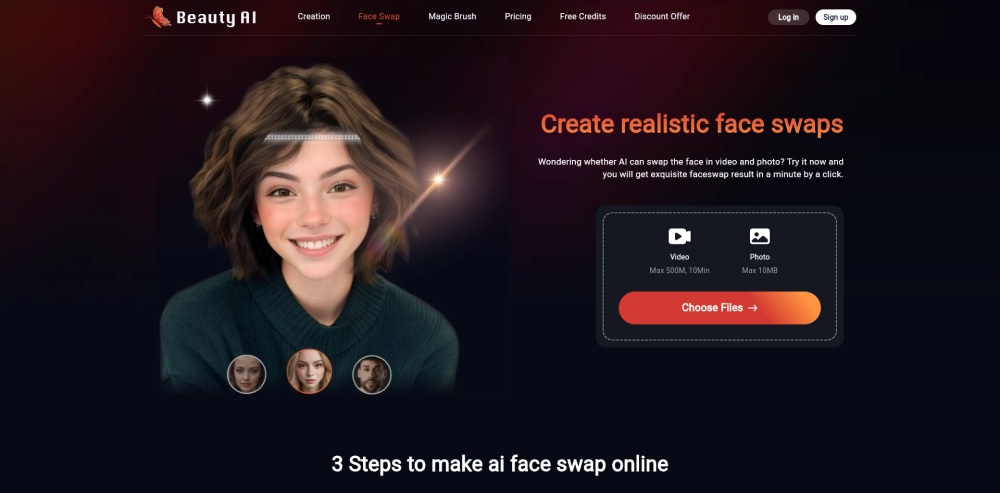

Online AI face swap tool for photos, GIFs, and videos.
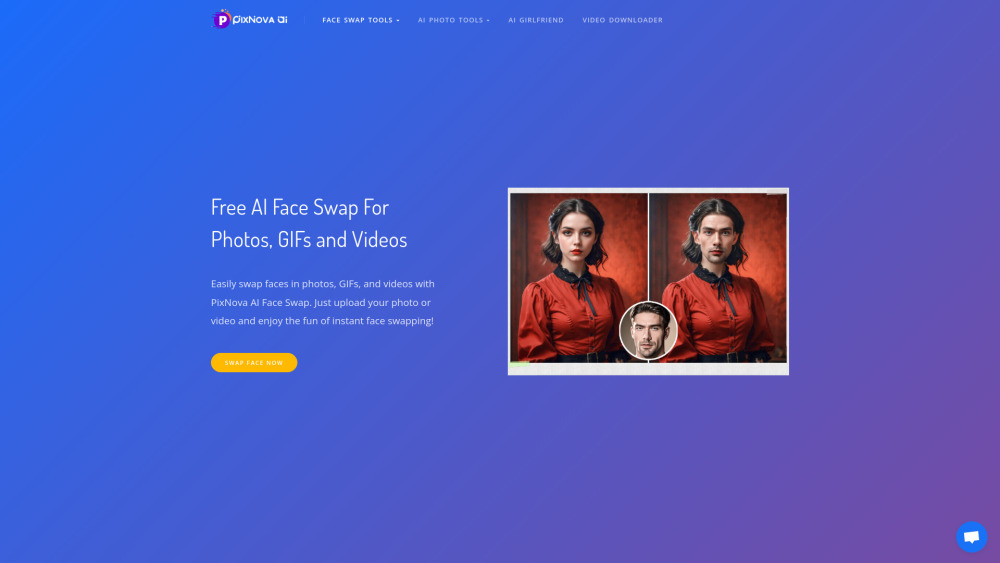

All-in-one AI video and image creation platform.

AI-driven tools for image and video manipulation.
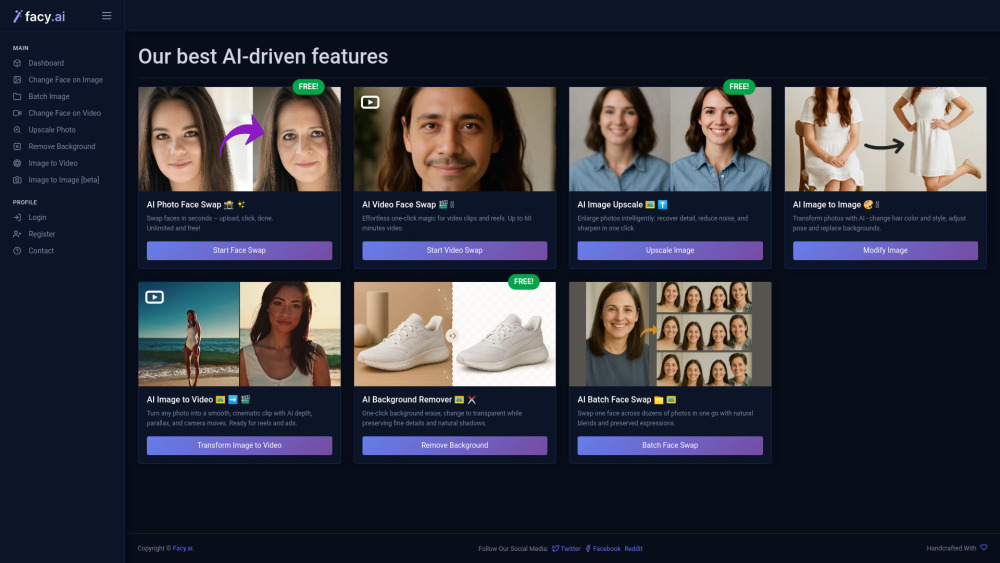

Online deepfake software for creating deepswap videos quickly and easily.
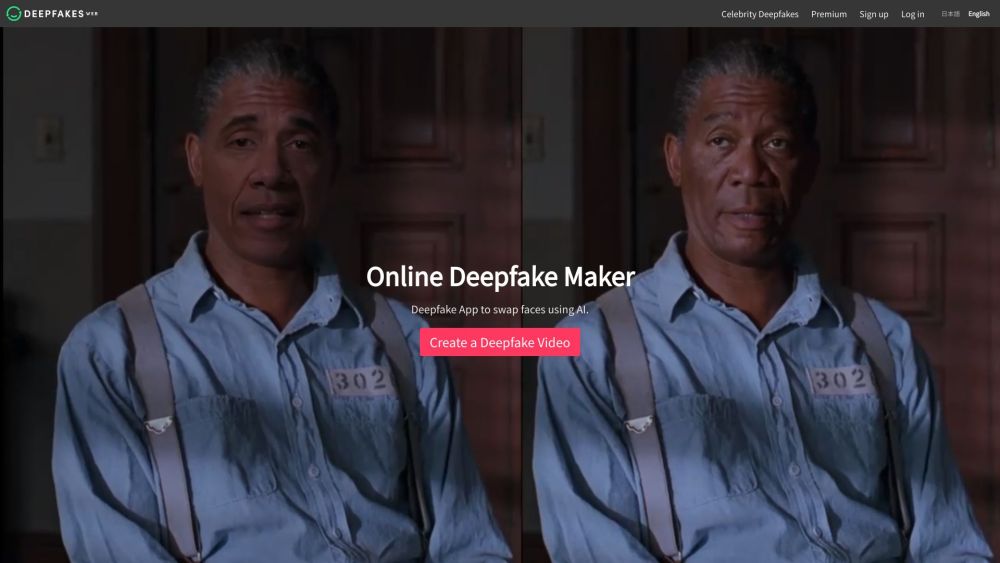

All-in-one AI tool for face swap, image editing, and image-to-video creation.

