Kepo Ai




Kepo helps Mac users create custom desktop widgets from the web pages and information sources they check every day. Instead of keeping dozens of browser tabs open, you can turn websites, RSS feeds, GitHub repositories, Reddit threads, Product Hunt launches, YouTube channels, status pages, internal dashboards, and small utilities into focused Mac widgets that open with one shortcut. Kepo includes ready-to-use widgets for common workflows and an AI creation flow for building custom widgets from almost any page or data source. Developers can also use Kepo Skills to build and run custom widgets locally. Use Kepo for Mac desktop widgets, custom Mac widgets, AI-built widgets, website monitoring widgets, RSS widgets, GitHub release monitors, Reddit widgets, Product Hunt launch trackers, productivity widgets, and small desktop tools.
Kepo is an AI-powered Mac desktop widget app that turns web pages, feeds, GitHub releases, Reddit threads, Product Hunt launches, status pages, and small tools into live desktop widgets.
- Create Mac desktop widgets from the web pages you check every day
- Monitor Product Hunt launches, Reddit threads, GitHub releases, and RSS feeds from one desktop panel
- Build website monitoring widgets for status pages, internal dashboards, and server updates
- Use AI to create custom productivity widgets, checklists, timers, formatters, and small desktop tools
- Turn YouTube channels, social feeds, market pages, and news sources into focused Mac widgets
- Build custom widgets locally with Kepo Skills when you want more control over data, layout, and behavior
- Download Kepo for Mac
- open the desktop panel with a shortcut
- then choose a ready-made widget or ask AI to create a custom widget from a web page
- feed
- GitHub repository
- Reddit thread
- Product Hunt launch page
- status page
- or small tool. Keep the widget in your Kepo panel and open it whenever you need to check updates without switching back to the browser.

AI video generator for explainer videos, documents, and podcasts.


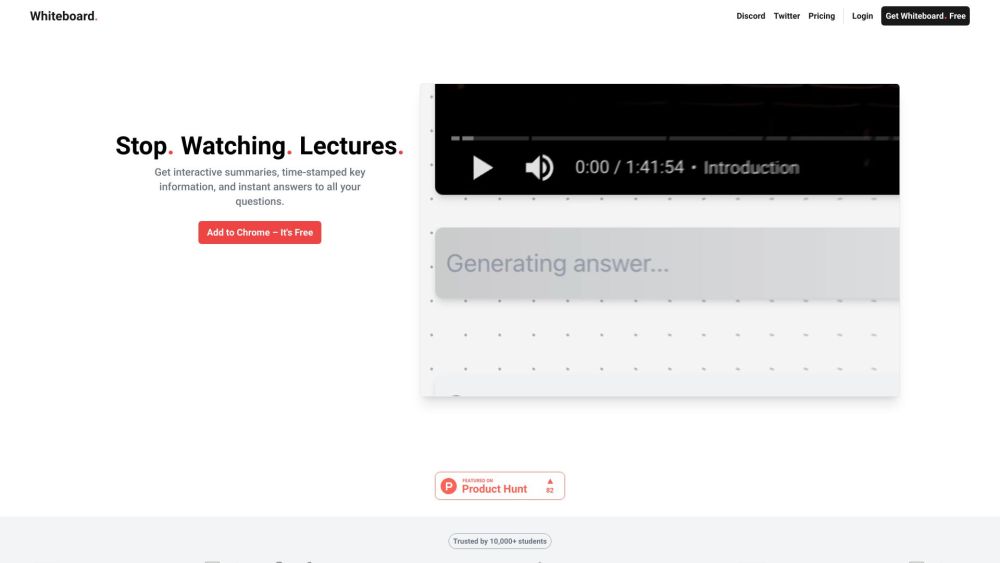
AI-powered learning tool for summarizing lectures, chatting with documents, and creating flashcards.

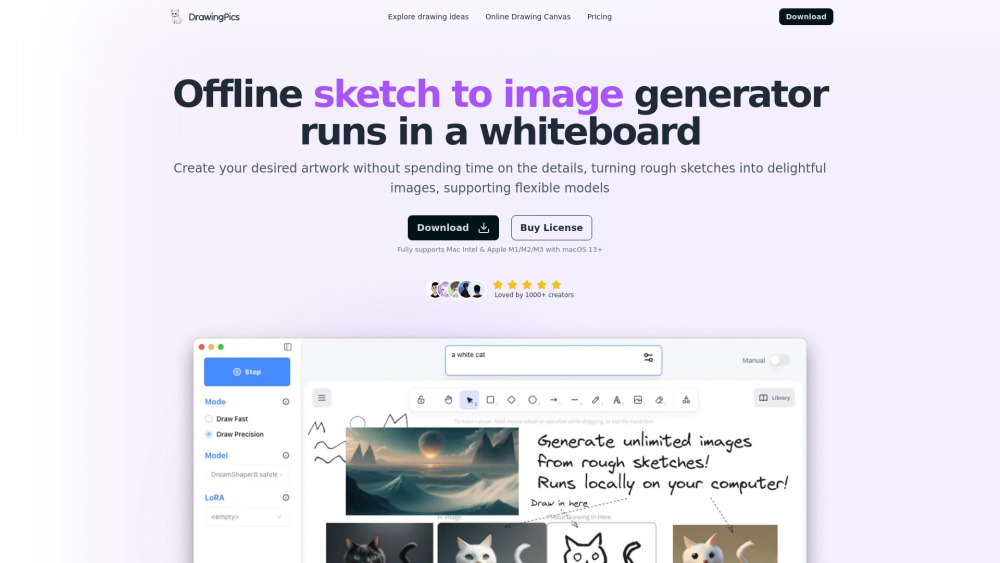
Offline AI art generator that turns sketches into images using stable diffusion.

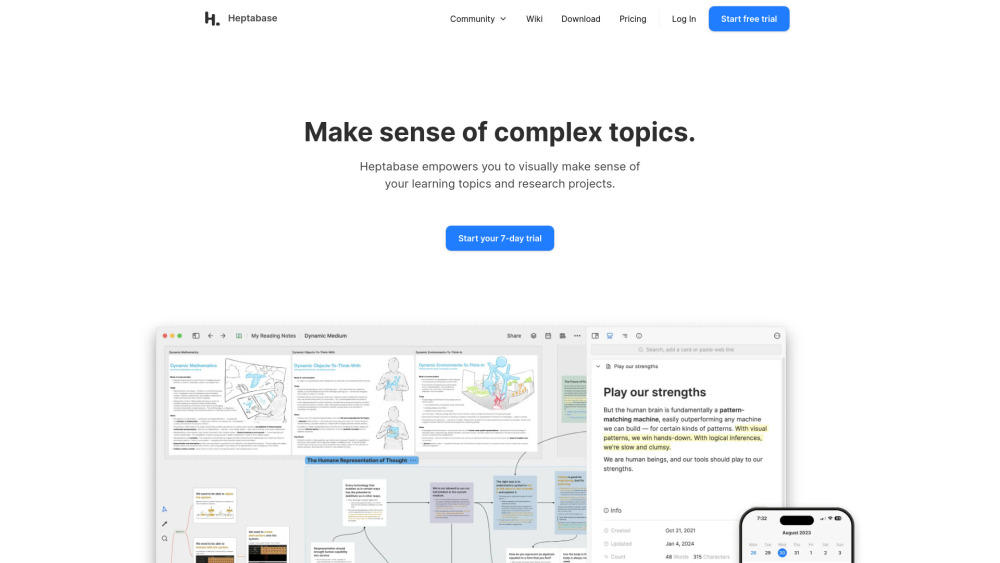
Visual note-taking tool for learning, research, and collaboration.

AI innovation Workspace


AI study tool for notes, flashcards, quizzes, and podcasts from various learning materials.

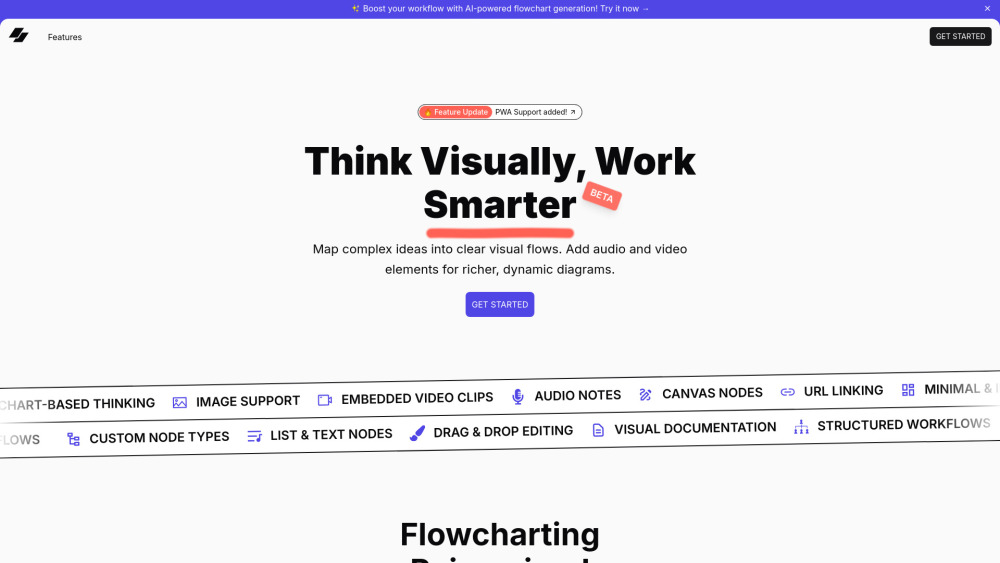
VisFlow: Create flowcharts and mindmaps with multimedia support and AI assistance.

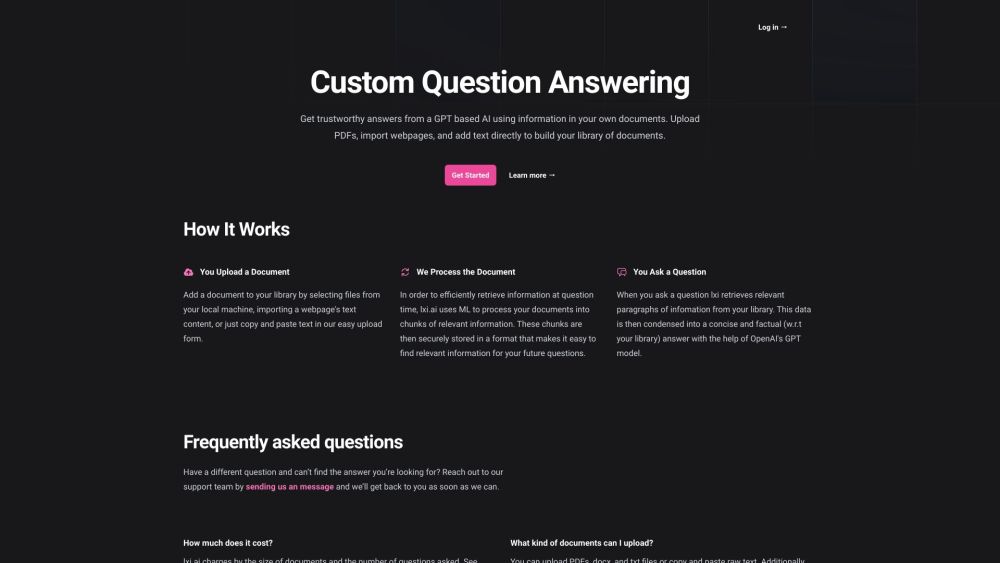
lxi.ai: AI-powered collaborative canvas for document interaction and knowledge management.

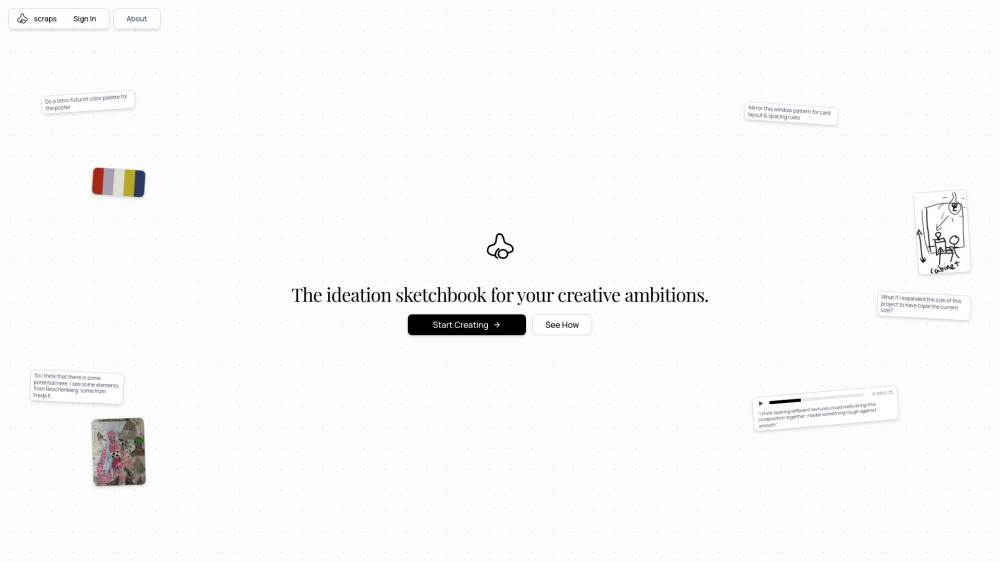
AI-native sketchbook for ideation, creative thinking, and personal knowledge base.