Invideo
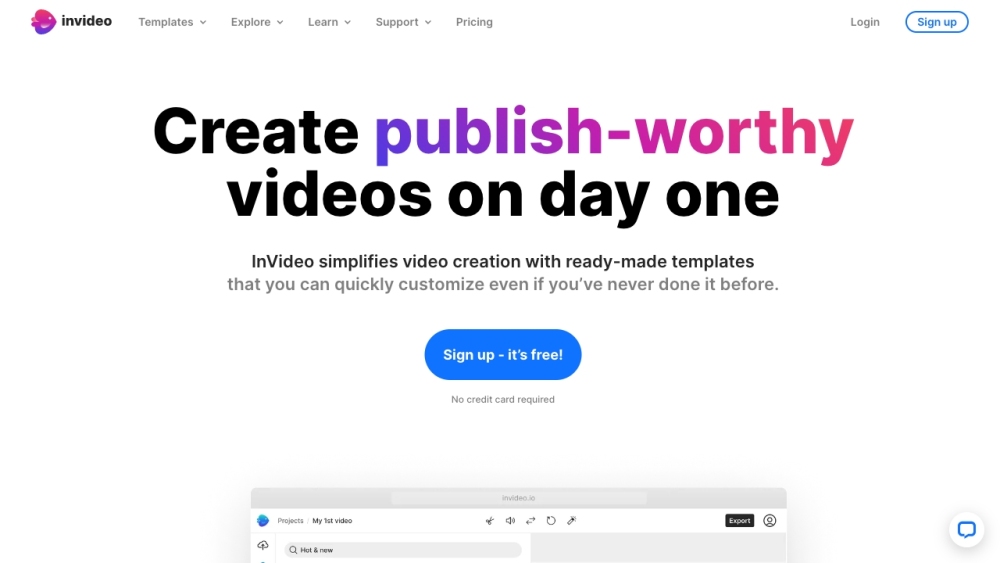




InVideo is an online video editor and video creator that empowers users to create professional-looking videos with ease. It offers a library of over 5000 templates, transitions, and effects to help users create engaging videos quickly and efficiently, without requiring any downloads. InVideo simplifies video creation with ready-made templates that can be easily customized, even for users with no prior experience. It provides AI tools to boost productivity, such as AI script generation and text-to-video conversion. InVideo also offers access to 8M+ stock media assets, single-click shortcuts, and collaboration features.
Online video editor with 5000+ templates, AI tools, and stock media.
- Creating marketing videos for social media
- Turning blog posts into engaging video content
- Creating intro and outro videos for YouTube channels
- Making promotional videos for businesses
- Designing Facebook and Instagram video ads
- To use InVideo
- select a template
- upload images and logos
- edit and animate
- and add your team for collaboration. You can also use AI tools to generate scripts or convert text to video. The platform offers single-click shortcuts to remove backgrounds
- add stock media
- and apply brand colors and fonts.

AI video creation and editing platform with text-to-video, image-to-video, and style transfer features.


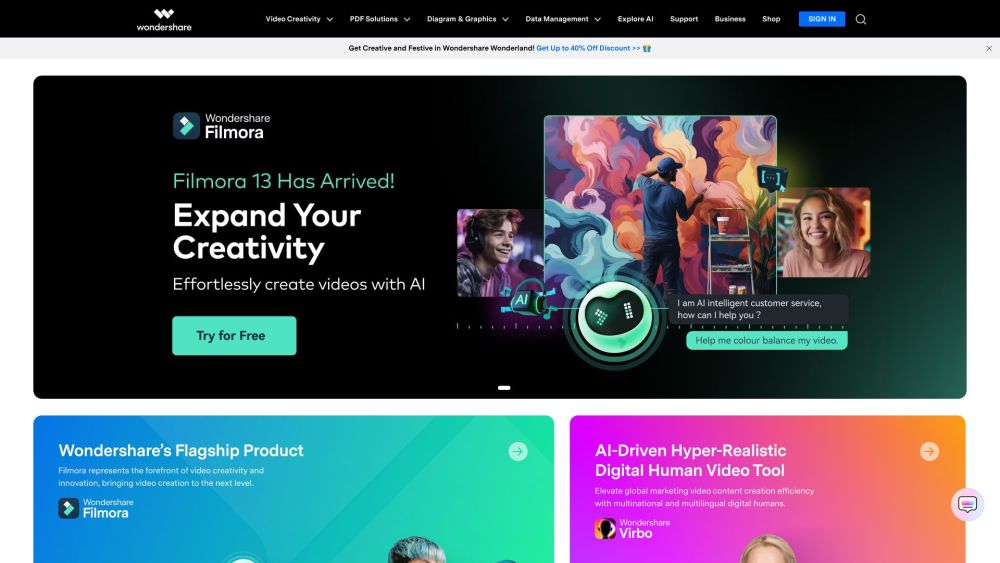
Software solutions for video editing, PDF management, diagramming, data recovery, and more.

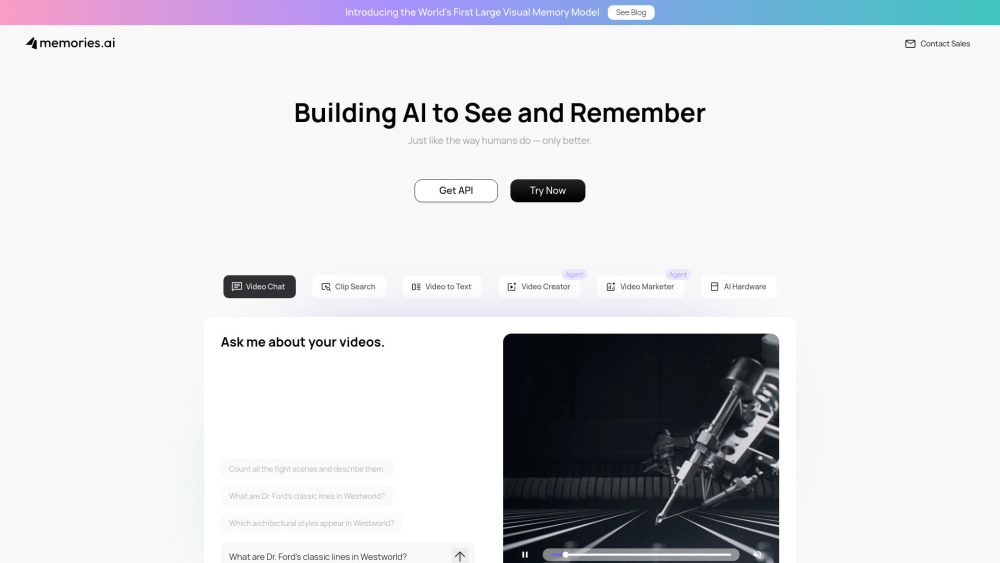
AI that sees, remembers, and analyzes video for insights.

AI video editing agent that creates viral content through simple chat commands.


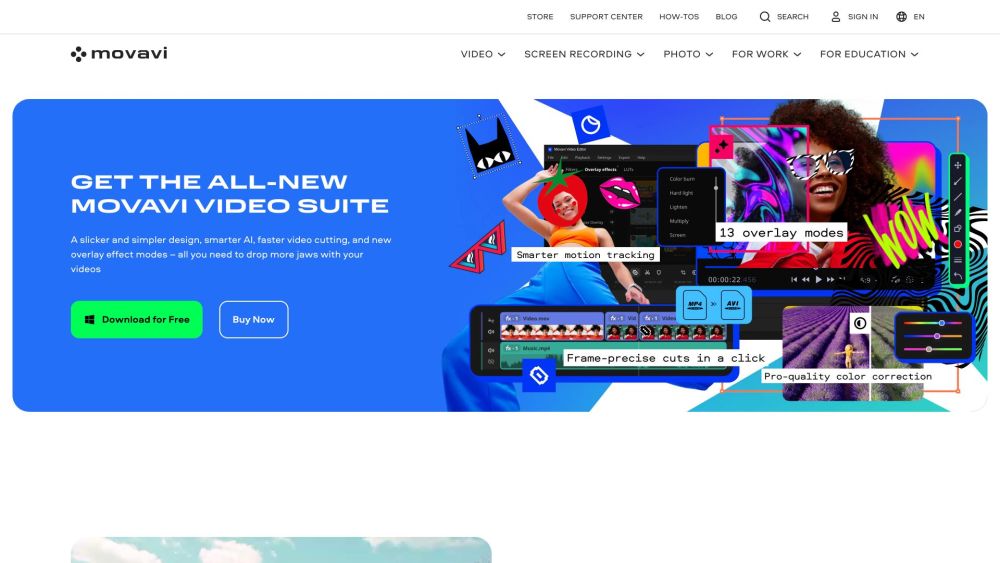
Movavi provides user-friendly photo and video editing software with AI-powered features and a wide range of tools.

Camtasia online is the only free, web-based screen recorder that combines stylish templates, dynamic backgrounds, and effortless collaboration–all with no downloads or watermarks.


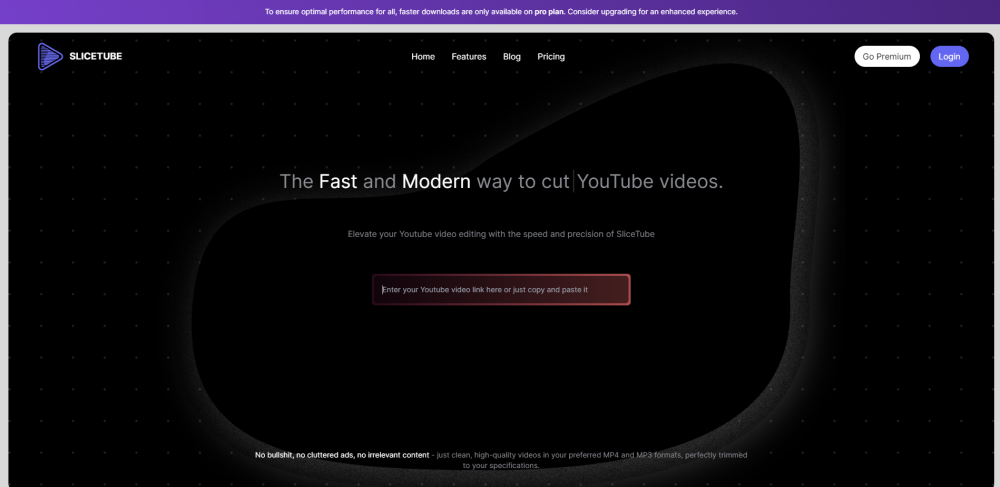
A modern YouTube video downloader and trimmer.

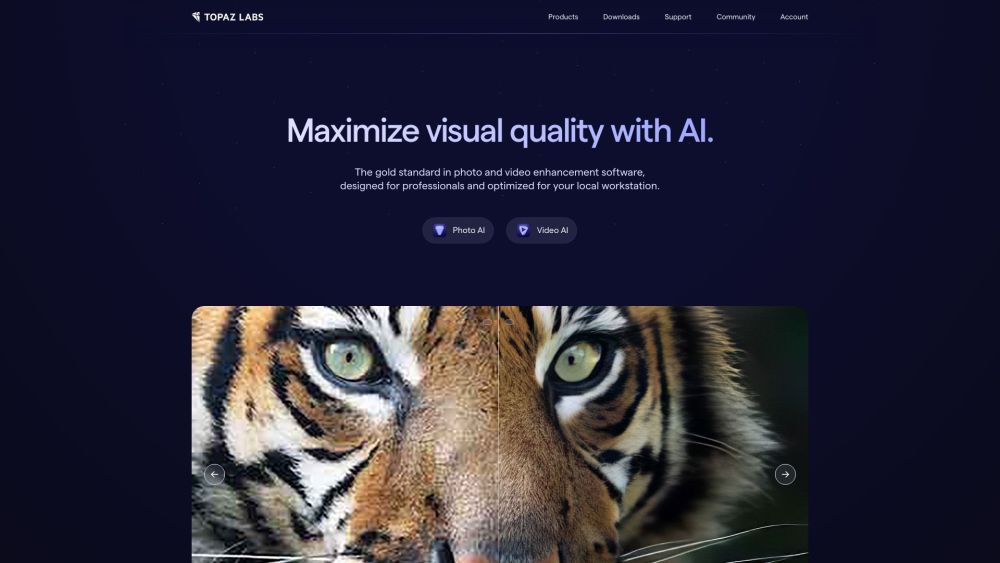
AI-powered photo and video editing software for enhancement and upscaling.

AI-powered video editing and clipping tool for repurposing long-form videos into engaging clips.