Insmind Ai Video Generator


insMind AI Video Generator allows anyone—marketers, creators, or casual users—to generate professional videos from simple text prompts or images. Describe your idea (e.g., “a futuristic city skyline at night”) or upload a photo, and the AI instantly produces a visually rich, motion-filled video that matches your concept. Powered by cutting-edge text-to-video and image-to-video models like Veo 3.1, Veo 3, Sora 2, King 2.5 Turbo and more, insMind delivers lifelike animations, cinematic camera movement, realistic lighting, and seamless storytelling. It’s your all-in-one AI video generator—fast, intuitive, and completely online.
insMind AI Video Generator is a next-generation AI-powered video creation tool that transforms your ideas, text, or photos into high-quality videos in seconds. Whether you’re crafting a cinematic story, a product ad, or a social media clip, insMind combines creativity and technology to bring your vision to life effortlessly.
- Content Creators: Instantly visualize concepts, storyboards, or video ideas.
- Marketers: Generate ad or product videos that capture attention quickly.
- Social Media Influencers: Produce unique AI clips for TikTok, Instagram, or YouTube Shorts.
- Designers & Filmmakers: Turn static photos or mood boards into moving scenes.
- Educators & Presenters: Create engaging educational or explainer videos using simple prompts.
- Writers & Storytellers: Bring narrative ideas to life with cinematic AI visuals.
- E-commerce Stores: Generate lifestyle videos showcasing products.
- Music Artists: Pair AI visuals with songs or lyrics for dynamic music videos.
- Startups & Brands: Prototype campaign ideas before professional production.
- Animators: Quickly test visual sequences or motion ideas using AI generation.
- Step 1: Enter a Text Prompt or Upload an Image Type what you want to create (e.g.
- “a dancer performing under neon lights”) or upload a reference image to guide the AI generation. Step 2: Select Model
- Aspect Ratio & Style Choose your preferred AI model—Kling 2.5 Turbo
- Wan 2.5
- Sora 2
- Veo 3.1 and more—to define the level of realism and motion detail. Then set your desired aspect ratio (such as 16:9 for cinematic videos or 9:16 for social media) and describe your preferred video style
- including cinematic
- realistic
- animation
- or artistic looks. Step 3: Generate Your AI Video Click “Generate
- ” and in seconds
- insMind will transform your input into a dynamic

Experience true creative freedom with JoyFun AI, the ultimate free and unlimited AI video generator. Instantly create stunning videos from text or images, perform realistic face swaps, and explore a suite of powerful AI video effects. No sign-up, no credit limits—just pure, uncensored creativity at your fingertips.
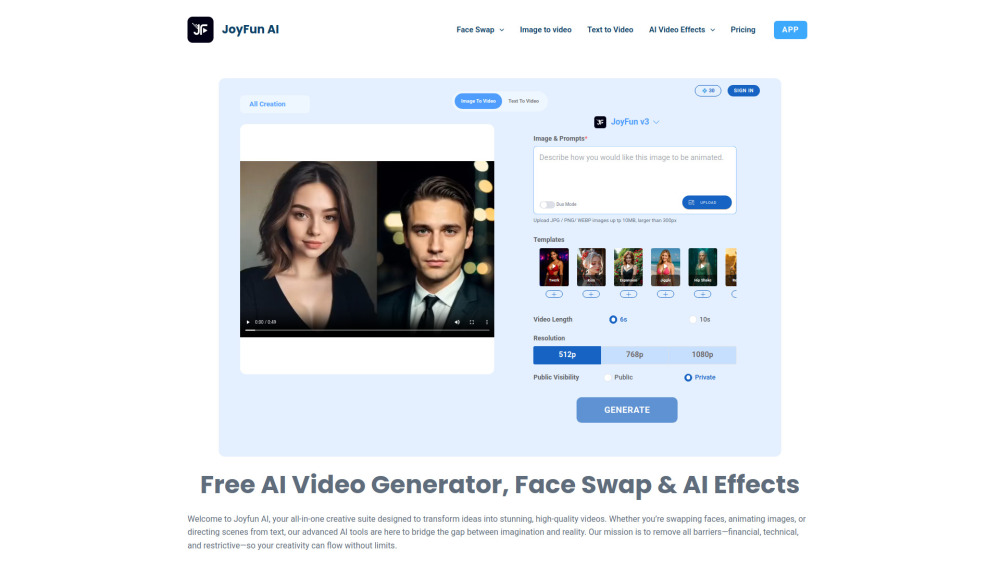

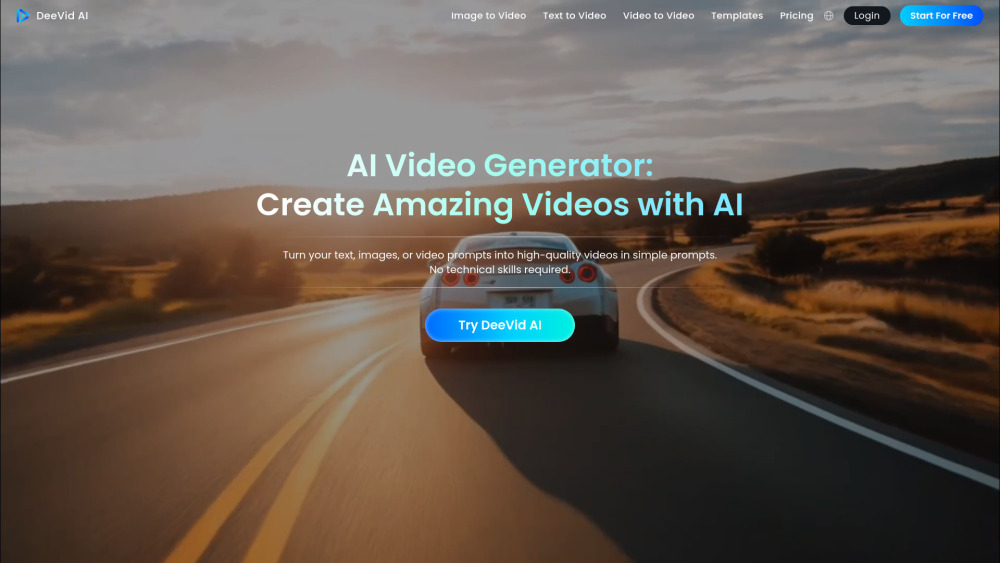
AI video generator transforming text, images, or videos into stunning videos quickly and easily.

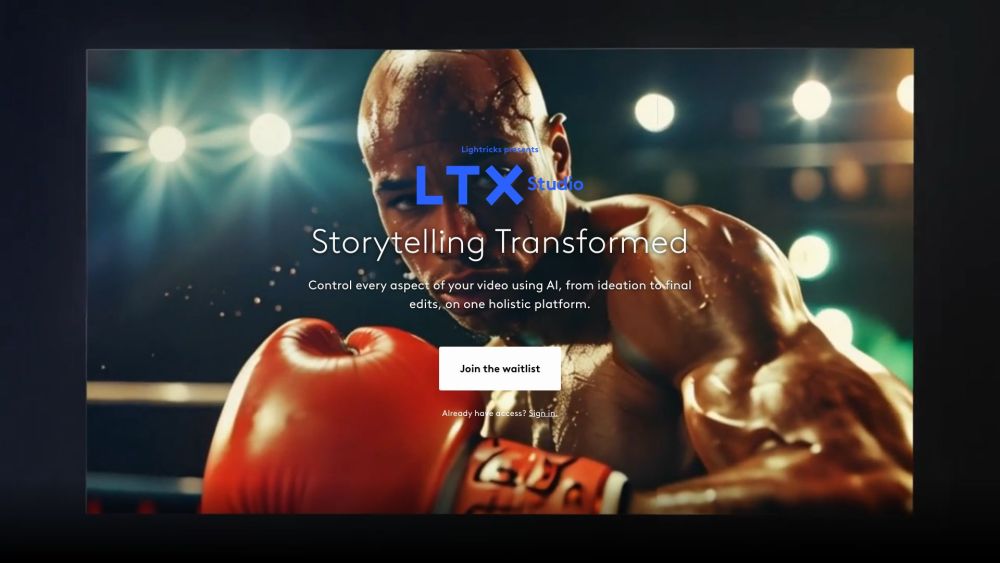
AI-driven filmmaking platform for visual storytelling from concept to delivery.

Advanced AI video generator with physics-accurate motion transfer and 4K production capabilities.


Turn your photos into fun, engaging videos with insMind Image to Video Converter. From animating portraits to adding viral AI effects, you can bring any static image to life in just seconds—no editing skills required.


DreamVid is an all-in-one AI platform for video and image generation. It lets you turn text and photos into high-quality videos and images in any style. Fast, simple, and all your creative tools in one place.


All-in-one AI platform for cinematic video generation and professional photo editing.


Unified multimodal AI video engine generating physics-accurate, cinema-grade 4K videos with native audio.


AI video and image creation platform with various AI-powered tools and editing features.

Leading AI platform for converting text and images into high-quality videos.

Nim is an AI video production app with various features for generating and editing videos.

AI video generator transforming text and images into professional videos using advanced AI technologies.


All-in-one AI video and image creation platform.

AI tool to animate photos with speech and lifelike expressions.


AI video editor for automated video creation via chat.


AI video generation from text and images.


ZenCreator is an AI-powered content creation platform for generating, transforming, and enhancing images and videos. It offers 12+ specialized tools including text-to-image, image-to-video, face swap, AI photoshoots, upscaling, lipsync, and more — all on a credit-based system with SFW and NSFW modes.


Free AI image, video generator & photo editor.