Inline Ai Ai Everywhere


Inline AI ai chrome extension? Inline AI is a Chrome extension that brings the power of AI to any website with a text editor. It allows users to enhance their writing by running prompts, fixing grammar, and translating text using simple keyboard shortcuts. It's designed to help users communicate and write more effectively and efficiently, whether they're composing emails, writing blog posts, or chatting online.
Chrome extension for AI-powered writing enhancement in any text editor.
- Composing emails with improved grammar and clarity.
- Writing blog posts with AI-generated ideas and content.
- Chatting online with real-time translation.
- 1. Download and install Chrome with built-in AI (Dev / Canary). 2. Enable the Prompt API for Gemini Nano option in chrome://flags/#prompt-api-for-gemini-nano. 3. Turn on the Enables optimization guide on device option in chrome://flags/#optimization-guide-on-device-model. 4. Check or download the latest version of Optimization Guide On Device Model in chrome://components/. Run Prompt: Select text and press Ctrl+Shift+1 (Windows) or Command+Shift+1 (Mac). Fix Grammar: Select text and press Ctrl+Shift+2 (Windows) or Command+Shift+2 (Mac). Translate Text: Select text and press Ctrl+Shift+3 (Windows) or Command+Shift+6 (Mac).

AI-powered tool for grammar, punctuation, and style correction to enhance writing.


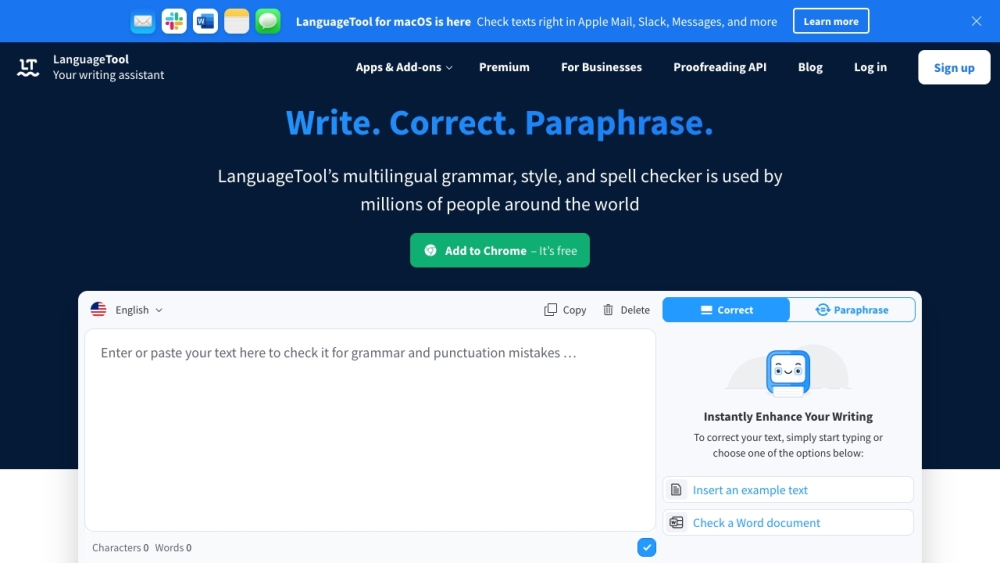
AI-powered grammar and style checker for over 30 languages, including rephrasing.

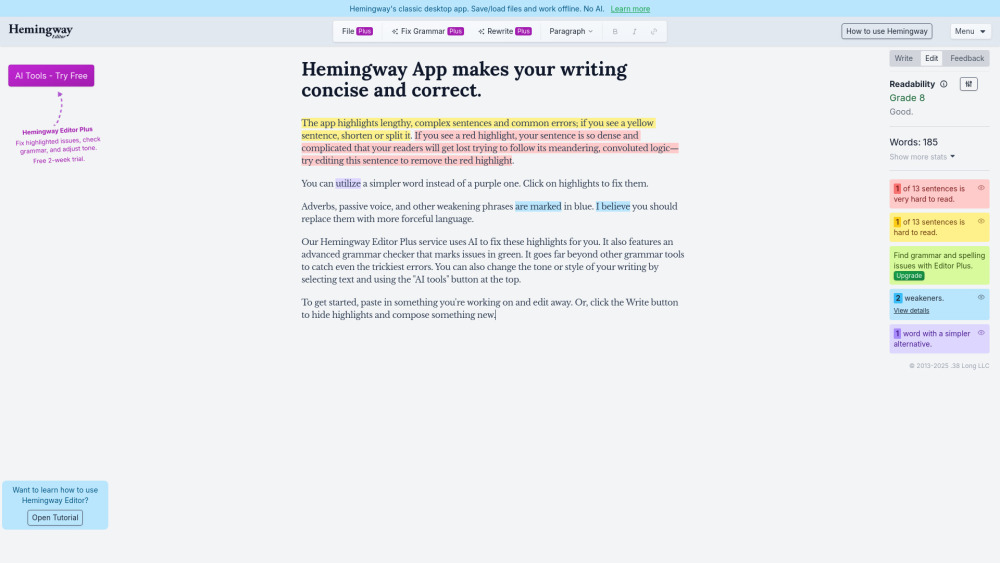
Hemingway Editor helps make writing clear and concise by highlighting errors and suggesting improvements.

AI-powered resume builder with templates, writing services, and ATS optimization tools.


Grammar Checker: Intelligent detection of grammar and spelling errors with detailed explanations and improvement suggestions.


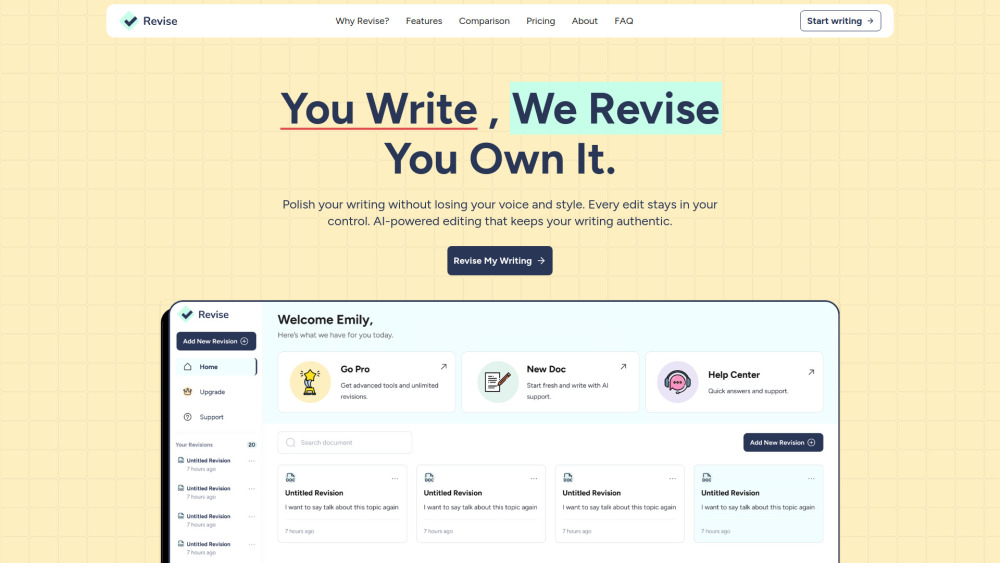
AI writing and grammar assistant that preserves your authentic voice.

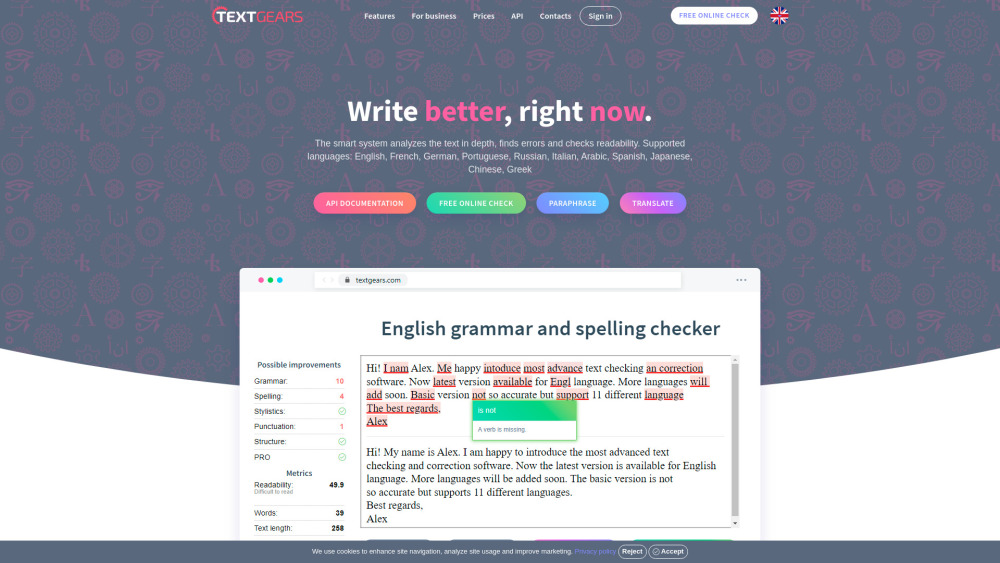
Online grammar and spelling check platform supporting multiple languages.

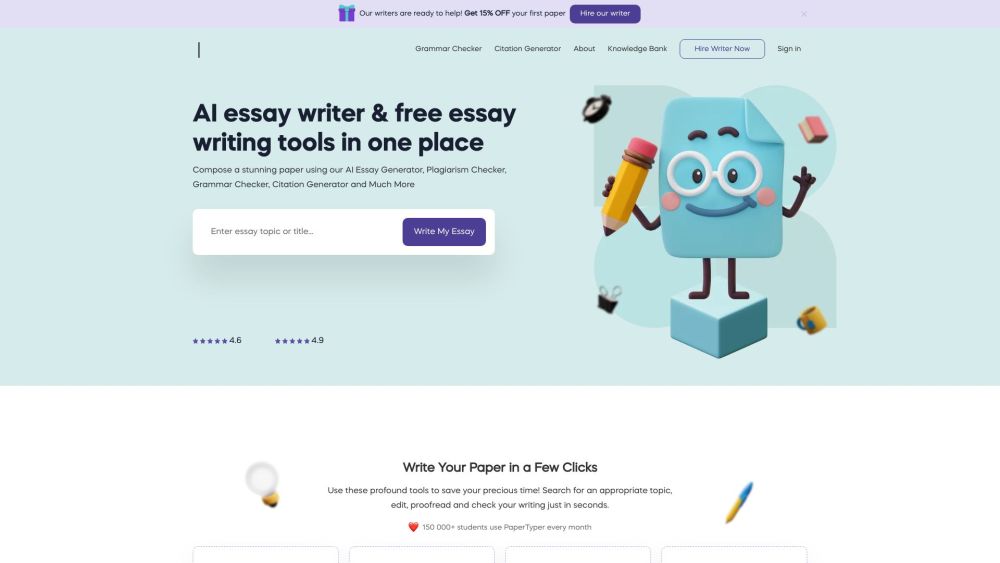
PaperTyper offers free AI writing tools for students, including essay generation and grammar checks.

Free online grammar and spell checker in multiple languages.

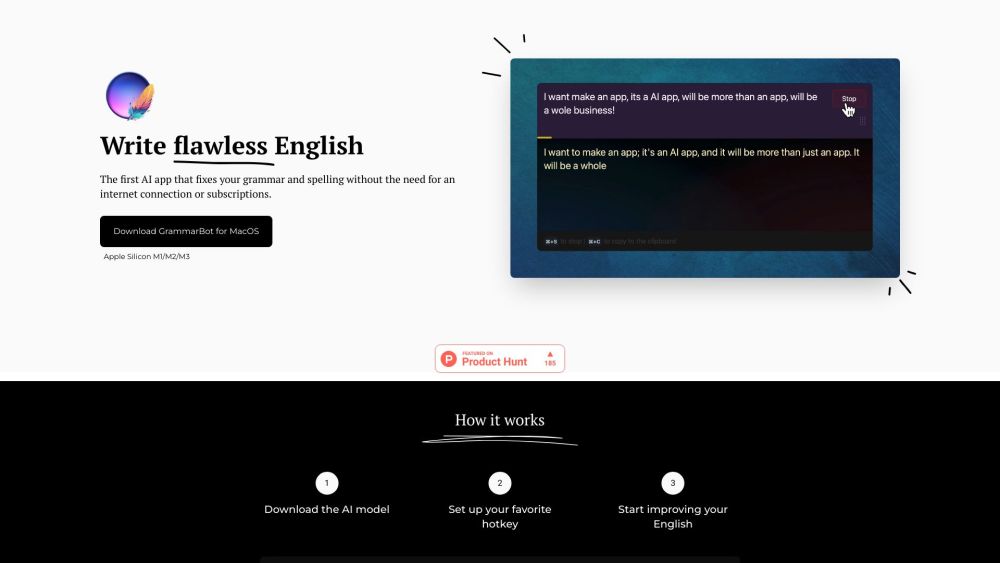
MacOS app that checks English grammar and spelling using a local AI model.

AI-powered translation software with 100+ languages, grammar correction, and content creation.
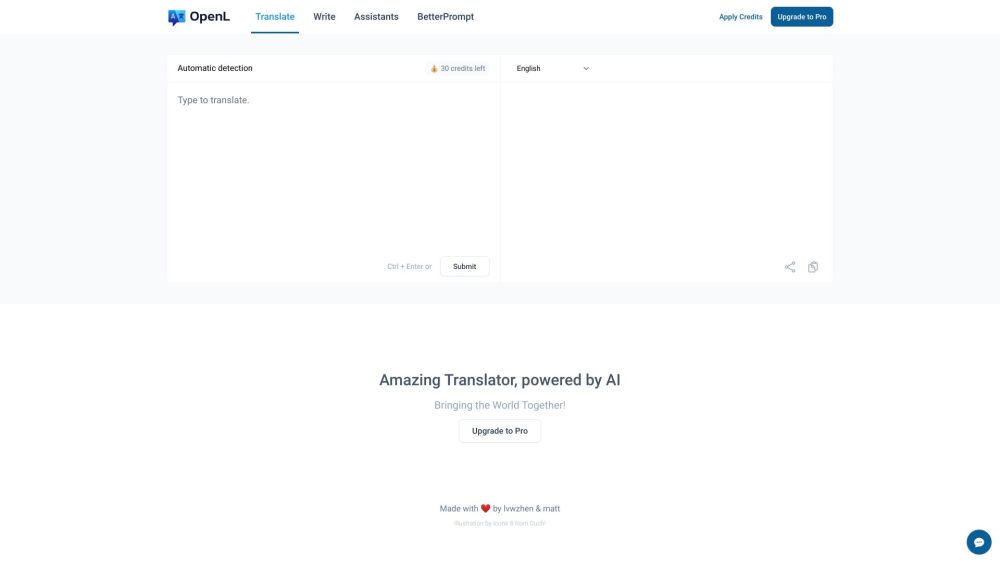

A writing tool that combines grammar check, style editing, and writing mentorship.


AI-powered writing tool for paraphrasing, grammar checking, and more to improve writing.
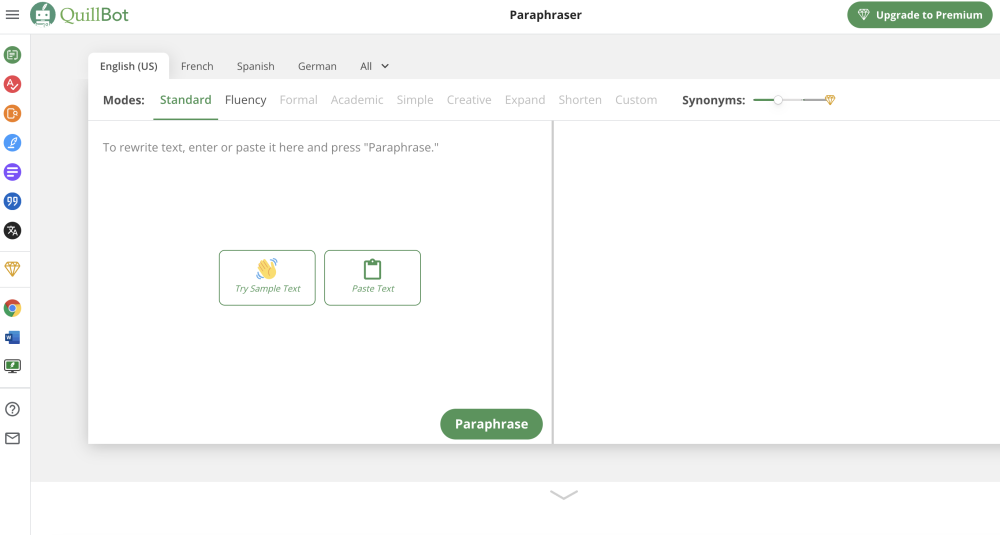

AI copilot for writing, reading, and memorizing across all apps and websites.


Fixt finds and fixes grammar, syntax, and typo errors on web pages.


AI-powered writing assistant for grammar, spelling, and style improvements across platforms.

AI-powered speech checker for English pronunciation, grammar, and fluency improvement.


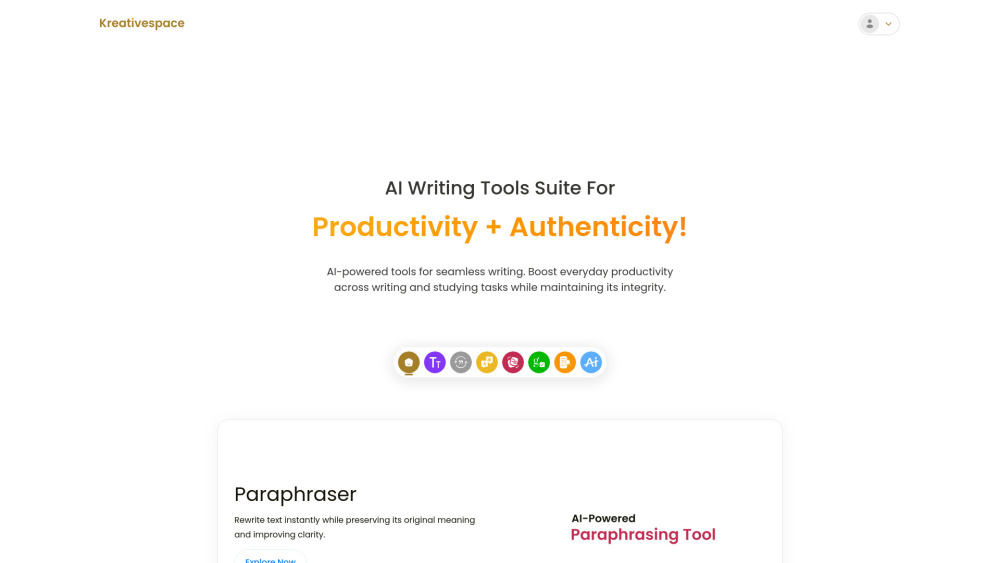
AI writing tools suite for productivity and authenticity.