
Houseplan
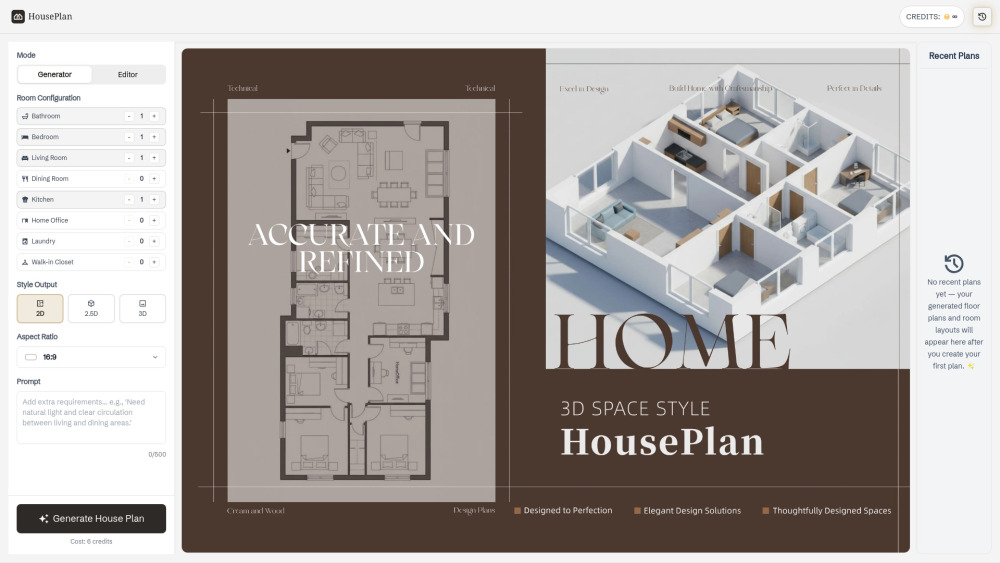



🚀 AI-Powered Home Design HousePlan uses advanced AI to generate complete floor plans and layouts—no professional design skills required. 🏠 Custom Room Configuration Easily select room types and quantities (bedroom, kitchen, living room, etc.), and let AI create optimized layouts. 🧠 Multiple Input Methods Generate designs using text prompts or upload reference images to guide the AI. 📐 Multi-View Floor Plans Create 2D, 2.5D, and 3D designs instantly for better visualization and presentation. ⚡ Fast & Efficient Workflow Generate design plans in seconds, turning your ideas into real home designs and seamlessly transforming concepts into practical, buildable living spaces. 🎯 Built for Everyone Ideal for architects, interior designers, real estate professionals, and homeowners.
HousePlan is an AI-powered home design tool that lets users generate 2D, 2.5D, and 3D floor plans by selecting room types, uploading images, or entering prompts—making custom house design fast and effortless.
- HousePlan helps you create a clear house plan before making real decisions, whether you are renovating or building from scratch. You can explore different house plans and understand layouts early, reducing the risk of costly changes later.
- With HousePlan, you can quickly generate multiple house plans to visualize and present ideas more effectively. This makes it easier to communicate house plans home design concepts and refine them based on feedback.
- HousePlan works well for shaping ideas before moving into detailed drafting. It gives you a practical house plan that can guide discussions, validation, and further development.
- If you need visuals for house plans home design content, HousePlan helps you create them quickly. You can produce multiple house plans in different styles, making it easier to keep your content consistent and engaging.
- ● Step 1: Choose Your Mode Start by selecting Generator mode to create a new plan
- or switch to Editor mode toupload. ● Step 2: Set Your Preferences Define your space
- room type
- and preferred style such as Technical
- 2.5D
- or 3D
- and add a prompt if needed. ● Step 3: Generate and Refine Generate your house plan instantly
- then adjust settings or try variations to explore diverse house plan and home design variations.

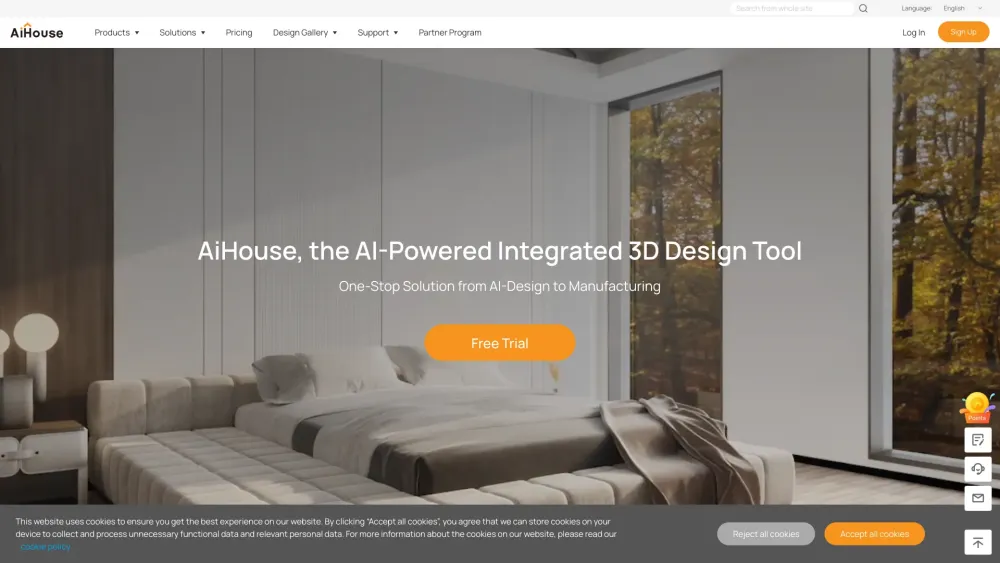
AI-powered 3D interior design and manufacturing software for streamlined workflows and photorealistic visuals.

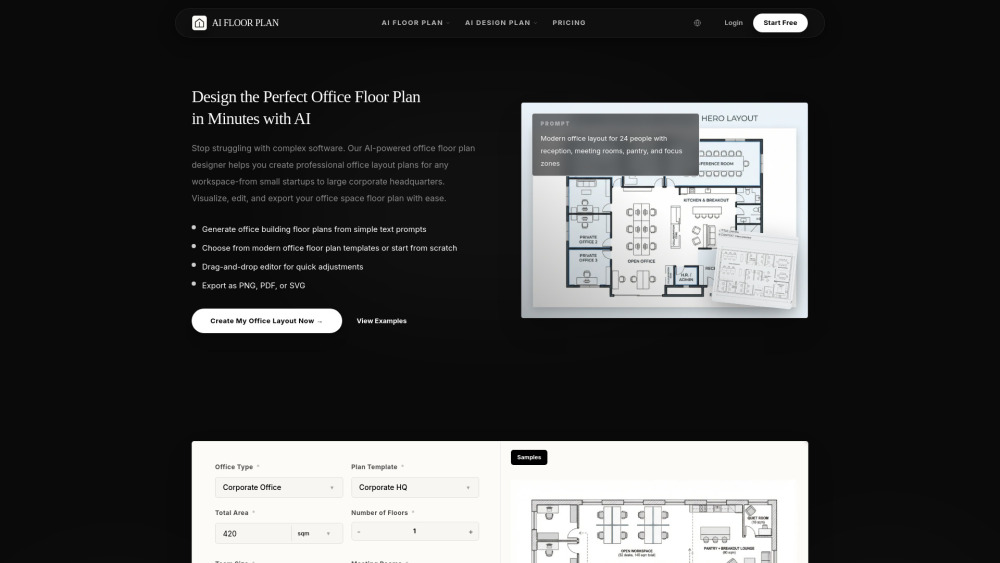
Floorplan AI is an intelligent online tool that allows users to instantly generate, customize, and visualize professional office floor plans using advanced AI technology. It simplifies space planning for interior designers, office managers, and business owners.

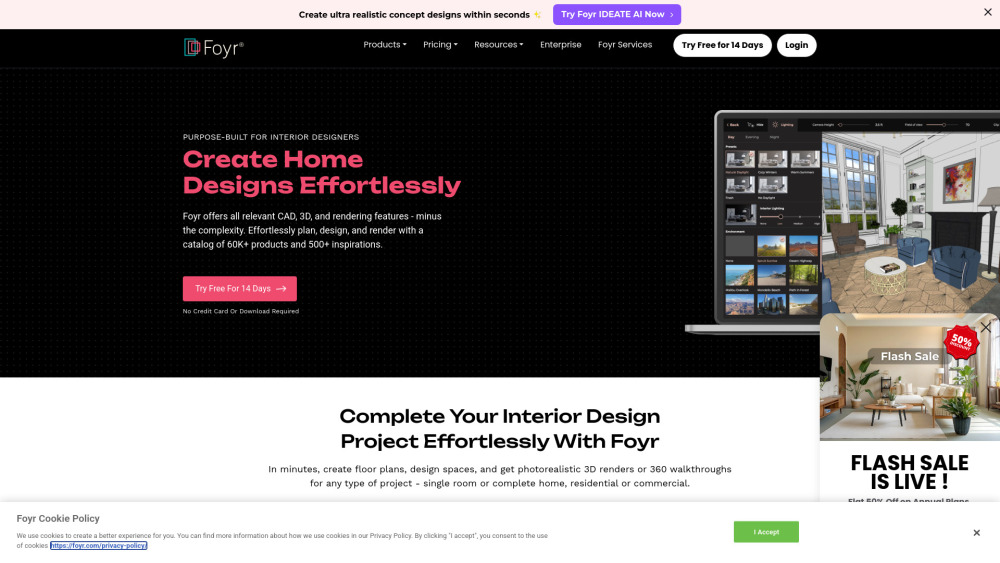
Interior design software with CAD, 3D, and rendering features for effortless design.

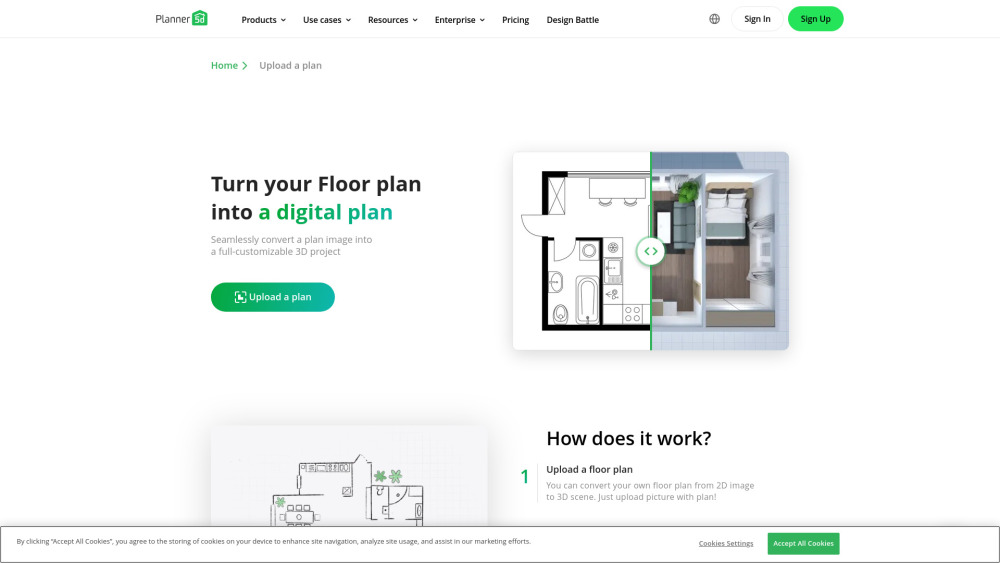
A 3D home design tool using AI to convert 2D plans into 3D models.

AI image and video editor powered by Google's Nano Banana model.


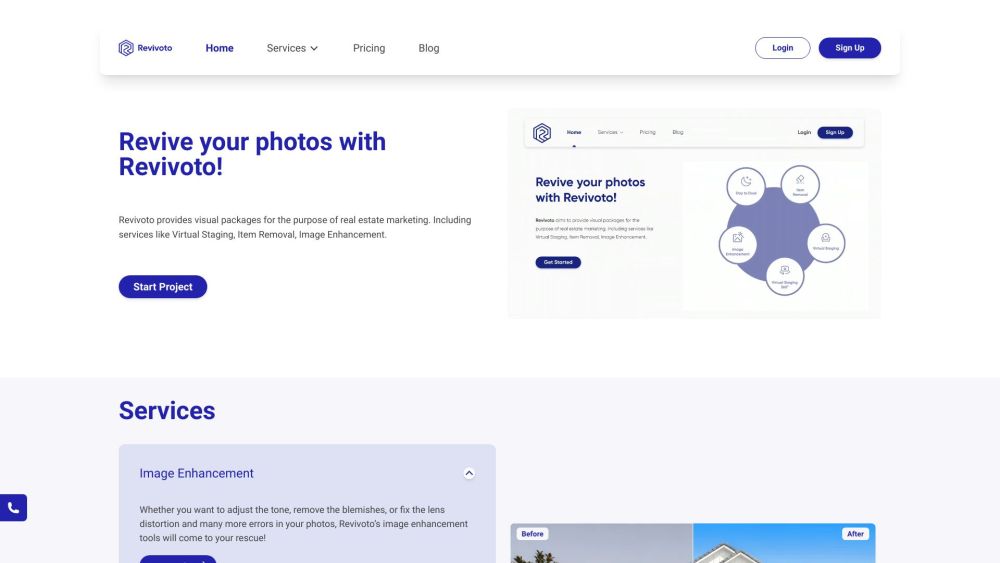
Real estate photo editing services: virtual staging, item removal, image enhancement, and more.

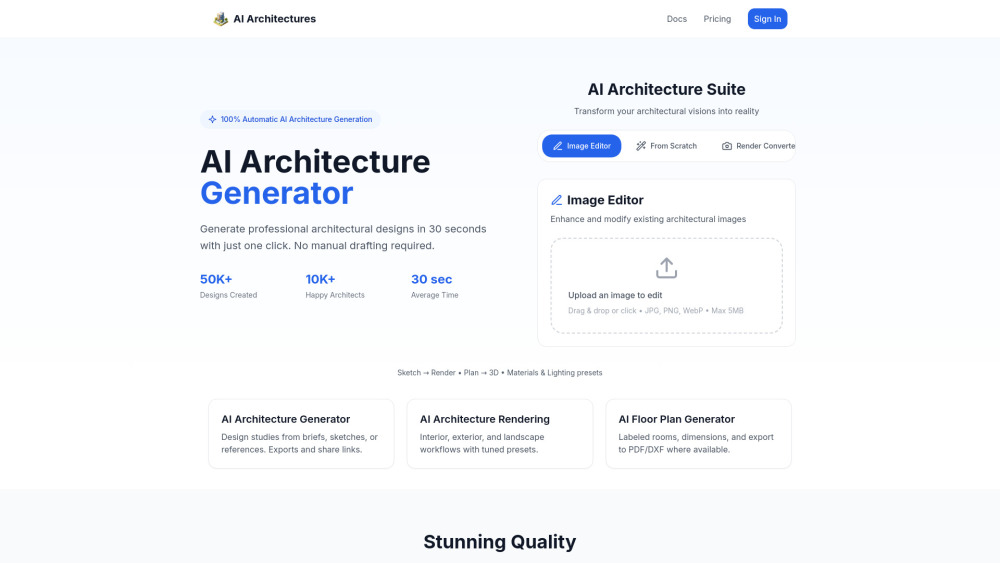
AI platform for architectural design, rendering, and floor plans.

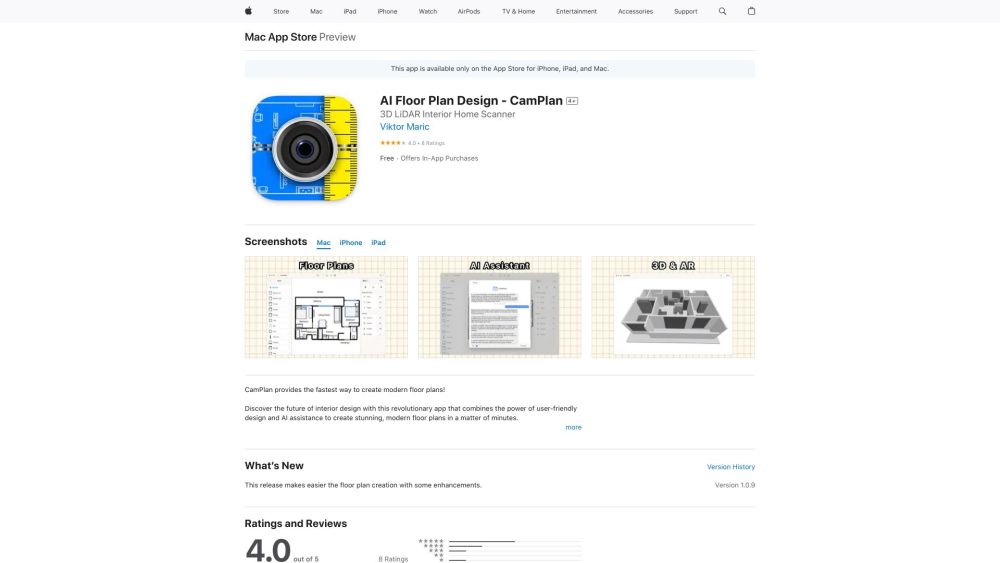
App for creating modern floor plans using AR scanning and AI assistance.

Generative AI software for instant architectural plans and design exploration.


AI-powered app for home interior and exterior design and redesign.
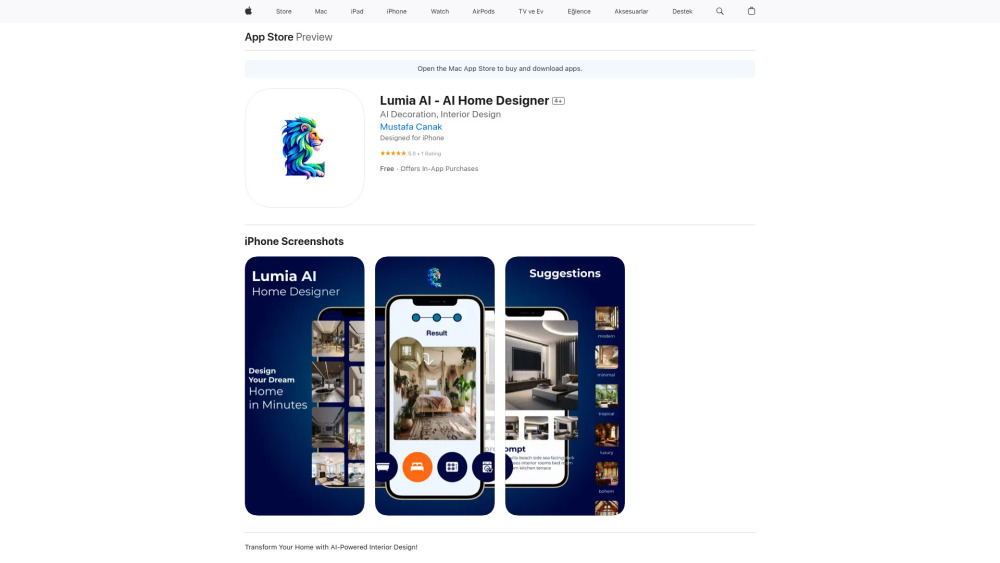

AI photo editing platform for creating product visuals, now partnered with Floorplanner.


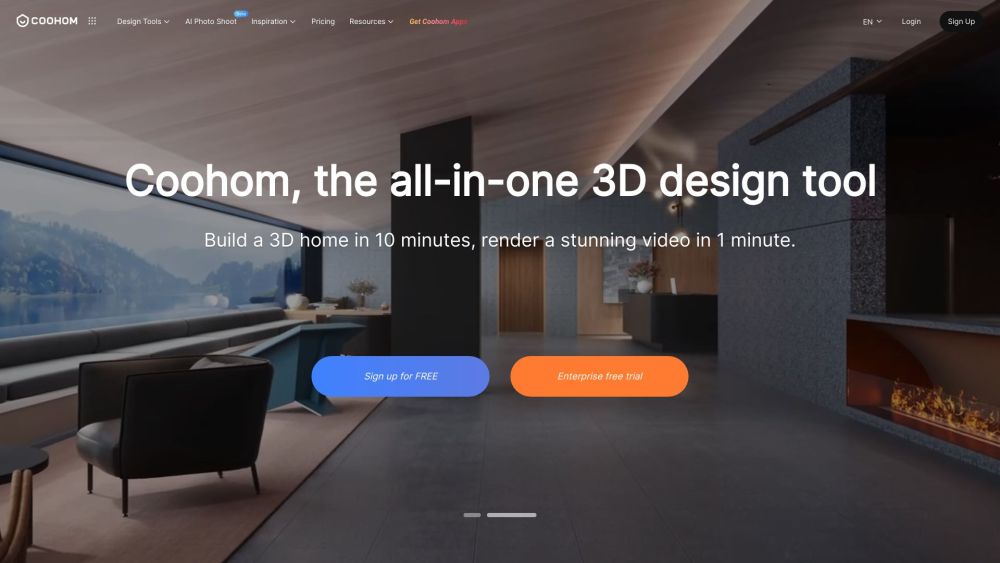
All-in-one 3D design software for interior, furniture, and home design professionals.

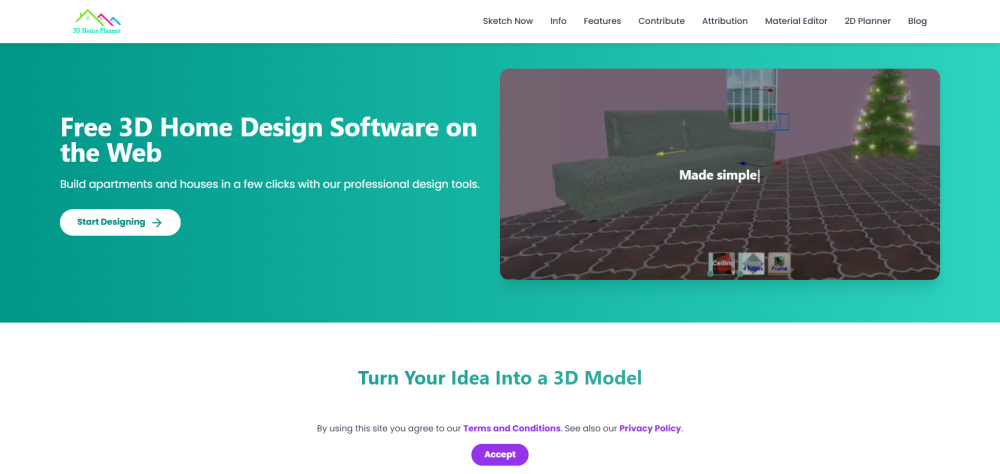
Free 2D/3D Floor Planner on the Web

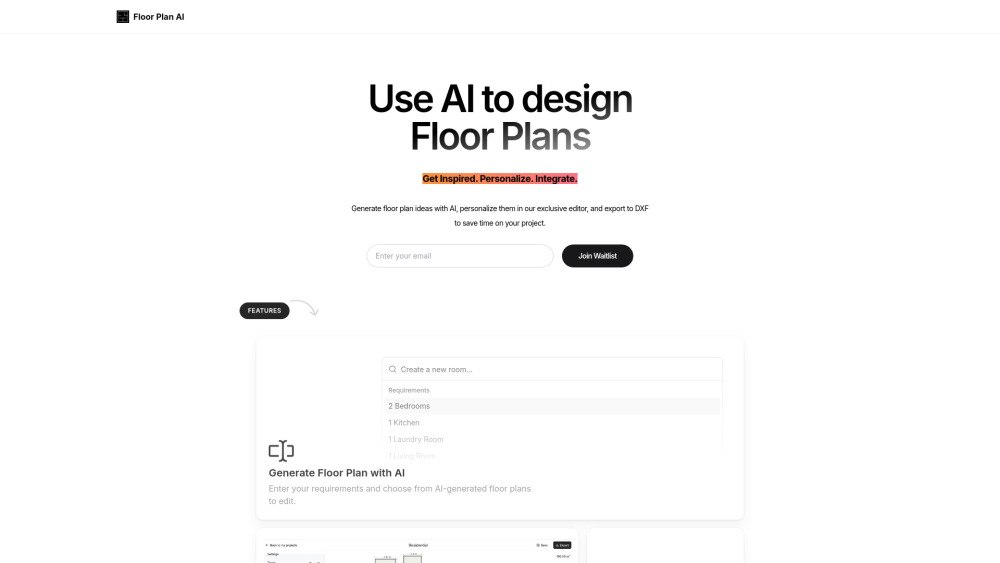
AI-powered floor plan generator with customization and DXF export.

mirr.art uses AI to help artists curate, promote, and sell art, and assists collectors.


AI-powered tool for designing and generating floor plans.
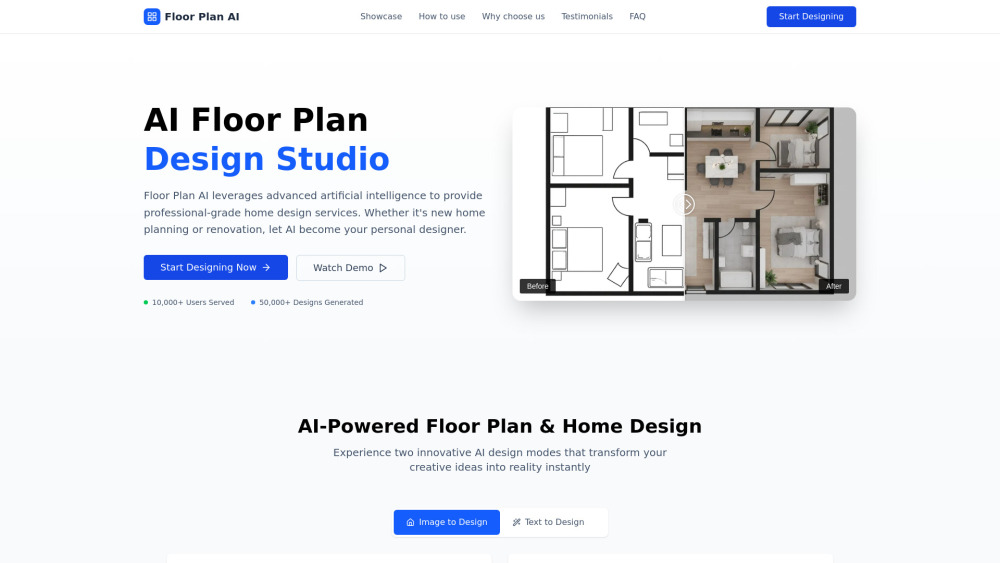

Floor Plan Maker helps you design and visualize spaces with AI. Create 2D & 3D floor plans, redesign interiors in different styles, and turn floor plans into realistic rendered views—all online, free, and easy to use.
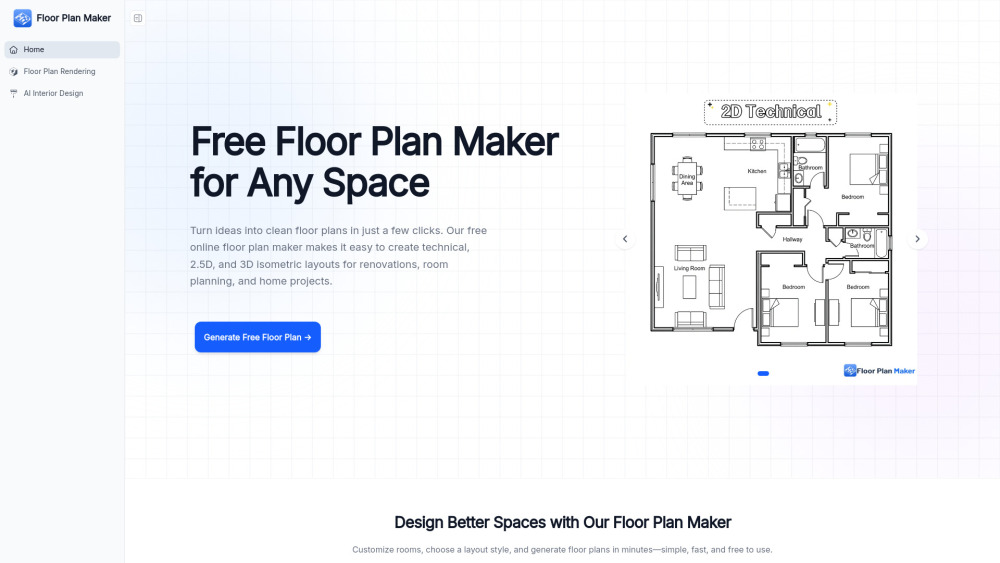

AI-powered online 3D house design tool for floor plans and interior design.