Hifun




Hifun AI is a free, uncensored, AI-powered image editor that allows users to transform selected areas of their images. Users simply describe their vision with text, customize styles, and produce high-resolution outputs effortlessly. It boasts features like fast processing, high resolution, and affordable pricing, making advanced image editing accessible. The platform uses intelligent AI for auto-masking and smart prompt enhancement to optimize generation results.
AI-powered image editor for transforming images with text prompts.
- Transforming images by changing elements like clothing (e.g., to a bikini) and backgrounds (e.g., to a beach).
- Creative transformations for professional design and personal projects.
- Generating unique image effects based on textual descriptions.
- To use Hifun AI
- first
- upload the image you want to edit and use the masking tool to mark the specific area for modification. Next
- enter a detailed text prompt describing the desired image effect
- including scenes
- objects
- styles
- colors
- and moods. Finally
- click the 'Create' button to start the image editing process
- which typically takes a few seconds
- then view and download your edited image.

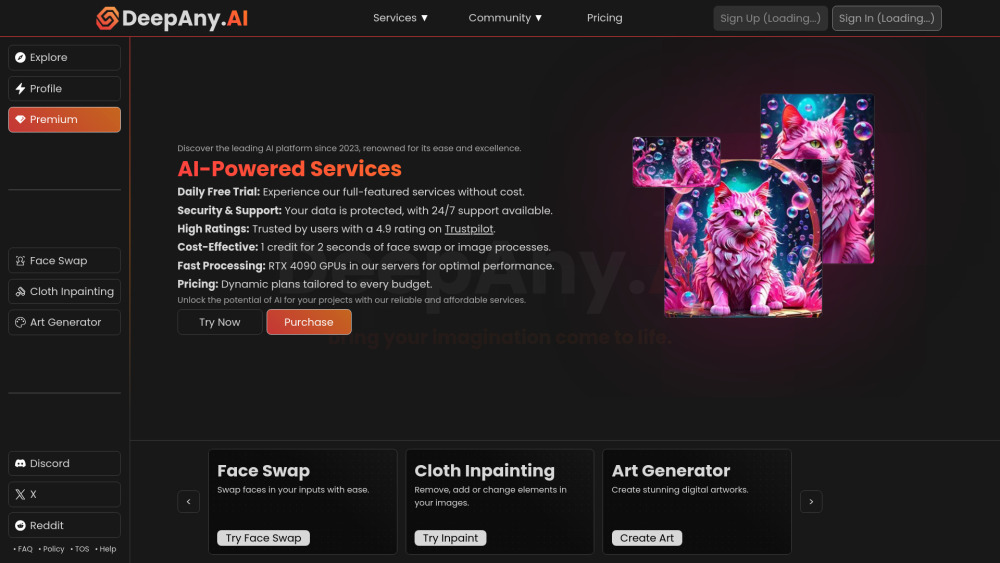
DeepAny.AI offers AI tools like face swap, video & art generation with flexible pricing.

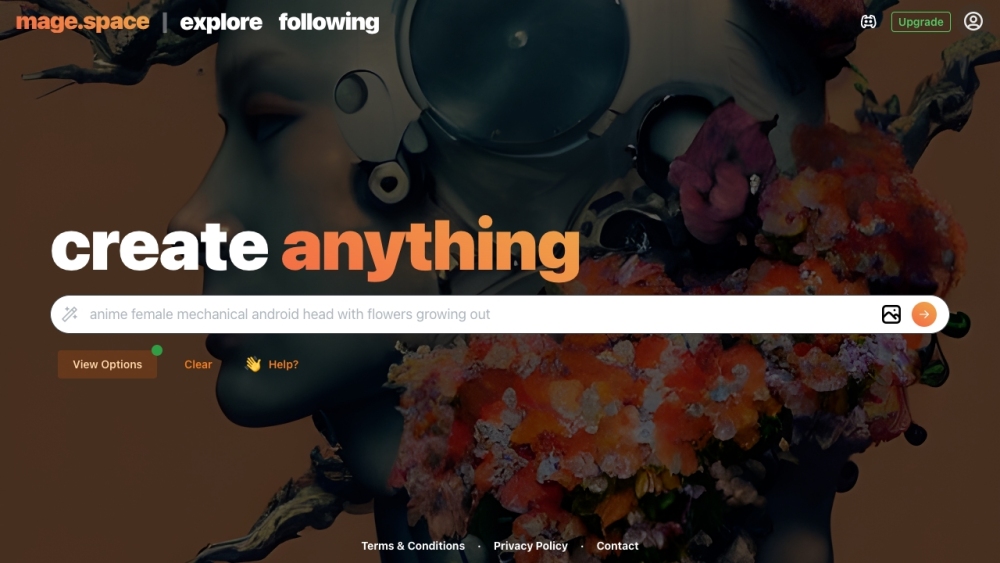
Free, fast, and unfiltered Stable Diffusion platform for generating images from text.

AI video and image creation platform with various AI-powered tools and editing features.

Free AI tool to erase unwanted objects from photos using a brush tool.


Google Labs Powered Image Remix Platform


RetouchAI is an AI-powered iOS app for creating and enhancing photos.

AI-powered tool to remove unwanted objects from photos, free and no login.

Free AI image generator using Stable Diffusion XL with a large prompt database.

AI-powered platform for removing objects, retouching photos, and enhancing images.