Gyde Ai Documentation In Video Screenshots
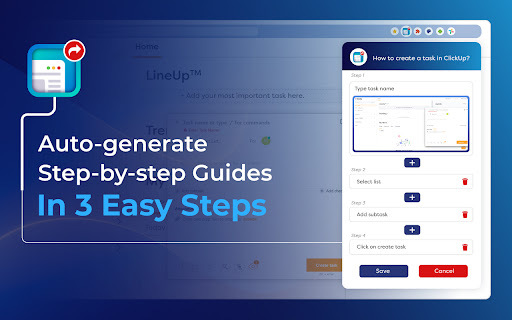




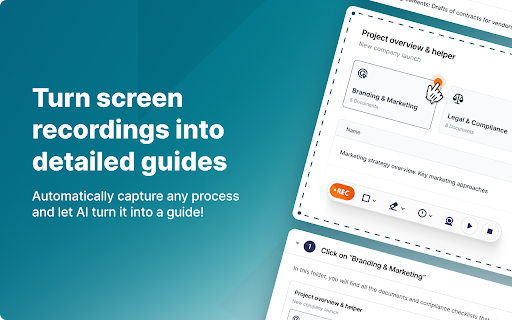
Gyde ai chrome extension? Gyde is a productivity extension designed to automatically transform any process into a step-by-step guide in both video and screenshot formats. It helps users create documentation, guides, and training materials quickly and efficiently, saving hours of manual work.
Productivity extension for automatic video and screenshot guide creation.
- Showing a teammate how a particular workflow goes about
- Assisting customers in solving their queries
- Helping employees train on any software application
- Answering any questions that require step-by-step explanation
- Creating how-to guides
- Creating Standard Operating Procedures (SOPs)
- Creating software documentation
- Creating training manuals
- Creating walkthroughs
- Creating product updates
- Creating knowledge bases
- New employee onboarding
- Gyde is used in three easy steps: Capture the process on your browser
- customize the generated guide by adding/deleting steps and editing text/screenshots
- and then save and share the video & screenshots guide URL.

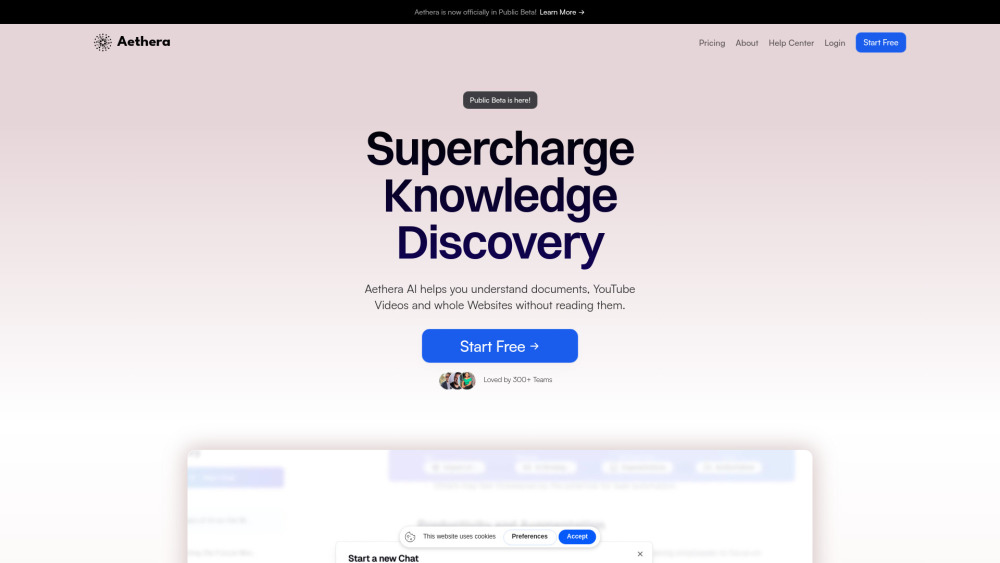
AI-powered workspace for content creation, analysis, and collaboration on documents.

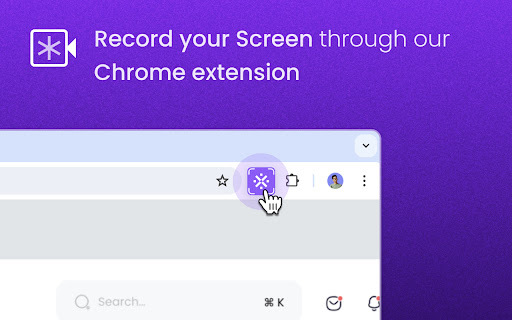
Kroto transforms screen recordings into professional how-to guides with AI.

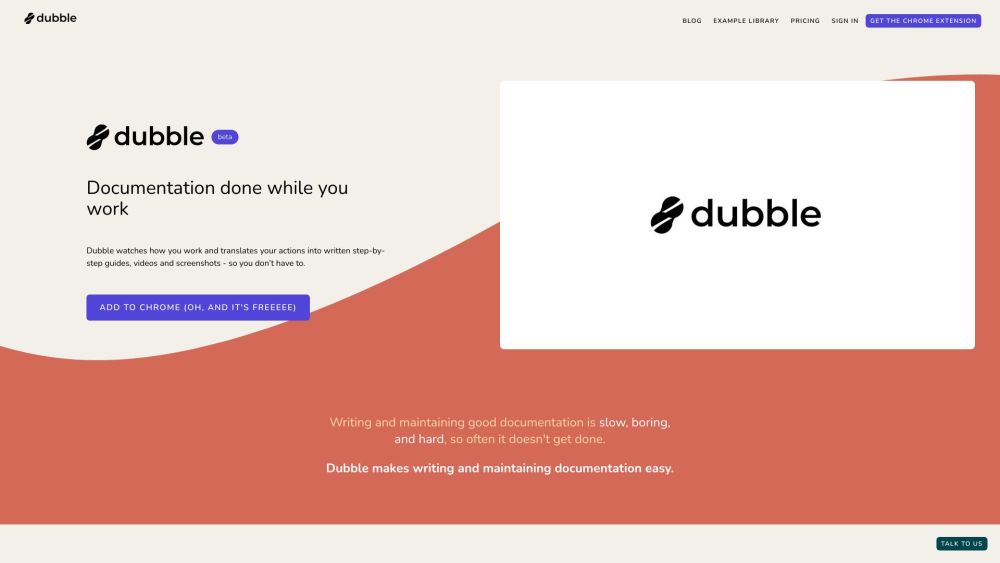
Documentation tool that creates step-by-step guides, videos, and screenshots automatically.

Screen recording tool that automatically creates guides with AI-powered editing and sharing.

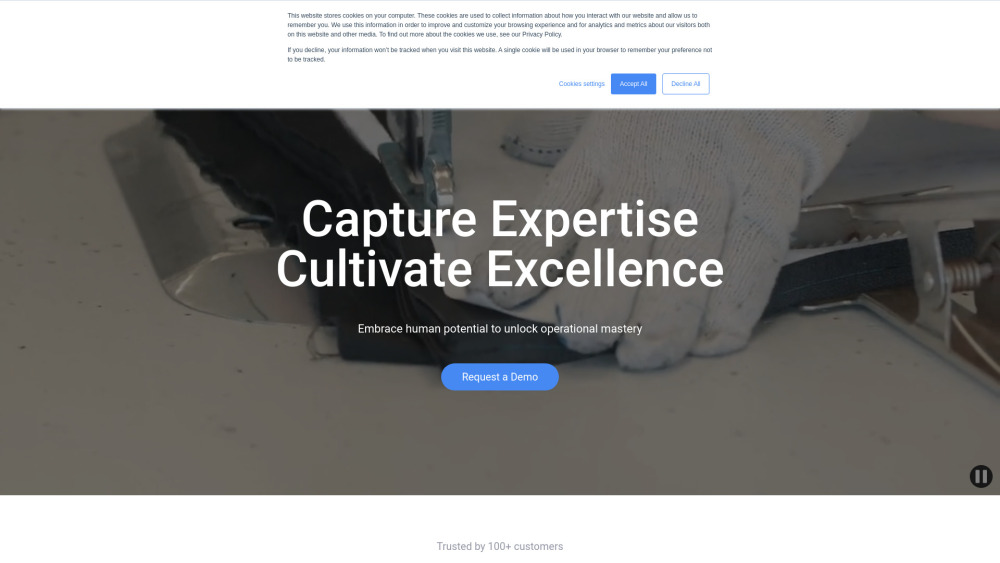
AI-powered platform simplifying compliance with ISO 27001, SOC 2, GDPR, and HIPAA.


DeepHow: Smart know-how companion for faster worker training and improved safety.

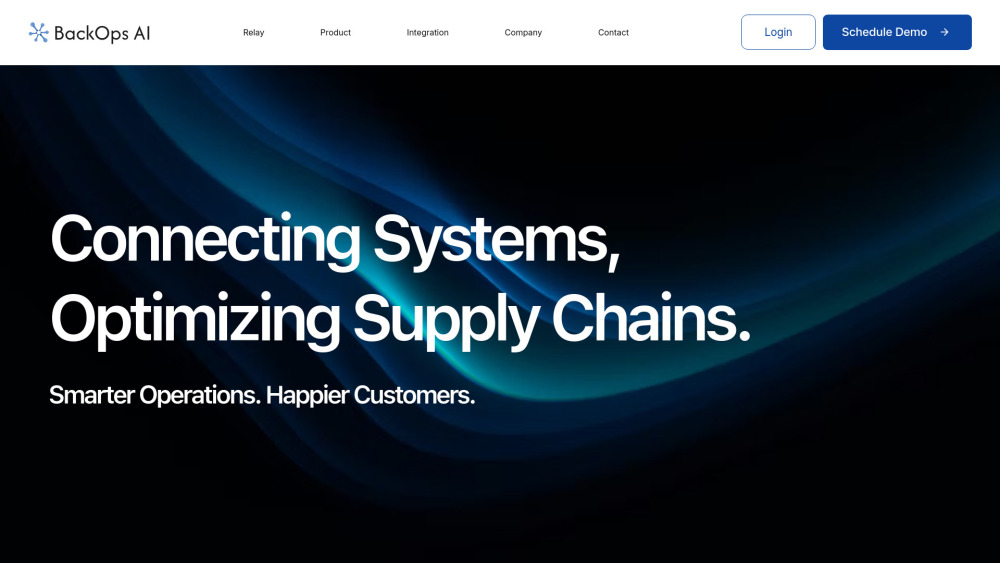
BackOps.ai automates logistics and supply chain operations using AI to improve efficiency and reduce manual work.

AI platform that generates, manages, and tracks industry-compliant Standard Operating Procedures and handbooks.


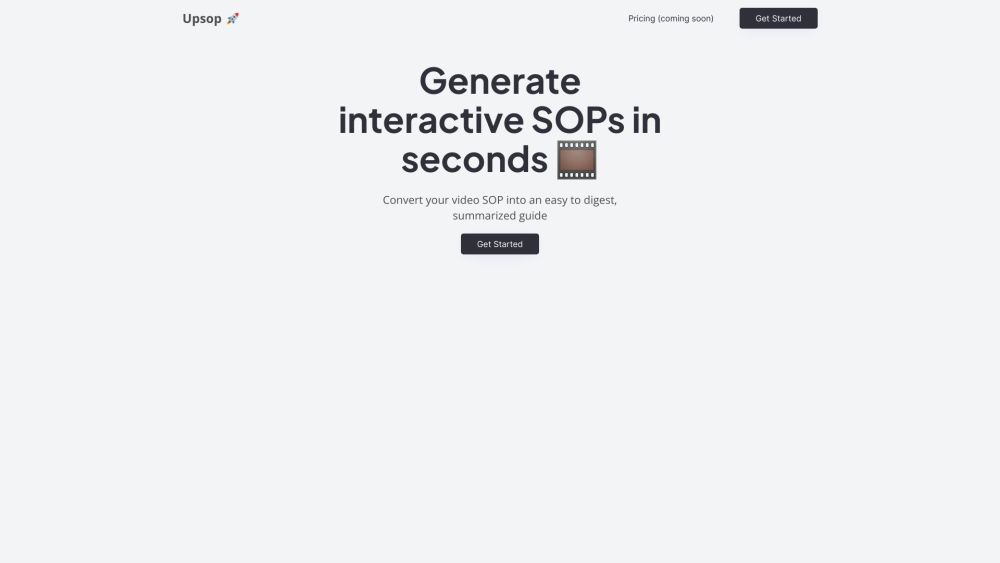
Upsop converts video SOPs into interactive, easy-to-follow steps using AI.

Screen recorder & SOP generator with AI meeting notes, free for teams.

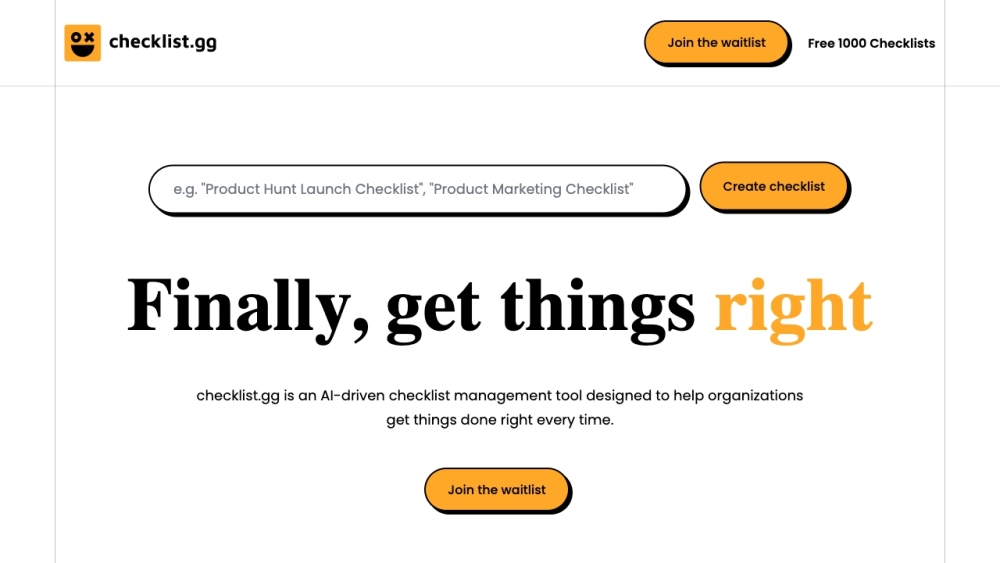
AI-driven checklist, process, and SOP management tool for organizations.

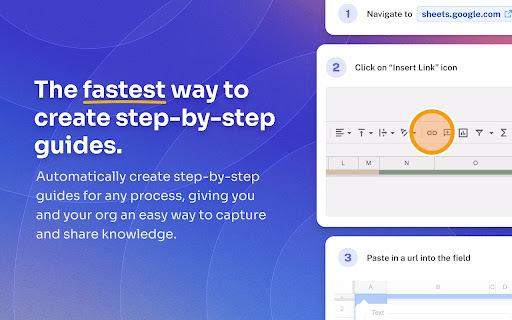
AI-powered tool for automatic process documentation and guide creation.

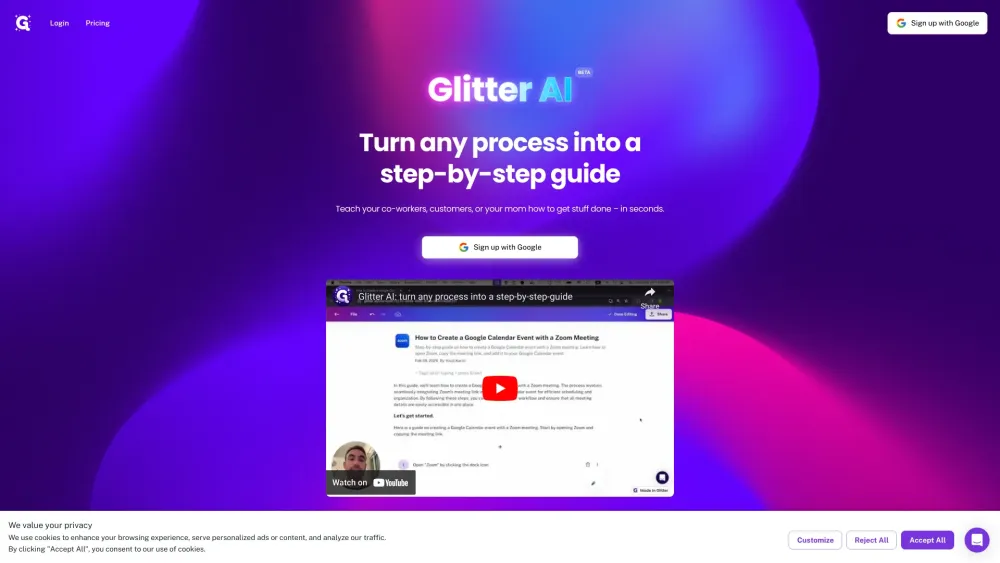
Glitter AI creates written guides from voice and clicks, with screenshots and text.

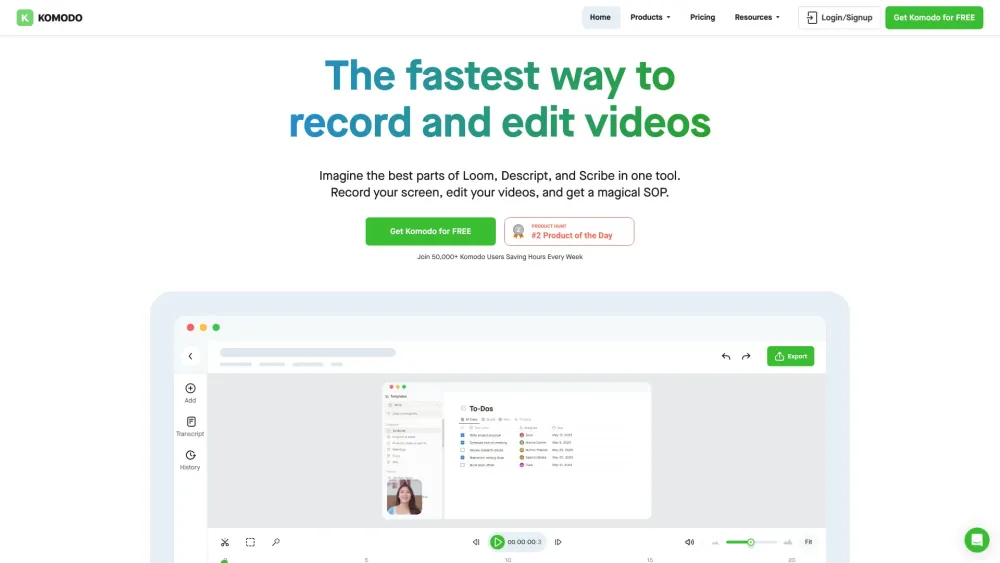
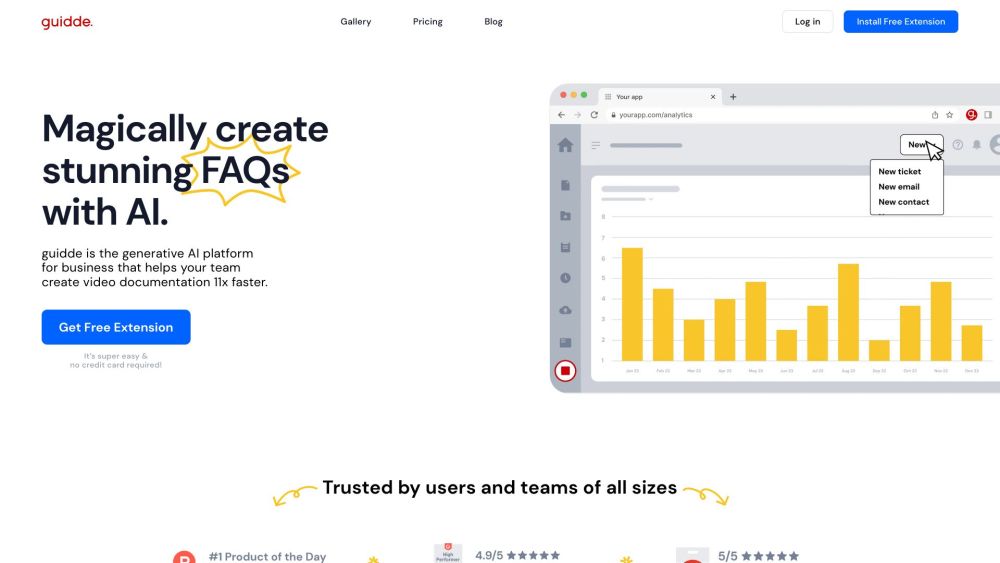
AI platform for creating video documentation and guides 11x faster.

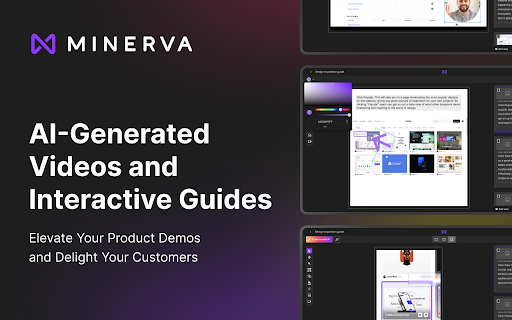
Minerva simplifies process documentation by automatically capturing actions and creating shareable guides.

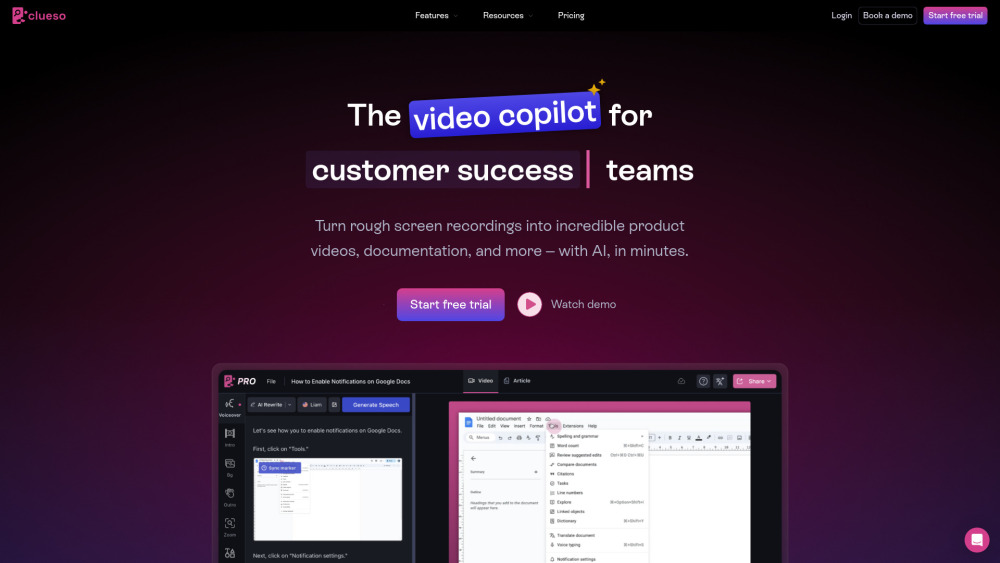
AI video editor for marketing teams to create product videos and documentation quickly.

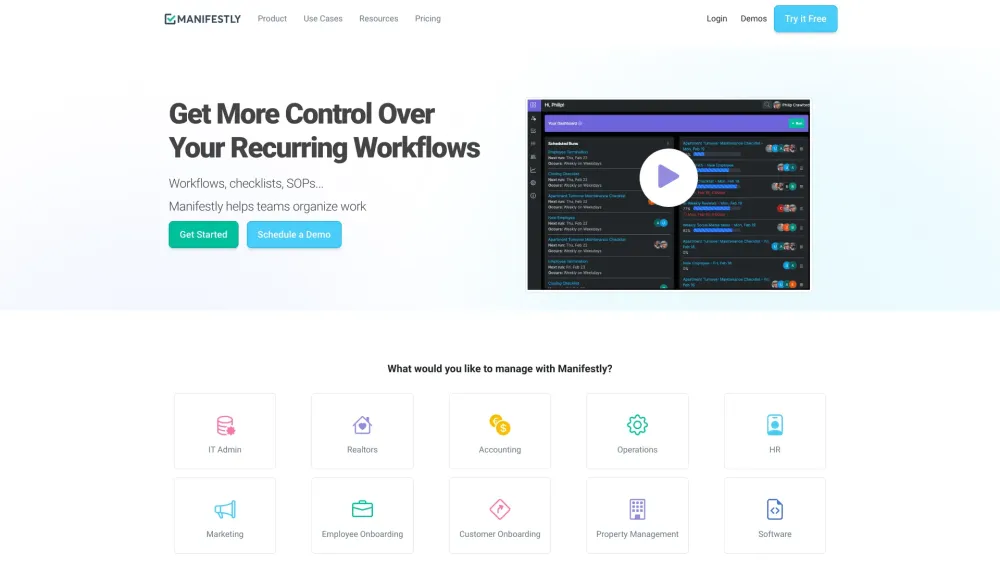
Low-code platform for automating recurring workflows and checklists with AI and integrations.

AI-powered platform for creating interactive product demos and guides.