Free Ai Text Humanizer Detector
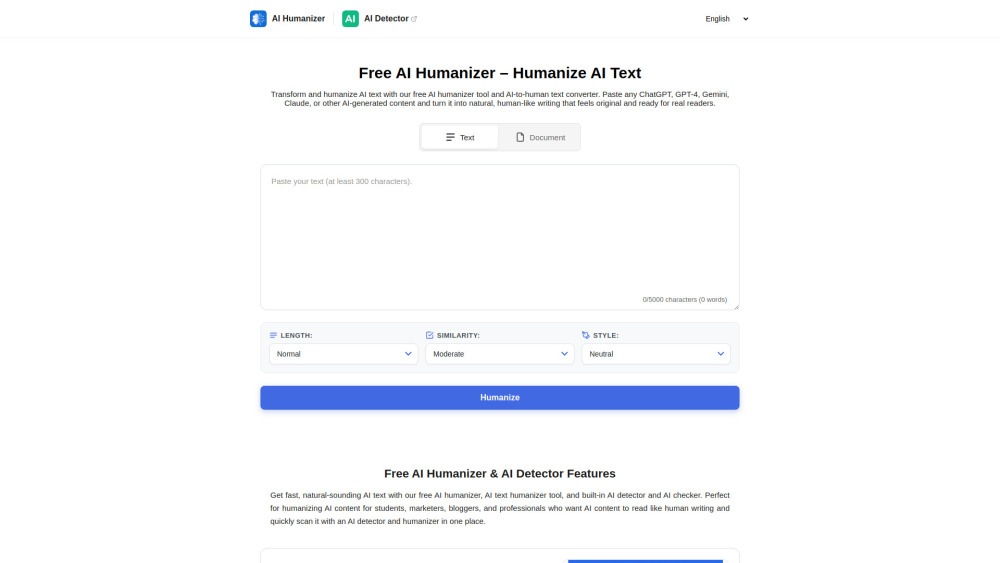




Don't let your content get flagged as AI. HumanizerTool.io gives you the power to rewrite AI-generated text so it reads exactly like it was written by a human. Whether you need an essay, a blog post, or a professional email, our tool removes the "robotic" feel instantly. Key Features: Bypass AI Detection: Create content that flows naturally and passes human scrutiny. Smart Modes: From "Concise" to "Expanded," tailor the output length and style to your exact needs. Multi-Language Ready: distinct support for English, Spanish, Russian, German, and more. Secure & Private: No data storage, no login required. Click to test the free AI Humanizer and see the difference for yourself.
Turn ChatGPT text into human writing in one click. The most powerful free AI Humanizer to bypass robotic tones. Includes a built-in AI detector.
- SEO & Blogs: Bypass AI filters to keep your content ranking high on Google.
- Academic Writing: Refine stiff essays into natural, scholarly prose using the "Academic" style.
- Business Emails: Convert rough AI drafts into professional, polite, and persuasive emails using the "Business" style.
- 1. Enter Your Content: Paste your AI-generated text directly into the box or upload a file. 2. Tweak the Smart Settings: Don't just click verify! Use the options to get the perfect result: Length: Choose "Concise" for summaries or "Expanded" to add detail. Similarity: Adjust how close you want to keep to the original text (Low to High). Style: Select the tone that fits your goal (Academic
- Business
- Creative
- etc.). 3. Humanize: Click the "Humanize" button to process the text. 4. Check & Export: Use the built-in AI Detector tab to verify the score
- then copy or download your result.

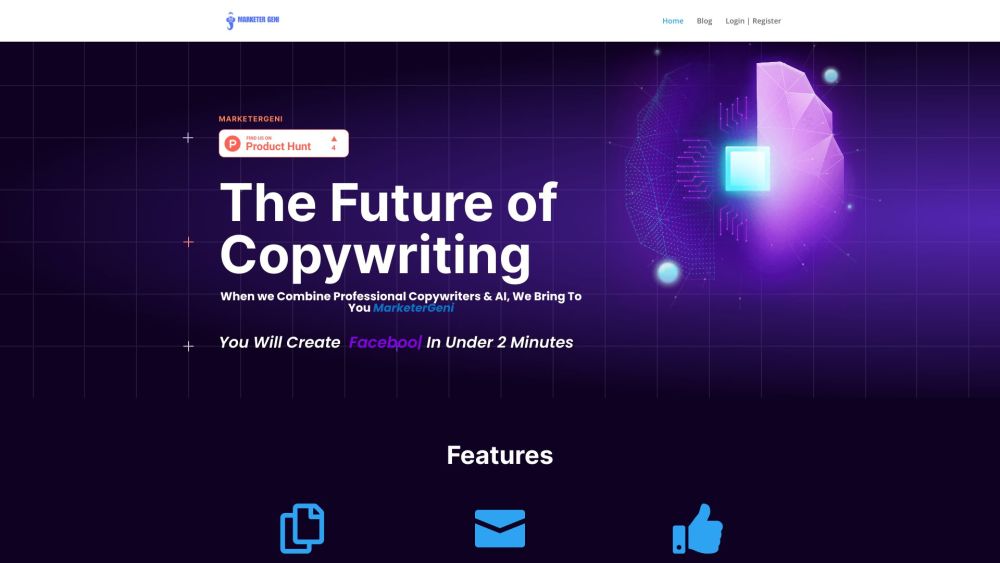
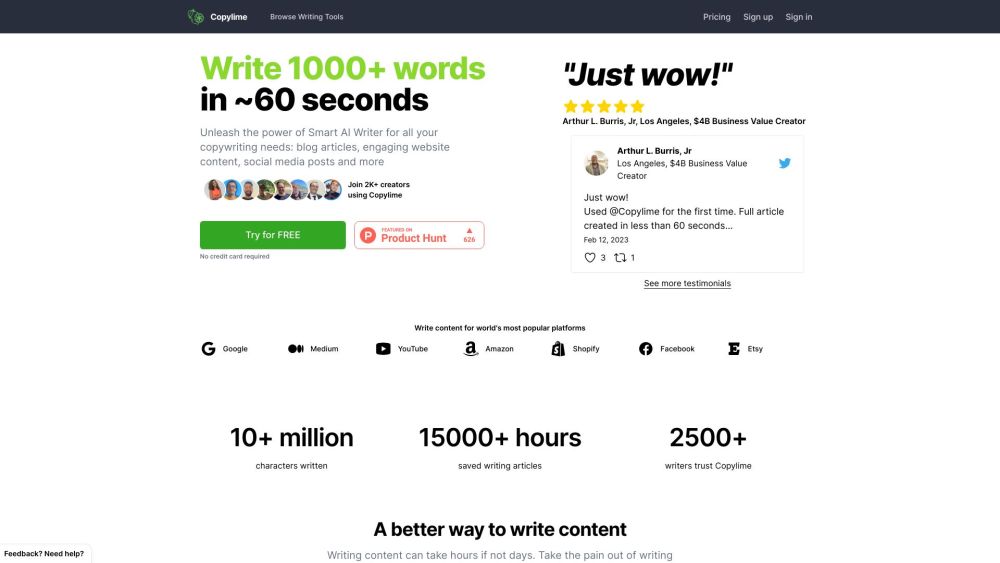
AI-powered copywriting solution for creating professional marketing content quickly and easily.
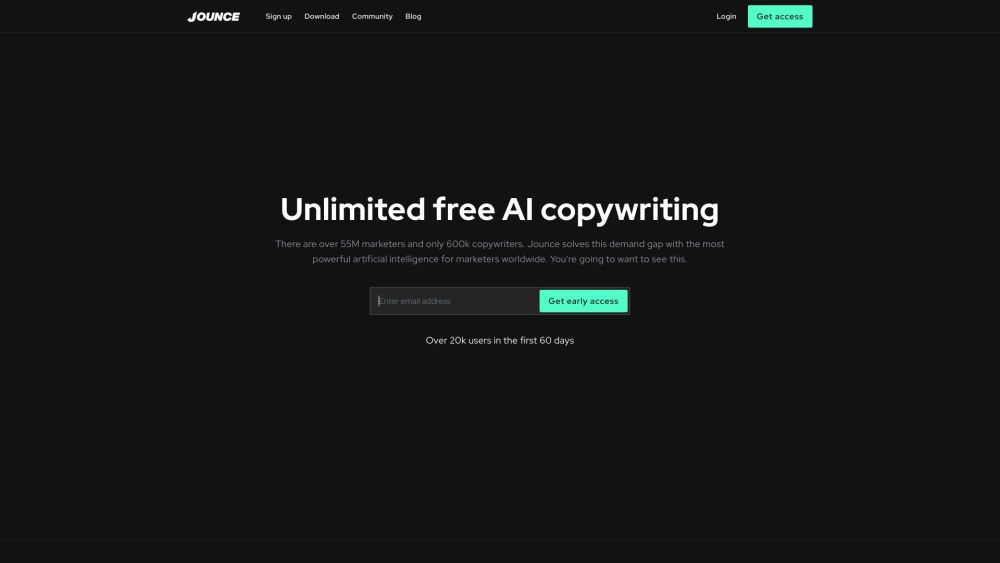

AI writing assistant for fast and efficient content creation.

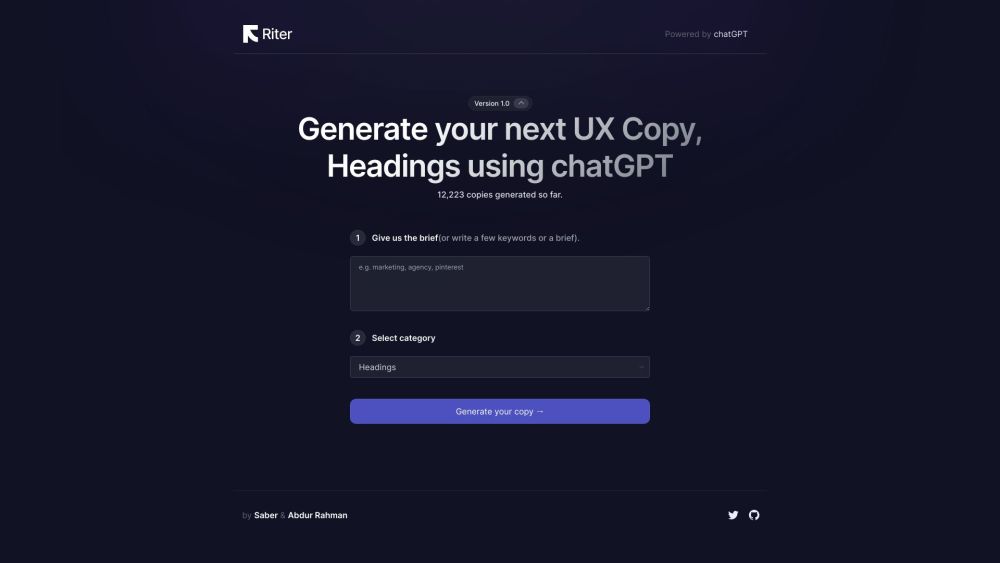
AI-powered tool for generating UX copy, headlines, and design descriptions.

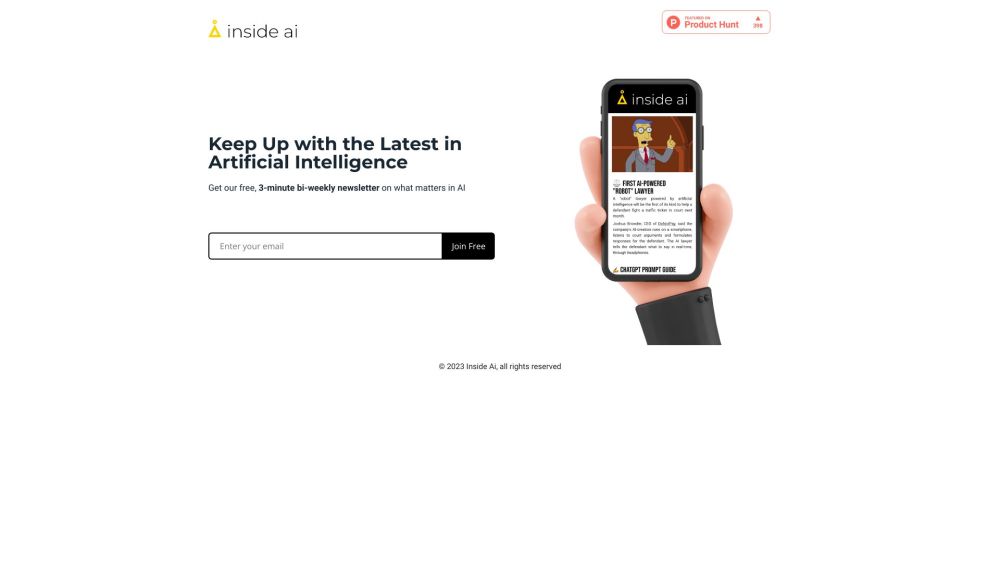
A bi-weekly newsletter delivering AI news, trends, and discussions.

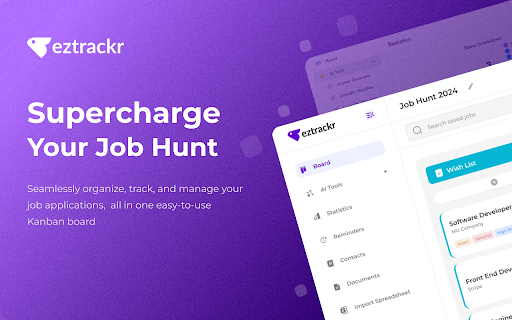
Job application tracker with AI assistance for efficient job search management.

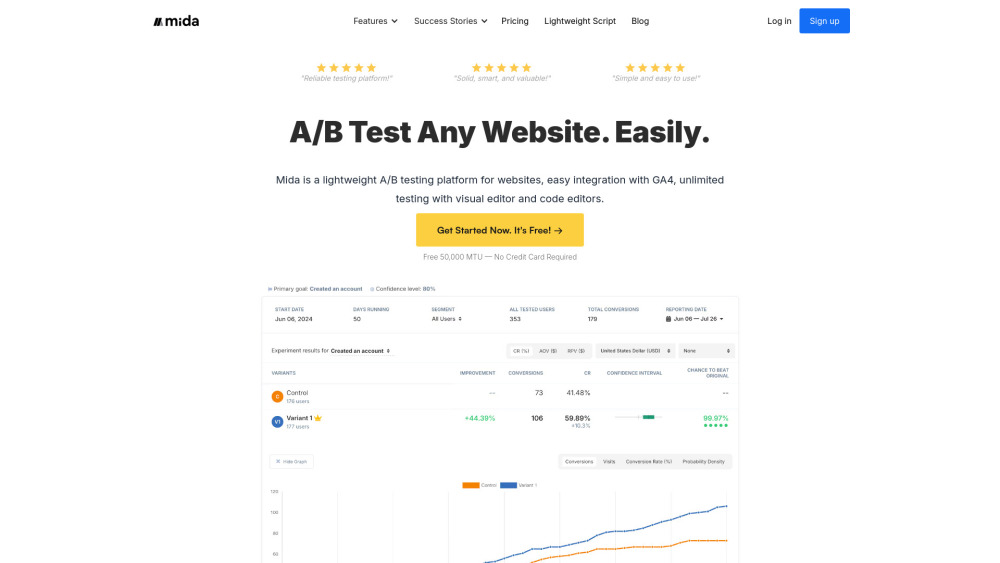
Lightweight A/B testing platform with GA4 integration and visual/code editors.

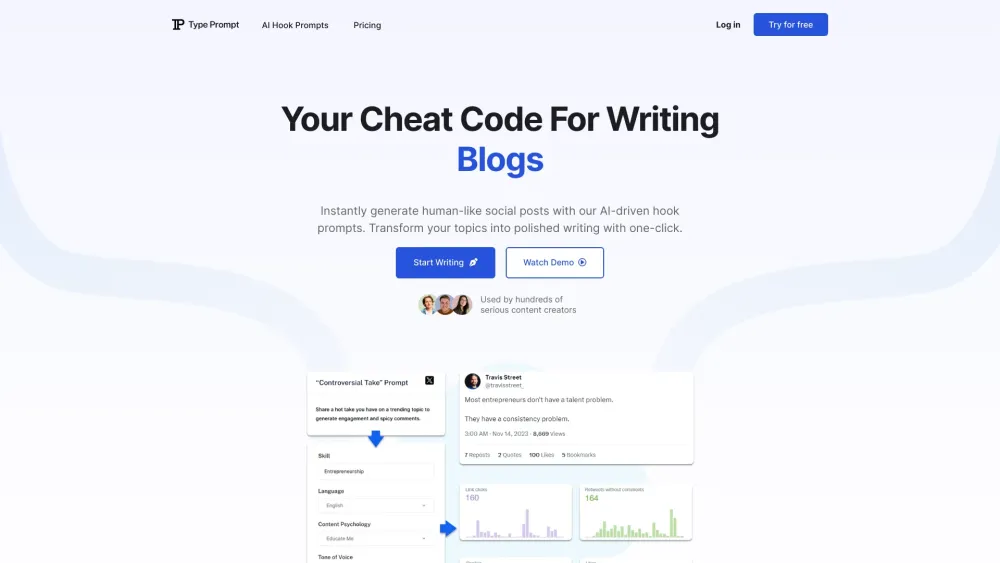
AI tool for generating engaging social media posts and content with ease.

Chrome extension using AI to optimize LinkedIn profiles for better networking and career opportunities.


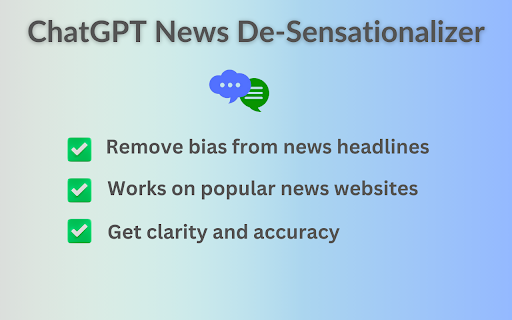
Chrome extension for neutral news headlines.