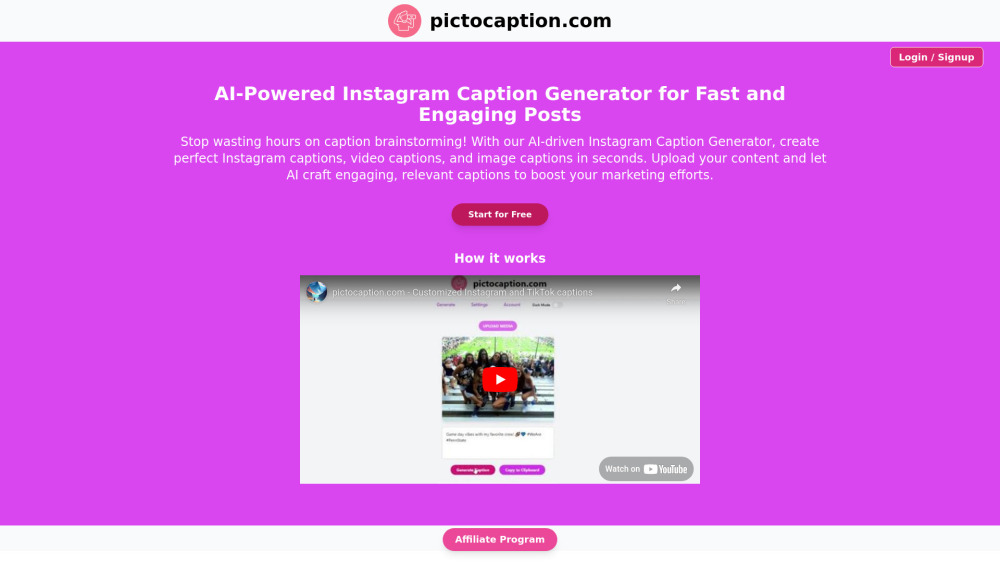
Firecut Ai
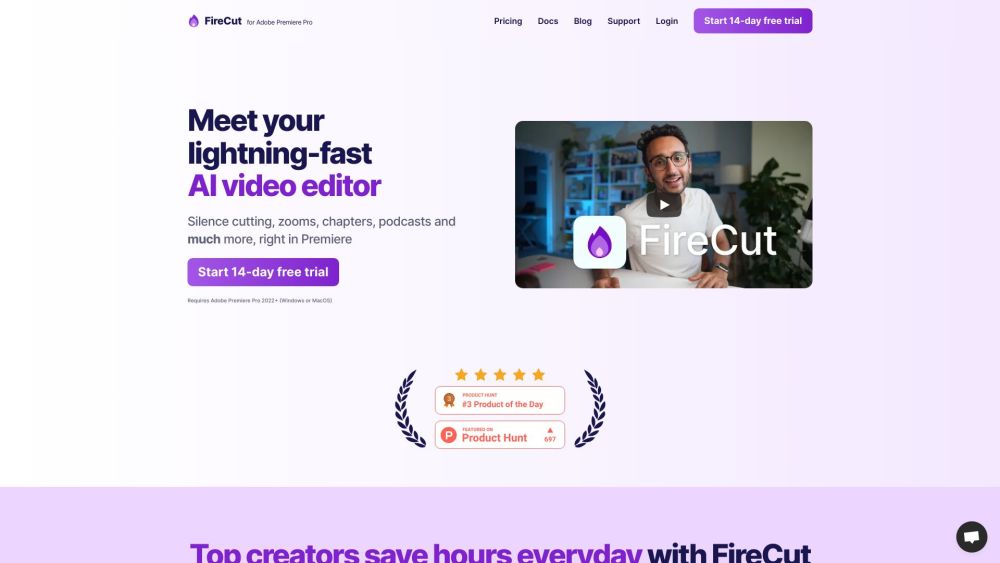




FireCut AI is a co-pilot for Adobe Premiere Pro that automates boring tasks such as cutting silences, removing repeated takes, adding captions, detecting chapters, and more. It boosts editing productivity by seamlessly integrating AI into the workflow, speeding up repetitive tasks like cleaning up footage, adding zoom cuts, and detecting chapters. FireCut also offers FireCut Shorts, a browser-based video editor for creating viral shorts with features like silence cutting, captions, B-roll integration, and audio enhancement.
AI-powered video editing plugin for Adobe Premiere Pro and browser-based short video editor.
- Automating repetitive video editing tasks
- Creating engaging captions for social media videos
- Quickly editing podcasts
- Generating viral short videos
- Cleaning up footage and removing silences
- Adding dynamic zoom cuts
- Optimizing videos for YouTube SEO with chapter detection
- To use FireCut for Premiere Pro
- install the plugin and use it within Adobe Premiere Pro 2022+. For FireCut Shorts
- simply open the tool in your browser and upload your video.

A technology company specializing in consumer electronics, software, and online services.
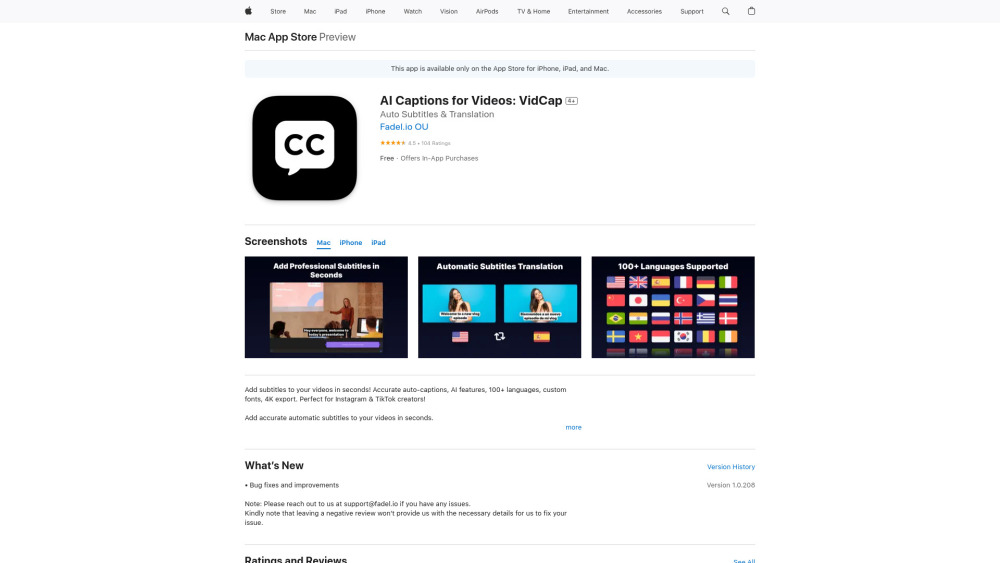

AI-powered app for generating photo captions in multiple languages.
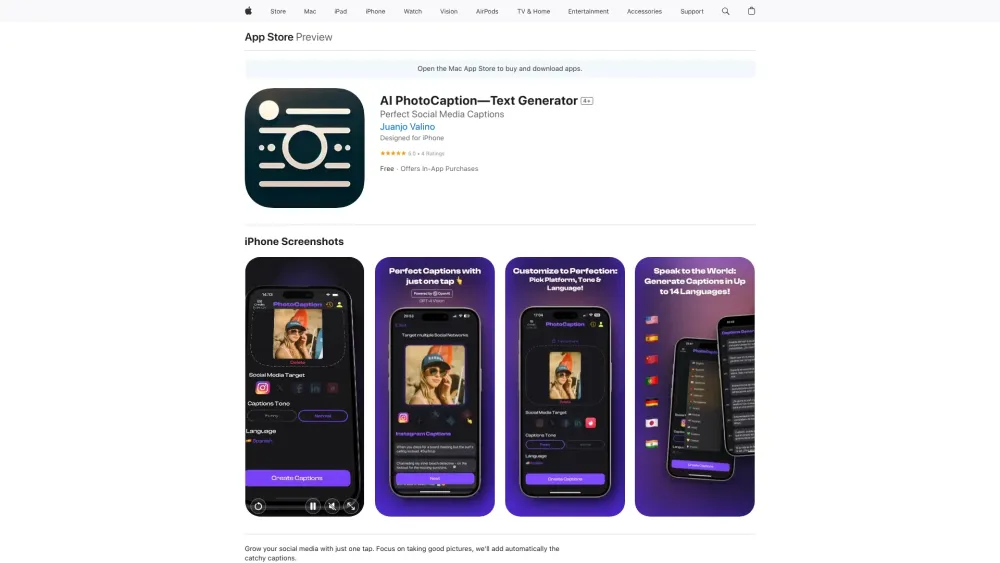

AI tool for generating trendy captions and boosting engagement for short videos.
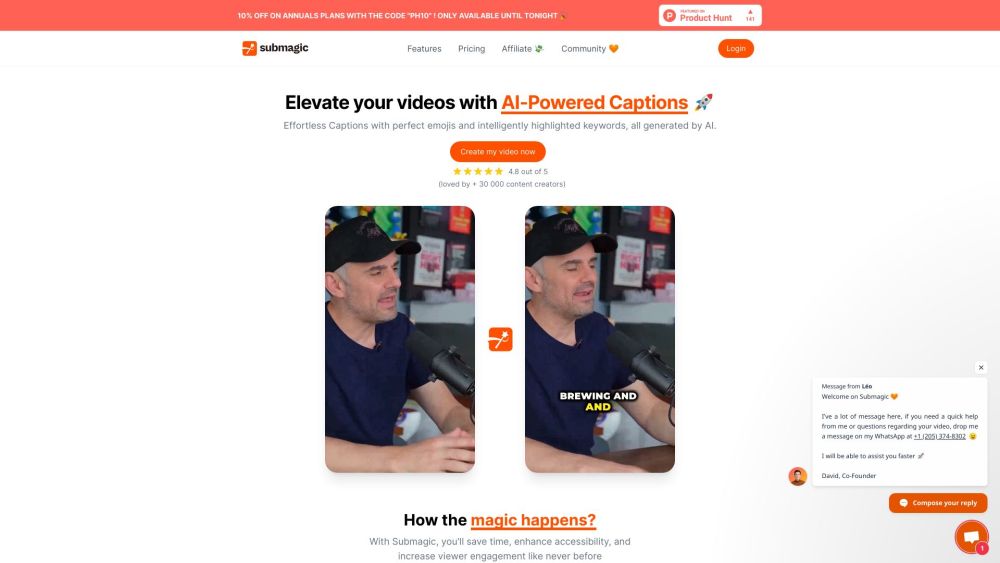

Platform for video captioning, translation, and AI dubbing.

AI-powered tool that generates captions for images and videos for various platforms.
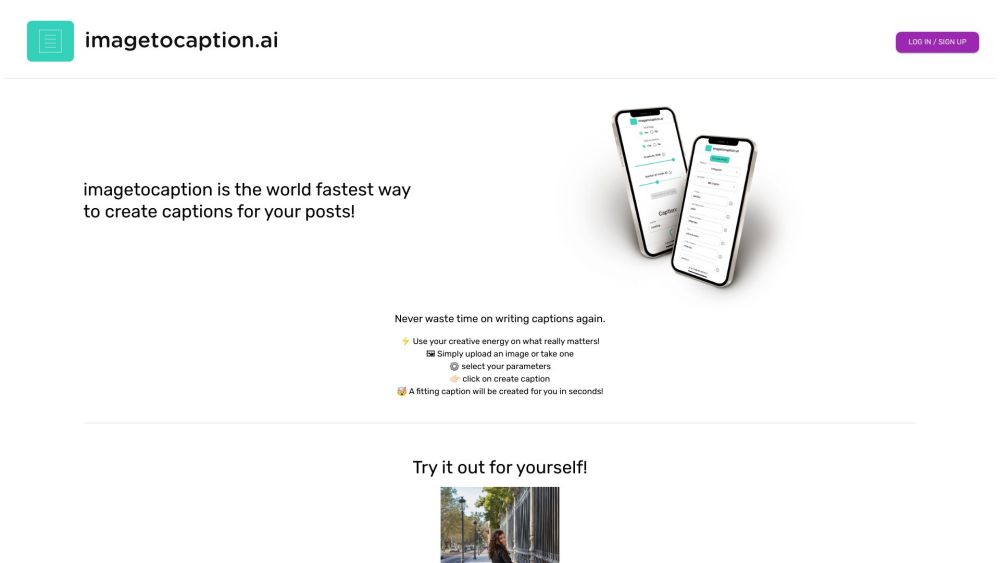

CapGen is an AI-powered tool that automatically generates social media captions from images.
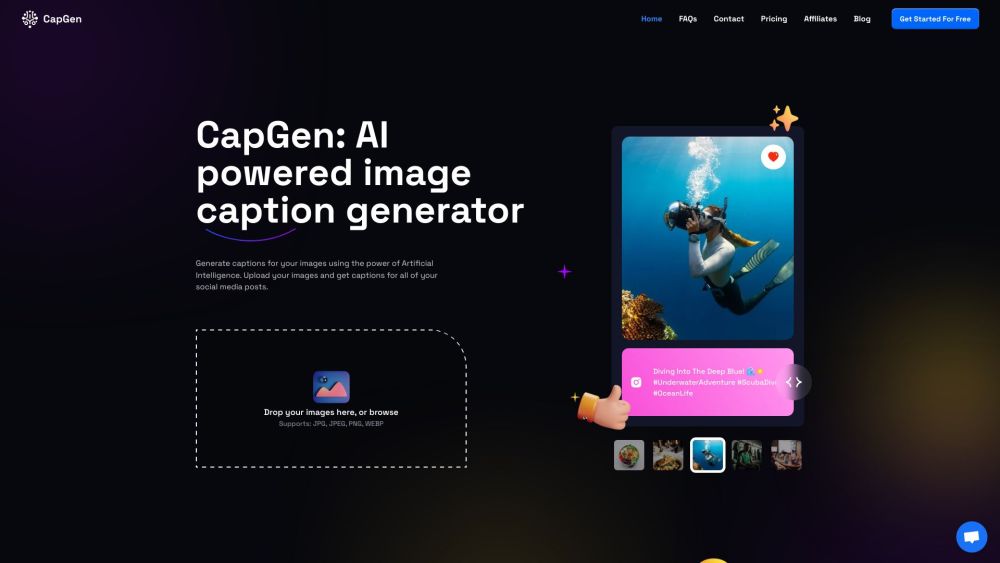

AI-powered social media management tool for scheduling, content, and publishing.

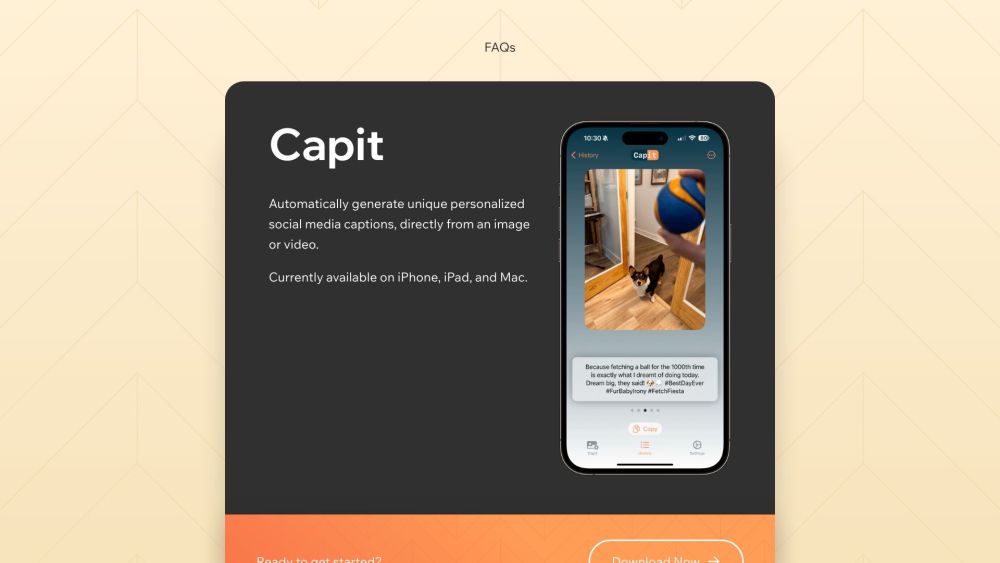
Capit is an iOS app that generates social media captions using AI.
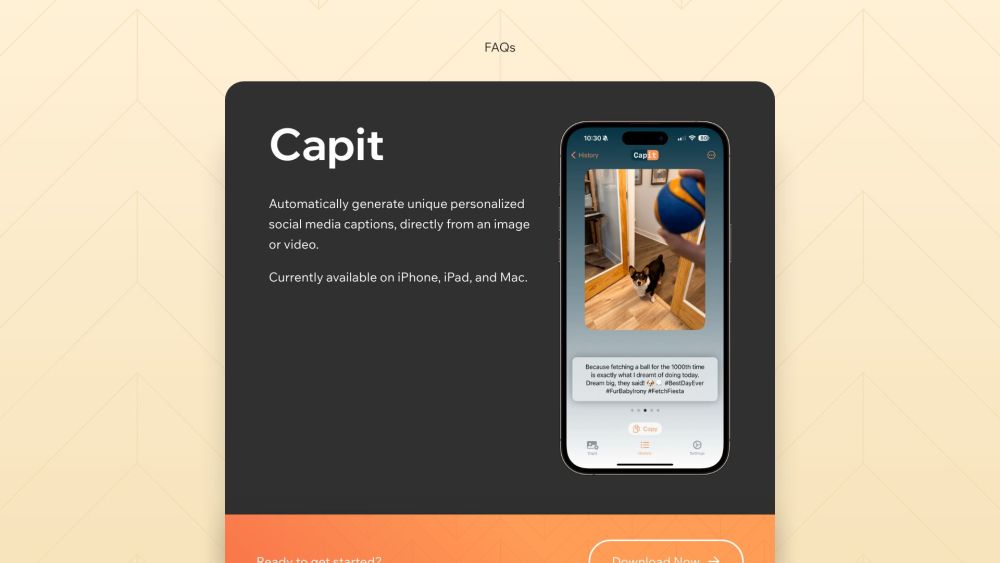

AI caption generator for social media images and videos.