
Filently


Filently is the intelligent filing layer for Google Drive. It automatically identifies, renames, and organizes new incoming documents according to your naming convention and folder structure. Already have a folder structure? Filently learns it. Starting fresh? Filently helps you build one. Supports PDF, Microsoft Office, Google Workspace files, RTF, OpenDocument formats, and images containing text across 20+ languages. Hosted in Switzerland and the EU, focused on user data privacy. Your data is never used for AI training.
Automatically organize your Google Drive. Filently identifies, renames, and files every document without any manual work.
- Filing any new incoming document automatically without manual work
- Organizing invoices and receipts for accountants and bookkeepers
- Automatically organize a Google Drive that has grown too chaotic to navigate
- Batch renaming inconsistent and messy filenames across Google Drive
- Real estate agents filing listings, offers, and client correspondence
- Virtual assistants managing and organizing client documents across Google Drive
- Agencies consolidating and organizing deliverables from multiple freelancers
- Filing research results and documents across 20+ languages automatically
- Upload files directly in Filently
- drop them into your Google Drive Inbox folder
- or forward them by email. Filently identifies each document
- applies your naming convention
- and files it in the correct folder automatically. No manual steps
- no prompts.

Desktop AI assistant to automate file operations using natural language prompts.


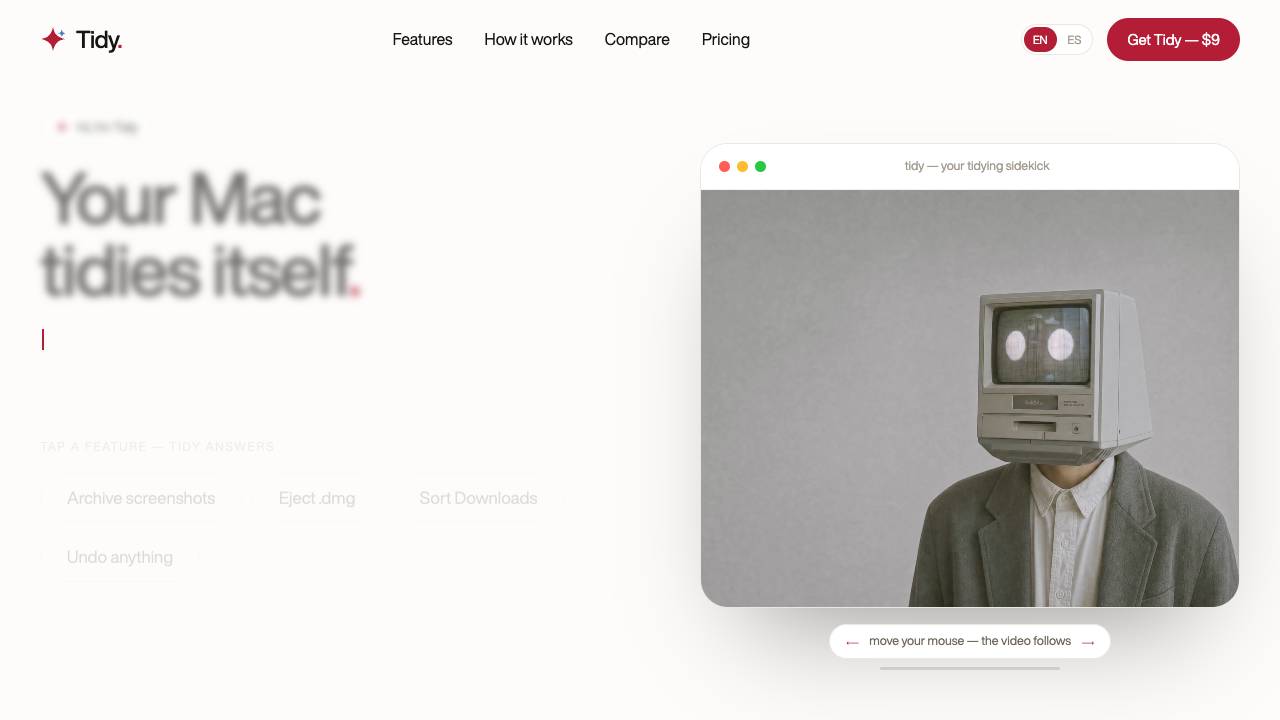
Your Mac tidies itself: screenshots, installers, Downloads

AI-powered tool for document analysis and data insights.


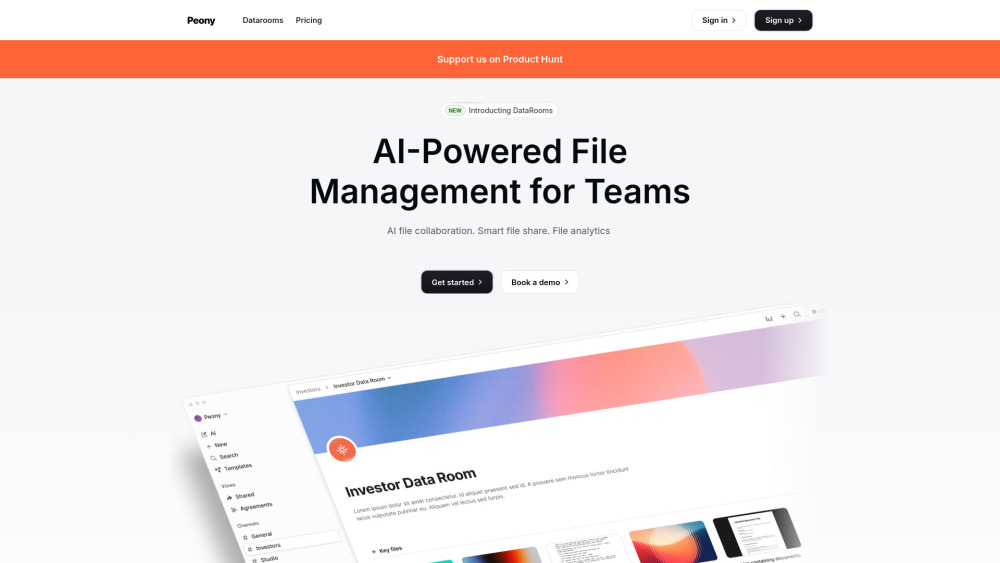
All-in-one AI platform for secure document sharing, e-signatures, and collaboration.

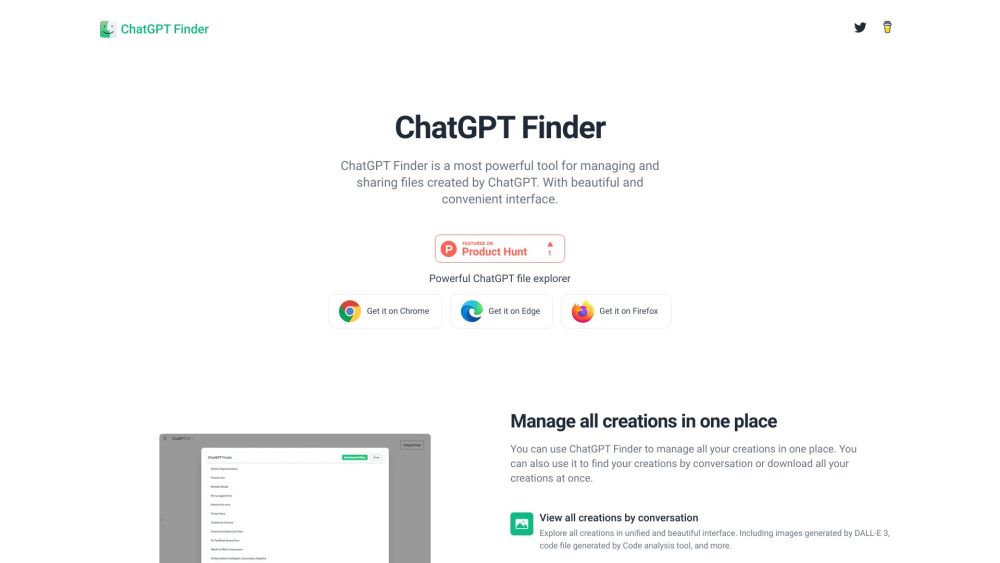
Browser extension to manage and explore ChatGPT-created files.

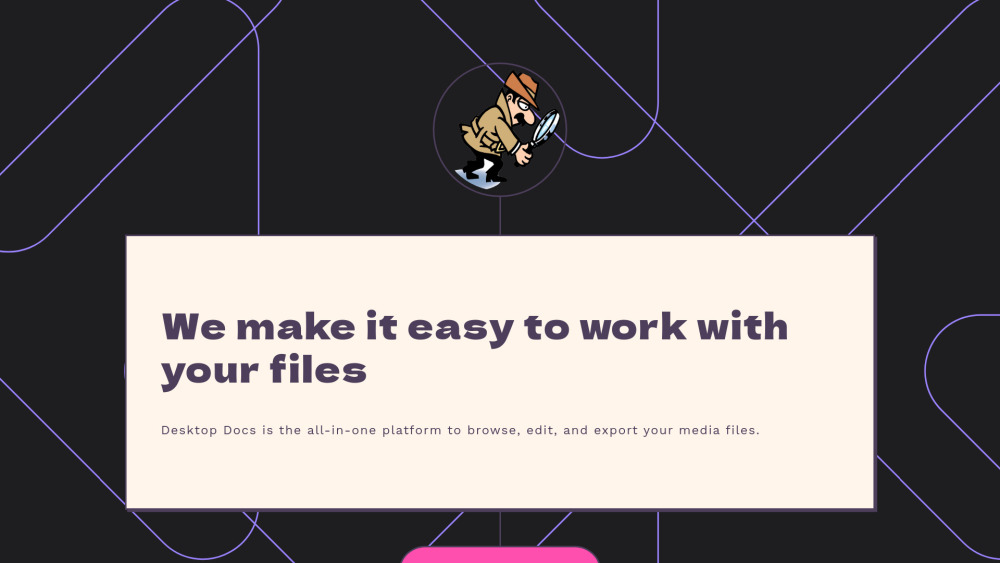
AI-powered media management platform for searching, organizing, editing, and exporting media files.

AI tool that renames and organizes files by automatically reading their actual content.


AI-powered tool for intelligent file categorization and organization.

Offline, private AI agent for document search & understanding.

