EzMail AI


EzMail.AI is an AI-powered Gmail drafting tool that pre-fills personalized responses in your own writing style, enabling you to reply to emails 10X faster. It's a big time saver if you frequently write similar responses. It works on both mobile and desktop. It is a ChatGPT-powered free Chrome Extension for Gmail that generates entire emails and messages.
AI-powered Gmail drafting tool that generates personalized email responses.
- Quickly replying to emails with personalized drafts
- Generating entire emails and messages using ChatGPT
- Saving time on writing similar email responses
- 1. Install the EzMail Chrome extension. 2. Go to Gmail
- open an email
- and reply to it. 3. Click on the EzMail extension button in the Gmail text box. (If this is your first time
- you need to create a free account on chat.openai.com) 4. Briefly describe how you'd like to reply
- and then click on the Generate button. 5. ChatGPT will generate a personalized email reply draft. 6. If you'd like
- you can refine the generated draft by continuing the conversation until you are happy with the result. 7. Click on the Insert button to insert the generated draft into the Gmail text box.

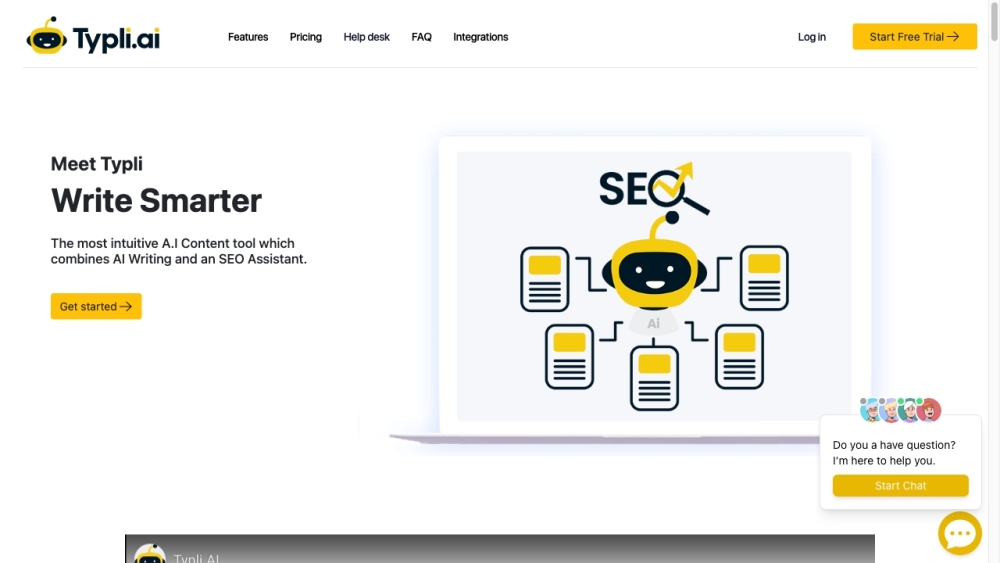
AI writing tool with SEO assistant for generating various types of content quickly.

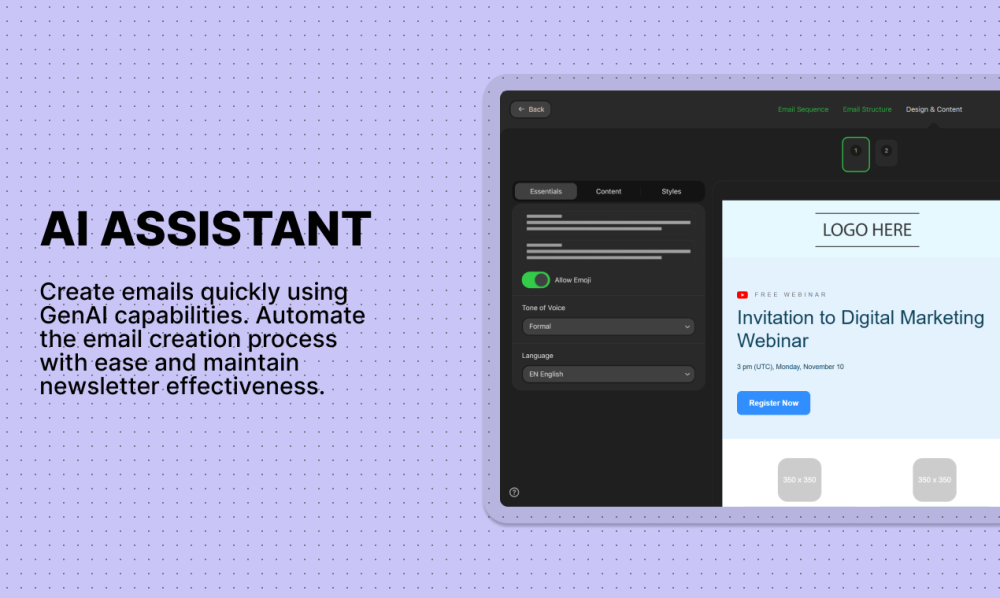
Stripo is an email design platform with an AI assistant for automated content generation.

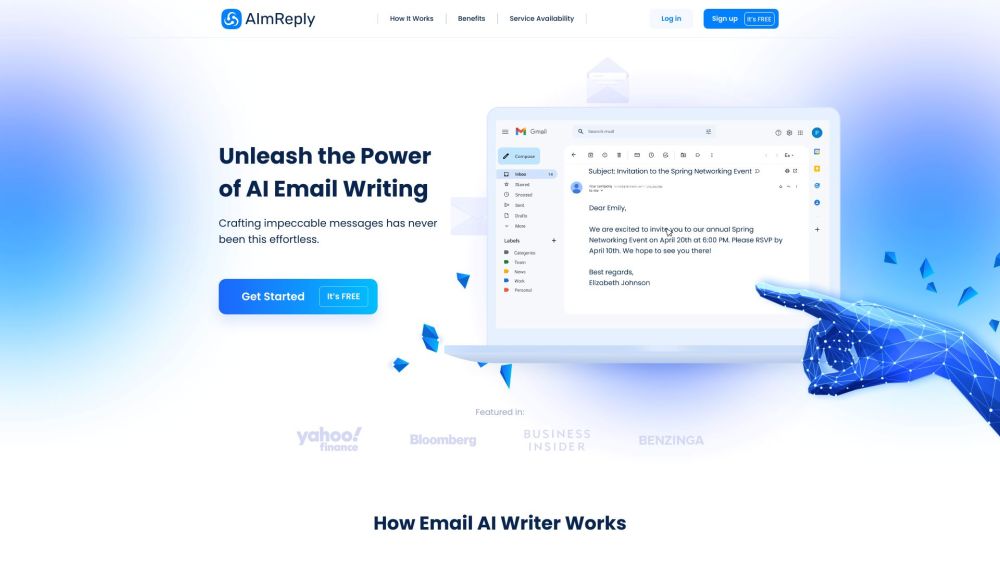
AI-powered tool for efficient and customized email writing and communication.

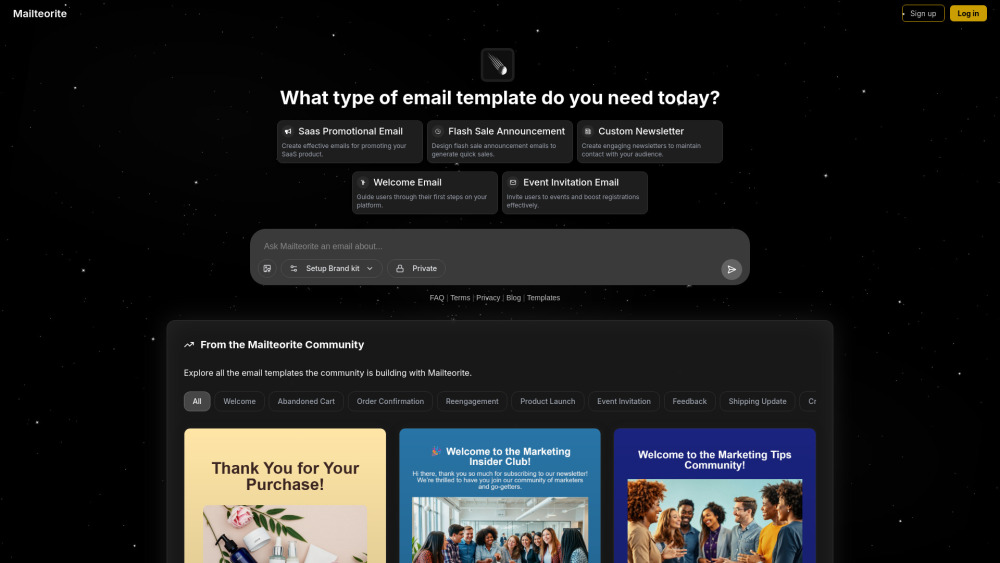
AI email template generator for professional results.

AI-powered sales personalization platform for automated cold outreach and improved sales performance.

Reliable transactional and marketing email platform for developers, marketers, and AI agents.


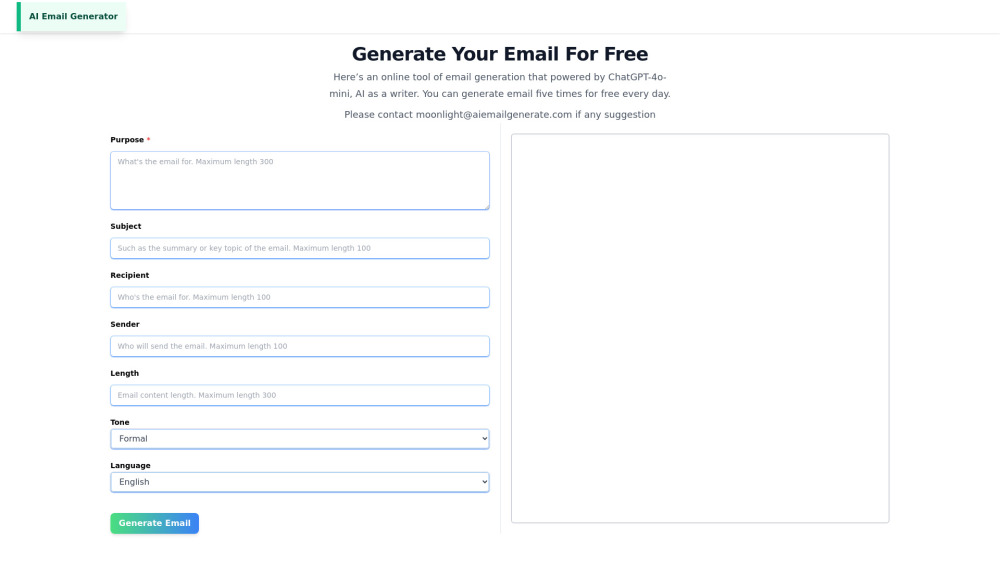
AI-powered email generator for creating professional emails quickly and easily.

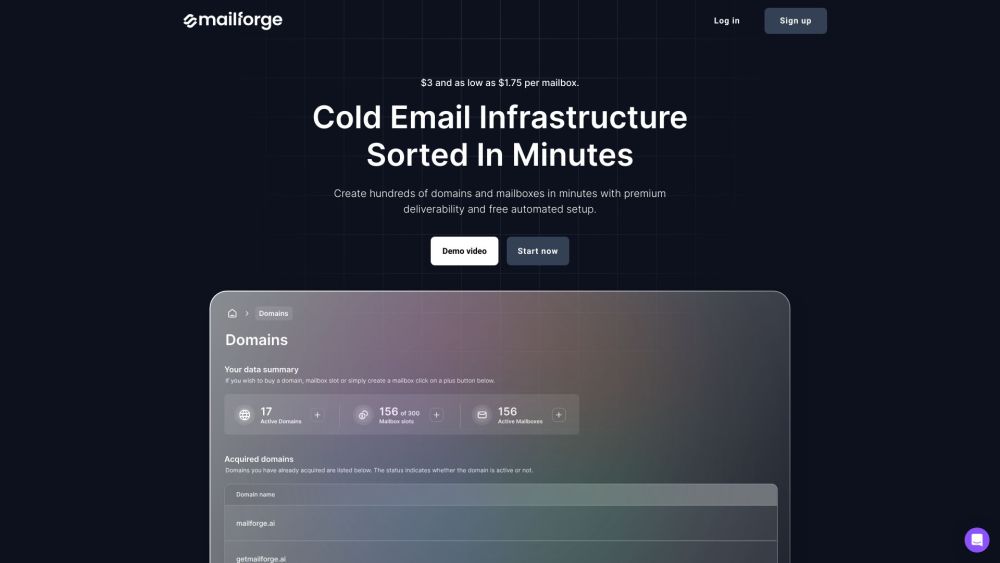
Mailforge simplifies cold email infrastructure with automation and deliverability tools.

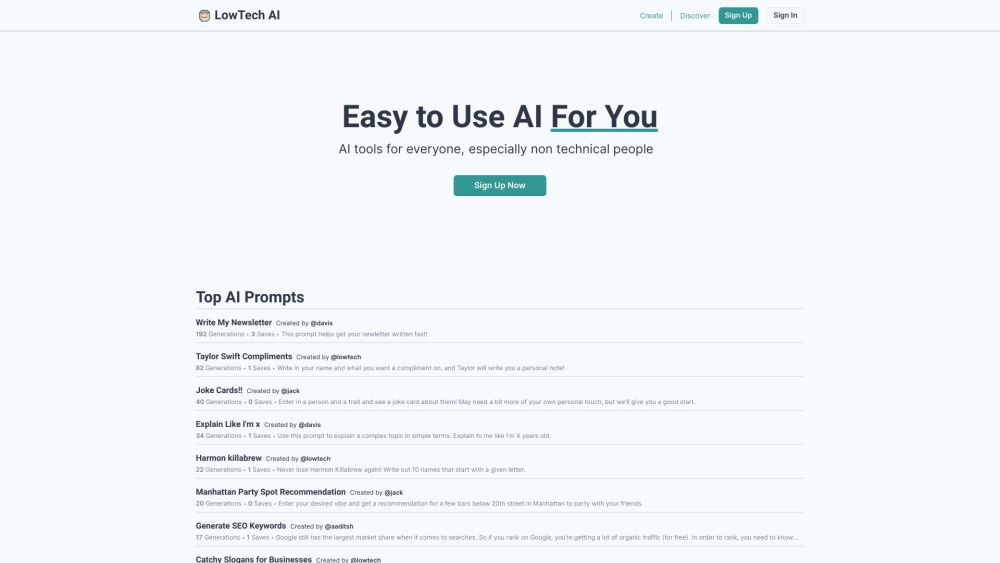
Easy-to-use AI tools for non-tech users to boost productivity and creativity.

AI-powered software automating HARO outreach to gain backlinks and organic traffic.


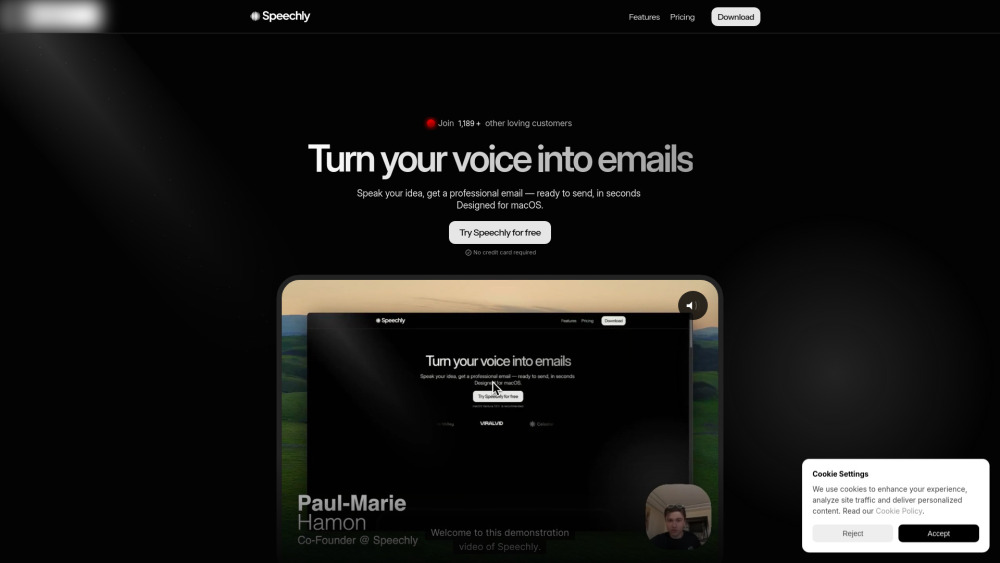
Voice-powered AI email assistant for professional, structured emails.

AI platform for easy marketing content creation with various AI-powered tools.

Styldod simplifies real estate marketing with virtual staging, photo editing, and AI tools.


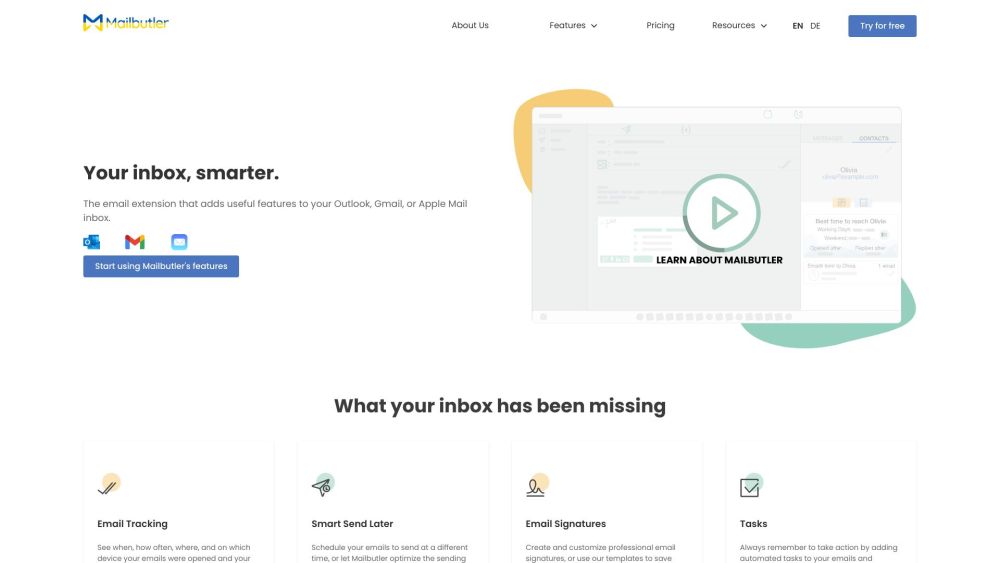
AI-powered email assistant for Apple Mail, Gmail, and Outlook to boost productivity.

AI-powered sales automation for lead nurturing, qualification, and appointment setting.


AI-powered platform for creating and sending on-brand emails quickly.


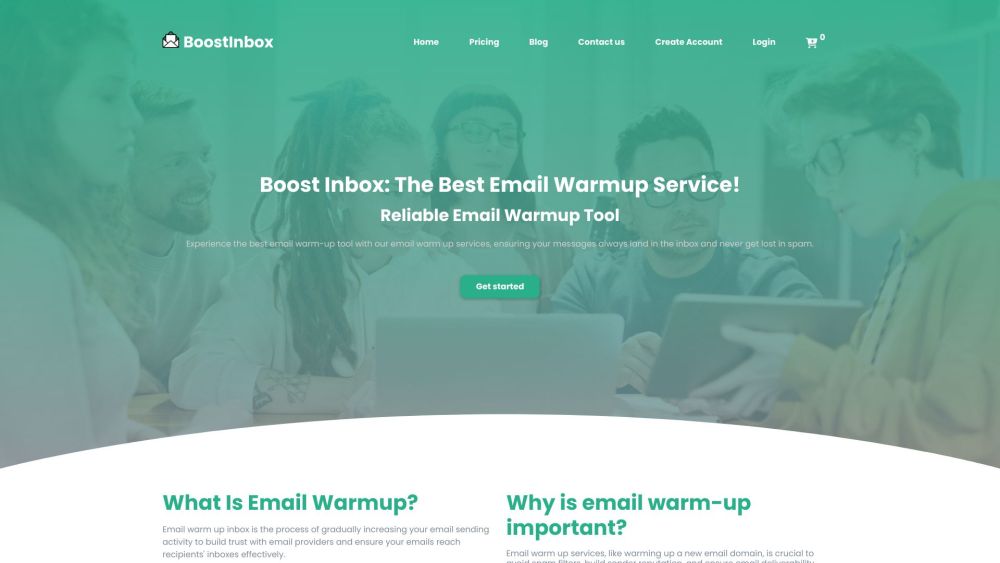
Email warm-up service to improve deliverability and engagement.

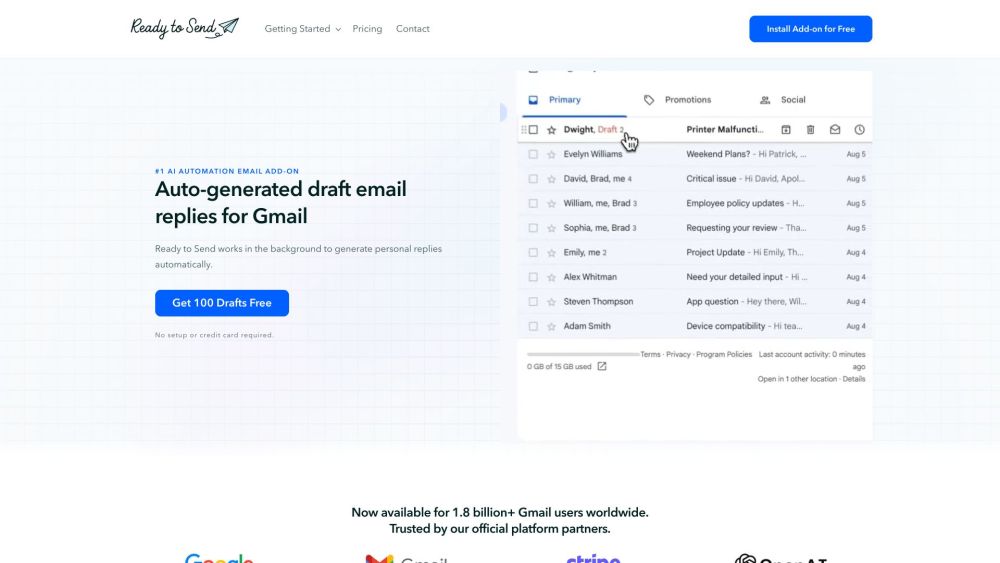
AI email assistant for Gmail that generates personalized draft replies automatically.