Explain Selected
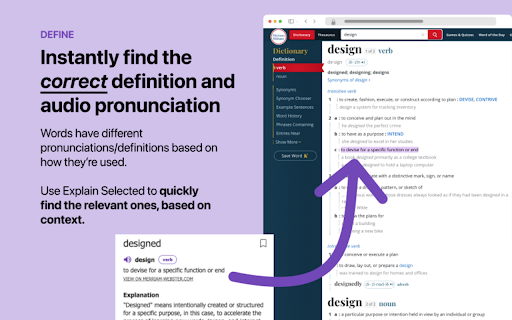


Explain Selected ai chrome extension? Explain Selected uses ChatGPT to instantly find the relevant Merriam-Webster Dictionary definitions and audio pronunciation, based on how a word is used. It also provides personalized explanations for anything you read online, from slang to technical terms. Simply select any word or phrase on a web page, and click the purple circle that appears. You can also save selections you want to memorize to your personal list. Or, share selections with friends! Explain Selected is particularly helpful for words with multiple meanings. Take the word "pounds", for example. Does it refer to a weight, an action, or perhaps the British currency? Unlike other dictionary applications, Explain Selected will figure out which meaning is relevant using contextual disambiguation, intelligently inferring which meaning is being used.
A browser extension that provides definitions and explanations of selected text using ChatGPT.
- Understanding the meaning of unfamiliar words or phrases while browsing the web.
- Quickly accessing definitions and pronunciations of words.
- Learning the specific meaning of a word based on its context.
- Memorizing new vocabulary and sharing it with others.
- 1. Select any word or phrase on a web page. 2. Click the purple circle that appears.

App for reading text aloud with high-quality voice AI.

Pebble is an AI companion for active reading and watching content online.
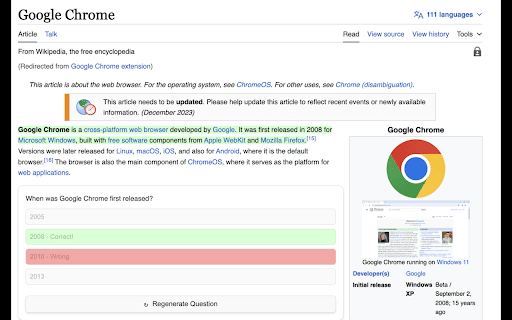

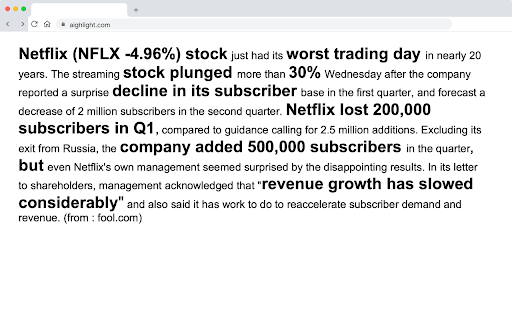
AI-powered tool for optimized content reading by highlighting relevant information and keywords.
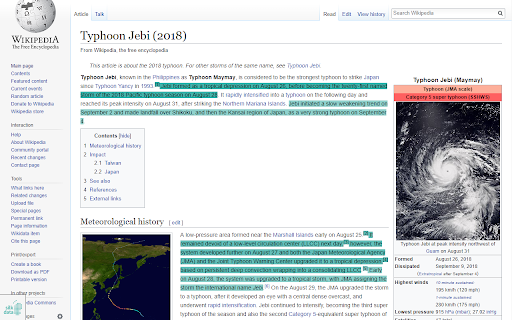

Unrolls Twitter threads for easy reading and saving to Notion.

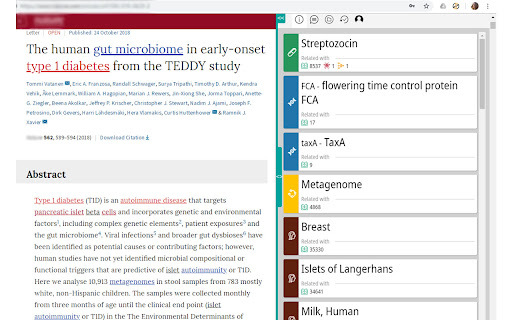
Chrome extension for exploring biological terms and related entities in web sources.

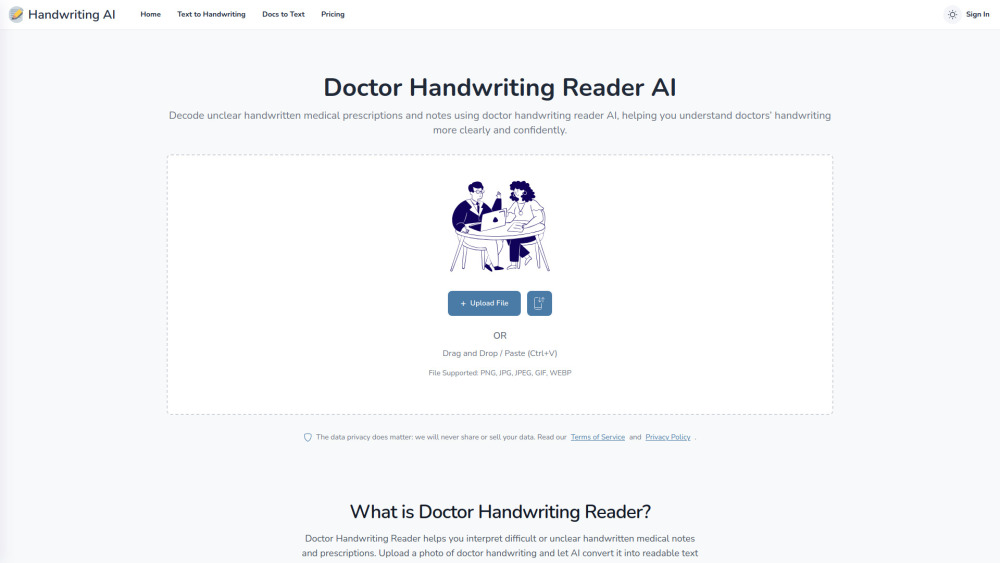
AI tool that decodes messy handwritten medical prescriptions into clear, readable, and structured text.

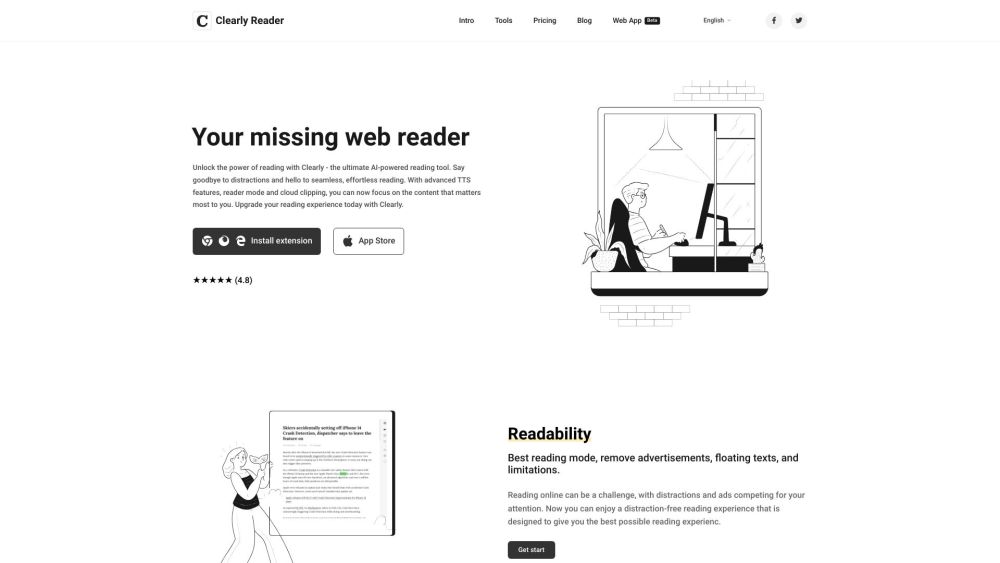
Browser extension and web app for distraction-free online reading with AI features.

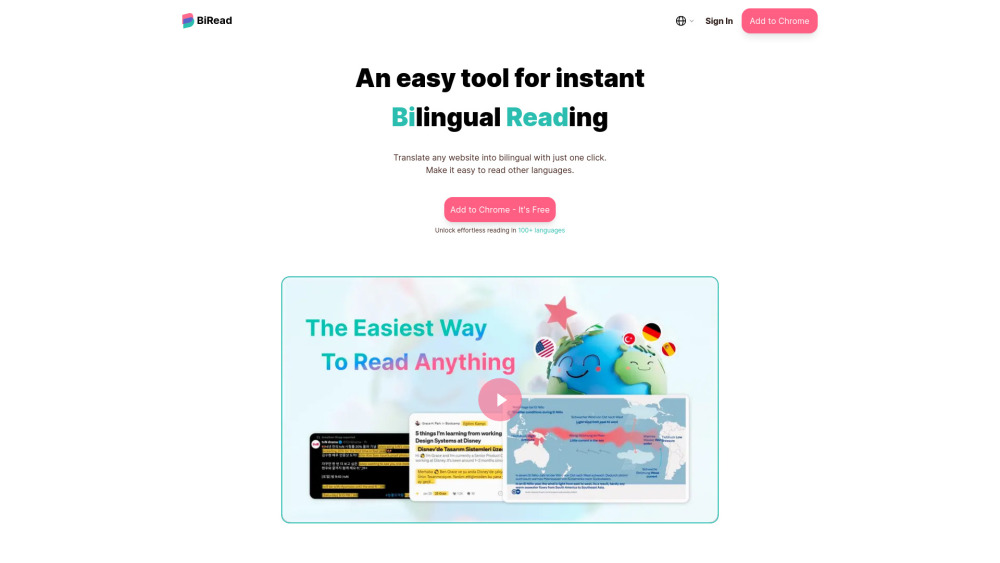
Free AI tool for instant bilingual webpage translation and language learning.

AI-powered RSS reader for a cleaner, more controlled news feed.


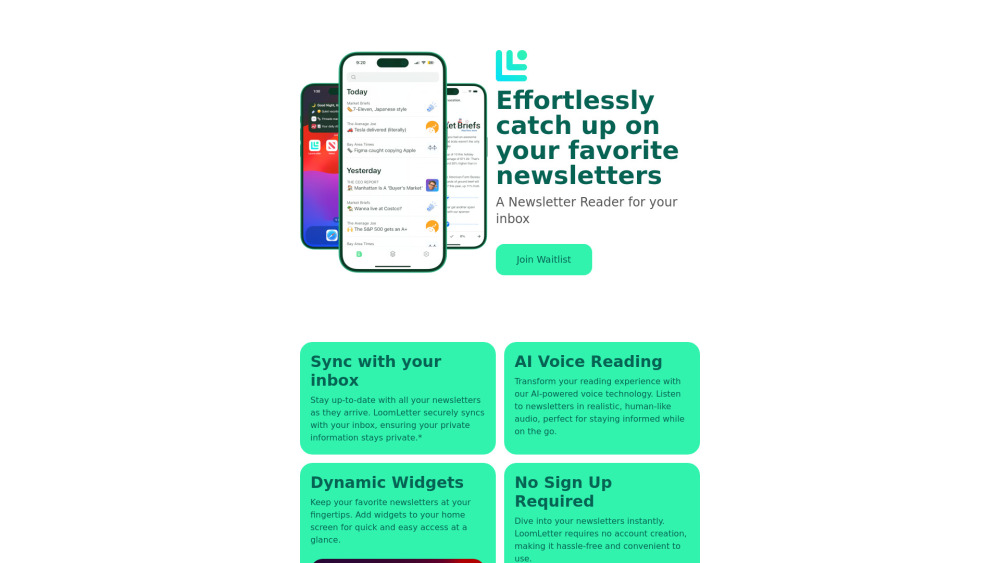
Newsletter reader app with sync, widgets, TTS, and progress tracking.

Free online Lenormand card readings with AI interpretations and learning resources.


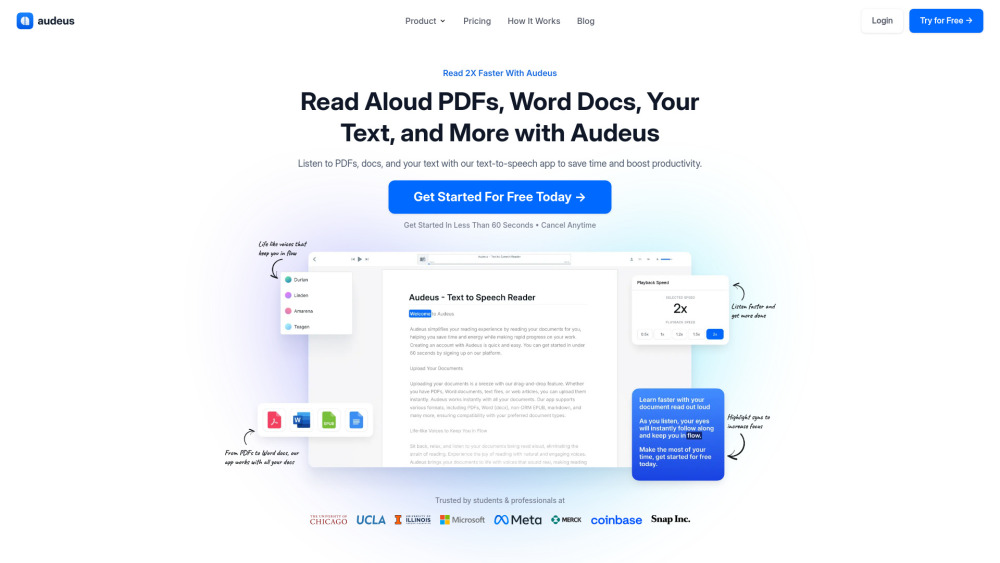
Text-to-speech app for PDFs, Word docs, and more to boost productivity.

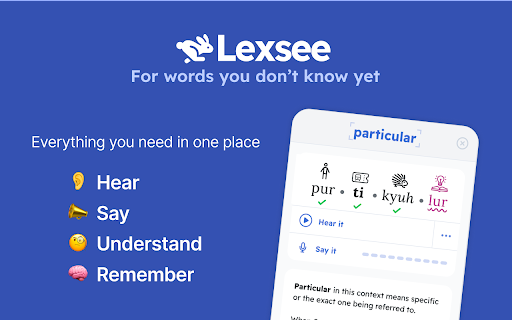
Lexsee is a reading companion and AI tutor for teens with dyslexia.

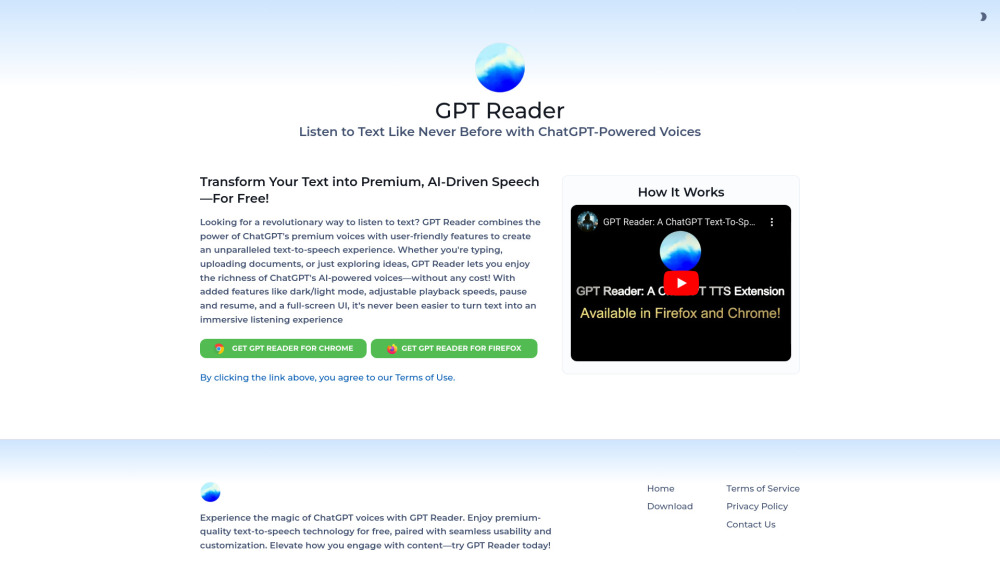
Free AI text-to-speech tool using ChatGPT voices for an immersive listening experience.
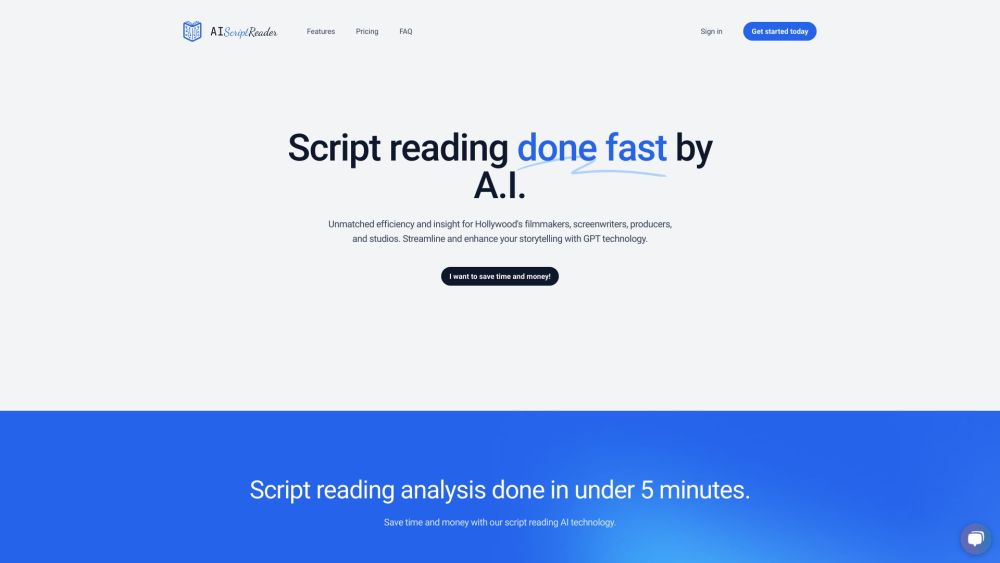
AI-powered script analysis tool for writers, producers, and production firms.

AI-powered tool to improve reading comprehension, focus, and memory retention.

Intelligent AI reading assistant for summarization, Q&A, and translation.


AI reading companion for summarizing and interacting with web articles, PDFs, and videos.