Doco
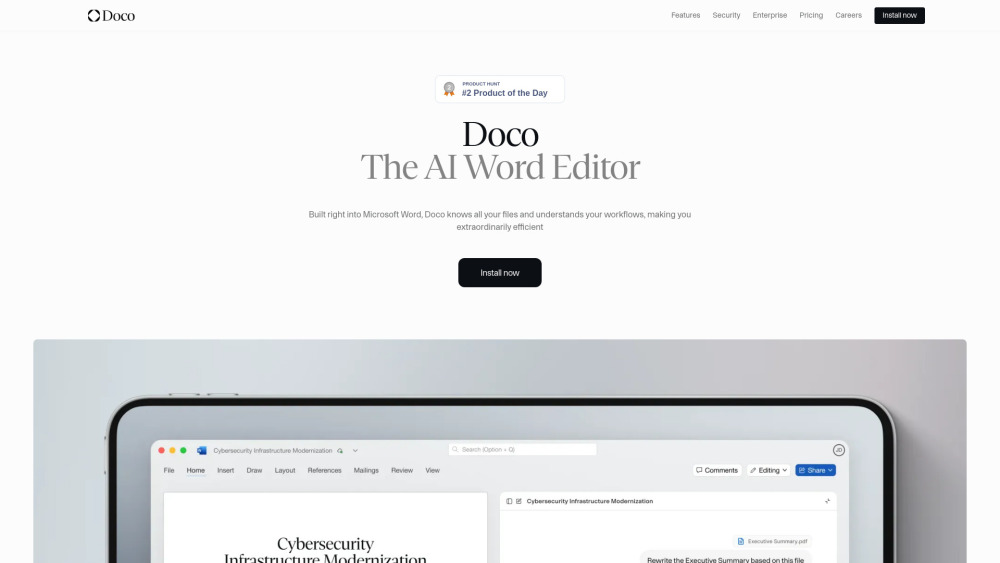



Doco is an AI writing assistant built natively into Microsoft Word. It combines the power of Grammarly, Cursor, and Co-Pilot, optimized for structured document workflows. It allows users to reference any file, create custom projects and workflows, and perform tasks without leaving Word. Doco aims to make users extraordinarily productive by automating work within Microsoft Word.
AI writing assistant for Microsoft Word, optimizing structured document workflows.
- Enhancing workflows for enterprises by connecting Doco AI to existing tools.
- Delegating repetitive tasks to a personal AI assistant across web apps and Word.
- Editing documents, updating content, and sharing progress directly within Microsoft Word.
- Generating full documents or editing pages using simple natural language prompts.
- Referencing specific files and getting cited answers from
- Doco is built directly into Microsoft Word. Users can write full documents using natural language instructions
- edit entire pages with simple prompts
- and leverage Doco's ability to understand and personalize workflows. It can also get answers from Sharepoint or local files
- format natively in Word
- and provide accurate citations.

AI legal assistant for fast contract review, risk detection, and redlining.
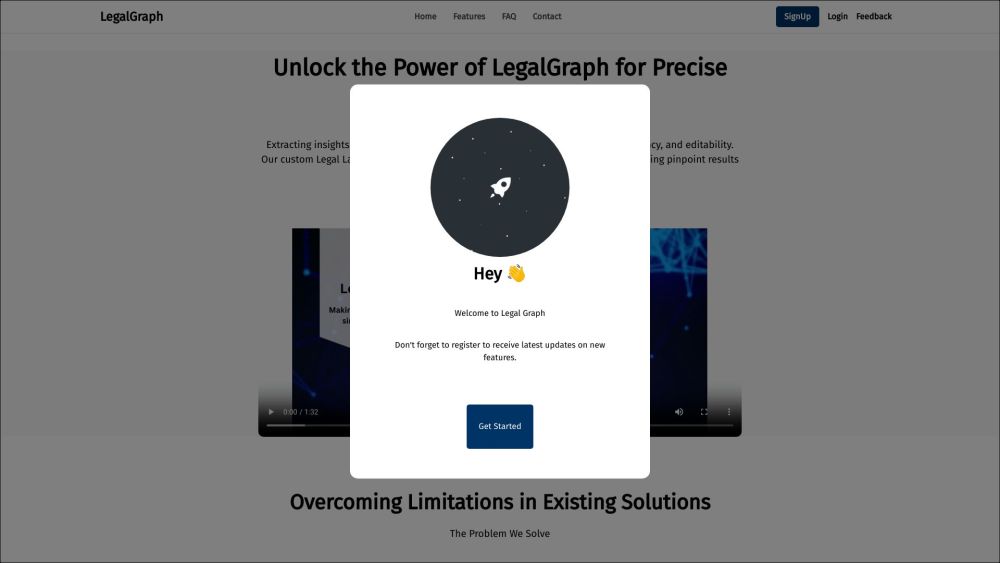

Platform for creating, editing, and managing DOC, XLS, and PPT files with AI assistance.


Chrome extension enhancing ChatGPT with prompt builder, voice prompts, export options, and automation tools.


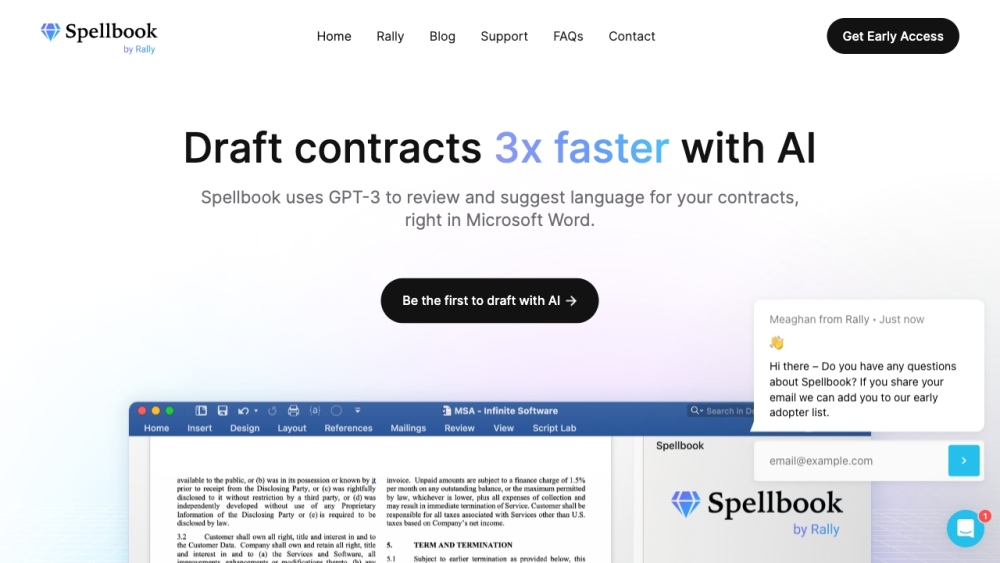
Legal AI tool for contract review and drafting in Microsoft Word.
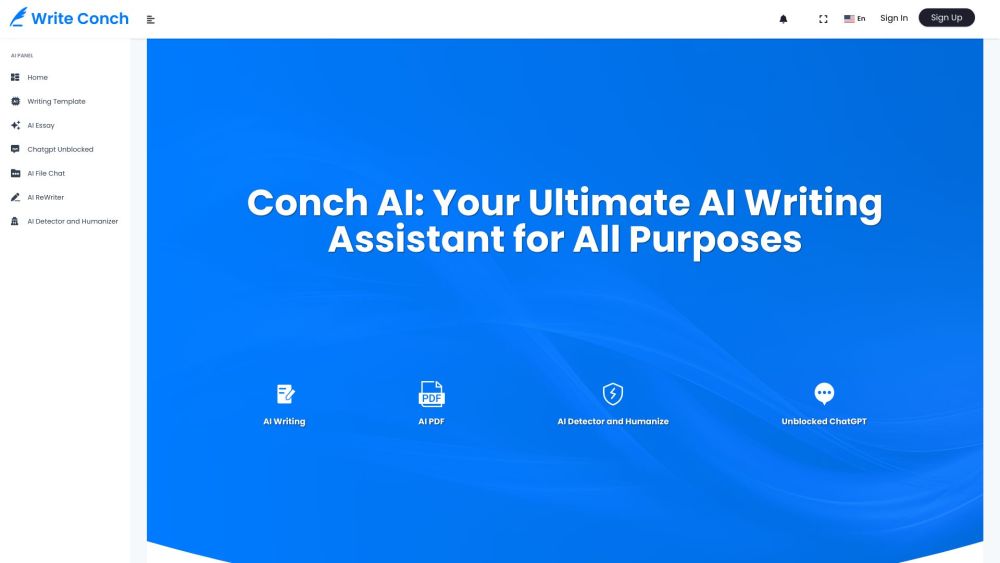
AI writing assistant with essay writing, content rewriting, and AI detection tools.

AI writing tool for creating, editing, and converting documents online with ease.

AI-powered digital accessibility solutions for equitable user experiences.


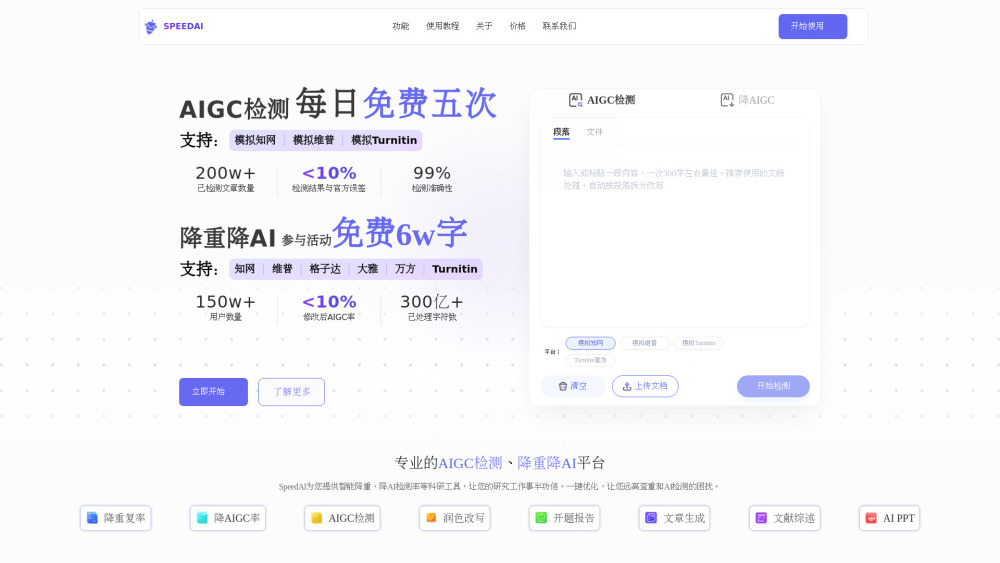
The ultimate academic ally: Bypass AI detection platforms like Turnitin, CNKI (知网), VIP (维普), and Gezida (格子达) with our AI humanizer. Plus, use SpeedAI 2.0 Agent to auto-generate Research Papers, PPTs, and Reports.

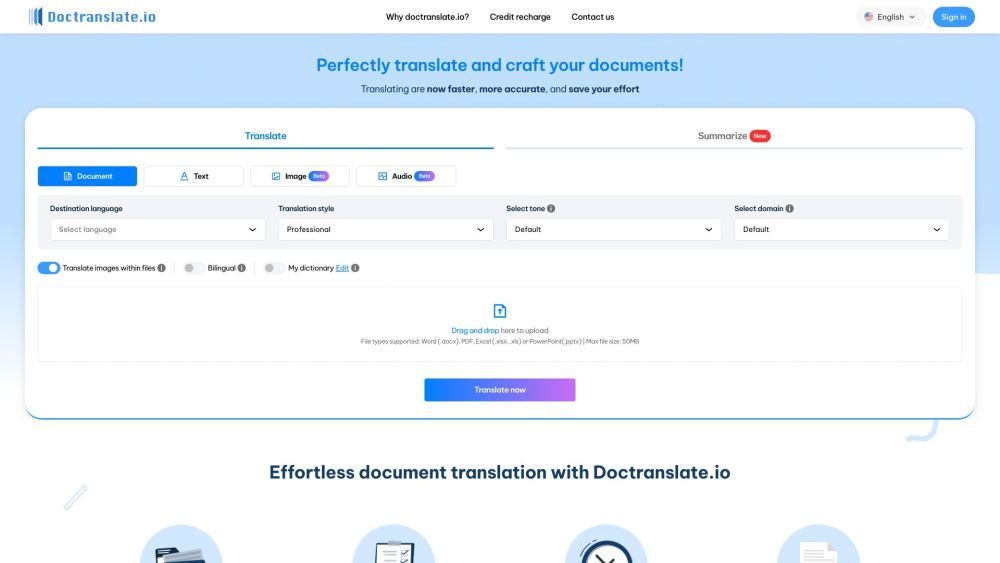
DocTranslate.io is a fast, accurate, and cost-effective document translation tool.