
ChatGPT Auto Post
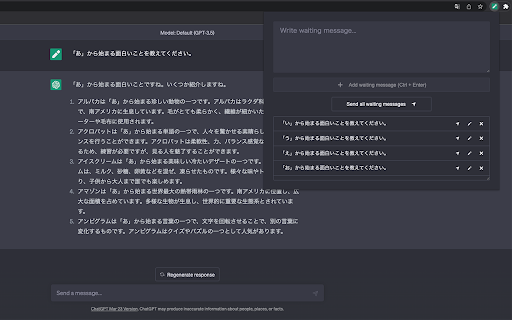



ChatGPT Auto Post ai chrome extension? ChatGPT Auto Post is a Chrome extension that enables scheduled posting and automation for ChatGPT. It allows users to stock prompts and post them one by one or sequentially. It also features automatic clicking of the 'Regenerate response' and 'Continue generating' buttons. This is useful for writing prompts while waiting for prompts to run, or for posting multiple prompts in a predetermined order of execution.
Chrome extension for scheduling and automating ChatGPT prompts and responses.
- Automating a series of prompts for research or content creation.
- Writing prompts while waiting for other prompts to execute.
- Executing a predetermined sequence of prompts.
- Install the Chrome extension. Stock your prompts. Choose to post them one by one or sequentially. Utilize the automatic 'Regenerate response' and 'Continue generating' button clicking feature as needed.

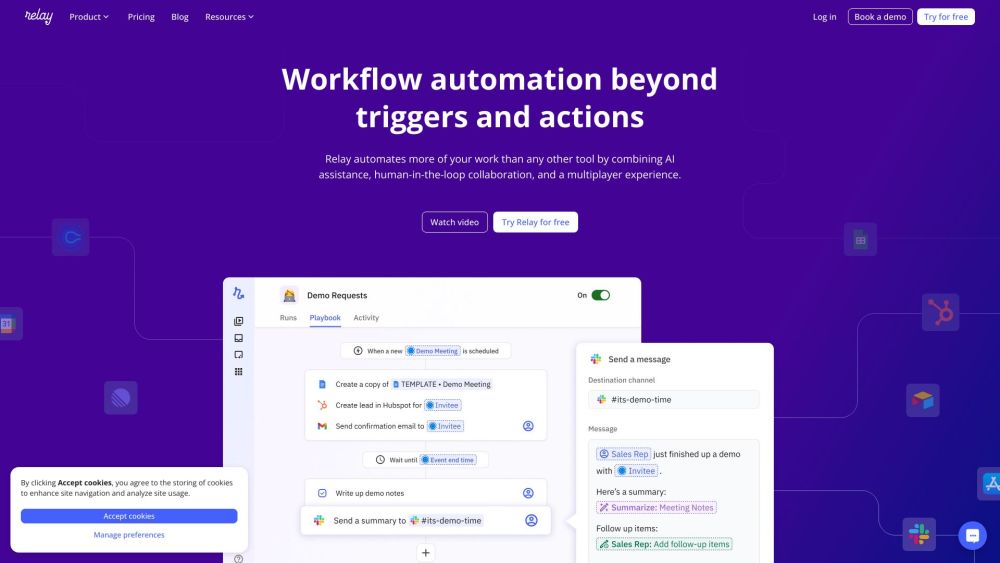
Platform to create AI agents for workflow automation across 100+ apps.

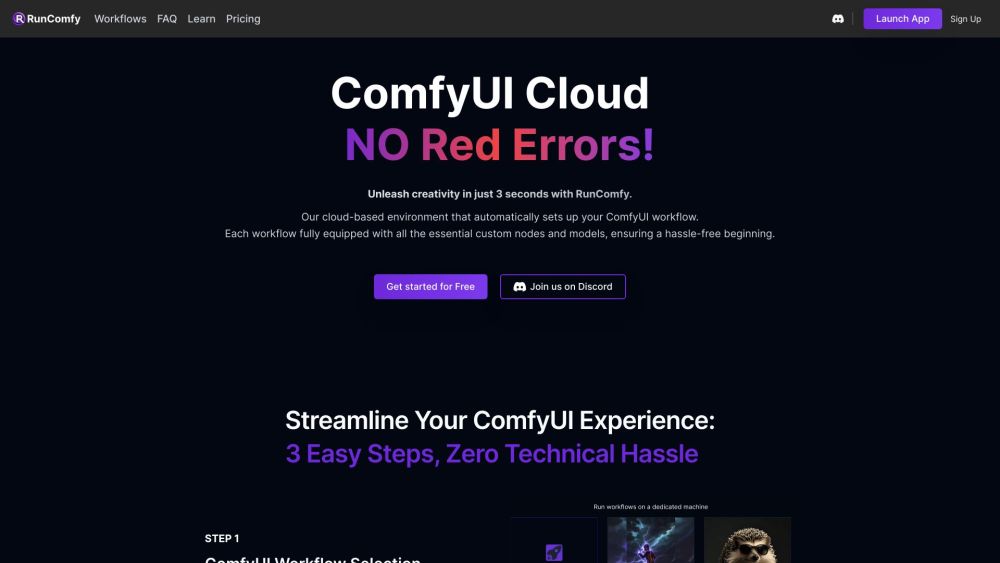
Cloud-based ComfyUI platform for AI art creation with fast GPUs and easy workflows.

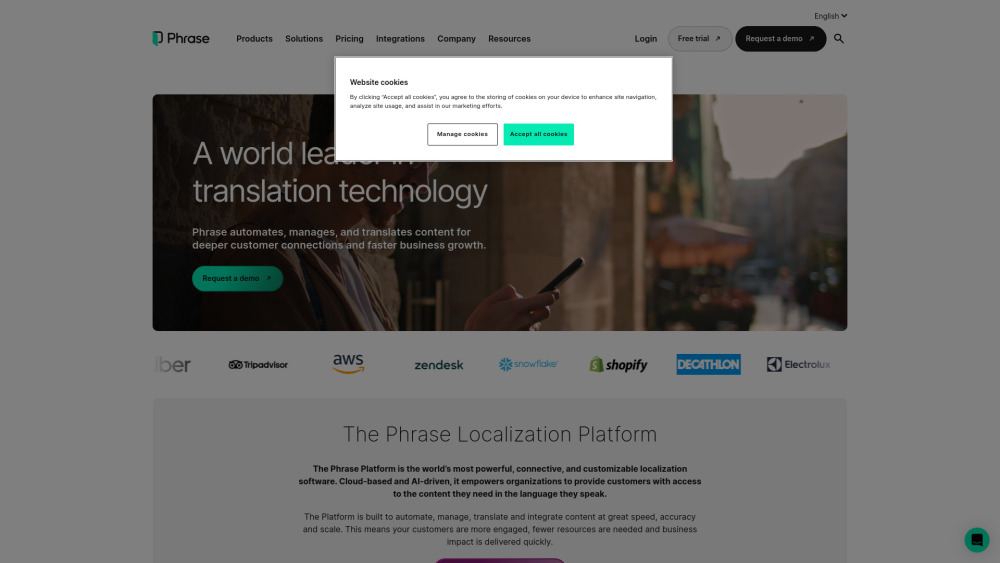
Cloud-based localization platform for multilingual content management and translation.

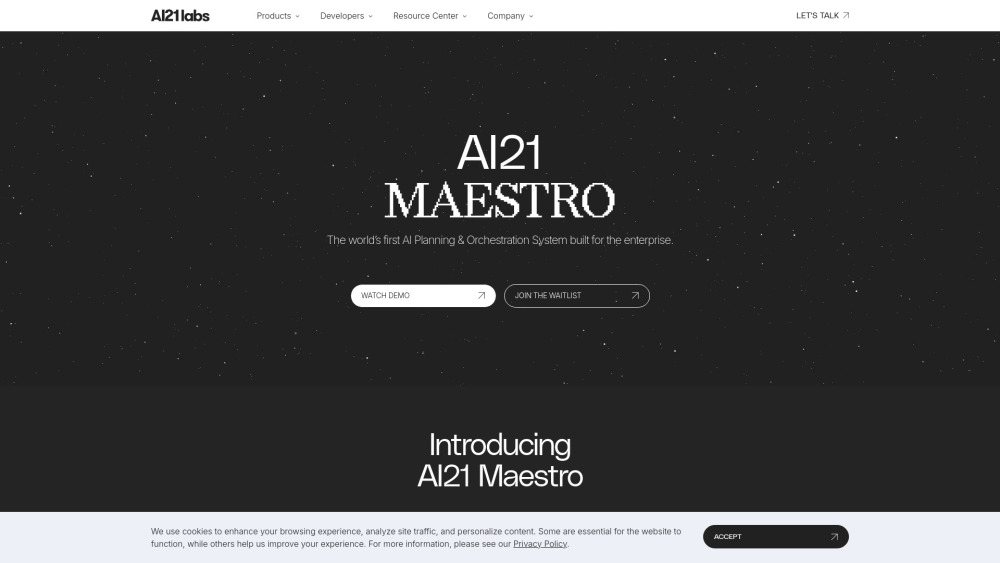
AI21 Labs provides AI solutions for complex tasks, document analysis, and workflow automation with usage-based pricing.

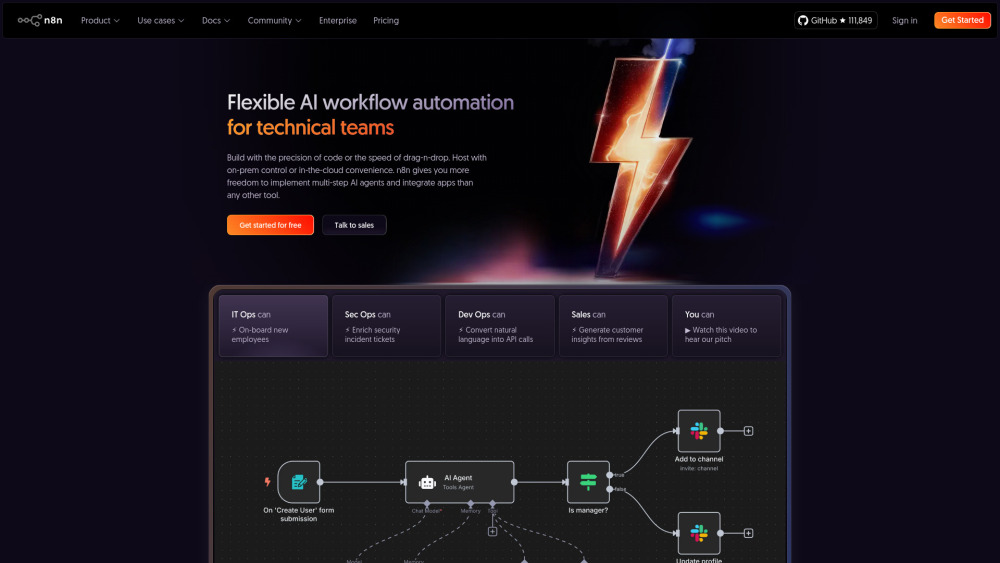
AI-powered workflow automation platform for technical teams.

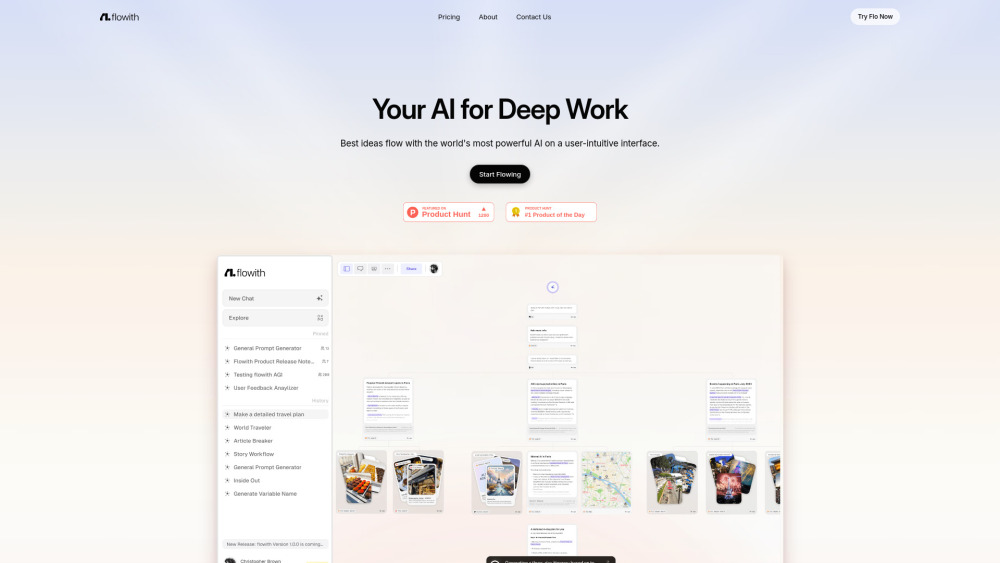
AI Creation Workspace for knowledge transformation and collaboration with AI models.

A no-code AI orchestration platform for automating security and IT workflows securely.


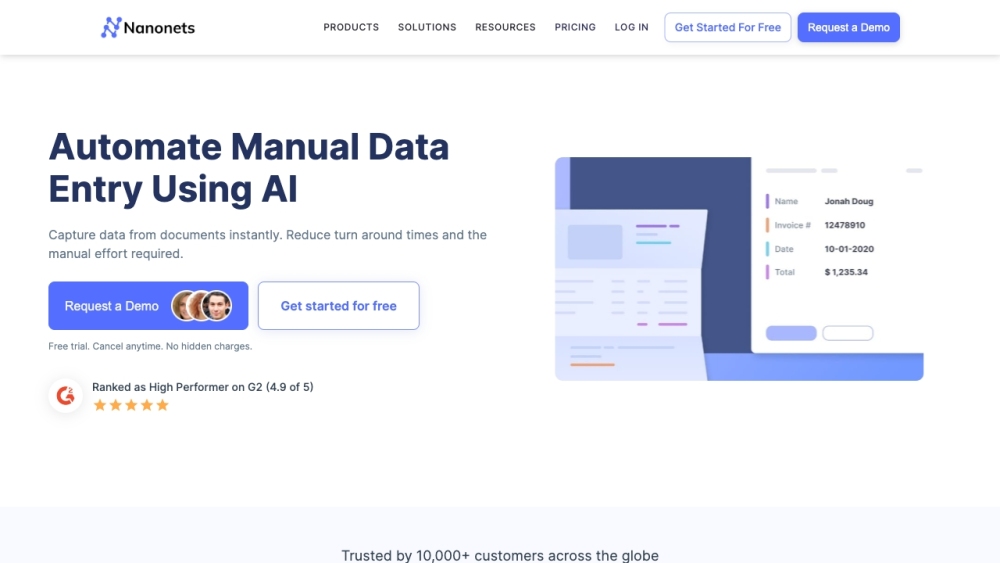
AI-powered platform for intelligent document processing and workflow automation.

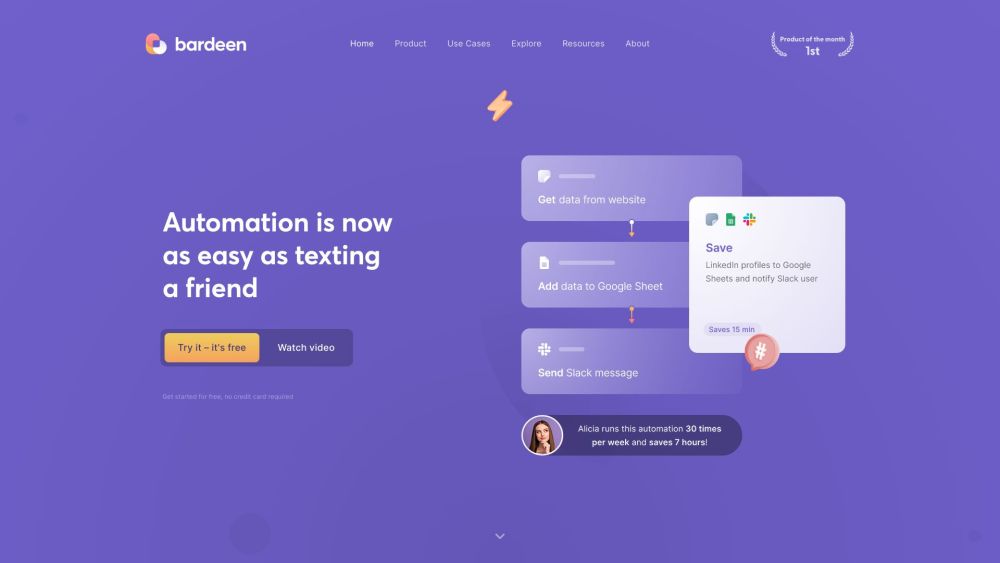
AI-powered automation platform for GTM teams to streamline workflows and eliminate manual tasks.

Professional Class AI platform for law firms and professional service providers.

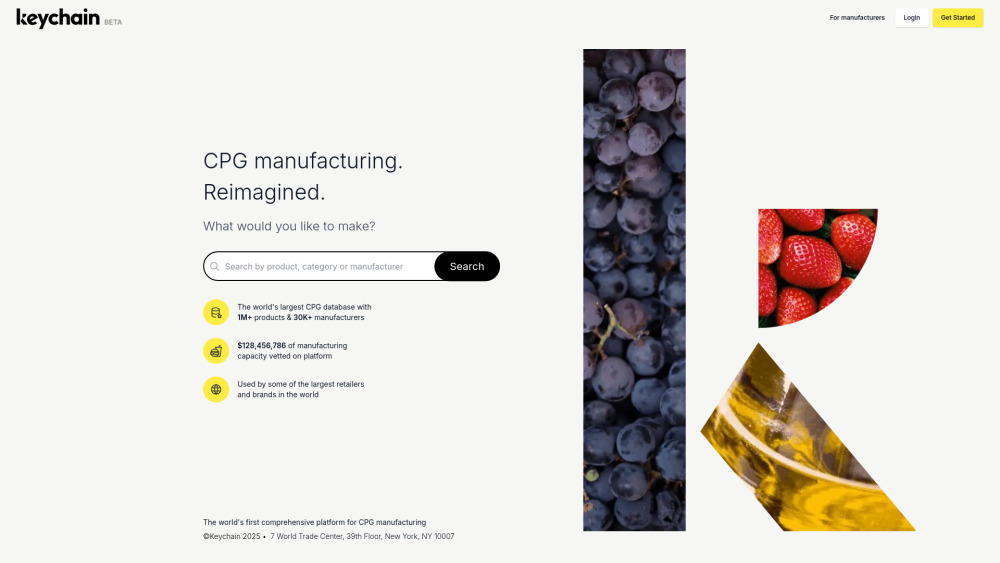
AI-powered platform connecting CPG brands/retailers with vetted manufacturers.

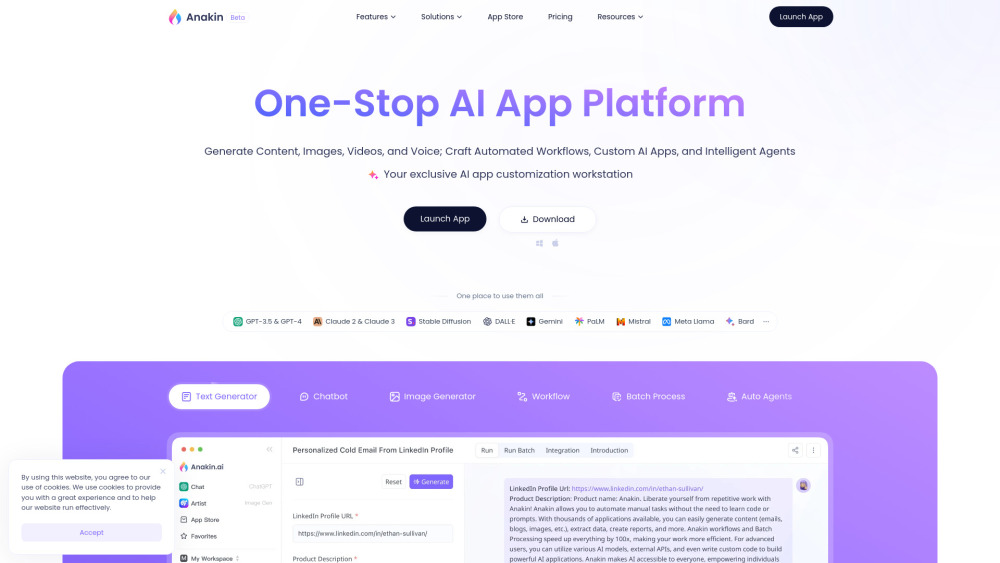
One-stop AI app platform for content generation, automation, and custom AI app creation.

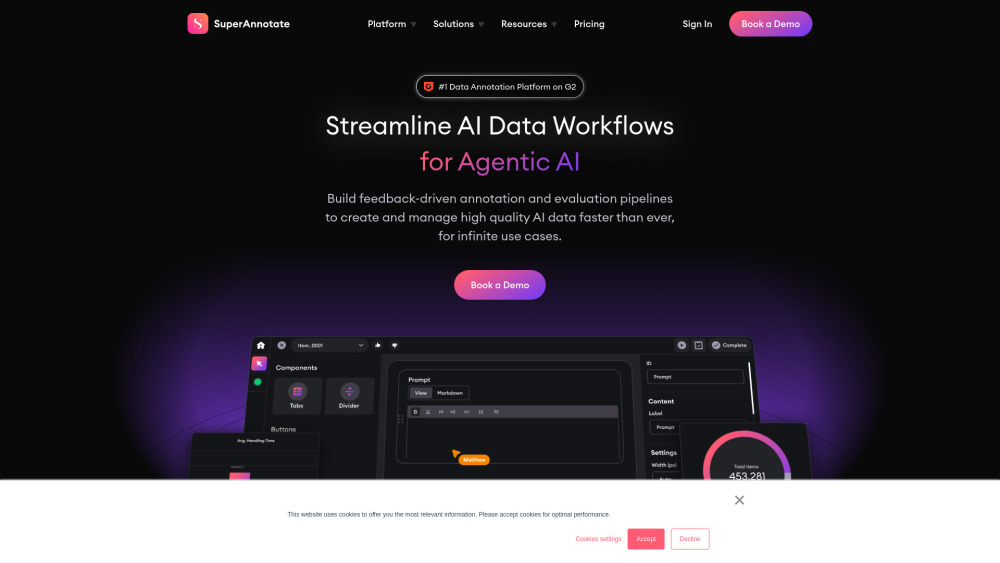
Platform for streamlining AI data annotation and evaluation workflows.

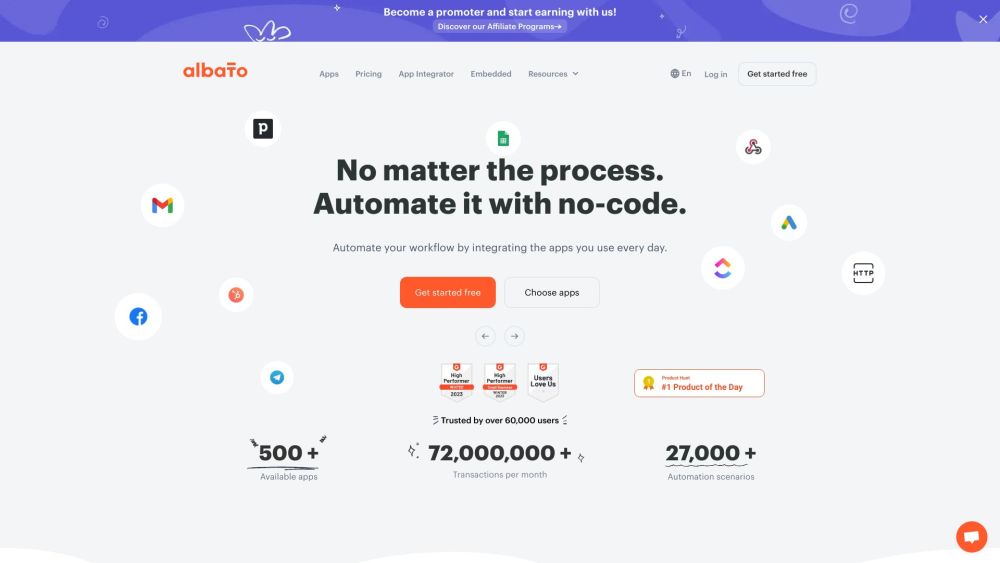
No-code platform for automating workflows by integrating apps.

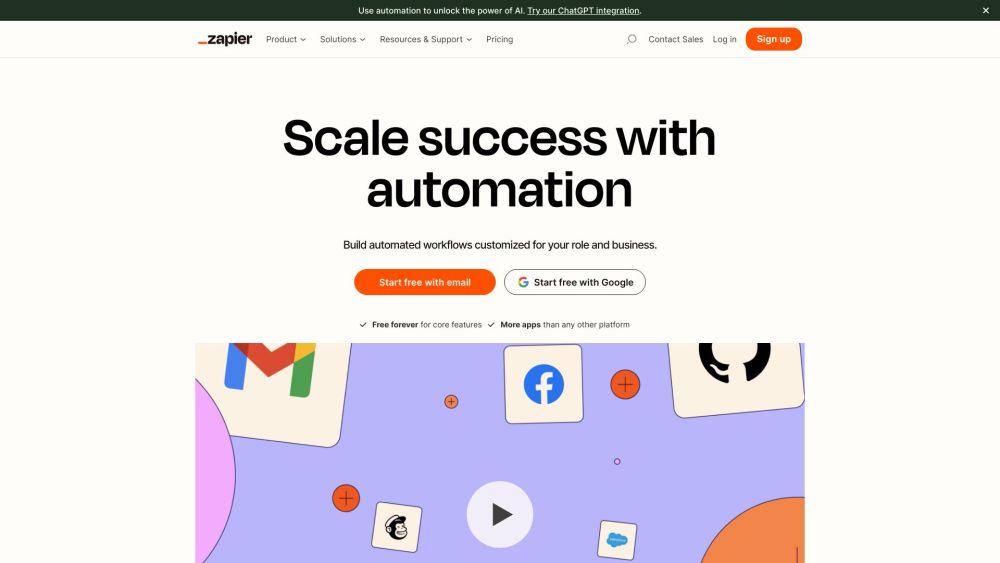
No-code automation platform connecting 8,000+ apps for workflow and AI agent creation.

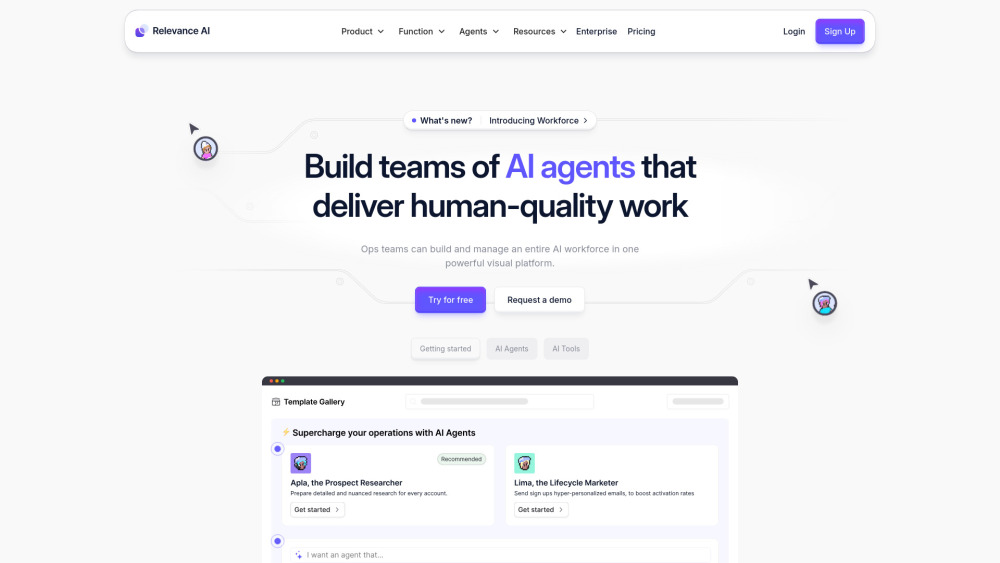
Relevance AI: Build and manage AI teams to automate business processes.

No-code platform for building and hosting AI-powered business automations.

Vellum AI: A platform for developing, evaluating, and deploying AI products.

