Caption Im
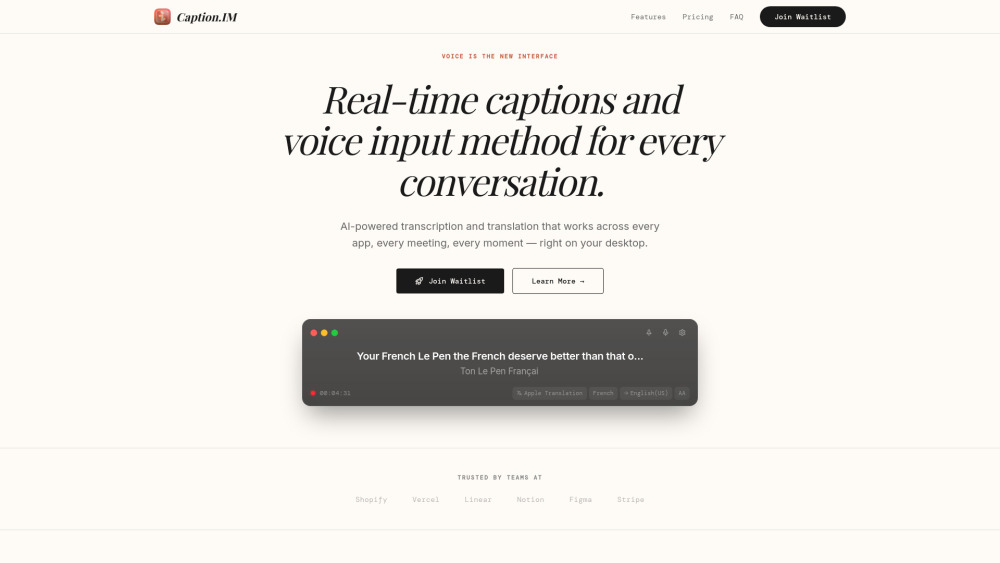





Caption.IM is a real-time captioning and voice input desktop application designed to work across any software, including meetings, calls, and videos. It uses AI-powered transcription and translation to provide 98%+ accurate captions directly on the user's screen. A key differentiator is its privacy-first architecture, where all audio processing happens locally on the device, ensuring audio data never leaves the machine. It supports over 100 languages for translation and is compatible with platforms like Zoom, Google Meet, Microsoft Teams, and YouTube.
Real-time AI captions and translation for any desktop application.
- Transcribing and translating international business meetings in real-time
- Providing accessibility for deaf or hard-of-hearing individuals during video calls
- Generating live subtitles for lectures, podcasts, or YouTube videos
- Using voice-to-text input as a new interface for communication
- Download and install Caption.IM on your macOS
- Windows
- or Linux device. Grant the necessary system audio permissions
- and the app will automatically start capturing audio from any running application to display live captions. Users can then translate these captions or export them as transcripts.

AI-powered tool for automatic video captioning and translation in multiple languages.

A technology company specializing in consumer electronics, software, and online services.

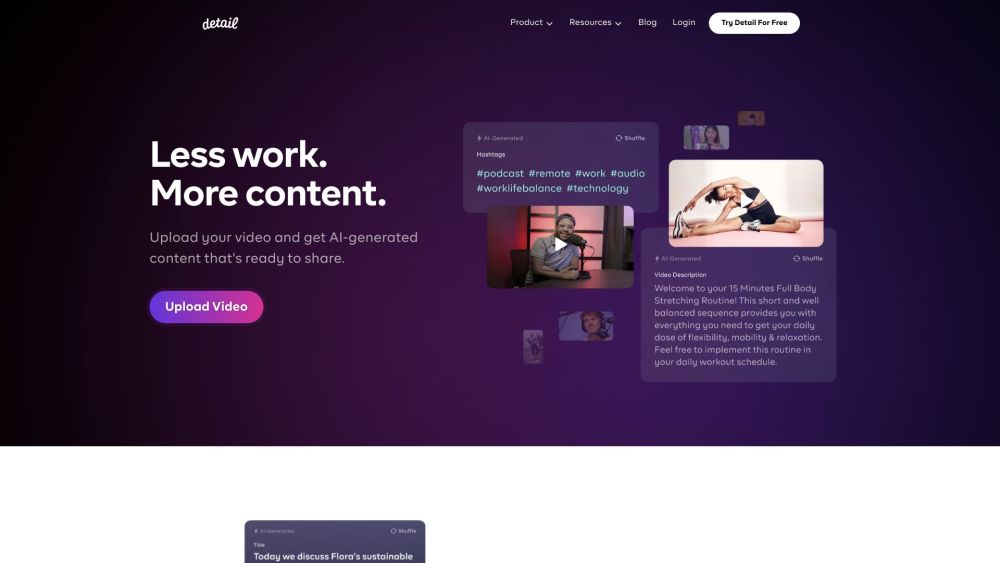
Video and podcast recording and editing platform with AI-powered features.

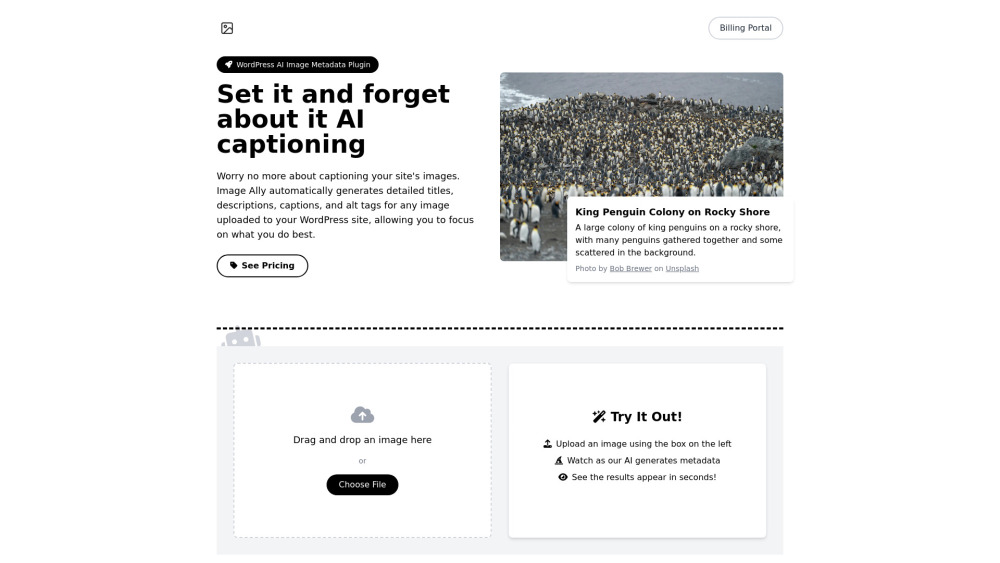
WordPress plugin that automatically generates image metadata using AI.

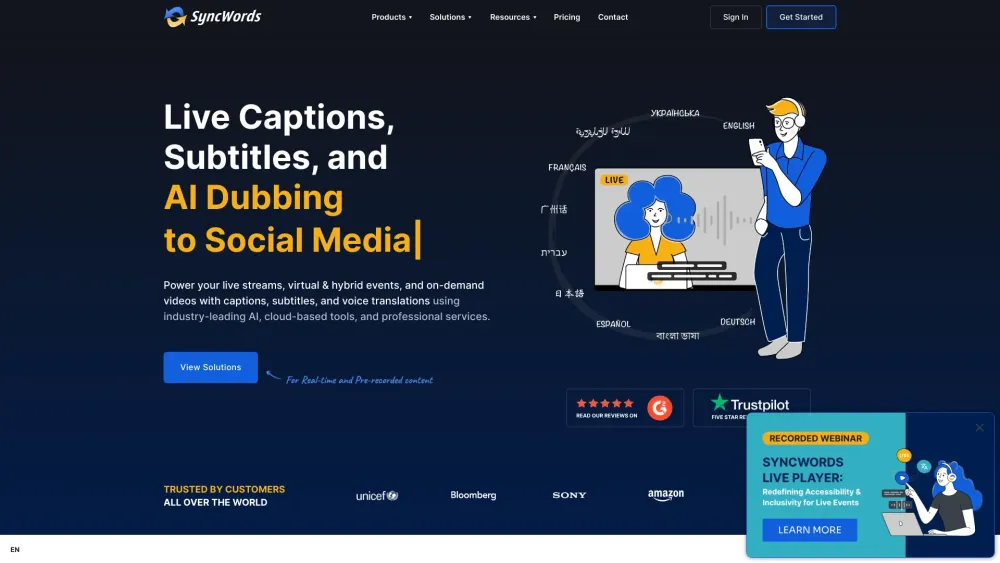
All-in-one platform for AI-powered captioning, subtitling, and voice dubbing in 100+ languages.

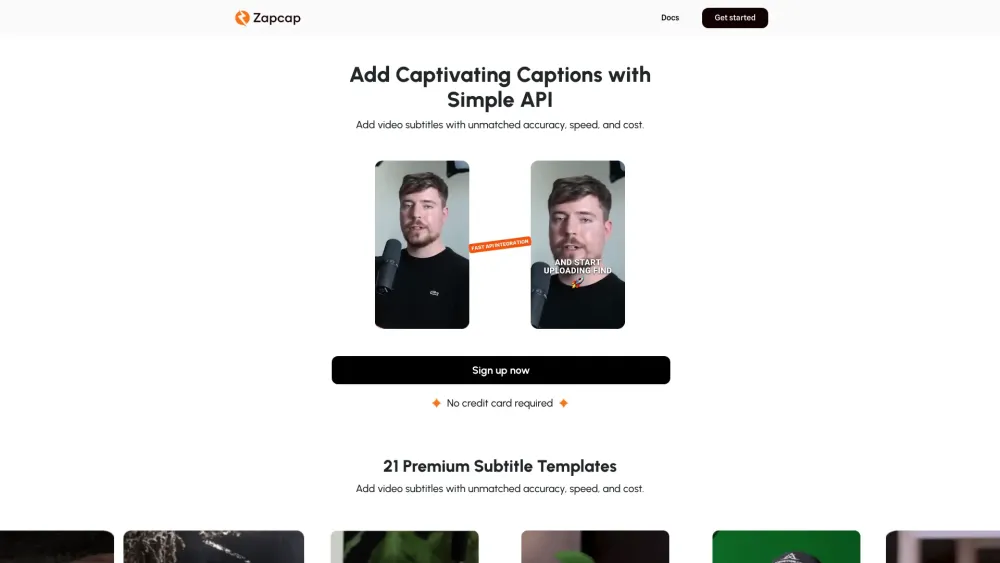
AI video caption generator with automated editing features for engaging videos.

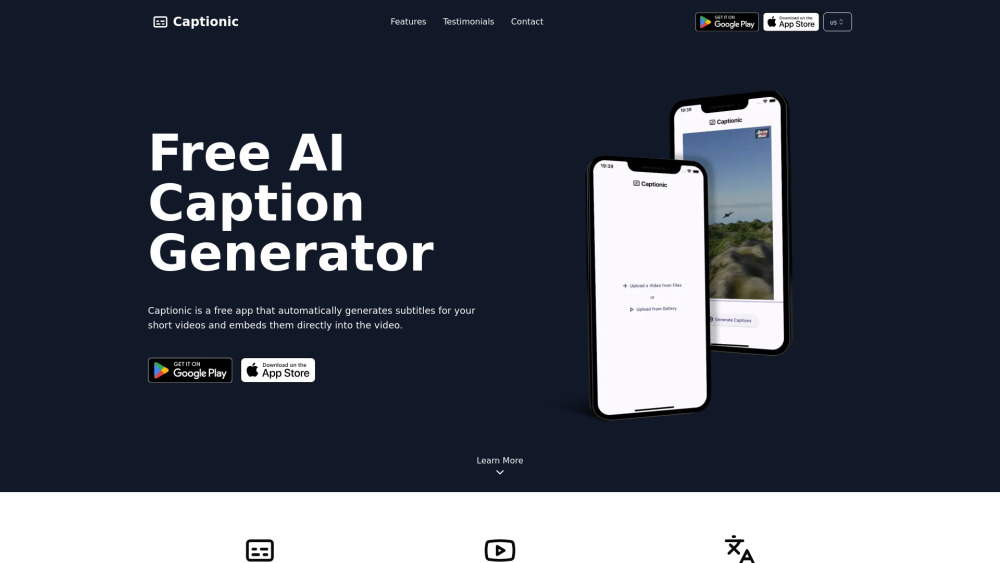
Free app for automatic subtitle generation and embedding in short videos.

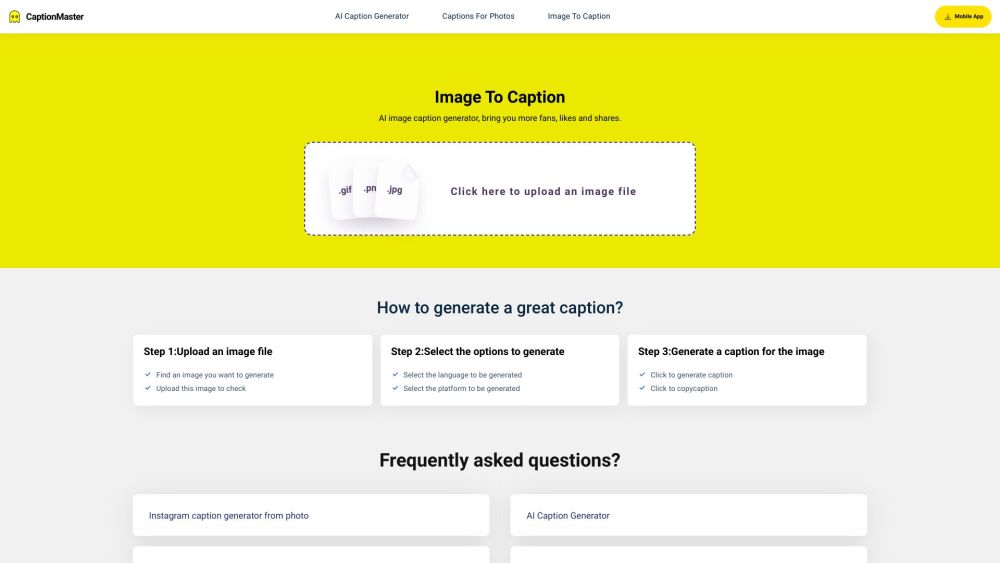
AI tool for generating engaging image captions.

Platform for video captioning, translation, and AI dubbing.