
Bestphotoai
To be verified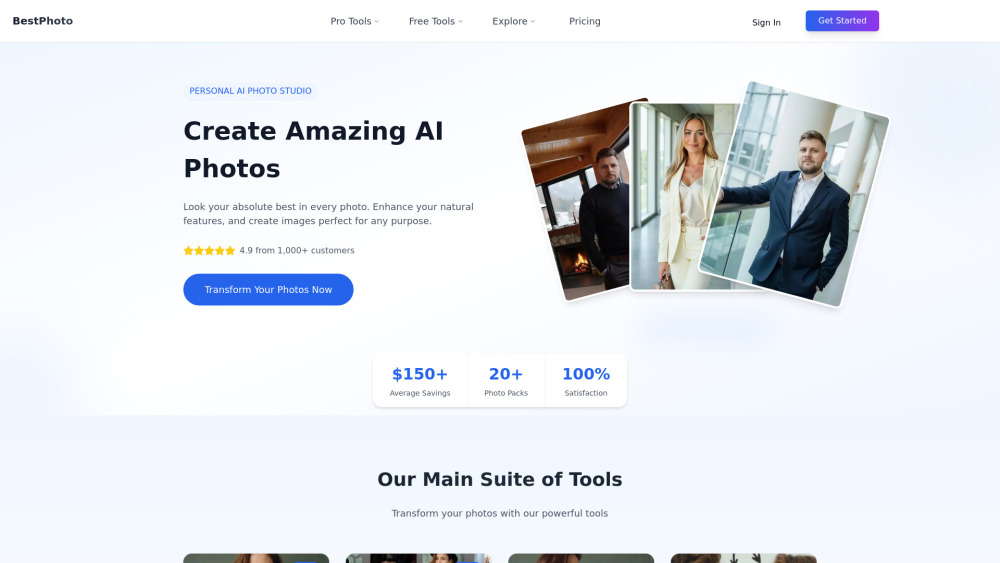
BestPhoto is a personal AI photo studio designed to help users create amazing AI photos. It allows you to enhance your natural features and generate professional-quality images for any purpose, from professional headshots and creative portraits to unique social media profiles.
BestPhoto offers a comprehensive suite of AI-powered tools for photo generation and editing. The platform features a main studio where users can train the AI on their own photos to create packs of styled images, such as professional headshots, celebrity-style portraits, and Tinder profile pictures. In addition to the photo pack generator, BestPhoto provides a powerful AI Image Editor with eight distinct modes: Replace, Restyle, Remove, Re-composition, Add Objects, Restoration, Clothing Replacement, and Concept Replacement. These tools allow for sophisticated edits using simple text descriptions. The platform also includes a wide array of over 50 free-to-try tools for instant transformations like hair color changes, background removal, photo restoration, and various creative video effects, many of which do not require signup.
- Creating professional headshots for LinkedIn, websites, and business profiles.
- Generating unique and engaging photos for dating apps like Tinder.
- Designing creative portraits and artistic images for social media.
- Restoring and colorizing old or damaged family photos.
- Quickly editing photos by removing unwanted objects, people, or backgrounds.
- Experimenting with different looks by changing hairstyles, outfits, or makeup virtually.
- Creating marketing materials, product photos, and other commercial projects.
- Transforming photos into fantasy characters, anime art, or other creative concepts.
- For AI Photo Packs (like Headshots): Select a photo pack and style from the diverse collection. Upload 10-14 of your own photos for the AI to learn from. The AI generates a collection of transformed photos
- which are typically ready for download in about 40-60 minutes. For the AI Image Editor & Free Tools: Upload an image. Choose an editing mode or a specific free tool. Describe the desired change in words (for the editor) or simply apply the effect. Download the transformed image instantly or in seconds.