Audio Trimmer

Audio Trimmer Extension ai chrome extension? The Audio Trimmer Extension is a Chrome browser extension designed for effortless sound editing. It allows users to trim audio tracks directly online, without the need for downloads. Supporting various formats like MP3 and WAV, it offers precision editing with an accurate waveform representation and AI-powered tools for smart audio track editing and high-quality conversion. It's perfect for creating ringtones, shortening podcasts, extracting specific parts from songs, and refining audio for YouTube videos.
Chrome extension for online audio trimming, supporting multiple formats and AI-powered editing.
- Shortening podcast episodes
- Creating ringtones
- Extracting specific parts from songs
- Refining audio for YouTube videos
- Cutting audio for intros and outros
- 1. Install the extension from the Chrome Web Store. 2. Open the extension and upload your file. 3. Use the waveform to select the part you want to trim. 4. Click the trim button and download your edited file.

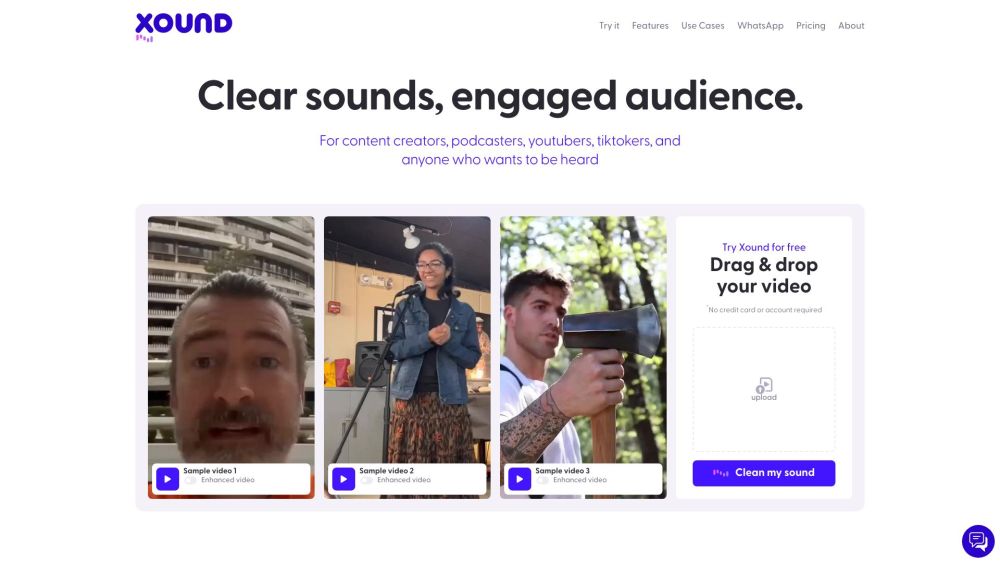
AI sound enhancement system for content creators to improve audio quality.

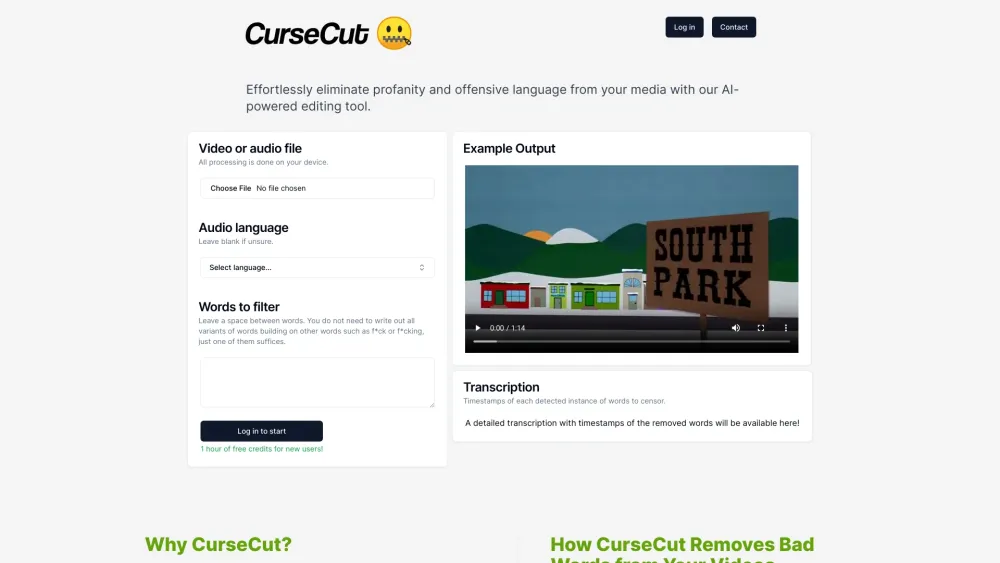
AI-powered tool to remove profanity from audio and video files.

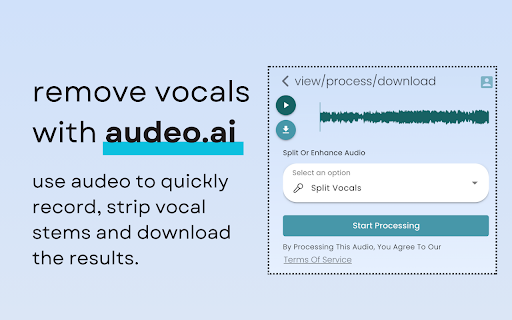
AI-powered platform to record, edit, and enhance browser audio with ease.

AI-powered video and audio editing tool for easy podcast creation.

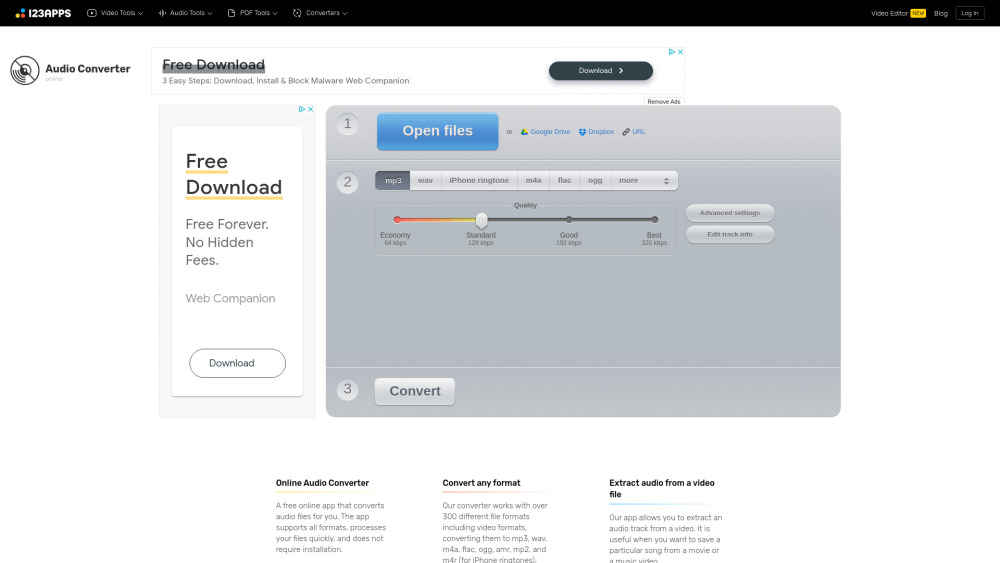
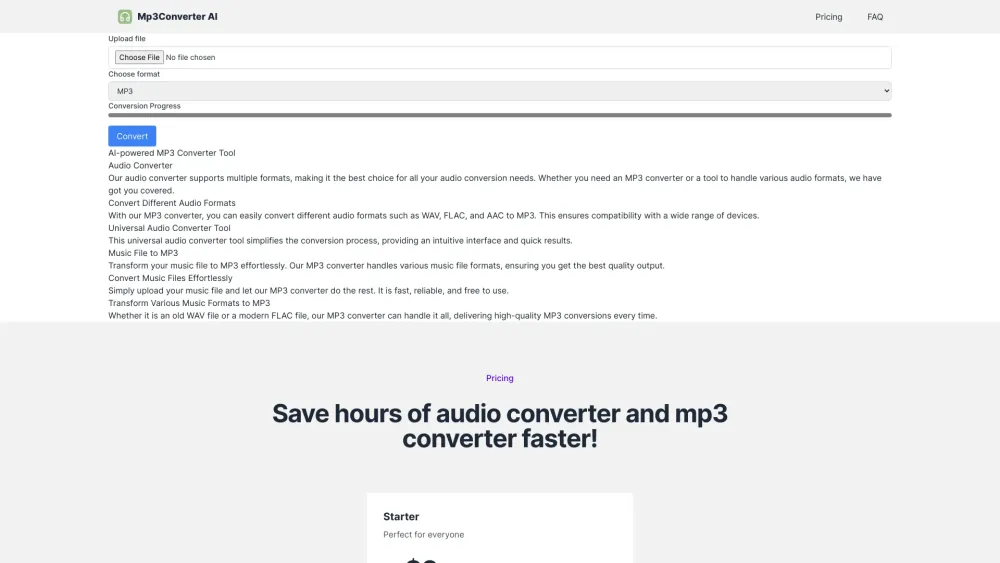
AI-powered online audio converter specializing in converting various formats to MP3.

All-in-one online AI tool for image, audio, and video creation.


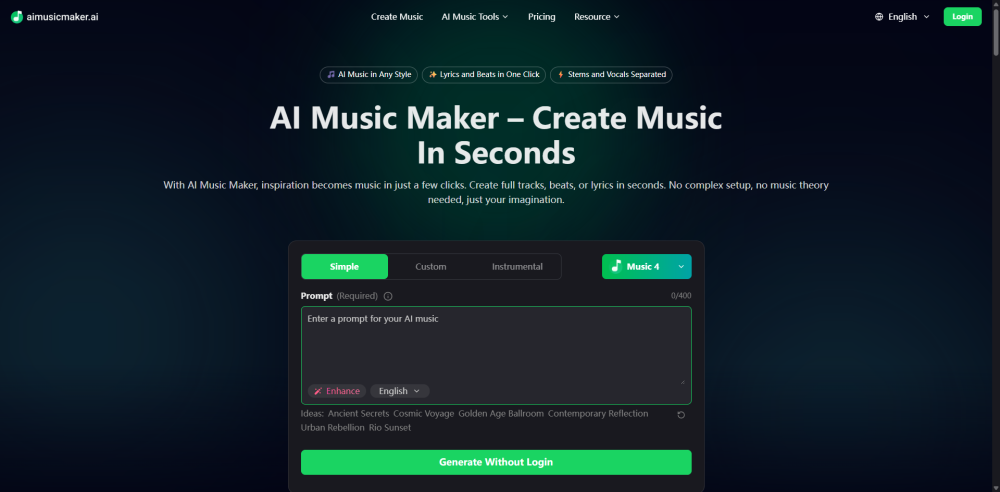
aimusicmaker.ai is your all-in-one AI platform for creating music effortlessly. From AI-generated songs and beats to lyrics writing and vocal separation, aimusicmaker.ai provides powerful tools that help musicians, creators, and hobbyists bring their sound ideas to life with ease.

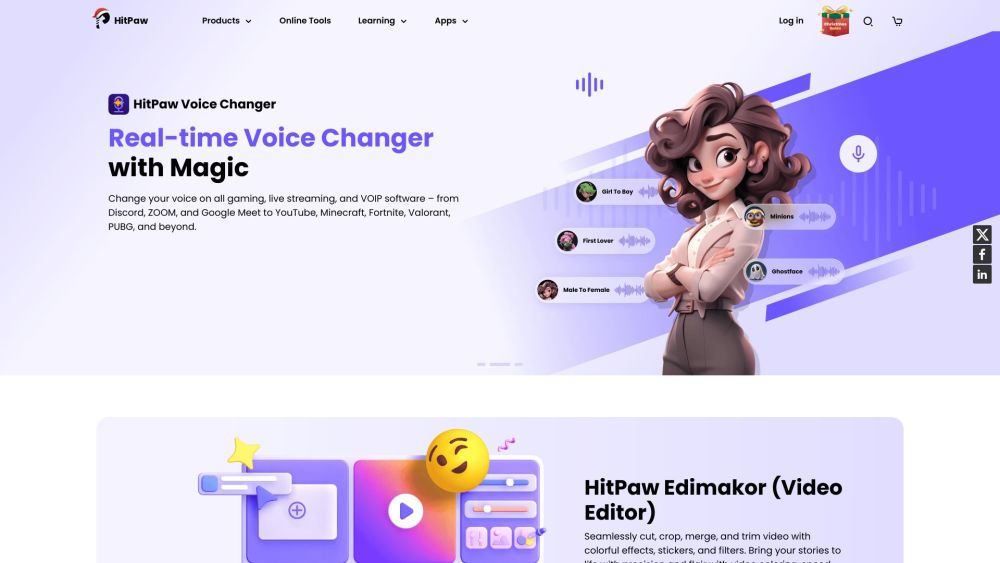
AI video, audio, and image solutions provider with desktop, mobile, and online tools.

AI platform for professional audio production including scripts, voices, music, and mixing.



AI-powered platform for personalized and secure digital content consumption.


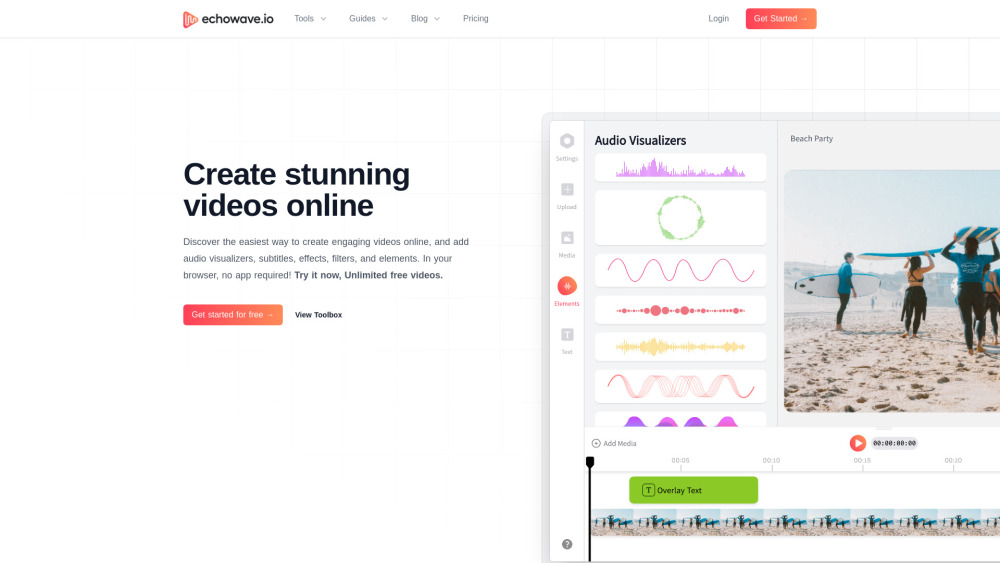
Online video and audio editor for creating engaging videos and repurposing audio content.

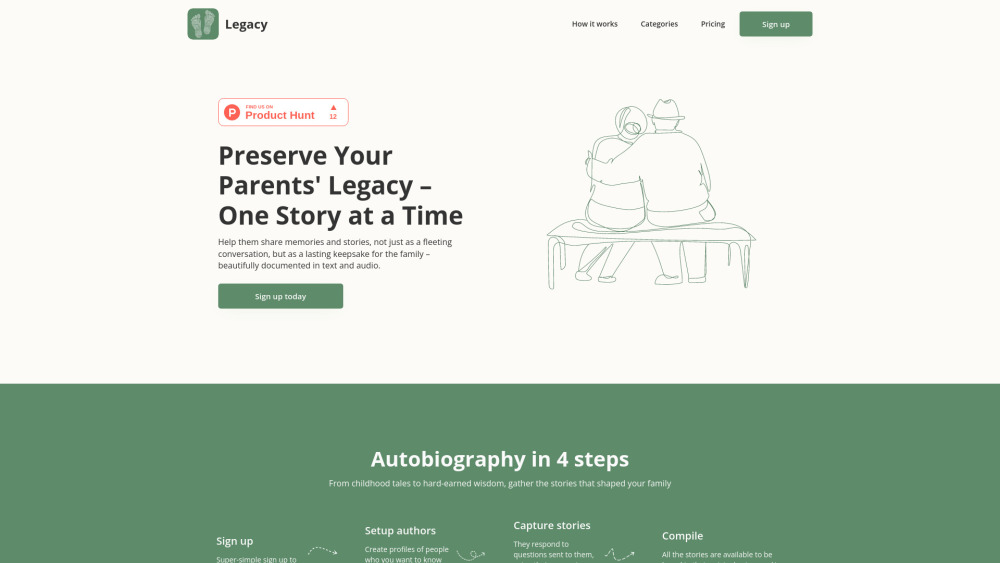
A platform to capture and preserve family memories and stories using AI.

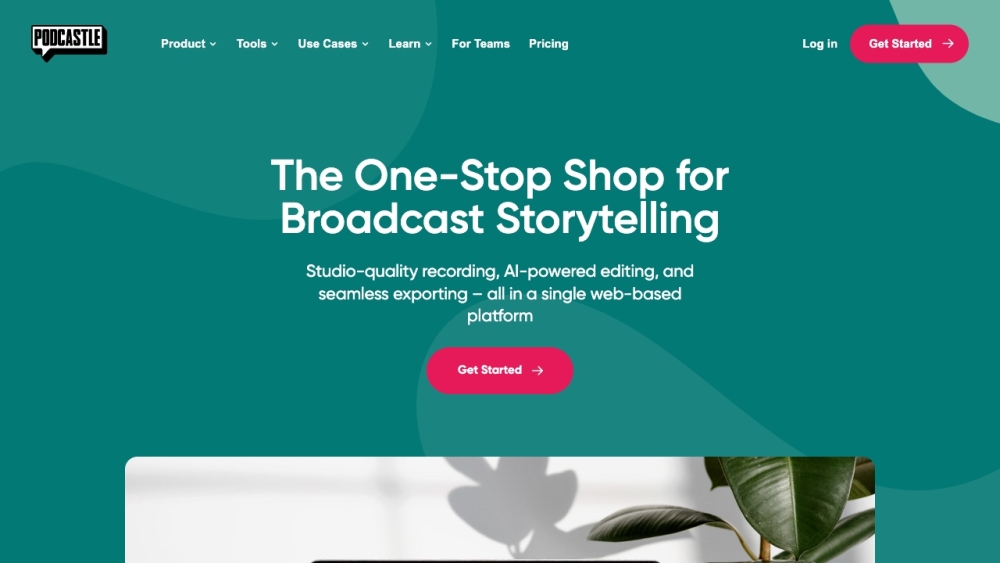
AI-powered platform for studio-quality video and podcast creation, editing, and distribution.

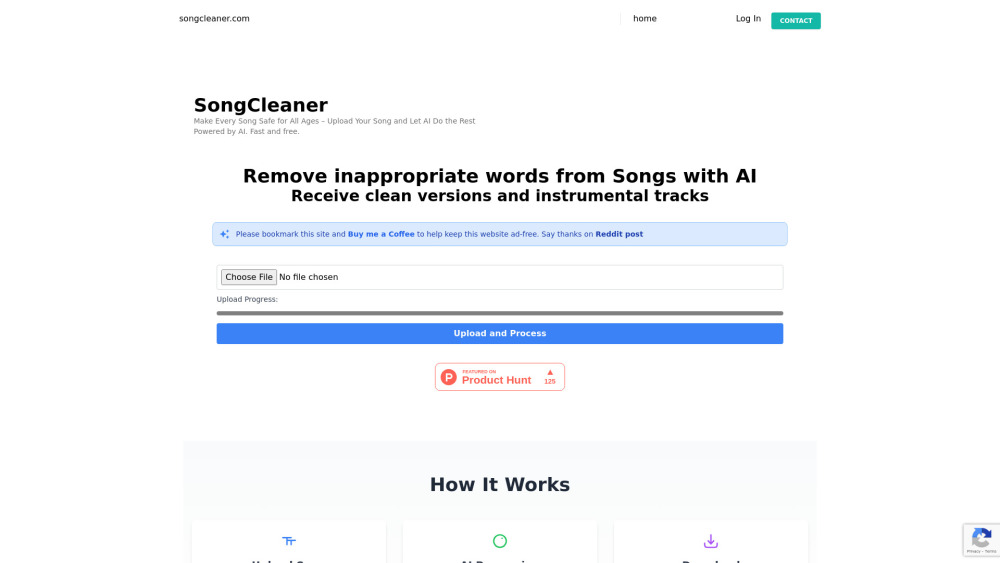
AI-powered service to remove explicit lyrics from songs.

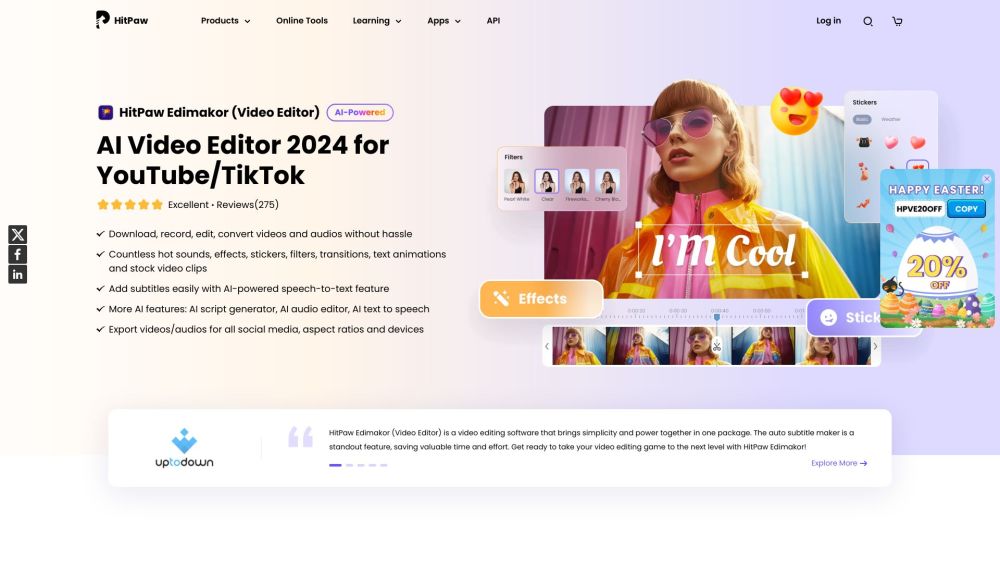
AI video editor for creators with auto subtitles and stock assets.

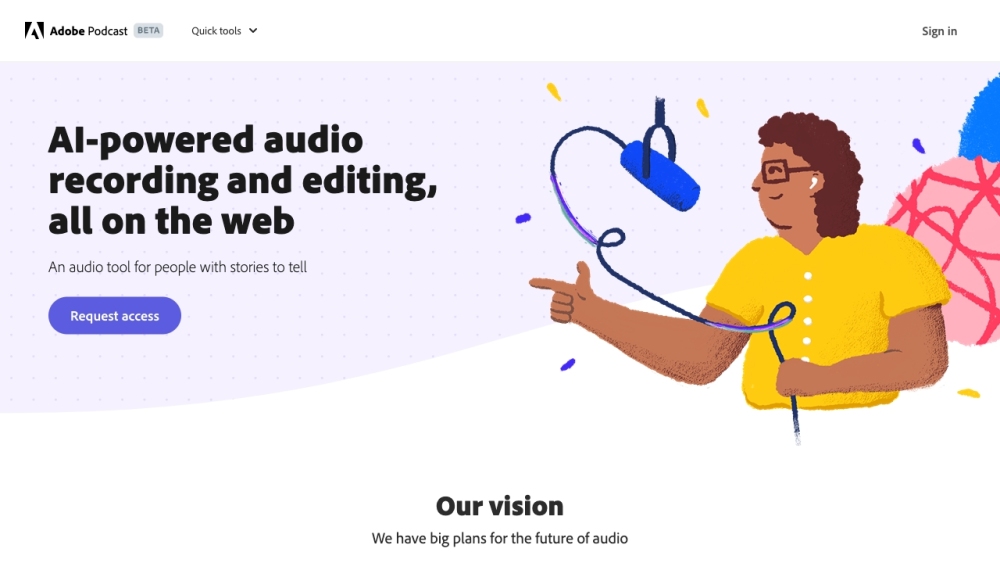
AI-powered audio recording and editing platform by Adobe.

A free online app to convert audio files to various formats and extract audio from video.